
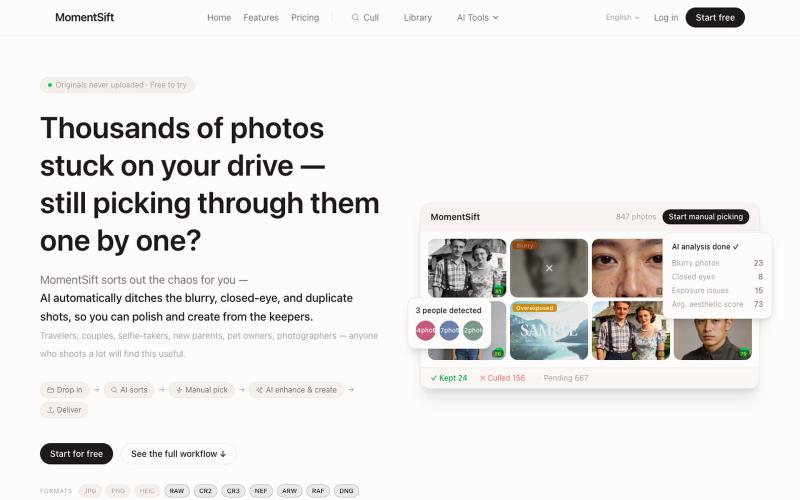
创意工具2 weeks ago
MomentSift - AI Photo Culling, Enhancer & Image Tools
MomentSift: 用AI筛选、增强和生成照片。
ansheng_hu · Product Hunt
MomentSift Cull, enhance, and create better photos with AI
完整作品展
技术栈
60 projects
MomentSift: 用AI筛选、增强和生成照片。
ansheng_hu · Product Hunt
MomentSift Cull, enhance, and create better photos with AI
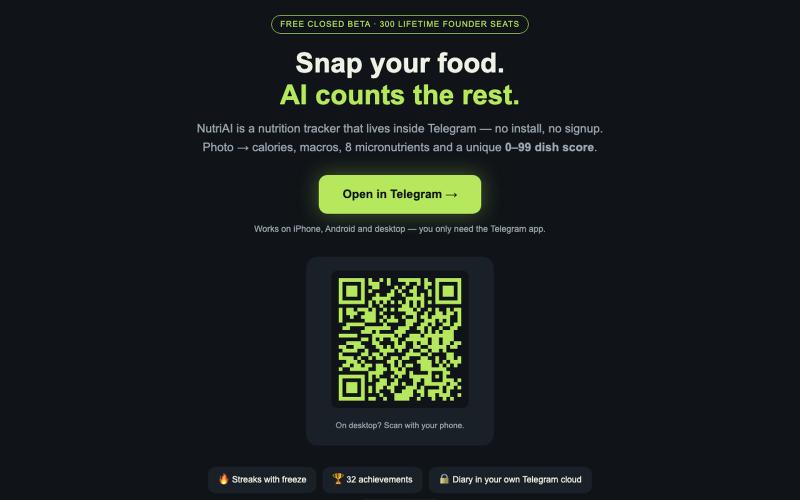
拍摄食物照片,AI即时显示热量和营养宏量,无需应用安装。
u/eXt3000 · Reddit
I built a calorie tracker that lives entirely inside Telegram — no app store, no signup. Here are the ugly parts too Like a lot of people I quit calorie trackers because typing "chicken breast, 143 g" fifteen times a week is misery. So I built NutriAI: a Telegram Mini App where you photograph your plate and AI (Gemini) does the rest — calories, macros, 8 micronutrients, plus a 0–99 "sanity score" per dish that tells you how reasonable the meal is without lecturing you. Why Telegram instead
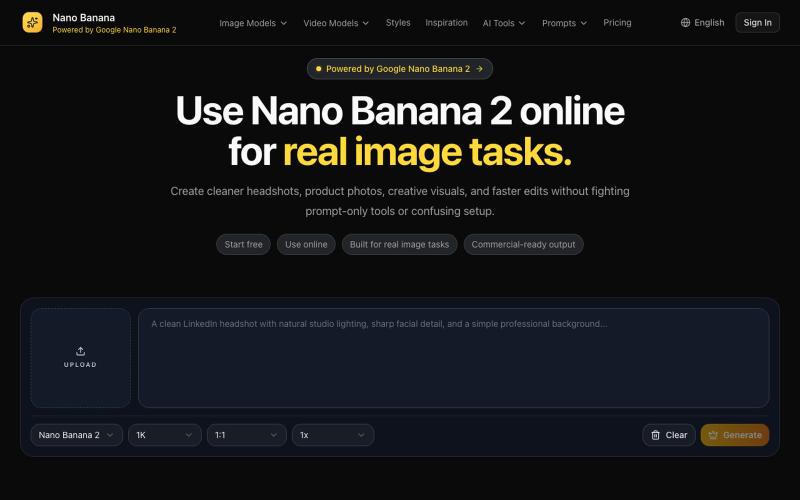
Nano Banana 2是用于生成和编辑头像、产品照片的AI图片工具。
Nano Banana AI — AI 生图工具
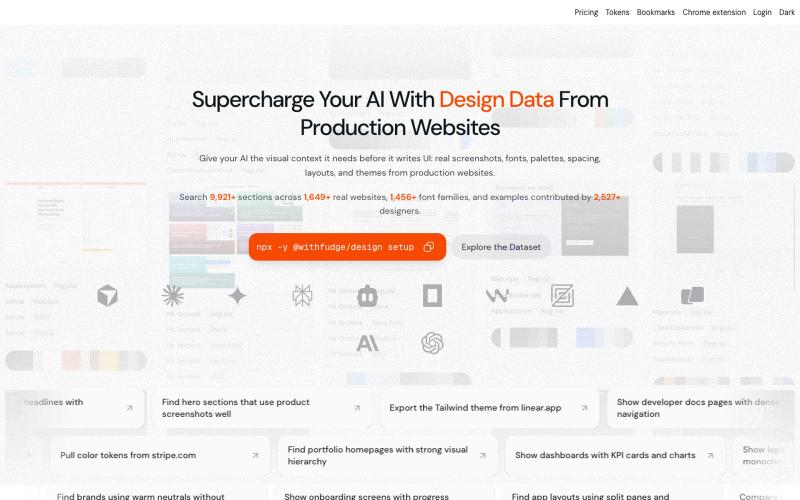
从生产网站中发现设计灵感、字体、调色板和UI模式。
sim04ful · HN
Fudge – Web Design References for AI
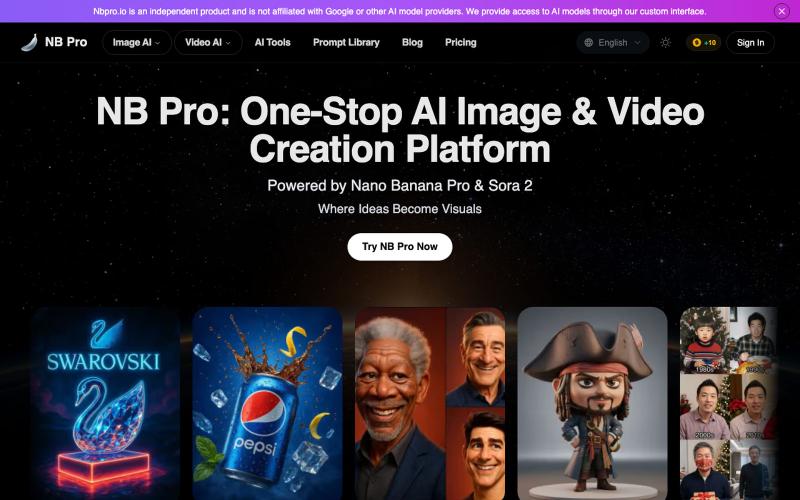
使用AI模型生成图像和视频,内置提示词优化器,无水印。
nbpro.io — 一站式 AI 图像与视频生成平台,整合了当前领先的图像与视频生成模型,包括 Nano Banana、Nano Banana Pro、sora2 等。平台内置智能提示词优化器,并提供大量真实可参考的生成案例,帮助用户创作高质量内容,生成的图片和视频均不带水印,适用于多种专业与商业场景
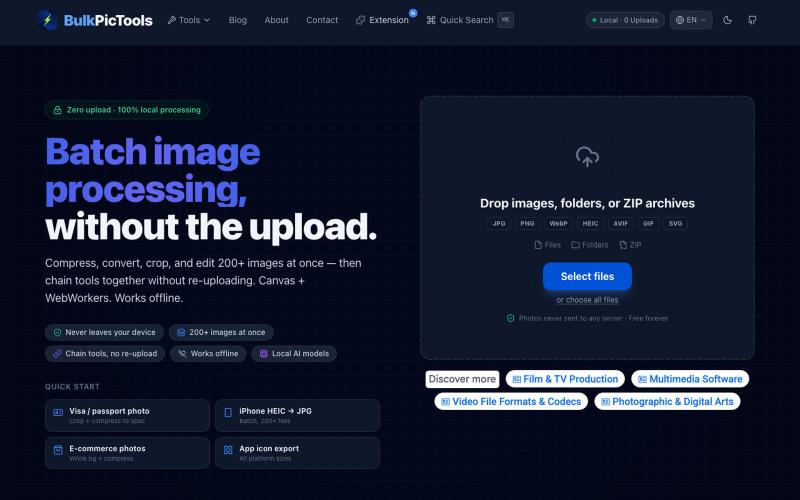
在浏览器中批量处理图片,支持工具链、本地AI和格式转换。
BulkPicTools — 免费浏览器端图片批量处理工具,支持**工具链串联**(压缩→转格式→裁剪一次完成,无需重复上传),本地 AI 去背景/人脸模糊(WebGPU,无需 API Key),支持 200+ 张图片批量处理,文件不上传服务器。
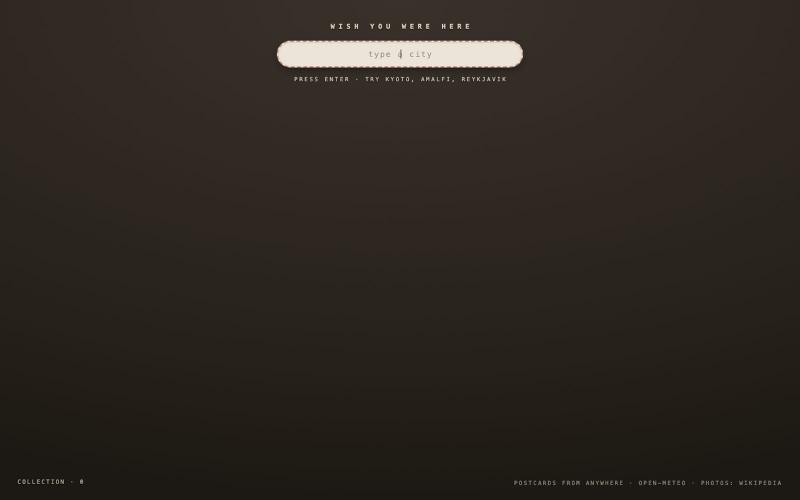
输入城市名称生成蚀刻明信片,浏览共享集合。

@sophiaaguo13 · X
vibe coding #5: wish you were here type any city and it develops a dithered postcard of the place - every card you make lands in the collection to leaf back through. try it here:
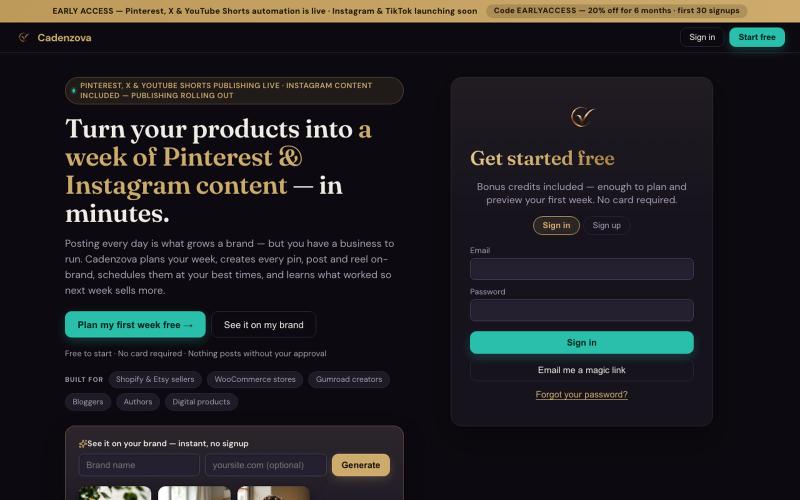
使用AI自动将产品转化为Pinterest和Instagram内容。

@CADENZ0VA · X
🚀 Cadenzova helps turn your products into Pinterest & Instagram content with AI. 💾 Import products 📆 Schedule automatically 🧠 Learn what performs best If marketing takes too much of your week, I'd love your feedback.
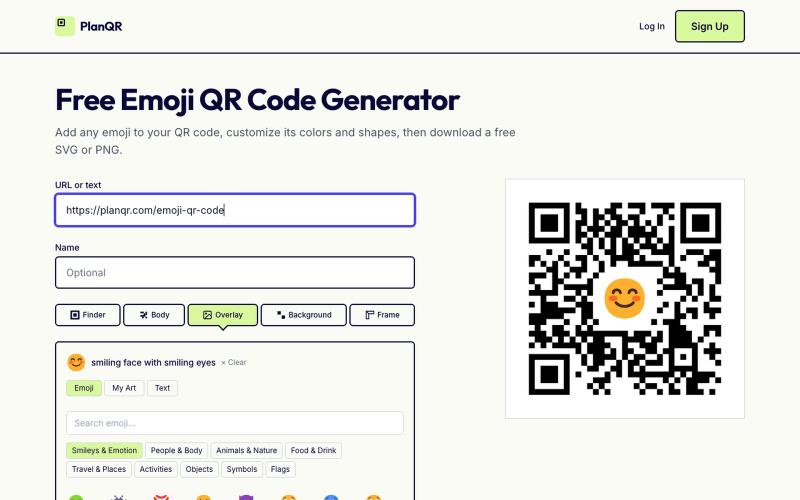
用emoji创建自定义二维码,自定义颜色和形状后下载SVG或PNG。

@getplanqr · X
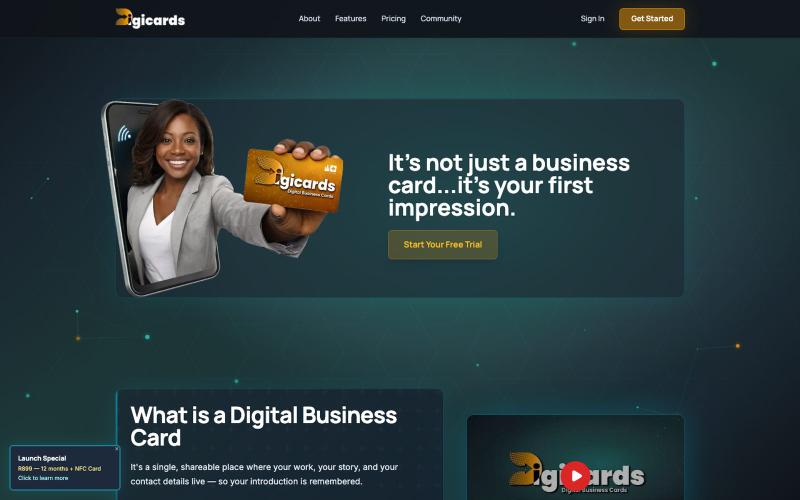

通过文本提示生成和编辑AI图像,创建产品图、广告图、头像和缩略图。
Plugcamp · V2EX
最近在折腾一个小站,主要是围绕 Nano Banana 2 Lite 做图片生成和图片编辑: https://nanobanana2lite.me/ 一开始只是自己想要一个比较轻的入口,用来快速试 prompt 。后来发现每次测图都会遇到几个重复问题: - prompt 写完之后,不知道适合什么比例 - 文生图和图生图入口经常混在一起 - 想找几个可复制的 prompt 示例,但很多站要么太重,要么示例不够直观 - 只是想快速生成一张产品图、头像、广告图、封面图,不想进一个很复杂的工作台 所以就做了这个站。 目前主要有几个部分: - Text to Image:直接输入 prompt 生成图 - Image to Image:上传一张图,再用 prompt 做改图 - AI Image Editor:偏日常编辑,比如换背景、改光线、改风格 - Prompt Library:整理了一些可直接复制的 prompt - Gallery:放了一些 before/after 和示例图 我自己比较在意的是首页别太像传统 SaaS 落地页,所以最近一直在改视觉。之前太干了,后来加了一些更丰富的样张和暗色主题,但也还在调。 这个站不是 Google 官方产品,只是一个第三方工具站。现在更多是想把「轻量、直接、可复制」这件事做好。 如果大家有空的话,想请教几个问题: 1. 首屏看起来会不会太营销,还是说信息还算清楚? 2. 对图片工具来说,大家更想先看到生成表单,还是先看到效果案例? 3. Prompt Library 这种页面有没有用,还是大家更习惯直接自己写? 4. 如果你平时会用 AI 生成图,最常用的场景是产品图、头像、封面、广告图,还是别的? 欢迎拍砖,尤其是 UI 、文案、信息结构这块。 链接再放一次: https://nanobanana2lite.me/

