
创意工具2 days ago
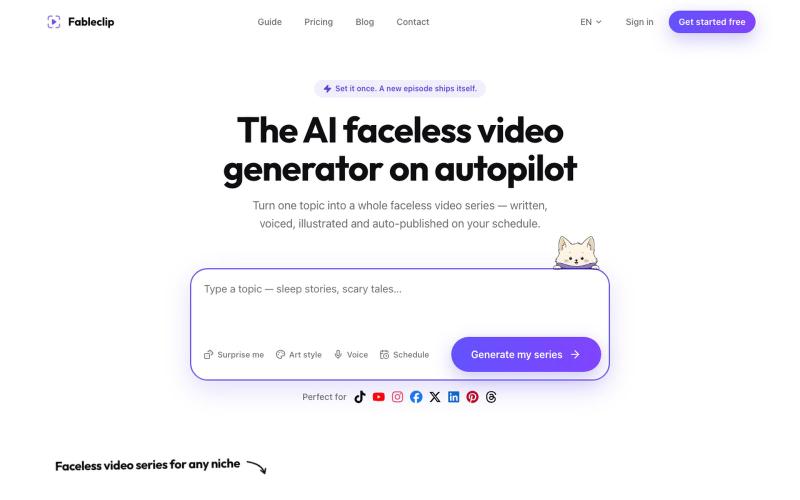
AI Faceless Video Generator on Autopilot | Fableclip
使用AI生成的脚本、配音和字幕创建无脸视频,自动发布到TikTok和YouTube。
Fableclip — AI 视频自动化工具,输入创意即可自动写脚本、生成配音与配图,并按排期自动发布到 YouTube、TikTok 等平台
完整作品展
技术栈
60 projects
使用AI生成的脚本、配音和字幕创建无脸视频,自动发布到TikTok和YouTube。
Fableclip — AI 视频自动化工具,输入创意即可自动写脚本、生成配音与配图,并按排期自动发布到 YouTube、TikTok 等平台
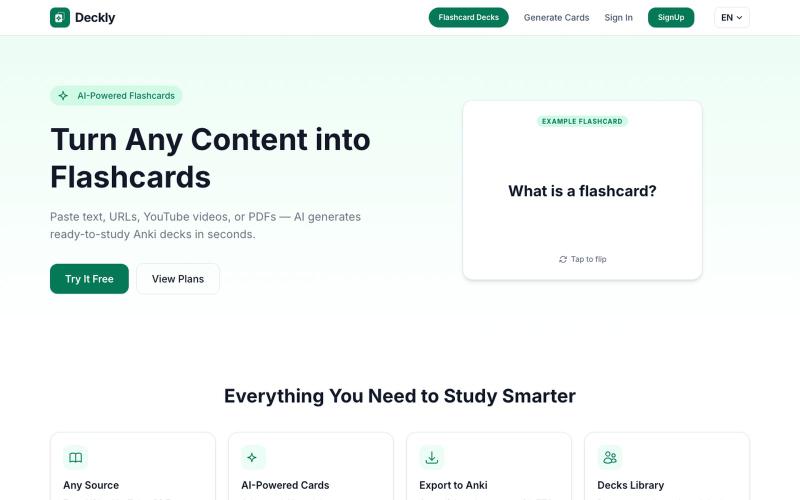
将 YouTube、PDF 转换为 Anki 学习卡,AI 自动生成。
u/holios89 · Reddit
Built an AI SaaS that turns your notes/articles/PDFs into study flashcards — looking for harsh feedback (and bugs) Hey folks, Solo/small side project here: Deckly ( deckly.one ) — an AI-powered flashcard generator for spaced-repetition learning (Anki-compatible export). You give it text, a PDF, or an article link, it generates a deck of flashcards (Q&A, Cloze, or multiple choice), optionally with TTS audio and images per card, and you can study it right in the browser or export to `.apkg`.
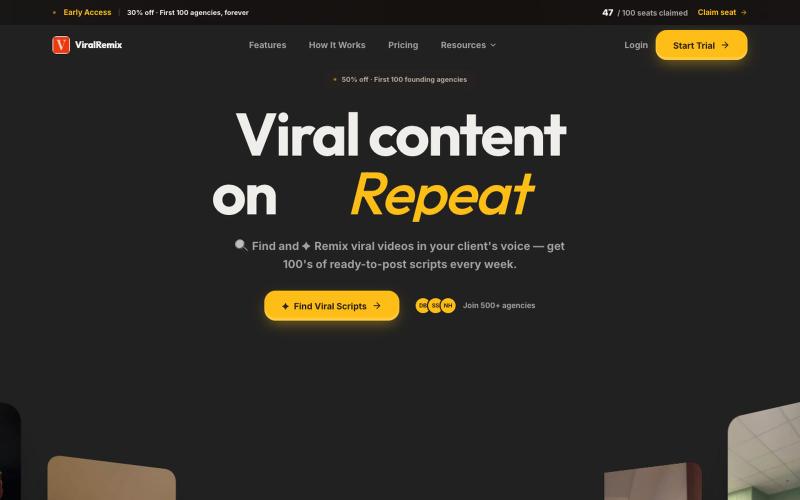
自动用你的品牌声调改写热门视频,实现即时内容创建。

@furkanships · X
I currently building for content creator and content creator agency
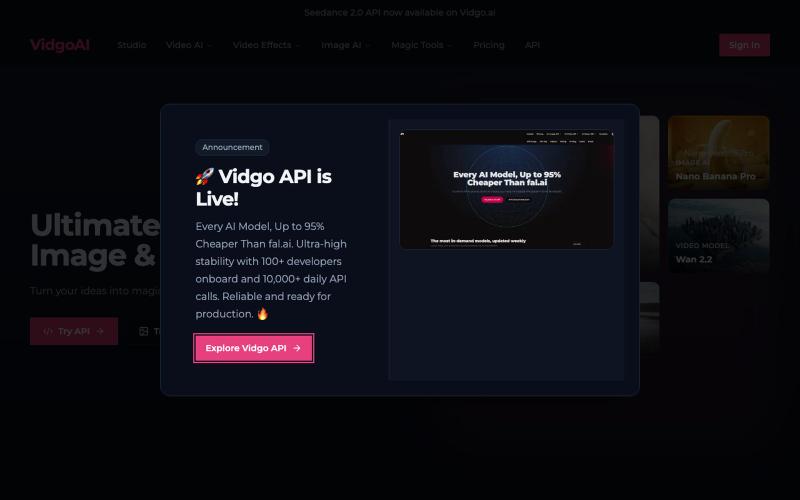
使用 Vidgo AI 将照片转换为高质量视频。
Vidgo AI — 一站式的图片,视频生成平台
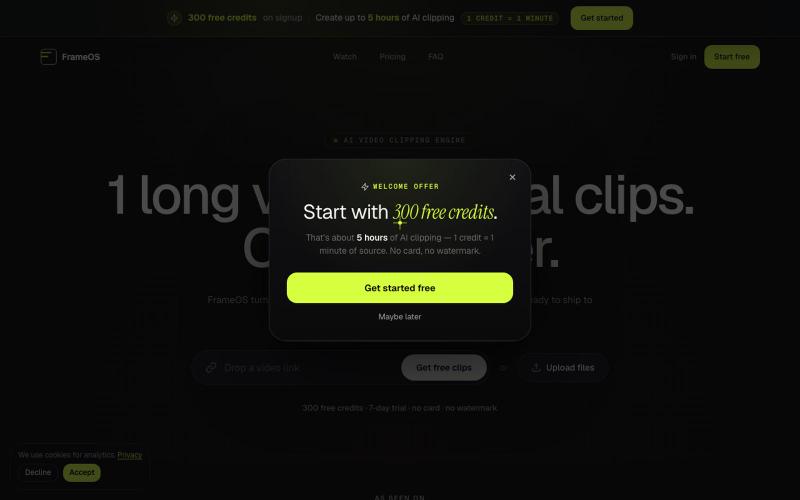
用AI从长视频自动生成短视频片段并导出为社交媒体格式。

@tryFrameOS · X
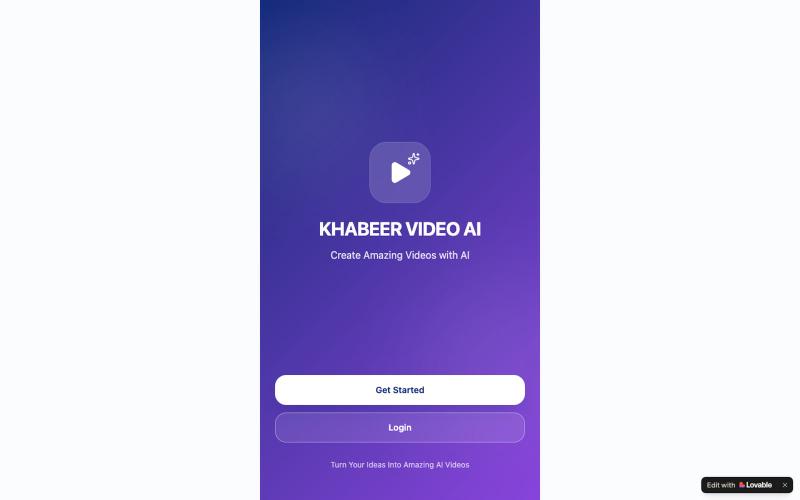
创建纪录片、历史或电影风格的AI视频。

@KabirKhabeer · X
Check out what I just built with Lovable!
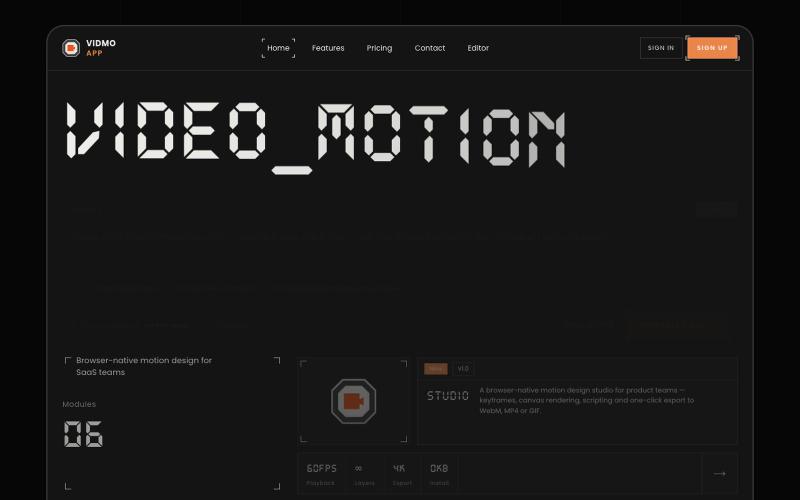
Vidmo 是浏览器 AI 视频编辑器,从提示词创建动画视频,支持关键帧、效果和配音编辑。
u/Savings_Wolverine408 · Reddit
turns out you can make launch videos in the browser now! turns out you can make launch videos in the browser now, and Claude Opus is doing the heavy part we have been working on vidmo.app , a free browser based motion design editor for making product videos, launch clips, social ads, and simple motion graphics without opening After Effects. the idea is not to make another AI video toy where you type one prompt and get stuck with whatever comes out. the editor works more lik
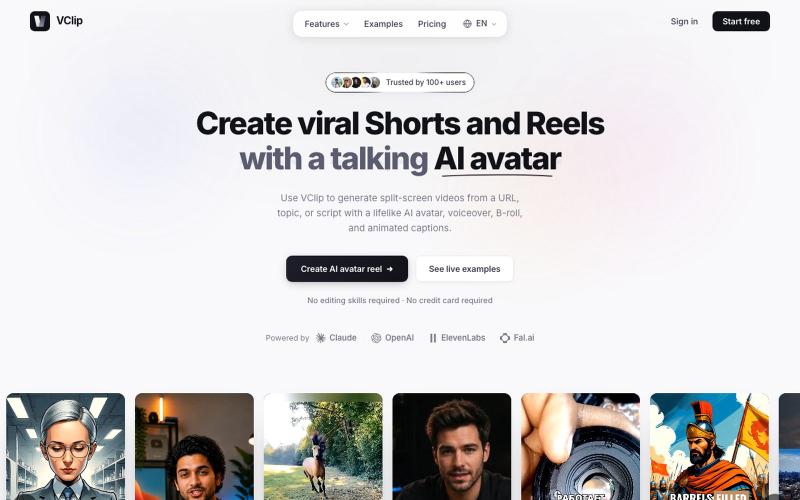
VClip从URL或话题创建分屏视频,包含AI虚拟形象和配音。

@ilya990000 · X
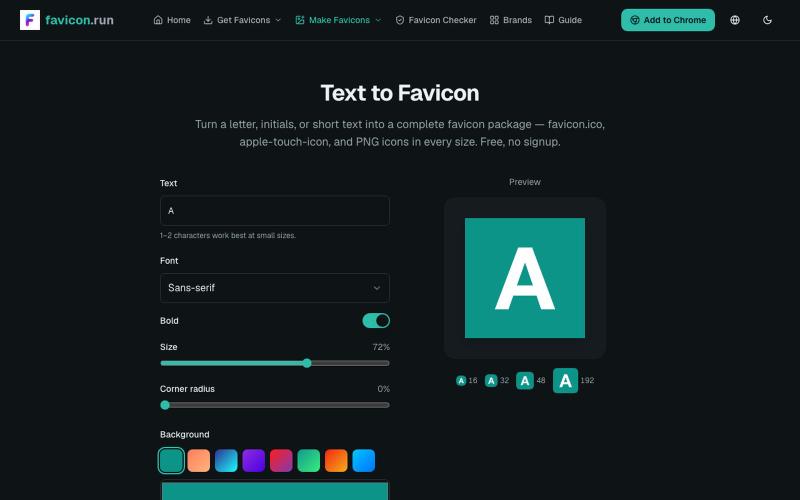
将文本和品牌色转换为完整的favicon包,包含多种格式和尺寸。
struy · HN
Turn a letter, initials, or short text into a complete favicon package — favicon.ico, apple-touch-icon, and PNG icons in every size. Free, no signup.
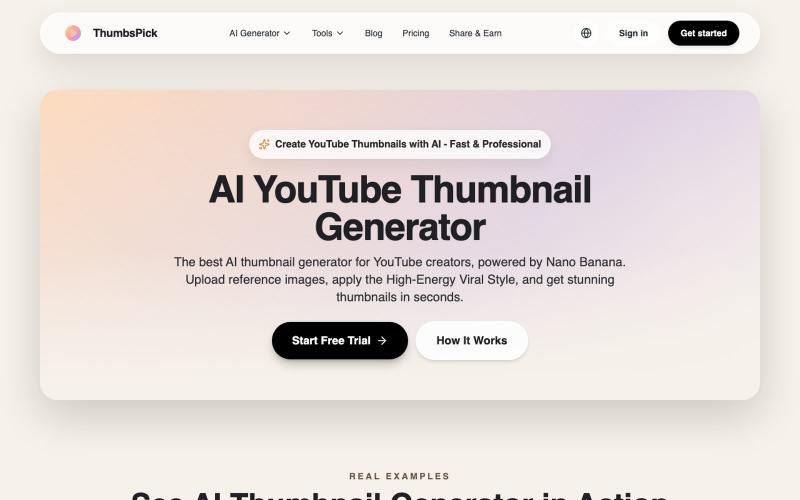
通过上传参考图片,用 AI 生成 YouTube 缩略图。
AI YouTube 缩略图生成器 — 生成 Youtube 缩略图,可免费下载,支持纯色或渐变背景

ArtPlayer 免费浏览器视频和音频编辑工具,支持压缩、裁剪、合并和格式转换。
zhw2590582 · V2EX
最近对网站进行了重构,做成了免费的视频工具站:[ArtPlayer Tools]( https://artplayer.org/tools/) 主要是围绕着 ffmpeg.wasm 和 mediabunny 实现的一些可以直接在浏览器里用的视频/音频工具,常用的有: - 视频压缩:[Compress Video]( https://artplayer.org/compress-video/) - 视频裁剪:[Crop Video]( https://artplayer.org/crop-video/) - 视频合并:[Merge Video]( https://artplayer.org/merge-video/) - 视频尺寸调整:[Resize Video]( https://artplayer.org/resize-video/) - 视频旋转:[Rotate Video]( https://artplayer.org/rotate-video/) - 视频调速:[Change Video Speed]( https://artplayer.org/change-video-speed/) - 添加文字到视频:[Add Text to Video]( https://artplayer.org/add-text-to-video/) - 添加水印:[Watermark Video]( https://artplayer.org/watermark-video/) - 提取字幕:[Subtitle Editor]( https://artplayer.org/subtitle-editor/) - HLS 转 MP4:[HLS to MP4]( https://artplayer.org/hls-to-mp4/) - 音频可视化:[Audio Visualizer]( https://artplayer.org/audio-visualizer/) 大部分工具都是本地处理,文件不会上传到服务器。最开始是因为自己偶尔要处理一些视频,开剪辑软件又有点重,在线工具又担心隐私,所以就慢慢做成了一个站。 目前还在持续完善,体验肯定还有不少粗糙的地方,比如不同浏览器的兼容、移动端操作、长视频性能之类的。 网站: [ArtPlayer Tools]( https:
