
生产力2 weeks ago
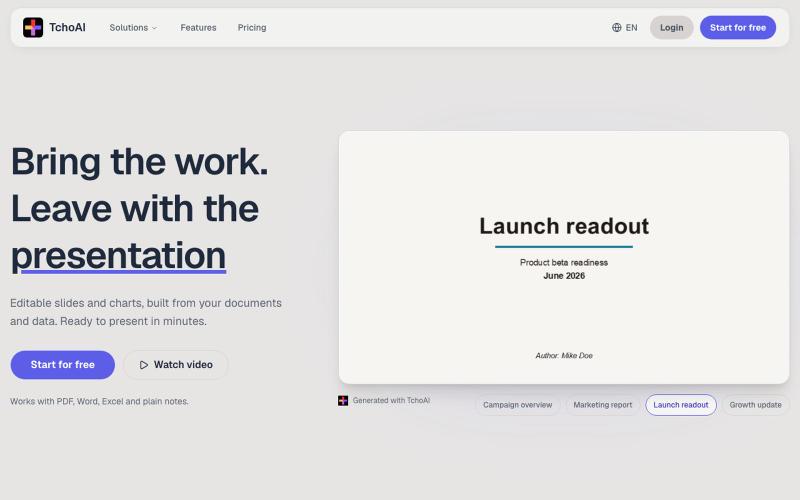
TchoAI - The AI workspace for presentations
TchoAI:将文档和笔记转换为可编辑的演示幻灯片和图表。
dyfang · HN
TchoAI – Transform your documents into editable slide decks
完整作品展
技术栈
60 projects
TchoAI:将文档和笔记转换为可编辑的演示幻灯片和图表。
dyfang · HN
TchoAI – Transform your documents into editable slide decks
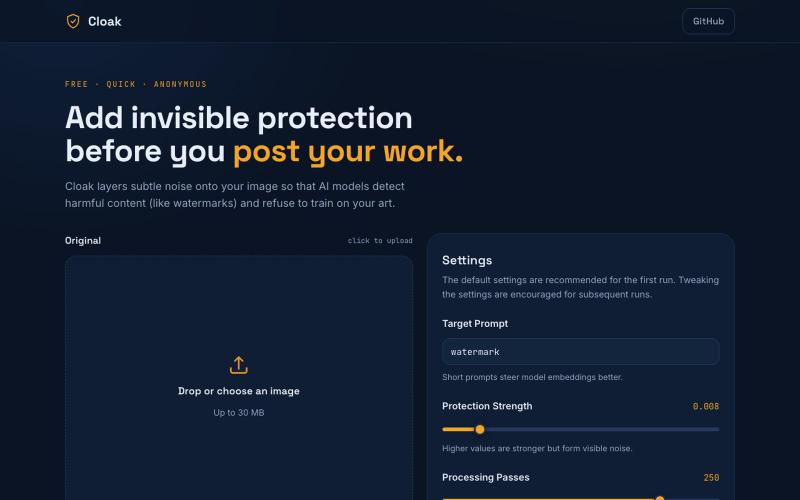
为你的图像添加保护噪声,防止AI模型进行训练。
u/LordTimotheos · Reddit
I made a free website to protect human art from AI. No ads or login. Try it out at cloakapp.net today! submitted by /u/LordTimotheos to r/SideProject [link] [comments]
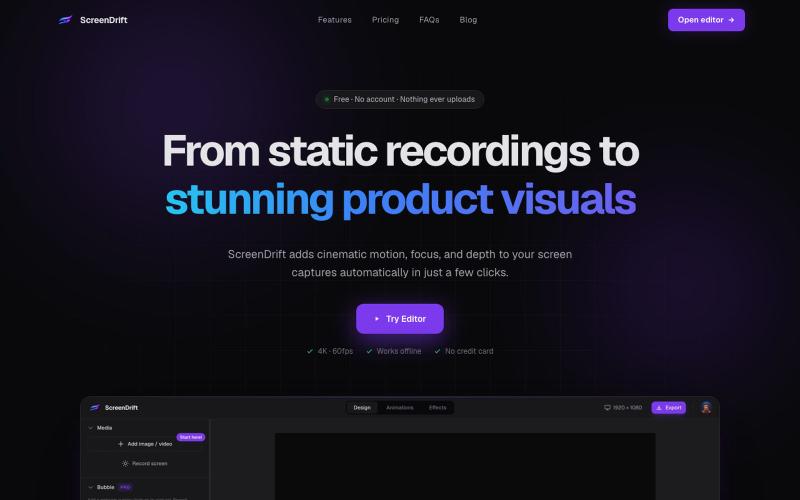
Create professional 3D product videos from screen recordings, camera footage, or any video. All processing happens on your device.

@hariprasad_bg · X
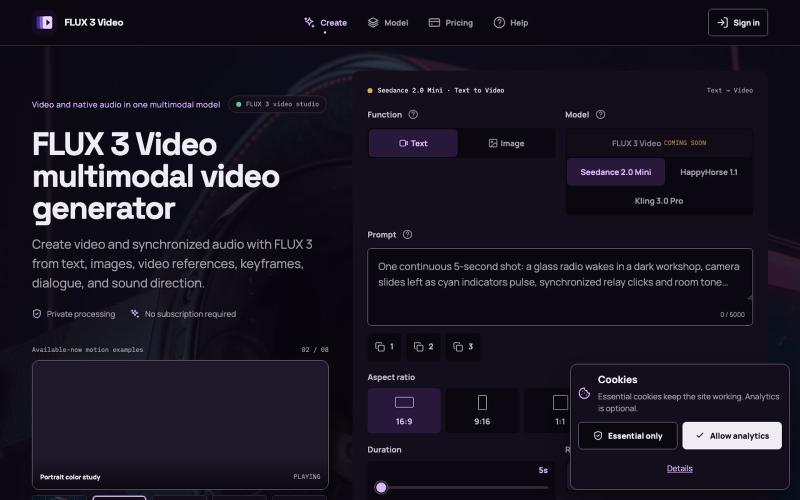
从文本、图像或视频创建带同步音频的视频。
FLUX 3 Video Generator — AI 视频生成工作台,支持文字或图片生成视频、参考图及镜头、动作和声音提示,并清晰标注模型可用状态
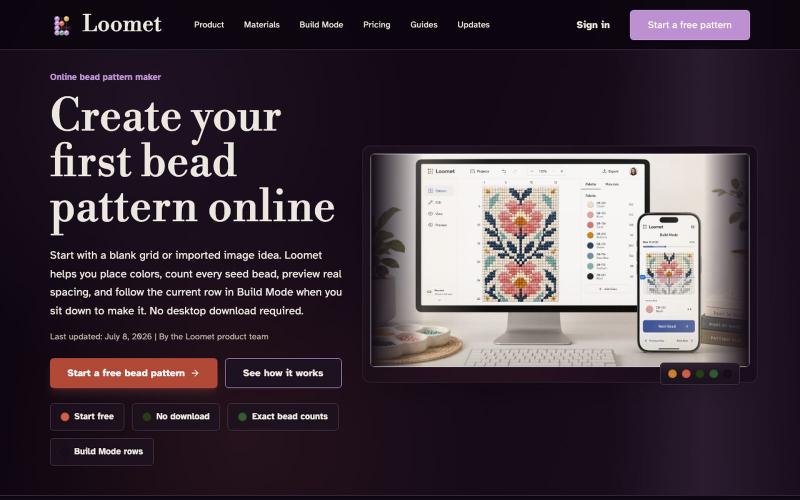
绘制或导入珠子图案,自动计数珠子并导出PDF。
letsgogogo · V2EX
做了一个串珠子的工具,支持拼豆。 我做了一个在线串珠图案工具 Loomet 。 可以画图案、自动算珠子数量、导出 PDF 。也支持拼豆模式。 https://loomet.app
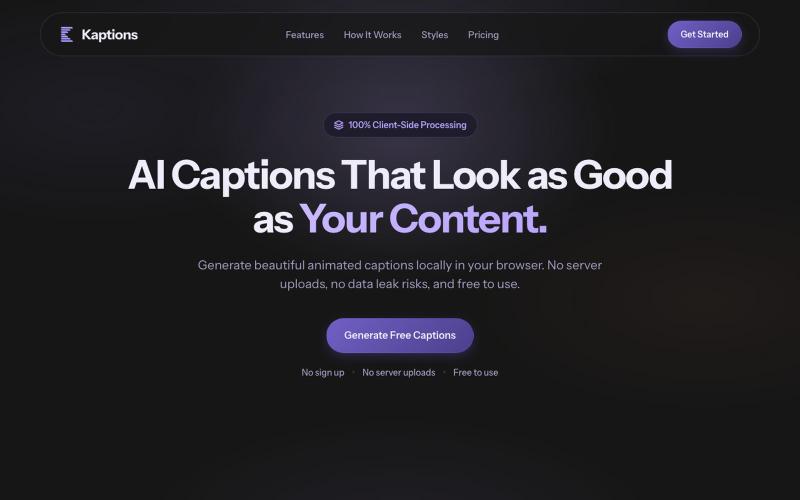
在浏览器中为视频生成多种风格的动画字幕,无需上传,完全隐私。

@Rajveer_k12 · X
we just shipped 🚀 Kaption AI is live & free — upload a video, get captions in multiple styles. 100% in your browser, no data leaving your device. built with @aayaan_07 → feedback appreciated 👇 #buildinpublic
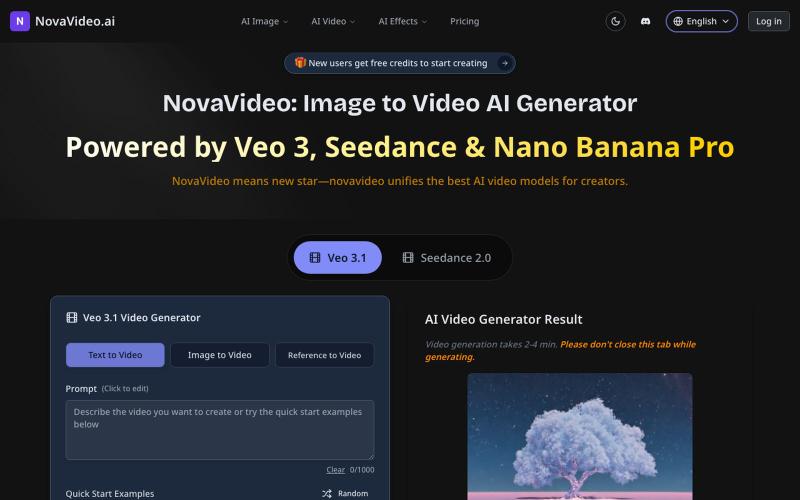
用AI模型将照片转化为电影级视频,支持Sora、Kling等。
novavideo.ai — 使用领先的图片转视频 AI 模型和热门视频特效模板,将照片转化为视频

为 Codex Desktop 设计自定义主题,调整背景、颜色、透明度和视觉效果。
plutozc · V2EX
做了个 Codex Desktop 主题预览和切换工具,先调好再安装 最近一直在用 Codex Desktop ,觉得默认界面看久了有点单调,就顺手做了个主题编辑工具,分享一下: [Codex Skin]( https://getcodexskin.com) 可以先在网页里预览主题,调整背景透明度、面板透明度、颜色、模糊和圆角等参数,满意之后再下载并切换到 Codex Desktop 。 目前支持: - 自定义 JPG 、PNG 、WebP 背景 - 在线实时预览主题效果 - 调整透明度、颜色、模糊、圆角 - 预览满意后生成安装命令 - 不喜欢了可以恢复默认外观 目前主要面向 macOS 上的 Codex Desktop ,还是个人项目,功能和兼容性都在继续打磨。 欢迎试试,也想听听大家对主题参数、预览效果和安装流程的反馈。 直接网址: https://getcodexskin.com [轻喷 轻喷,可能还有些 bug

在浏览器中将照片和视频转换为ASCII艺术、像素艺术和马赛克。

@kail_designs · X
Jokes aside but honestly (Landing page) was built with Claude (Opus 4.7) in 1 day. But no, it was not just four prompts or some random skills. Here's how I built the entire AsciiMagic landing page with Claude in one day👇 Started with a rough sketched wireframe. Then designed it in @paper Then I used the Paper MCP with Claude to recreate that design in code and get a solid first version running. From there, the real work began. I kept iterating with specialised Claude skills: • impeccable • frontend-design • emil-design-eng • review-animations • responsive-design • seo-audit Each one improved a different part of the experience. By the end, the page had: • Mobile-first responsiveness • Better SEO optimised copy • Smooth micro-interactions • Cleaner frontend architecture Then came the part people don't see. For the next 5–6 hours, I wasn't asking Claude to "make it prettier." I was: • Fine-tuning layouts • Uploading and compressing assets • Moving files across diff
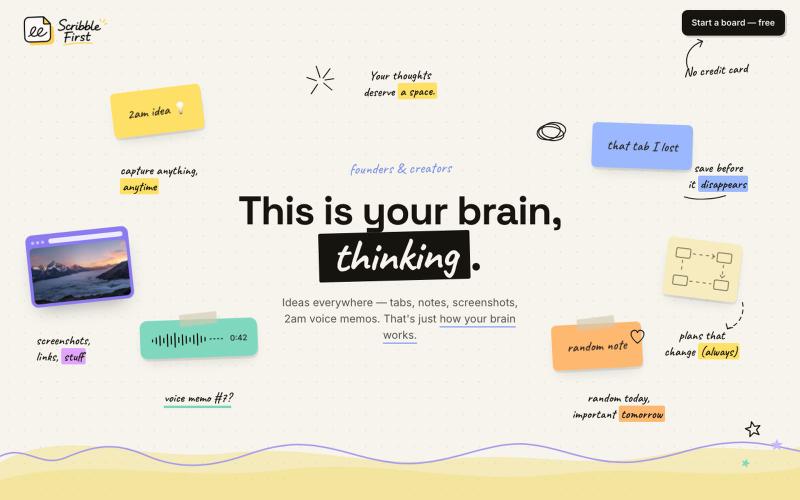
Scribble First 将素描、语音笔记和截图一键转换成文档、计划和新闻稿。

@adarshbytes · X
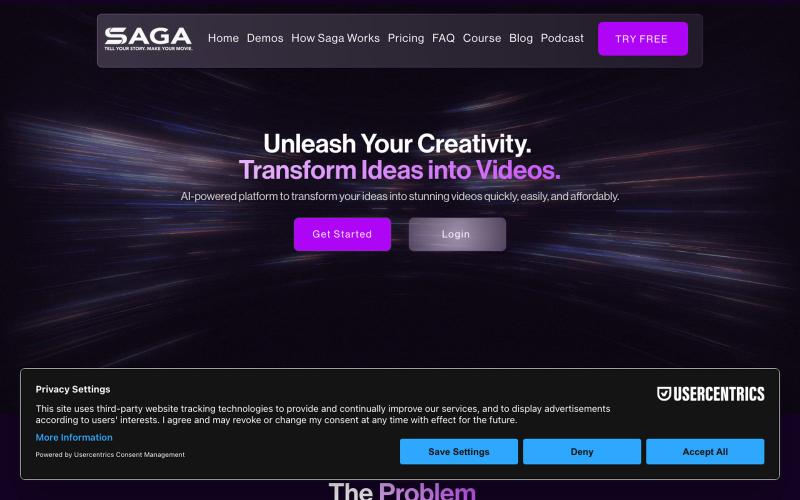
Transform your ideas into cinematic videos effortlessly with Saga’s AI-powered platform. Create high-quality videos fast with seamless storytelling tools.

@WriteOnSaga · X
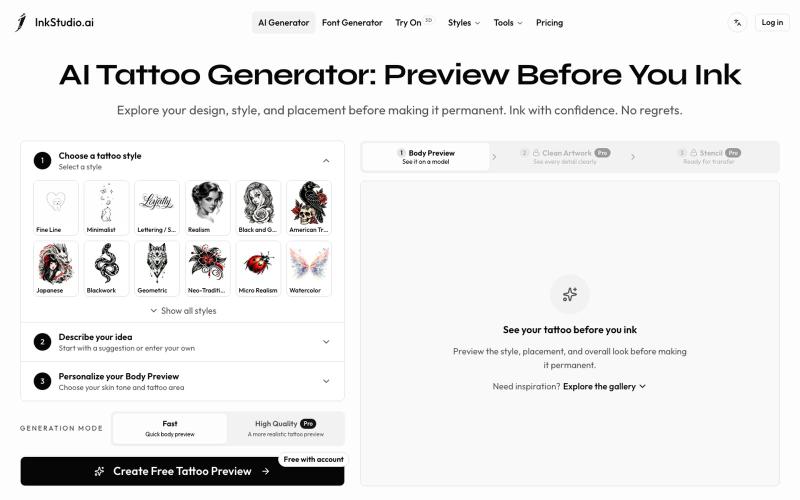
Create and preview your tattoo before you ink. Explore realistic body placement, clean artwork, and stencil linework to review with your tattoo artist.
Irving853 · V2EX
我的产品陷入绝望 先容许我花 2 分钟介绍一下产品背景吧。 今年年初,我在 Toolify 收入榜尾部看到一个 AI 纹身生成产品。看到真的有人付费,当时我觉得这个需求应该是存在的,而且产品门槛看起来也不高,我应该也能做。 于是说做就做,持续做了半年,就有了现在的 [InkStudio.ai]( https://inkstudio.ai)。 我前后看了几十款竞品,发现它们大多都是同一种模式:输入提示词,生成一张纹身图案。 我把主要目标用户定成了第一次纹身的人。 按照正常的纹身流程,用户需要先在线下和纹身师沟通想法,然后由纹身师设计,确认后再真正纹到身上。这个过程一旦开始逐步推进,留给用户后悔的余地就越来越少。 我也去 Reddit 做了一些调研,发现不少人都在吐槽类似的问题: 和纹身师沟通并不顺畅,拿到的设计不满意,不知道还要不要去纹;有的人到了纹身店,发现效果和预期不一样,也不知道该怎么提意见,甚至不敢提。最后纹到了自己身上,又开始后悔。 我的产品一开始也只是根据提示词生成纹身图案。 但随着调研越做越多,我对用户需求的理解也一直在