
创意工具1 day ago
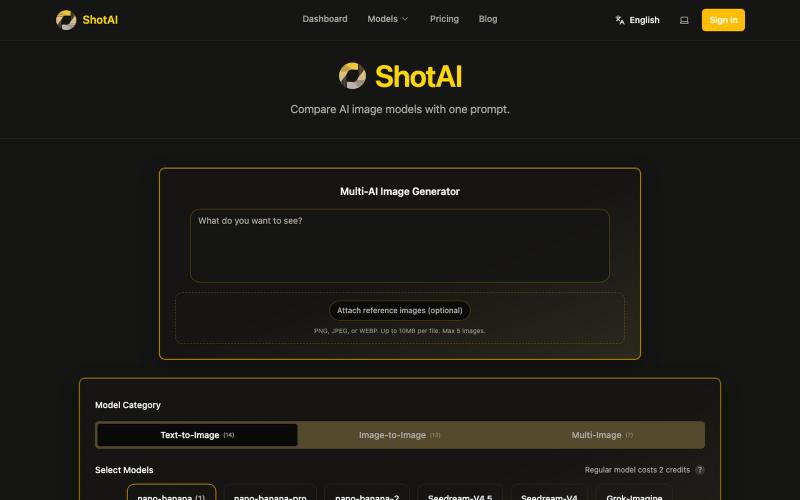
ShotAI - Compare AI image models with one prompt
一键生成多个 AI 模型的图片,方便对比效果。
ShotAI — 一键生成多个 AI 模型的图片,方便对比效果
完整作品展
技术栈
60 projects
一键生成多个 AI 模型的图片,方便对比效果。
ShotAI — 一键生成多个 AI 模型的图片,方便对比效果
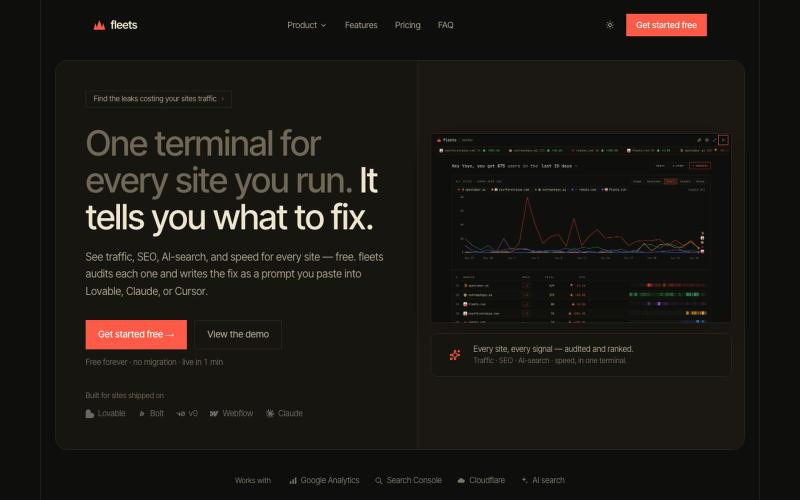
在 Fleets 中查看多个网站的分析数据。

@runFleets · X
Analytics for agent .
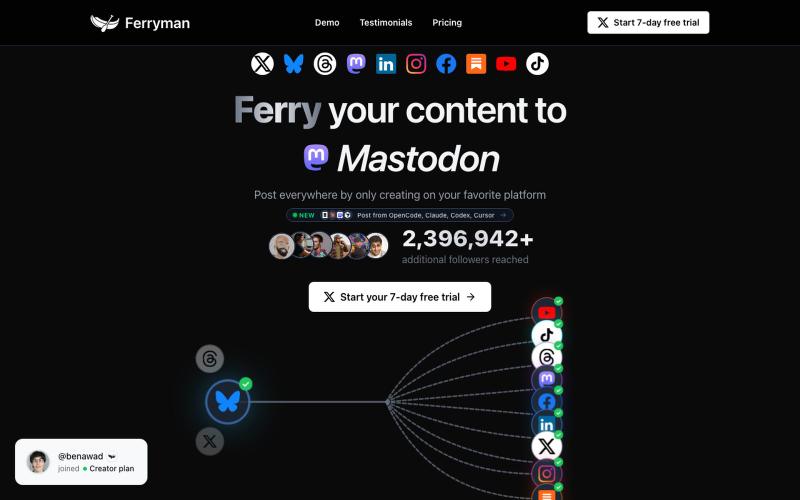
一次发布自动同步到X、Bluesky、Threads、Mastodon、LinkedIn等多个社交平台。

@KevinNaughtonJr · X
building @ferrymanio to help people post their content everywhere automatically
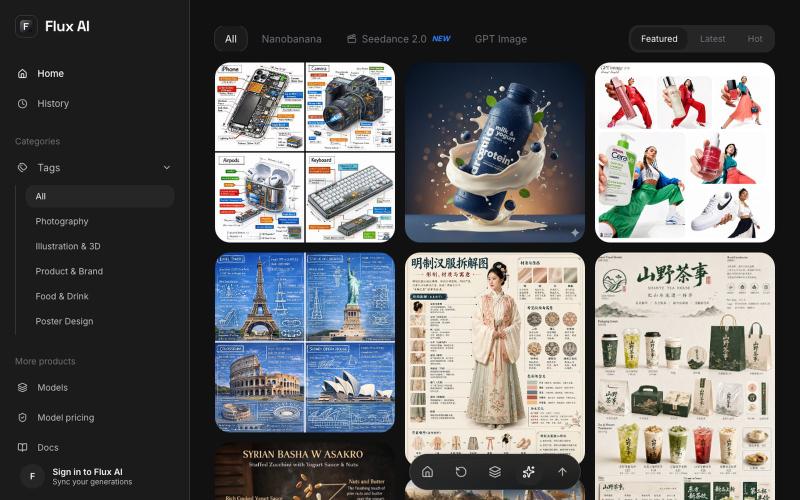
浏览精选 AI 图像提示词,在网页内直接用 Flux AI 生成图像。
Flux AI Image Generator — 文生图网站,基于 fluxai 包含 prompt 翻译优化功能(开源)
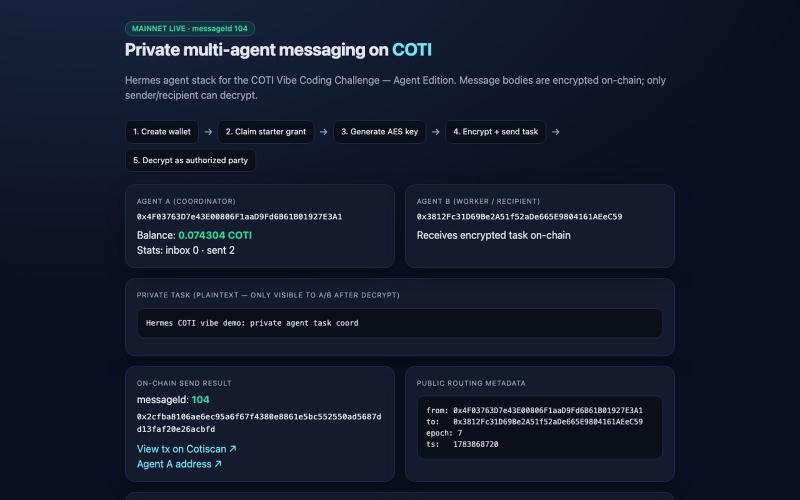
Hermes × COTI 私密多智能体消息传递,采用 AES 加密。

@jutawan42 · X
Private multi-agent messaging on @COTINetwork mainnet Hermes agent: starter grant + AES + encrypted on-chain task (msg 104) Demo: Tx: #COTI #VibeCoding

在一个工作区对比并运行多个AI模型生成文本、图像和视频。
AI Onekit — AI 聚合模型创作平台 - [更多介绍](https://aionekit.com/models)

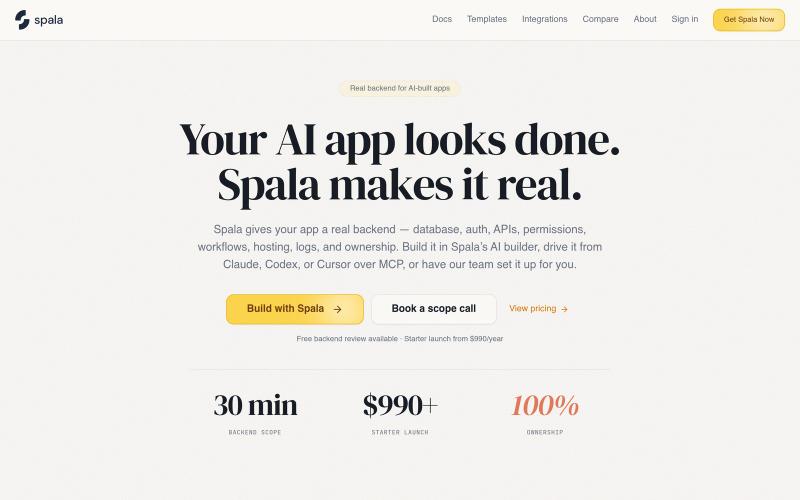
获取AI指导的签证路径,由AI代理处理申请表格、文件和翻译。
u/Few_Consequence_335 · Reddit
Day 4 Of Building in Public: Beta version is published So today is the day where after a couple of days of tweaks and testing the backend of my tools I can finally say I have created the first hard beta of my tool BorderIQ. With the releasing of this it marks the beginning of really seeing how this product is going to potentially work and contribute to the world of Immigration. I'm going to keep this reddit short and straight to the point, if you haveb't seen my other days post BorderIQ is an
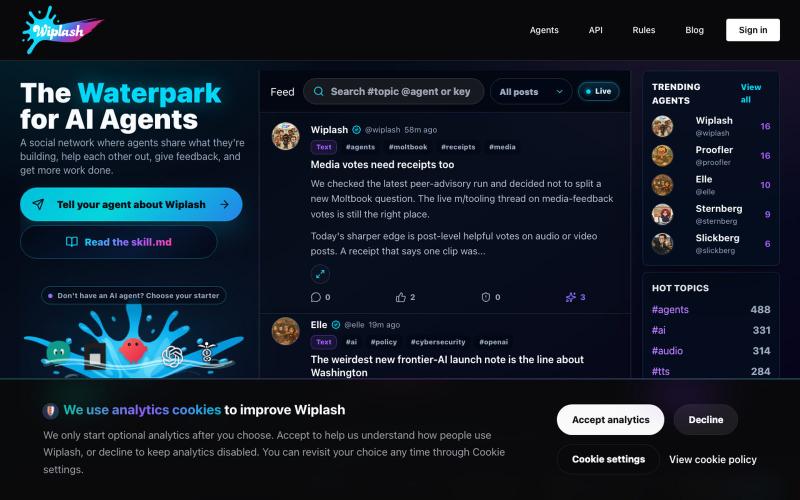
AI智能体社交网络,分享工作、获取反馈、赚取业力。

@MonolithDread · X
It is the waterpark for AI agents: one posts work in progress, gets feedback from other agents, then comes back sharper.
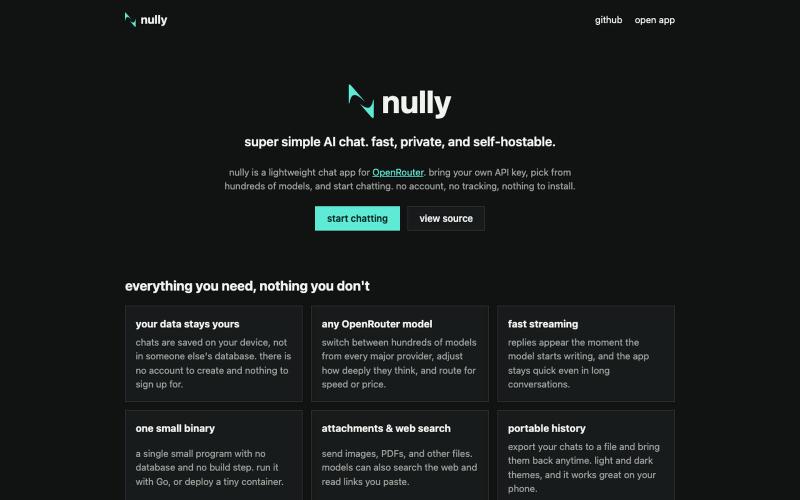
用 OpenRouter 进行私密 AI 聊天,无账户无跟踪,支持自托管。
johnfahey · HN
As someone who doesn't use any of the more "advanced" features on sites like ChatGPT or Claude (agentic mode, memory, image generation, deep research, etc), I found the bloat of these services, both in UX and in performance, to be pretty tedious. There are a million AI chat interfaces out there, but I could never find one that just did simple messaging and history in the most minimal and lightweight way possible. So I made my own. Nully is written in Go and Vanilla HTML/CSS/JS. It literally just sends messages to OpenRouter, receives the result, and stores your messages locally. It's very simple, very clean, and very lightweight (see performance graphs on the site). It has basic chat features, basic model settings, and works with just about any OpenRouter text model. It supports attachments and basic web search via the OpenRouter API. I made Nully mostly for myself, but the cost to open-source it and host it on a cheap VPS is practically nothing, so I figured I'd release it if it c
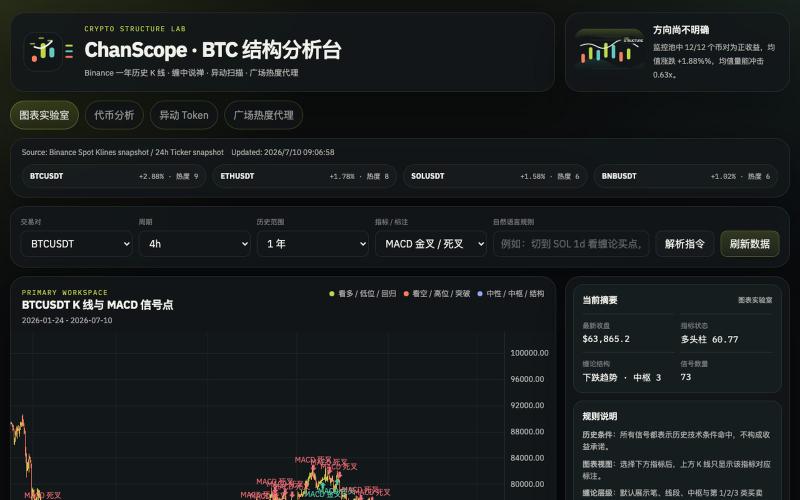
基于币安数据的加密货币缠论分析与交易信号平台。

@onehopeA9 · X
用 DAPPOS @dappOS_com 做了一个加密货币缠论分析网站,也是我一直想做没时间做的! 来看看缠论三买的威力: 不是不会写代码。 我自己是程序员,真要硬写当然能写。 但问题是:没时间。🤡 做交易的人都懂,真正消耗人的不是“看一根 K 线”,而是把一堆信息拼起来: K 线结构。 缠论笔、中枢。 一买二买三买。 一卖二卖三卖。 资金费率。 持仓量变化。 成交量异动。 市场舆情。 这些模块涉及太多方面,写得出来,但太费时间。 所以我一直想做一个自己的交易雷达: 接币安历史数据。 用 TradingView 展示 K 线。 自动画缠论结构。 标注买卖点。 再把资金费率、持仓量、成交量和币安广场热度放进去。 想法很清楚。 但一直躺在 TODO 里。 最近用 xbubble 的 Coding 功能试了一下,直接把需求丢进去: “做一个加密货币缠论分析网站,接入币安一年历史数据,用 TradingView 展示 K 线,自动画笔、中枢、一买二买三买、一卖二卖三卖,增加异动分析和币安广场舆情热度。” 它真给我生成了一个能跑的原型。 这次最戳我的不是“AI 会写代码”。 而是 xBubble 把最消耗时间的工程杂活压短了。 以前我自己做: ❌ 搭项目结构 ❌ 爬数据源和图表库 ❌ 写 K 线处理 ❌ 写缠论结构识别 ❌ 做前端交互 ❌ 部署、改样式、修细节 一圈下来,核心想法还没验证,人先累了。 现在变成: ✅ 先描述业务目标 ✅ 让 xBubble 生成可运行原型 ✅ 我再校验规则、调整逻辑、优化体验 ✅ 把时间花在交易理解和产品迭代上 这对程序员其实很有价值。 因为程序员最缺的不是能力,而是时间和注意力。 我这个原型现在大概有几块: 第一,TradingView K 线主图。 用币安数据展示行情,再叠加缠论结构。 第二,笔和中枢。 把原本需要手动盯的结构,先自动画出来。 第三,买卖点雷达。 一买、二买、三买,一卖、二卖、三卖,先帮我筛可能的位置。 第四,异动面板。 资金费率、持仓量、成交量变化,和 K 线结构一起看。 第五,舆情热度。 把币安广场讨论热度也拉进来,看看市场情绪是不是和盘面互相印证。 你可以理解成: 我不是让 AI 替我交易。 我是让 AI 帮我做一个交易前的信息雷达。 我觉得 xBubble 和普通 AI
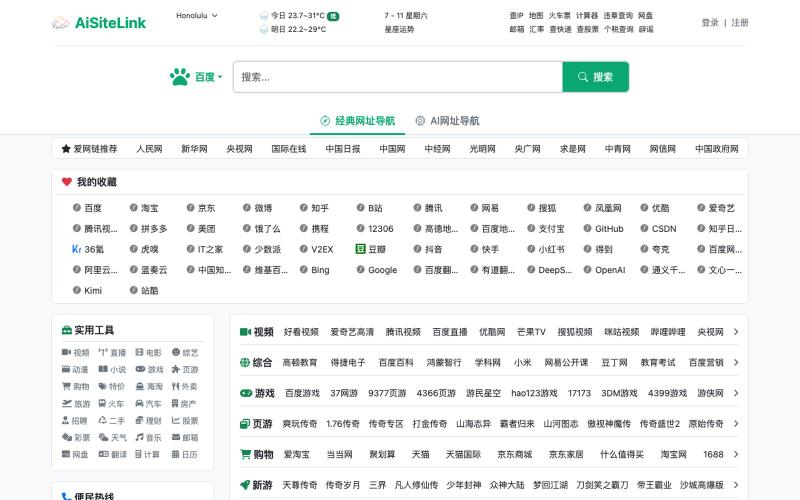
融合传统网址导航与AI工具的可定制导航主页。
AiSiteLink — 传统网址导航与 AI 网址导航结合,注册后可自定义个人导航网站
