
开发者工具4 weeks ago
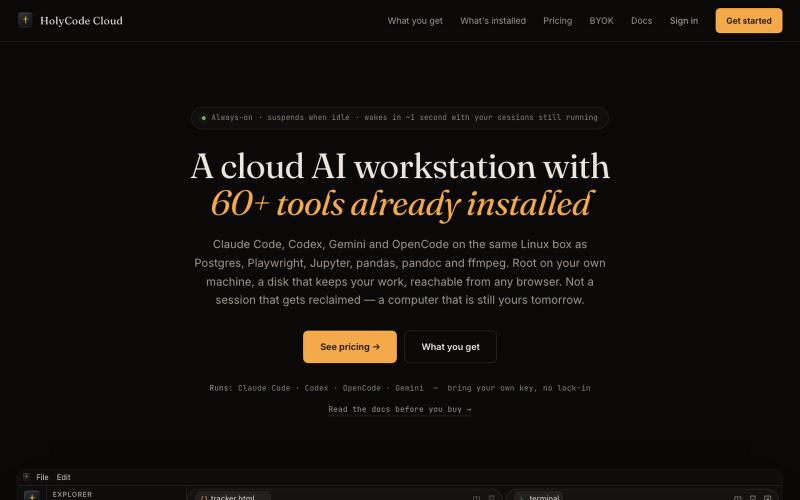
HolyCode Cloud — a cloud AI workstation with 60+ tools already installed
包含60+个AI工具的云工作站,支持Claude Code、Codex等。

@CoderLuii · X
A machine for your coding agents.
完整作品展
技术栈
60 projects
包含60+个AI工具的云工作站,支持Claude Code、Codex等。
@CoderLuii · X
A machine for your coding agents.
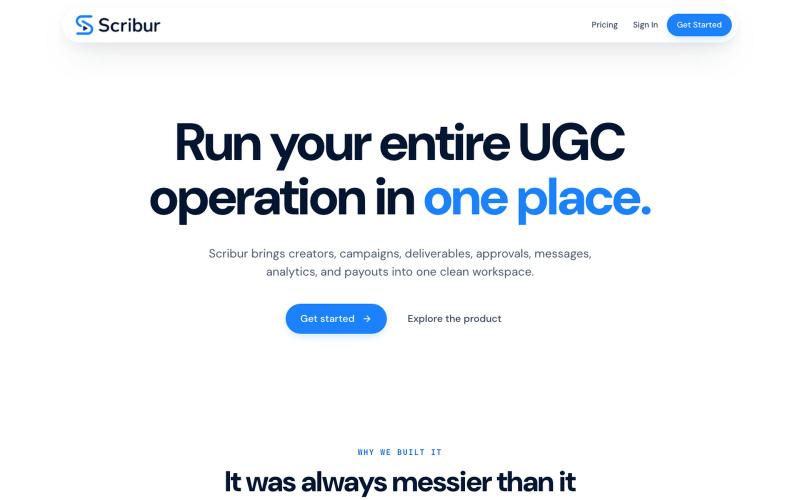
在一个工作区中规划、制作、审查和发布创作者内容。

@DaiwikShashi · X
Building Scribur — the operating system for in-house UGC teams. We help in-house teams manage campaigns, content ideas, scripts, submissions, revisions, approvals, creator communication, and performance tracking all in one place.
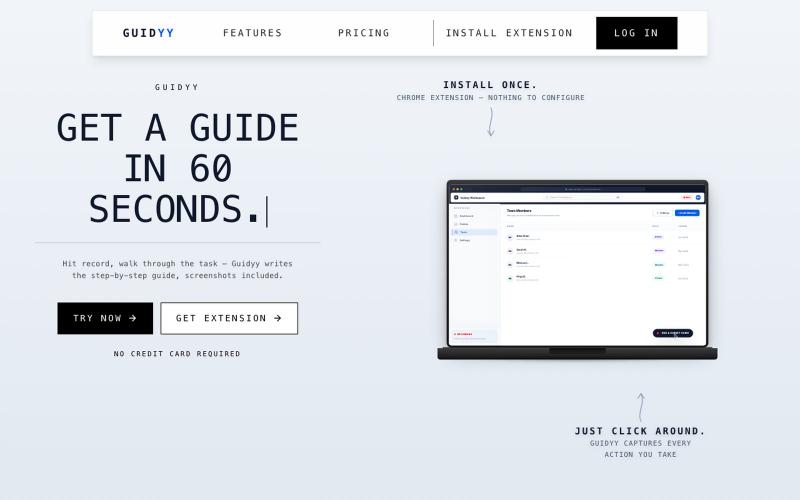
屏幕录制自动生成分步指南和培训文档

@Amit63390 · X
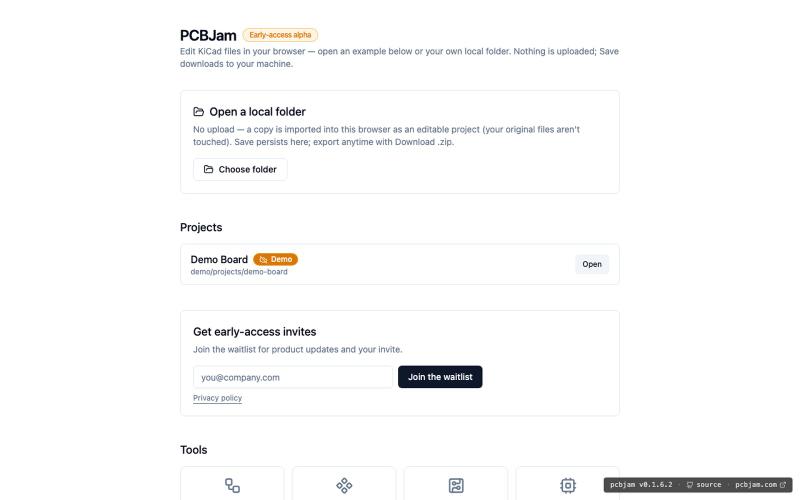
在浏览器中使用 KiCad 设计电子电路和 PCB,无需安装。
ViktorEE · HN
KiCad, a PCB EDA suite is now working in a browser, you can try it at the link, there's a demo project or you can bring your own. Firefox is best, Chrome is good, Safari is "working". We’re Emergence Engineering, a dev shop from Hungary, mostly working with rich text editors, CRDTs. PCBJam started as my (Viktor, CTO, ex-electrical engineer) hobby project but as time went on I put more and more energy into it, and a product started shaping up in my head, in the last few months we’ve started to focus on this project a bit more, and this is the first MVP~ish result. This project is a ton of fun, ton of learning, ton of improvements over improvements: - I thought there must be ways to emulate the PCB canvas OpenGL code on the web. And yes, there are a lot of ways, all of them very buggy. Turns out it’s faster to just write WebGL code that works with KiCad’s Graphics Abstraction Layer if you add the right intermediate debugging steps. I (with Claude) implemented the features and compared
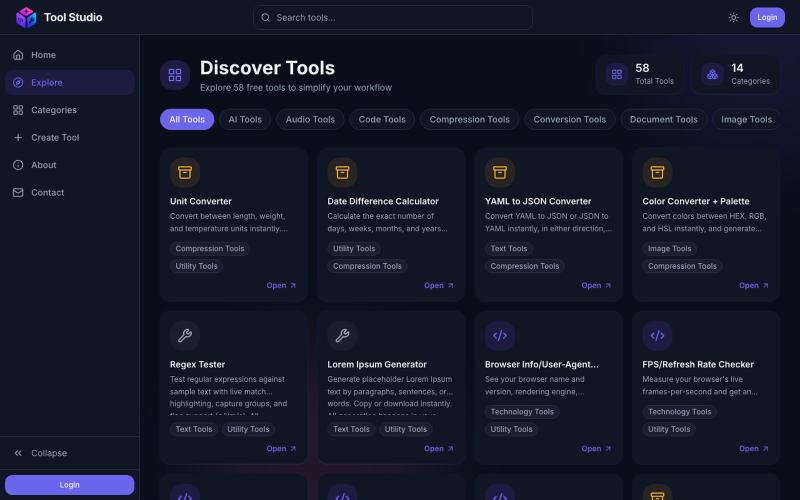
Browse the full Tool Studio catalog — free PDF, image, video, and developer tools.

@rashid_aziz_18 · X
Checkout: 🚀 I am building a platform where people don't have to wander around multiple tools for basic needs + For non tech users who wants to create dashboards, or any custom tools, we'll be launching AI based tool creation
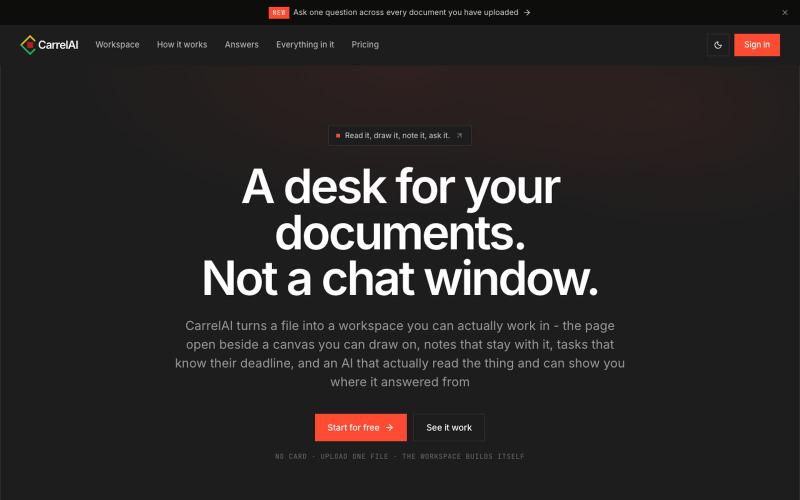
Turn your documents into a workspace: read a PDF, deck or Word file beside a board you can draw on and notes you can keep.

@_peekneek · X
Check it out
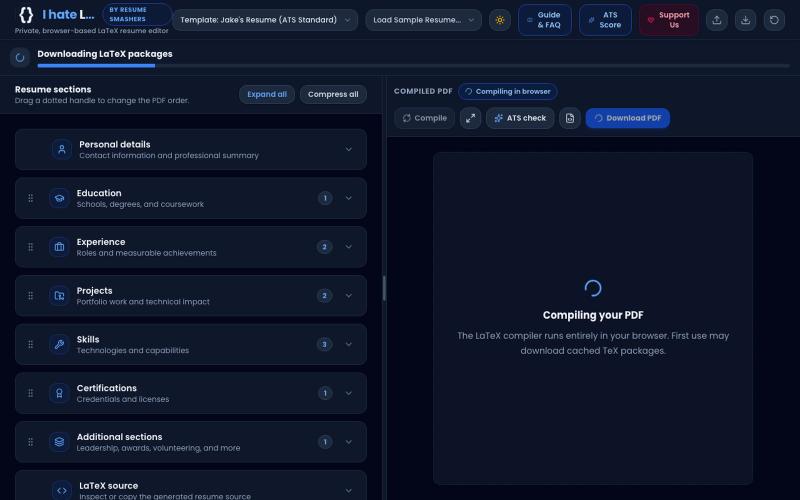
Build an ATS-optimized, high-scoring LaTeX resume or CV directly in your browser. 100% free, private & offline with WebAssembly. Use Jake's Resume, Academic & Modern templates with
someshjoyguru · HN
A LaTeX resume builder that compiles offline in the browser
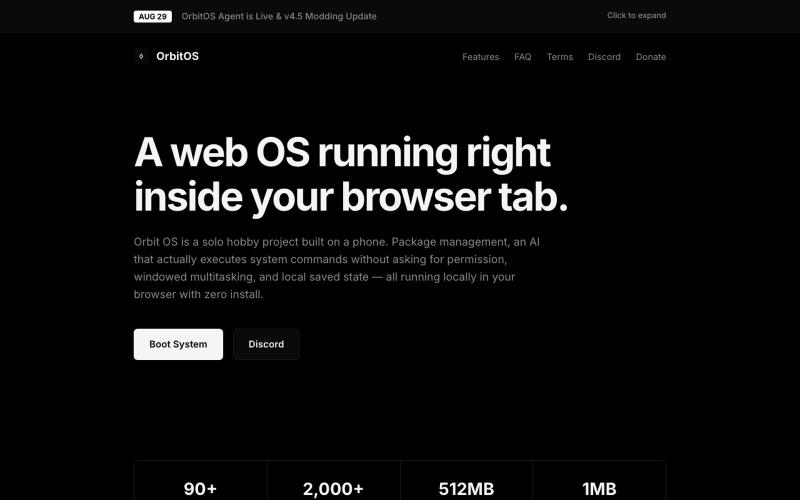
Orbit OS是一款在浏览器标签页中运行的网络操作系统,具有多窗口、终端和包管理器。
blank9485 · HN
Hi all! It has a graphical UI with windowed multitasking, a terminal, 90+ commands and apps, an APT-style package manager, local IndexedDB storage, games, and a process manager. The terminal and graphical interface use the same underlying system rather than being separate demos. The newest update also introduces OrbitOS Agent, an AI assistant that can understand the current OrbitOS screen and app context, suggest actions, and execute multiple OrbitOS commands directly without requiring confirmat

用于图片调整、JSON格式化、PDF处理、文本分析和设计的免登录浏览器工具合集。
musekit · Product Hunt
Free AI Tools Free browser tools for everyday tasks, no login
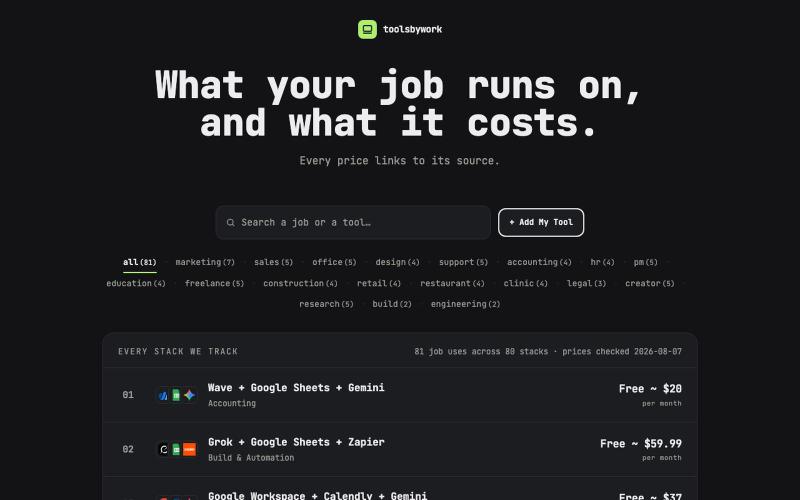
Find the tool stack your job actually runs on. Prices, what each tool does, and a free alternative for every combo.

@Novembernine_ · X
Whenever I was coding, designing, or working on a project, I always got confused about which tools to use and the pricing was often so steep that I had no idea what to choose. I initially built this for my own searches, but feel free to use it too.

为 Codex Desktop 设计自定义主题,调整背景、颜色、透明度和视觉效果。
plutozc · V2EX
做了个 Codex Desktop 主题预览和切换工具,先调好再安装 最近一直在用 Codex Desktop ,觉得默认界面看久了有点单调,就顺手做了个主题编辑工具,分享一下: [Codex Skin]( https://getcodexskin.com) 可以先在网页里预览主题,调整背景透明度、面板透明度、颜色、模糊和圆角等参数,满意之后再下载并切换到 Codex Desktop 。 目前支持: - 自定义 JPG 、PNG 、WebP 背景 - 在线实时预览主题效果 - 调整透明度、颜色、模糊、圆角 - 预览满意后生成安装命令 - 不喜欢了可以恢复默认外观 目前主要面向 macOS 上的 Codex Desktop ,还是个人项目,功能和兼容性都在继续打磨。 欢迎试试,也想听听大家对主题参数、预览效果和安装流程的反馈。 直接网址: https://getcodexskin.com [轻喷 轻喷,可能还有些 bug
Sign in and start managing projects immediately. No onboarding, no configuration, no switching between tools. One platform, zero friction.

@TaskLemonWorks · X
Dont loose your ideas: Build with ->