

创意工具14 minutes ago
Typepad — Write in your own voice
A fun and calming way to detect plagiarism, identify AI-generated content, and humanize your writing. Typepad helps you refine AI-assisted drafts.

@0o0orpuj · X
完整作品展
技术栈
60 projects
A fun and calming way to detect plagiarism, identify AI-generated content, and humanize your writing. Typepad helps you refine AI-assisted drafts.
@0o0orpuj · X

CheckMyHelpCenter - 扫描帮助中心查找冲突、重复项和过期内容。
willt2026 · Product Hunt
CheckMyHelpCenter Find conflicts hiding in your Help Center before AI does

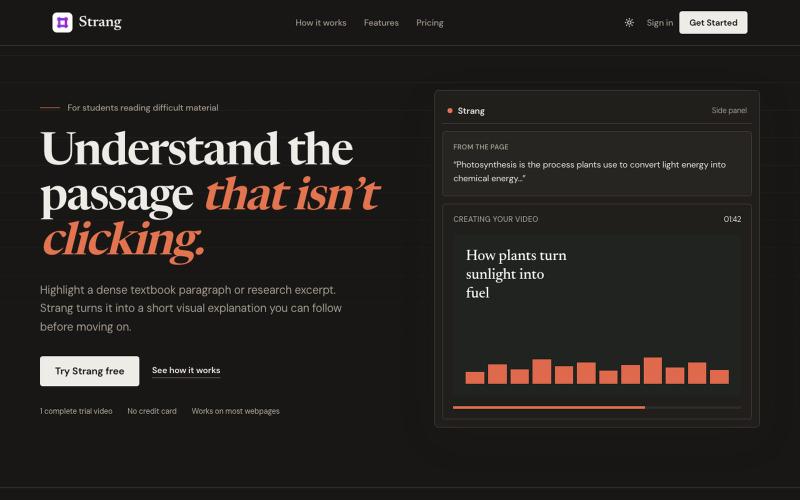
高亮难懂的段落,生成简短的视觉解释,无需离开浏览器。

@Berbir12 · X
Dense reading shouldn’t stop your momentum. Highlight the passage that isn’t clicking. Strang turns it into a short visual explanation, right inside your browser. One complete video is free.

通过 AI 反馈进行打字练习,提高速度和准确性。

@AmitGajbhare · X
We build - a modern typing platform that helps people improve typing speed and accuracy with AI-powered practice, real-time feedback, progress tracking

与实时AI伴侣进行互动学习,AI可以看到你的工作并逐步指导。
khalis_ux · Product Hunt
CartesiumAI Learn by experimenting with a real-time AI companion

冥想基础知识指南和10分钟冥想练习工具

@bian_bx57386 · X
最近做了一个「冥想知识地图」+ 一个「10分钟快速冥想工具」,已经完全开源👇 10分钟快速冥想: 冥想知识地图: GitHub: 之所以做这个小产品,是因为越来越多人想开始冥想,但真正动手时会卡在两个地方: 1. 不知道从哪开始——听过很多术语,却分不清「正念」和「观想」到底有什么区别,也不知道自己当下最需要哪种。 2. 觉得时间太长、门槛太高——很多人一听要坐20-30分钟就直接放弃了。 所以我顺便做了一个「10分钟就能完成一次完整冥想」的工具:打开就能直接用,选好类型,跟着引导做完就走,不需要任何准备。 这些也是我自己和身边朋友在尝试冥想时反复遇到的问题,所以想做一个既帮你「搞懂」又帮你「马上能用」的东西。 而「知识地图」是吧把冥想里最容易懵的概念(呼吸法、身体扫描、正念、慈心、观想……)做成了可左右滑动的知识地图,每个都有解释、步骤、场景和常见误区。 配套10分钟的训练,让你知道为什么、怎么做。 之前我写过一篇冥想文章,如果对冥想不太了解的可以先看这个:

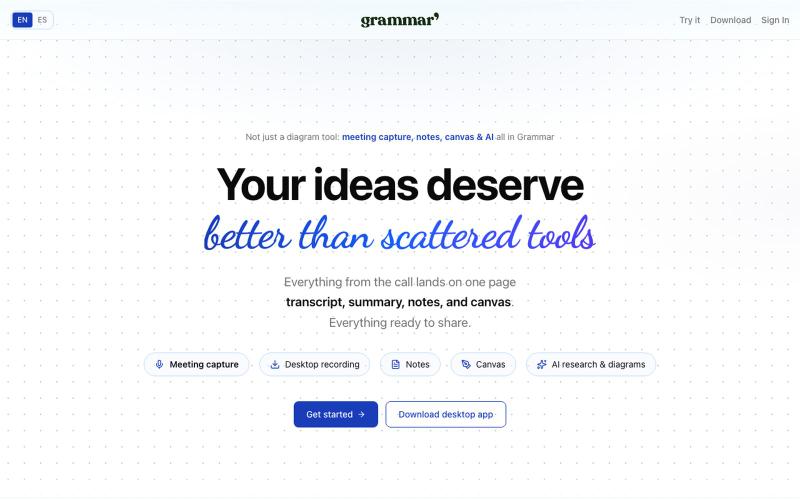
在一个地方捕捉会议、用AI写笔记、在共享画布上创建图表。

@rubs_murga · X
VanillaPad - 编辑和预览HTML应用的移动工作区,支持ChatGPT、Claude和Gemini。
u/heisenberg2995 · Reddit
I built a mobile workspace to edit and preview the HTML apps ChatGPT/Claude write for you. Hey everyone! I built VanillaPad , a mobile workspace for building simple HTML/CSS/JS projects. 👉 https://vanillapad.dev The idea came from something I kept running into. Sometimes I'd need a simple utility app or a quick landing page or to test a little game idea. Getting the initial code written was easy since I could just ask ChatGPT or Claude on my phone. The hard part came af

浏览精选 AI 提示词和工具库,助力生产效率和创意工作。

@yingxiongge03 · X
第一次用Ai做了一个网站,对于不懂代码的我而言,还是很兴奋的! 希望你喜欢!免费的Ai提示词和工具的。
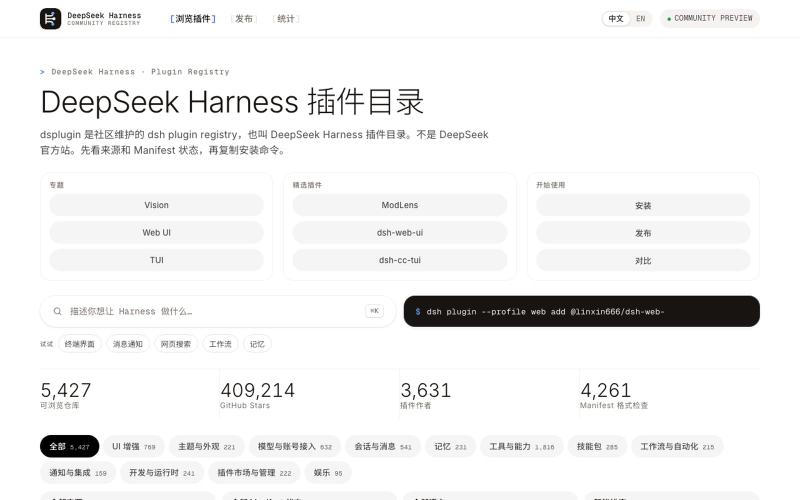
在 dsplugin.app 浏览 DeepSeek Harness(dsh)社区插件目录:按来源与 Manifest 状态筛选,查看 GitHub 数据和安装命令。

@medfac_opc · X
有朋友做了一个DeepSeek harness的插件导航站,功能非常齐全,目前已收录近5000个插件仓库,果然开源的力量大; 目前关于DSH的讨论很多,信息比较散乱,有这么一个网站把信息汇总到一处,能节约大家很多的无效时间; 我的个人看法是,dsh创造一个新的范式,尽管它现在可能还不是那么强大,可以理解为一个博士生的幼儿园阶段,但它有个强大的内核和基座,迟早有一天会成为一把屠龙宝刀; 记住cuitianyi这个名字,我觉得他将来会让世界大吃一惊
