

实用工具1 month ago
UtilStax - Free PDF, Image, Video & Quick Utility Tools
浏览器中免费合并PDF、压缩图片、去除背景和其他实用工具。

@damiadeh · X
Your files utility tools stacks in your browser. No uploads, files stays on your pc.
完整作品展
技术栈
60 projects
浏览器中免费合并PDF、压缩图片、去除背景和其他实用工具。
@damiadeh · X
Your files utility tools stacks in your browser. No uploads, files stays on your pc.
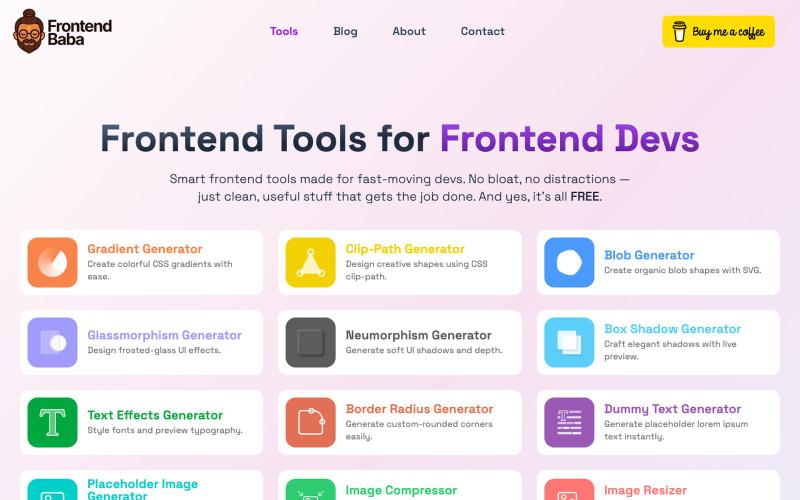
免费前端开发工具,包括CSS生成器、图像压缩等功能。

@iamdeepak89 · X
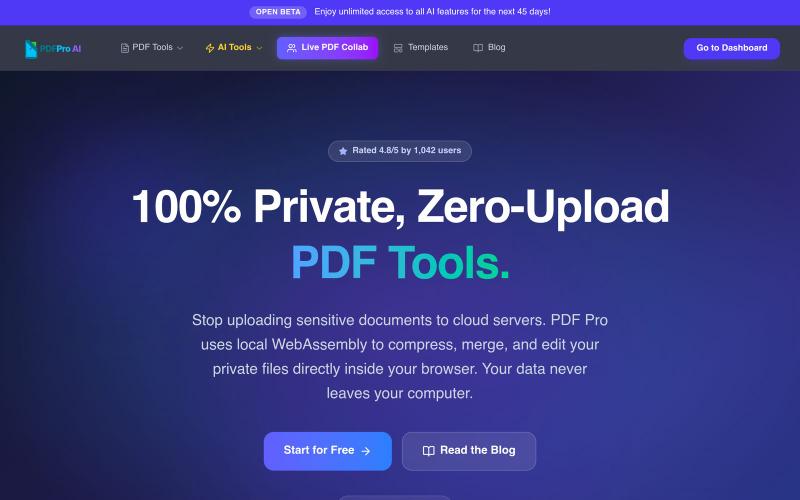
在浏览器中编辑PDF,支持压缩、合并、AI分析,无云上传。

@pdfproindia · X
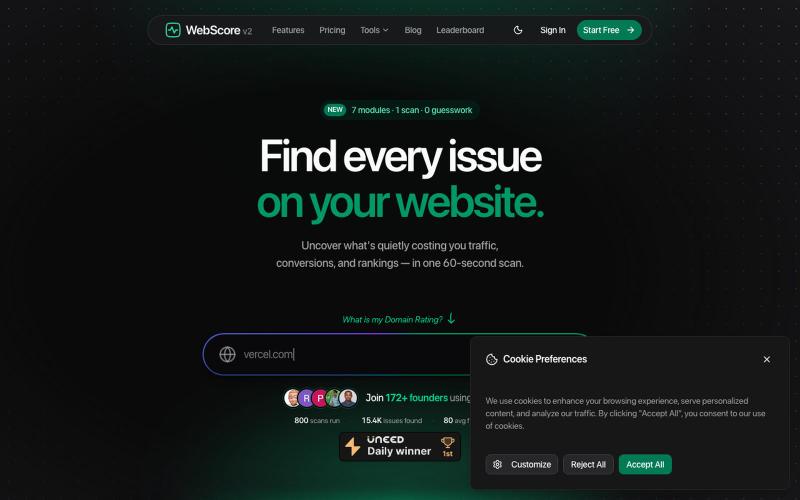
免费网站分析器和SEO审计工具——在60秒内扫描任何网站的性能、SEO、安全、无障碍和UI/UX问题。修复影响您排名的问题。

@WebScore_now · X
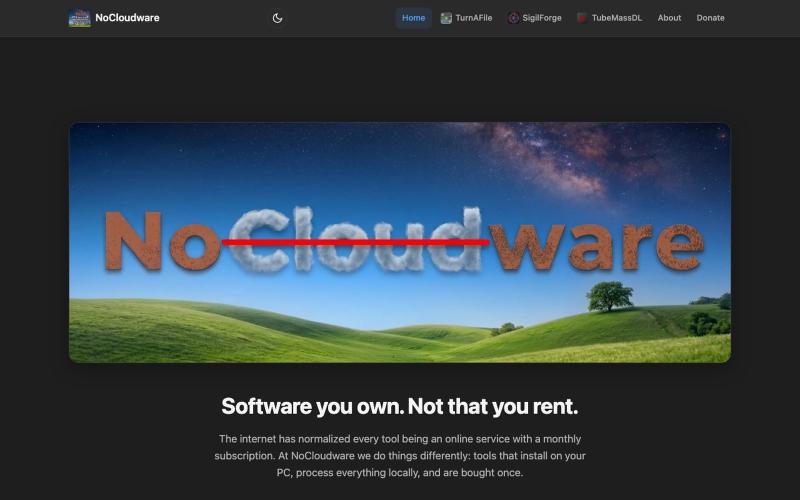
NoCloudware — Software you own, not that you rent. 100% local tools, no subscriptions, everything runs on your PC.

@adrian_goodrich · X
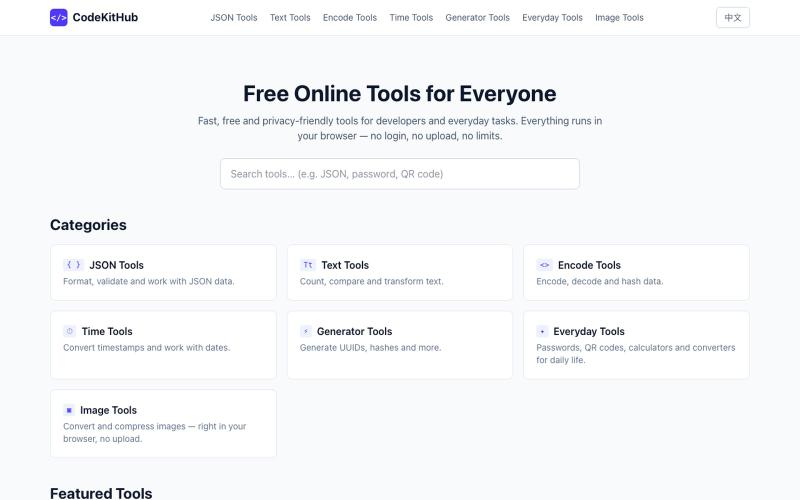
在线格式化和验证 JSON,无需上传数据

@VeganVegan75738 · X
做了一个免费的 JSON 格式化工具。 支持: ✅ JSON 格式化 ✅ JSON 校验 ✅ 在线使用 ✅ 无需安装,数据不上传 开发者日常调试 JSON 可以直接用: #开发者 #前端开发 #工具
TeachSpark为学前至12年级教师提供AI课程规划、行为干预和学生进度追踪工具。

@gigi2026tcsp · X
Check out what I just built with Lovable! I've spent month working on this. Teachers, Check it out!

免费在线PDF工具,支持合并、拆分、转换和编辑,文件不离开您的设备。
u/Key_Caramel_5578 · Reddit
Built a free PDF toolkit solo (with AI help) — need feedback on the in-browser text editor before I keep pushing on it Been heads-down on this for a while: thepdftool.in Standard PDF stuff : merge, split, compress, convert, OCR — but most of the conversion tools run entirely client-side (WASM), so files never leave your browser for those. Built solo, leaned on AI tools for a good chunk of the code and debugging. The feature I care most about right now is an inline text editor :— click i
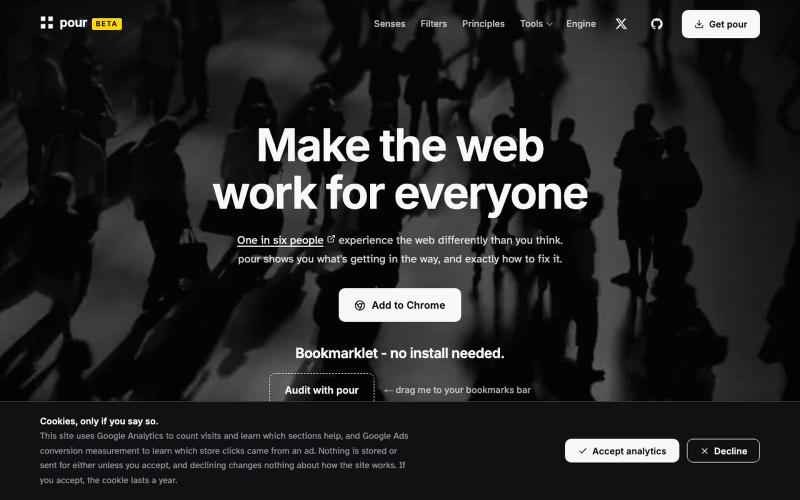
Accessibility testing, documentation, and vision/sensory/motor simulation tools. A non-profit initiative: WCAG 2.2 audits with plain-language fixes, built on pour engine.

@A11y_pour · X
One in six people experience the web differently than you think. pour shows you what's getting in the way, and exactly how to fix it.
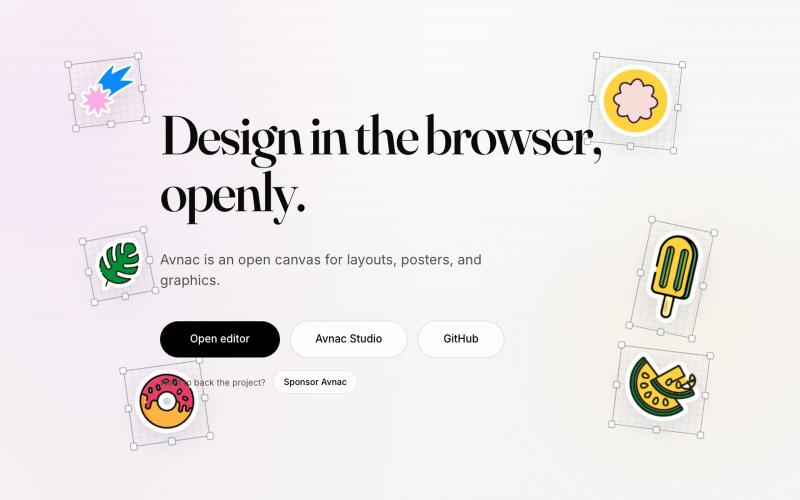
Avnac 是一个开源设计工具,可在浏览器中创建图形。

@akinkunmi · X
He trash-talked me and my amazing project ( unprovoked while all his projects are vibe-coded slop. That's why I named him King of Slop.
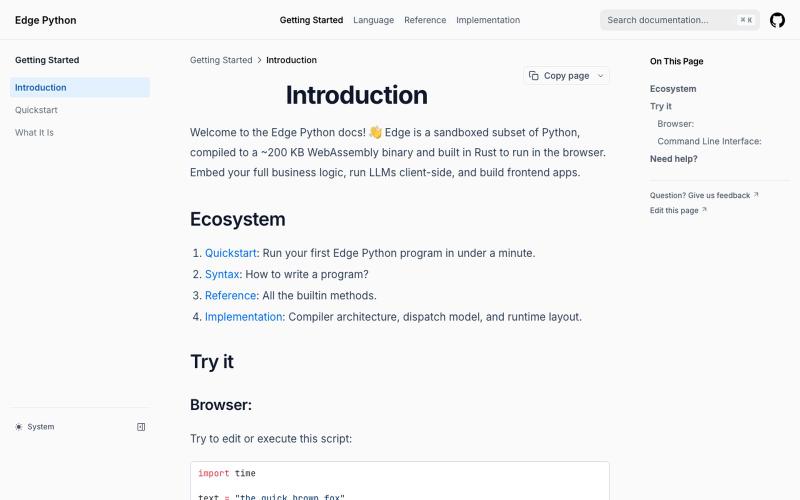
Edge Python 是一个在浏览器中运行的轻量级 Python 解释器。
dylansuttonc · HN
When I started programming Edge Python more than six months ago, I was looking for a version of Python that weighed less than 200 kb so it could reach any device, sandboxed by design, built with browsers in mind, decoupled from the operating system and very fast. Today the closest competitor would be MicroPython. However, it did not solve my real problems or the problems of the people who use the project. * Managing async and blocking code on the event loop. MicroPython inherits CPython's blocki

图片转 ASCII 字符画、复制符号、查看码表、进制转换——全在浏览器。
HeStudy · V2EX
做了个纯前端的 ASCII 工具站:图片转字符画、banner 生成、符号一键复制 平时偶尔需要查 ASCII 码表、复制一些特殊符号(箭头、制表符这类),每次都是搜一个满屏广告的老站凑合用,索性自己做了一个: https://getascii.com 目前有这些工具: 图片转 ASCII 字符画(拖一张图进去就行,支持调宽度/字符集/反色) 文字转 ASCII banner 大字 常用符号一键复制(箭头、制表符、数学符号、颜文字) 完整 ASCII 码表 + 一个交互式键盘映射图(点键盘上的键显示对应的 dec/hex 码) 进制转换器( hex/dec/bin ↔ ASCII ) 几个实现上的点: Astro 构建的纯静态站,所有工具都是纯客户端计算,图片不会上传到任何服务器 没有账号系统,没有付费墙,打开就用 整站是绿色荧光终端风( CRT 扫描线 + JetBrains Mono ),算是给终端审美交个作业 顺手给它做了个 25 秒的宣传片: https://www.youtube.com/watch?v=AjzU5mw1PrI