
生产力2 months ago
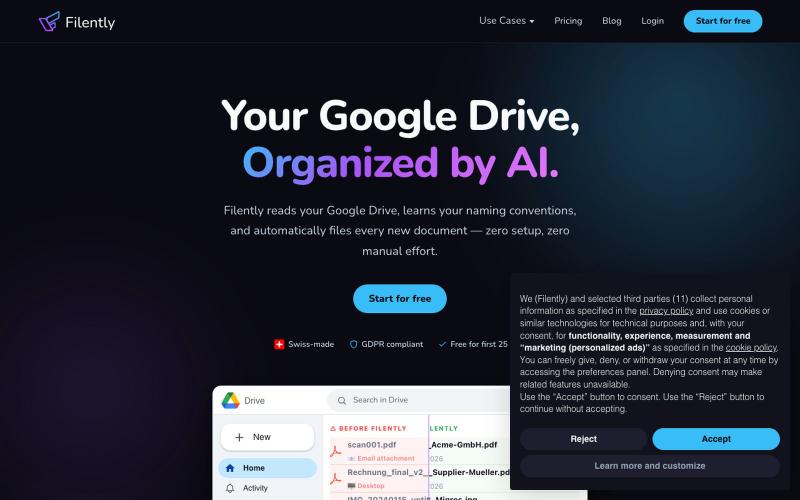
Filently - AI document filing for Google Drive
自动整理和重命名 Google Drive 中的文档

@filently · X
Get rid of the CHAOS in document filing
完整作品展
技术栈
60 projects
自动整理和重命名 Google Drive 中的文档
@filently · X
Get rid of the CHAOS in document filing
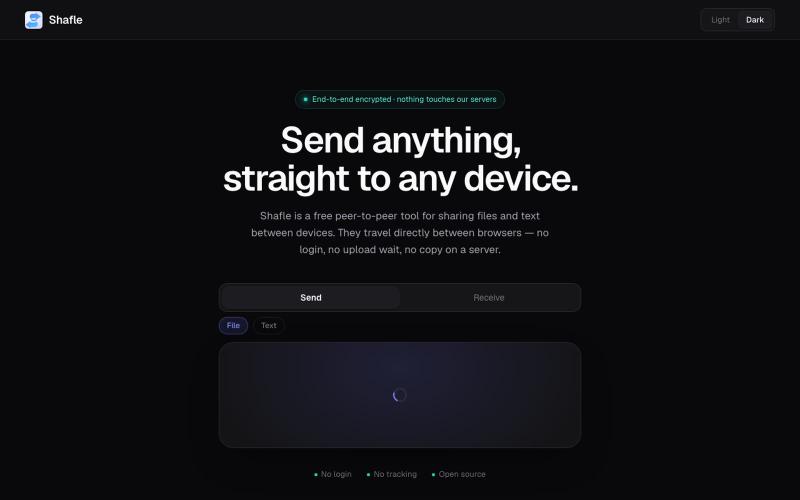
Shafle is a free peer-to-peer tool to share files and text across devices using a code or QR. No signup, no upload wait — files go browser-to-browser.

@bytestreak · X
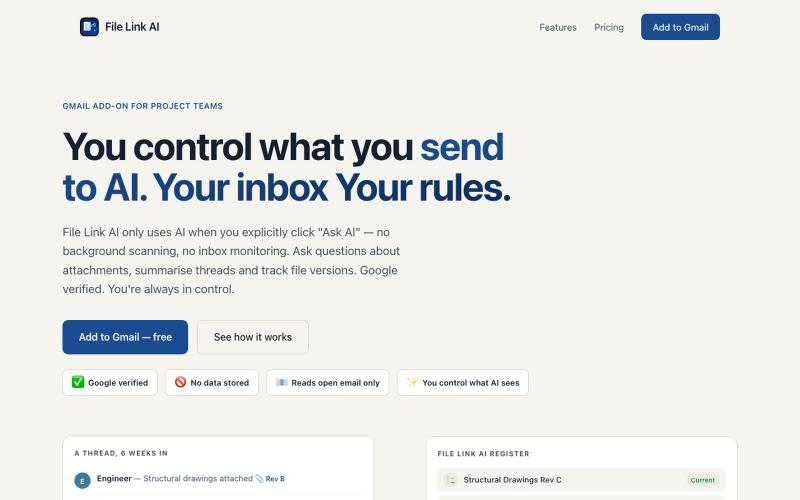
File Link AI:用AI整理Gmail中的项目文件和链接。

@Foton689267 · X
Privacy focused AI for gmail
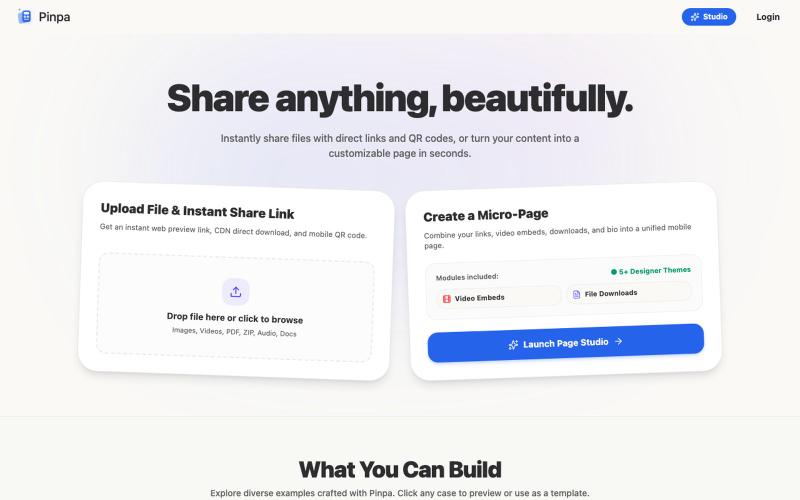
将文件转换为精美的移动端优先网页和可共享链接,提供灵活的访问权限。
ShawnHacks · V2EX
做了个内容分享的工具网站,可以直接分享文件,也可以制作自定义的页面 通过直接链接和二维码即时分享文件,或在几秒钟内将您的内容转换为可自定义的页面。轻松分享任何内容。 https://pinpa.app/
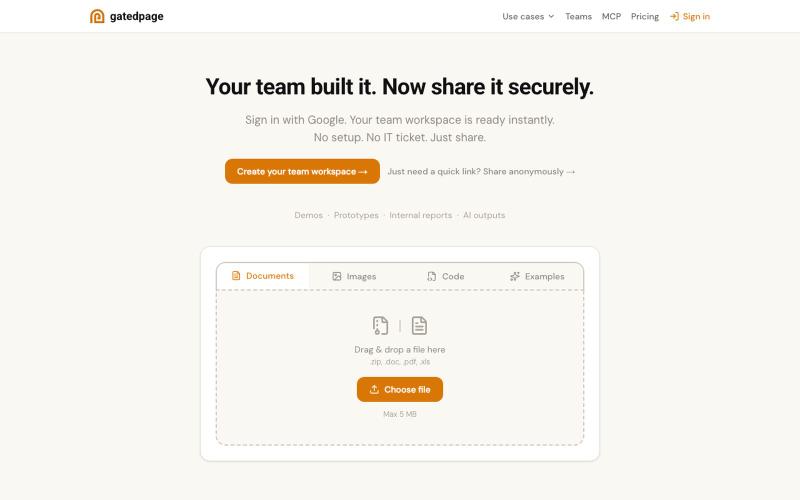
上传文件立即获得可分享链接,无需注册。

@gonelf · X
So many things - dead simple way to share projects within your team - dead simple base - no backend forms - ez directory submissions - a Lego event
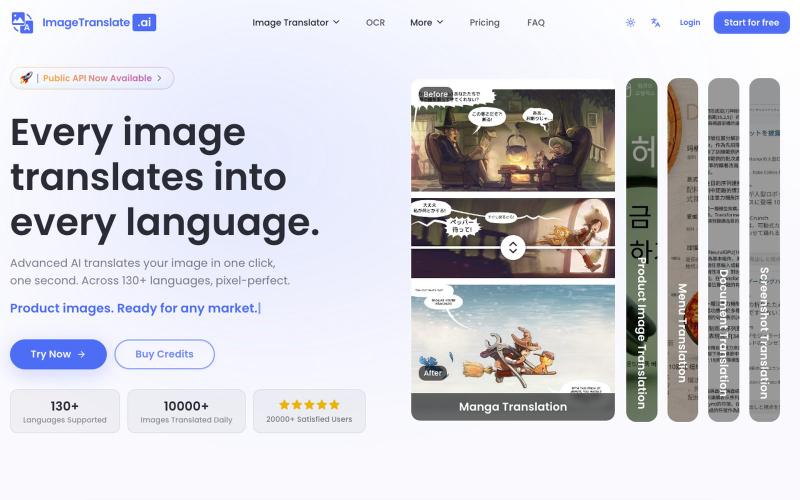
上传图片,快速翻译图文内容至 130+ 种语言。
Image Translate AI — AI 图片翻译软件,翻译 70 多种语言的图片文本,专为专业人士,电商商家打造。保持图片原始布局,扩大全球影响力,并简化本地化流程
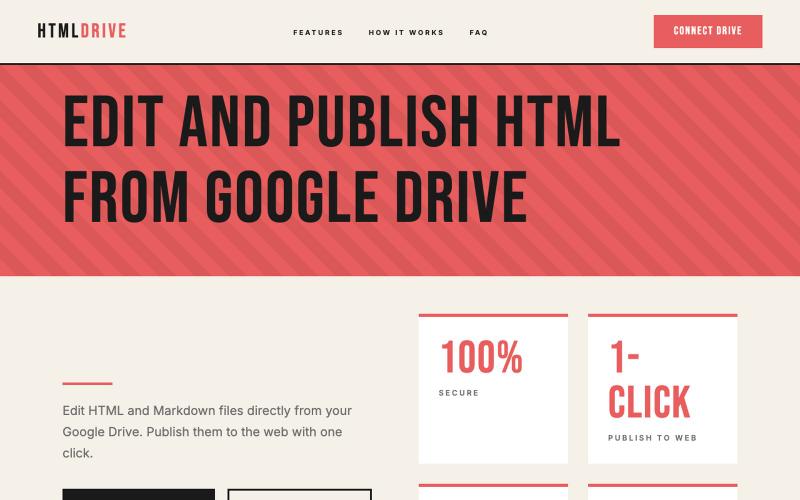
从 Google Drive 编辑和发布 HTML 文件。
debamitro · HN
I found that AI tools are generating excellent HTML documents nowadays, yet there's no easy way to show them to others. Yes, there's GitHub pages - but I don't know if it is user-friendly for non-technical people. This app allows you to keep your HTML file in your Google Drive and serve it from there. Feedback is most welcome.
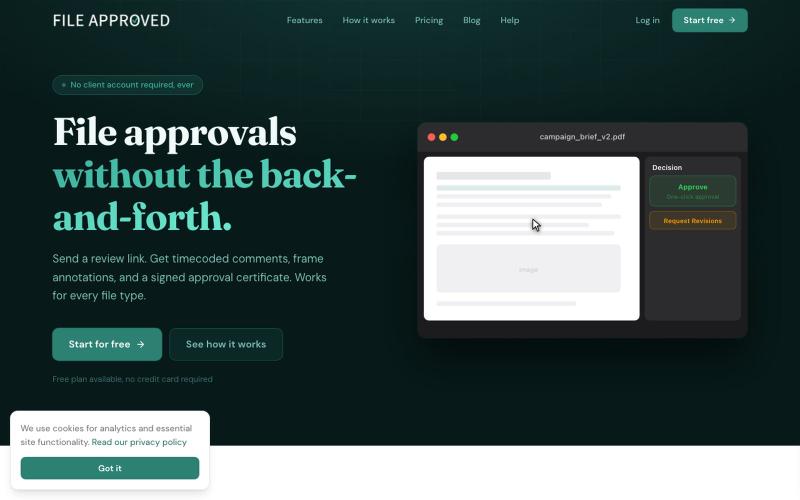
Send any file to clients as a single review link. Collect feedback, approvals, and sign-off in one place. No client account required. Free to start.

@mikevannelli · X
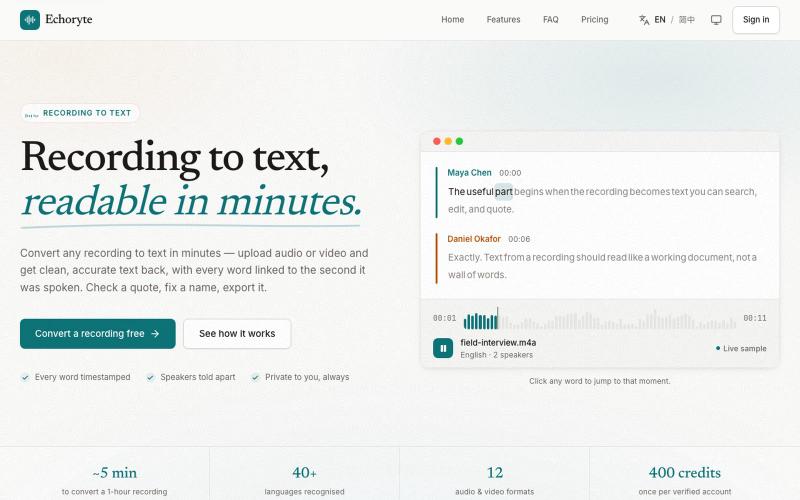
将录音或视频转录为带时间戳和说话人识别的可编辑文本。
lavande · V2EX
做了一个语音转文字的工具,另加 AI 总结、翻译、提问等(附踩坑记录) 先上链接:[Echoryte]( https://echoryte.com/) 感觉这个网站 vibe coding 的话,感觉手熟的同学可能半天就能搓出来…… 但是我用了一个多月才上线,主要是被 GPT5.6 坑了,当时 5.6 和 fable 前后发布,然后试了试用 fable 5 做的 plan ,然后 5.6 sol 推理开到最大去执行。结果愣是给我干了 33 个小时没停,写了将近 2 万行代码。 但是坑就坑在这,推理开太高,就过度思考了,给我整了很多虚头巴脑的东西出来,什么“门禁”我也不懂,什么合规,一大堆,然后我就不停地删,删了一个月,最后我就跟 GPT 说,我特么是个人小项目,不是大公司,再这么高下去永远上不了线了。然后终于看删的差不多了,上线了! 欢迎大家试用,轻拍,谢谢!
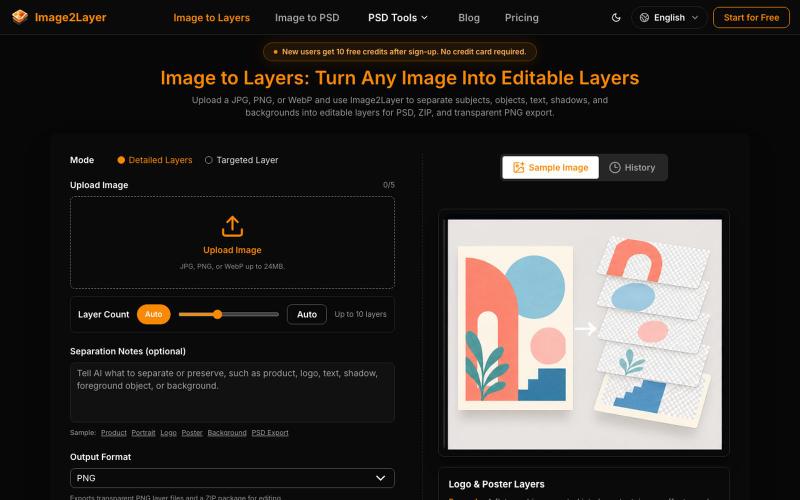
将平面图像转换为可编辑图层,支持导出为 PSD、PNG 或 ZIP。
295732356 · V2EX
Image2Layer:用 AI 将图片转换为可编辑 PSD 图层 最近在做设计和内容制作时,我发现一个很常见的问题:很多图片只有一张扁平化的 JPG 或 PNG 文件,想要修改其中的对象、背景或文字,往往需要重新抠图、建立蒙版,再手动整理图层。 所以我们做了 [Image2Layer]( https://image2layer.com),这是一个基于 AI 的图片图层处理工具,目标是帮助用户更快地把普通图片转换成可编辑的设计素材。 ## Image2Layer 可以做什么? Image2Layer 的核心功能是 AI image layer separation 。用户上传一张图片后,系统会分析其中的主体、对象、背景和其他视觉元素,并尝试将它们拆分成独立图层,方便后续编辑和复用。 如果你主要需要进行图片格式转换,也可以使用: - [Image to PSD]( https://image2layer.com/image-to-psd):将图片转换为可编辑的 PSD 文件 - [PNG to PSD]( https://image2layer.com/p
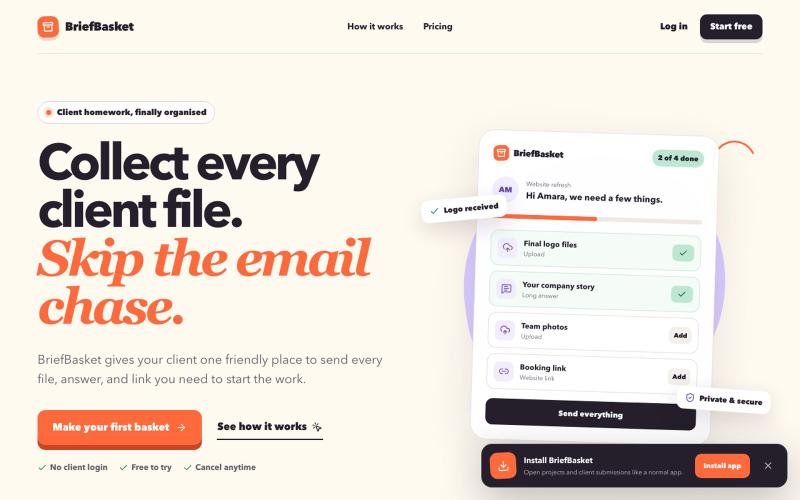
为客户创建私密链接,一站式收集文件、文案和批准,无需账户。

@poweroverthink · X
Stop chasing clients for files, copy and feedback. BriefBasket keeps everything in one simple place.

在浏览器中编辑、压缩、转换和合并视频和音频文件。
zhw2590582 · V2EX
最近对网站进行了重构,做成了免费的视频工具站:[ArtPlayer Tools]( https://artplayer.org/tools/) 主要是围绕着 ffmpeg.wasm 和 mediabunny 实现的一些可以直接在浏览器里用的视频/音频工具,常用的有: - 视频压缩:[Compress Video]( https://artplayer.org/compress-video/) - 视频裁剪:[Crop Video]( https://artplayer.org/crop-video/) - 视频合并:[Merge Video]( https://artplayer.org/merge-video/) - 视频尺寸调整:[Resize Video]( https://artplayer.org/resize-video/) - 视频旋转:[Rotate Video]( https://artplayer.org/rotate-video/) - 视频调速:[Change Video Speed]( https://artplayer.org/change-video-speed/) - 添加文字到视频:[Add Text to Video]( https://artplayer.org/add-text-to-video/) - 添加水印:[Watermark Video]( https://artplayer.org/watermark-video/) - 提取字幕:[Subtitle Editor]( https://artplayer.org/subtitle-editor/) - HLS 转 MP4:[HLS to MP4]( https://artplayer.org/hls-to-mp4/) - 音频可视化:[Audio Visualizer]( https://artplayer.org/audio-visualizer/) 大部分工具都是本地处理,文件不会上传到服务器。最开始是因为自己偶尔要处理一些视频,开剪辑软件又有点重,在线工具又担心隐私,所以就慢慢做成了一个站。 目前还在持续完善,体验肯定还有不少粗糙的地方,比如不同浏览器的兼容、移动端操作、长视频性能之类的。 网站: [ArtPlayer Tools]( https: