
游戏娱乐2 weeks ago
Adopt Me Pet Aging Guide 2026 — Needs & Age-Up Potions
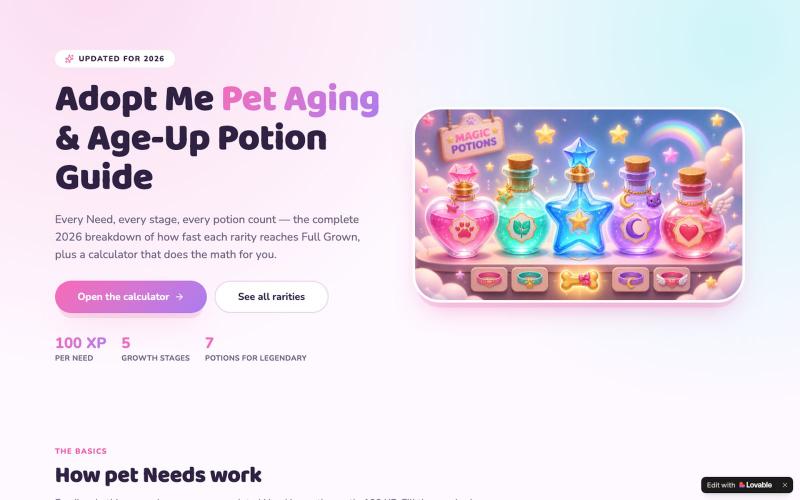
Adopt Me宠物进度完整指南,包含交互式计算器,显示各阶段XP需求和刷图策略。

@JevanP86180 · X
Check out what I just built with Lovable! ADOPT ME AGE UP GUIDE! #adoptme #roblox #lovable
完整作品展
技术栈
60 projects
Adopt Me宠物进度完整指南,包含交互式计算器,显示各阶段XP需求和刷图策略。
@JevanP86180 · X
Check out what I just built with Lovable! ADOPT ME AGE UP GUIDE! #adoptme #roblox #lovable
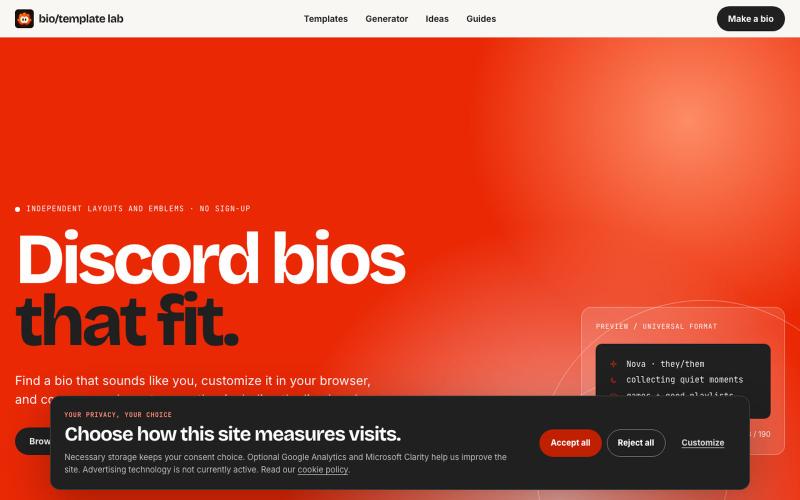
Explore independently curated Discord bio templates and decorative emblems. Search, customize, check the 190-character limit, and copy every line exactly.

@prayagmishra838 · X
Not a saas product but a free bio template library for discord and others social media platforms
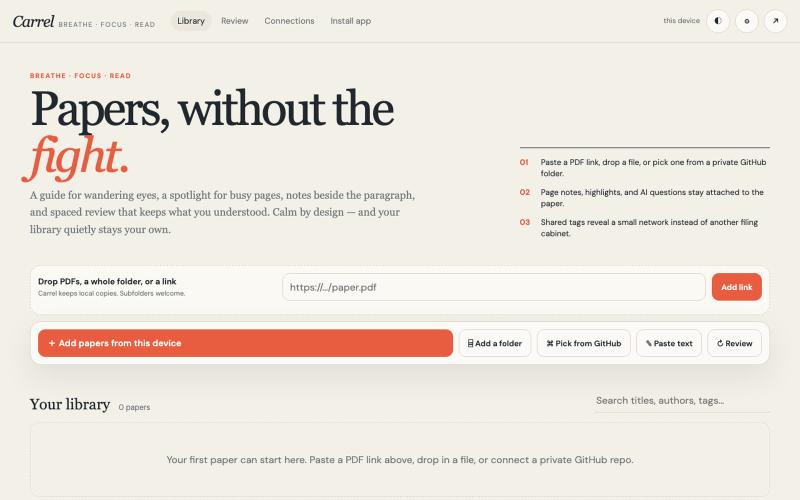
一个专注阅读学术论文的界面,支持笔记、阅读指南和间隔复习。

@houfu_chen · X
As a slight ADHD+anxiety, I tried to find a tool for reading papers, looking around for so long, non is working too well, so I vibecoded it. Now, let’s breathe, focus, and read. #vibecoding #adhd #anxiety #codex

利用一致的AI角色创建个性化插图故事书和有声书。

@StoryStitchApp · X
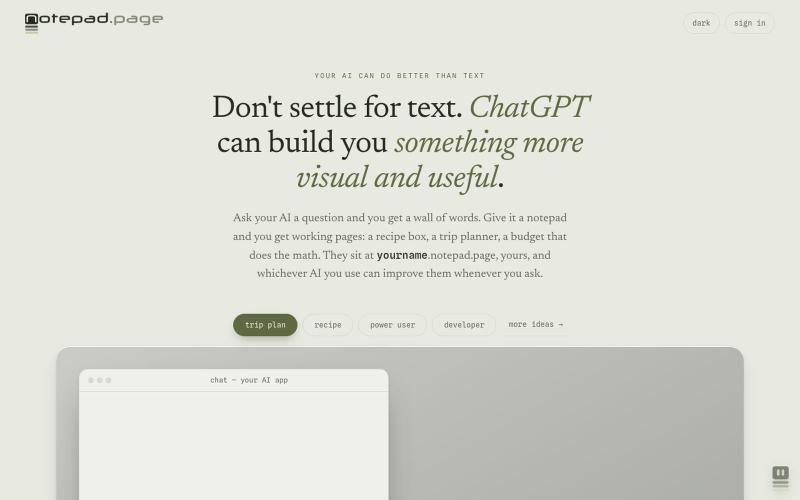
Your AI can build you working pages: a recipe box, a trip planner, a budget that does the math. Yours at yourname.notepad.page, private by default.

@edtadros · X
AI agents are great at writing little single page HTML tools and bad at giving them somewhere to live. <you>. is the address. Your agent publishes it, manages it, updates it, the page stays private until you share it, check a box on your computer it stays checked on your phone. Checkout for examples. Agent-first by design.
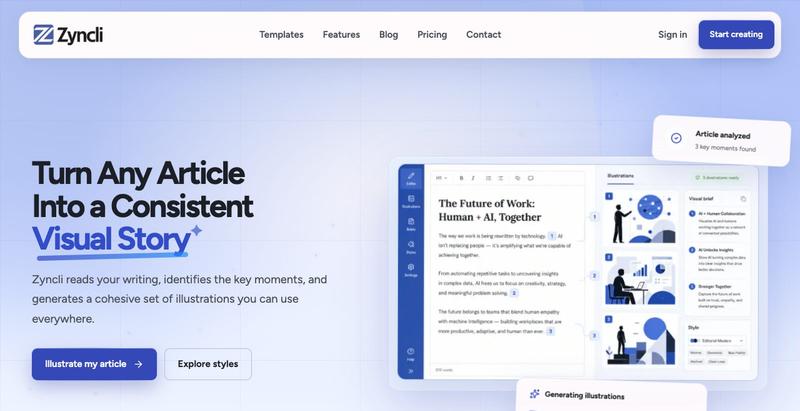
Zyncli 为文章、新闻通讯和社交帖子生成一致的插图集。


为 HTML 和 Markdown 页面添加加密的绘图和注释。
pandrre · HN
I've built tldraw for HTML and Markdown pages (with encryption)

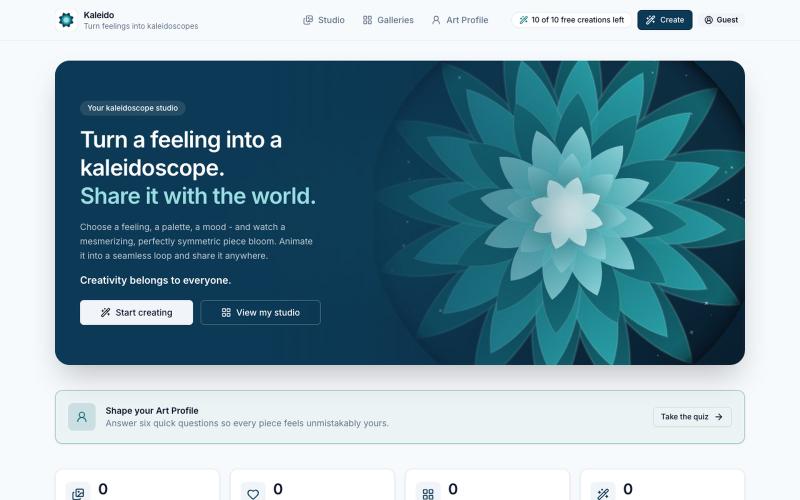
Kaleido — create mesmerizing kaleidoscope art, share it, or print it.

@sommerkamp · X
have you seen a kaleidoscope maker yet? finishing the mobile app this weekend.
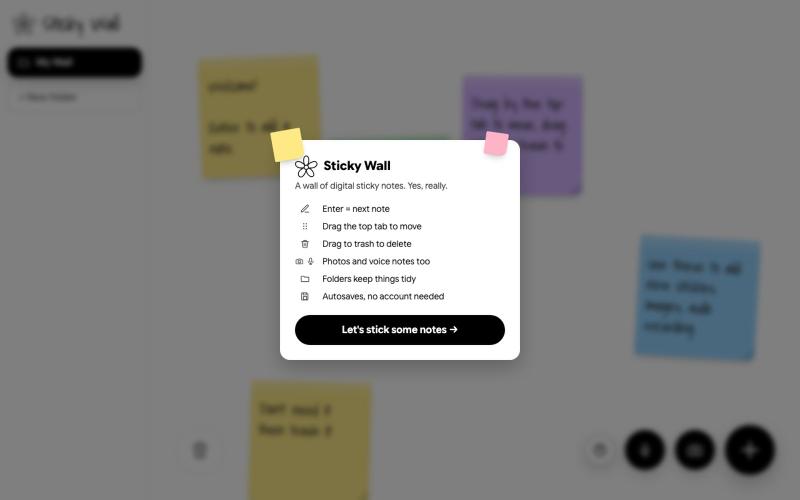
在数字墙上创建和整理便签

@SKaaveri14488 · X
Lately I have been into : eating healthy (Mexican-style baked sweet potatoes😍) and building things with Claude Code. check out this sticky note wall I built yesterday.

为 Codex Desktop 设计自定义主题,调整背景、颜色、透明度和视觉效果。
plutozc · V2EX
做了个 Codex Desktop 主题预览和切换工具,先调好再安装 最近一直在用 Codex Desktop ,觉得默认界面看久了有点单调,就顺手做了个主题编辑工具,分享一下: [Codex Skin]( https://getcodexskin.com) 可以先在网页里预览主题,调整背景透明度、面板透明度、颜色、模糊和圆角等参数,满意之后再下载并切换到 Codex Desktop 。 目前支持: - 自定义 JPG 、PNG 、WebP 背景 - 在线实时预览主题效果 - 调整透明度、颜色、模糊、圆角 - 预览满意后生成安装命令 - 不喜欢了可以恢复默认外观 目前主要面向 macOS 上的 Codex Desktop ,还是个人项目,功能和兼容性都在继续打磨。 欢迎试试,也想听听大家对主题参数、预览效果和安装流程的反馈。 直接网址: https://getcodexskin.com [轻喷 轻喷,可能还有些 bug
