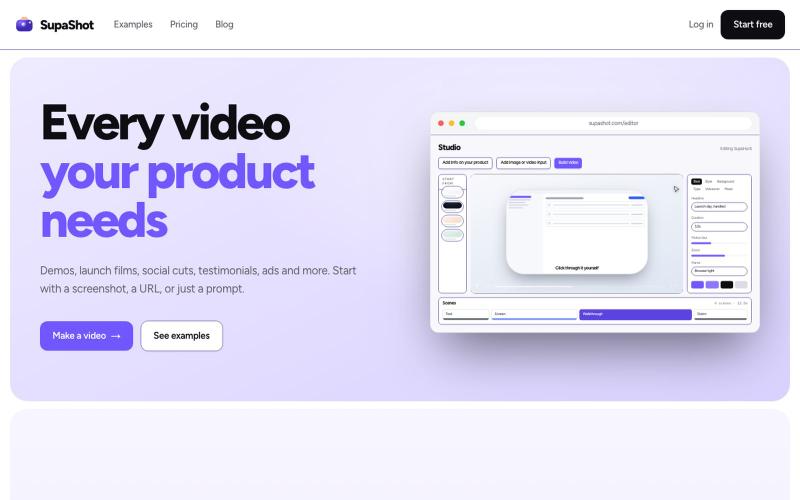
SupaShot · Every video your product needs
A complete way to promote your product with video. Demos, launch films, social cuts, testimonials and ads, from a screenshot, a URL or a sentence.
@therealaky · X
Create product videos that convert
完整作品展
技术栈
61 projects

A complete way to promote your product with video. Demos, launch films, social cuts, testimonials and ads, from a screenshot, a URL or a sentence.
@therealaky · X
Create product videos that convert

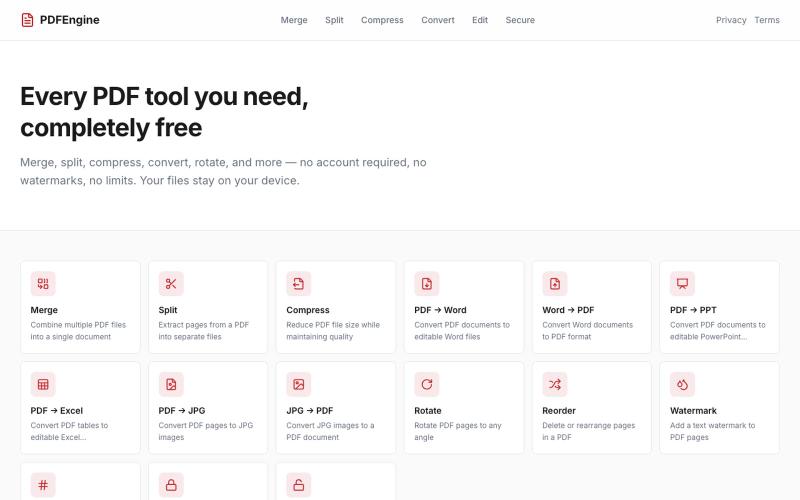
免费在线PDF工具:合并、拆分、压缩、转换和旋转文件。
u/Successful_Respond31 · Reddit
My first "vibe coding" experiment: I built a 100% free, client-side PDF engine with zero backend uploads Hey Reddit, I’ve been watching the "vibe coding" trend and decided to run an experiment: building a complete, production-ready web utility entirely through prompt-based AI coding. The result is PDFEngine ( https://pdfengine-neon.vercel.app ). I got tired of online PDF converters that force you to create an account, cap you at 2 files per day behind a paywall, or upload your sensiti

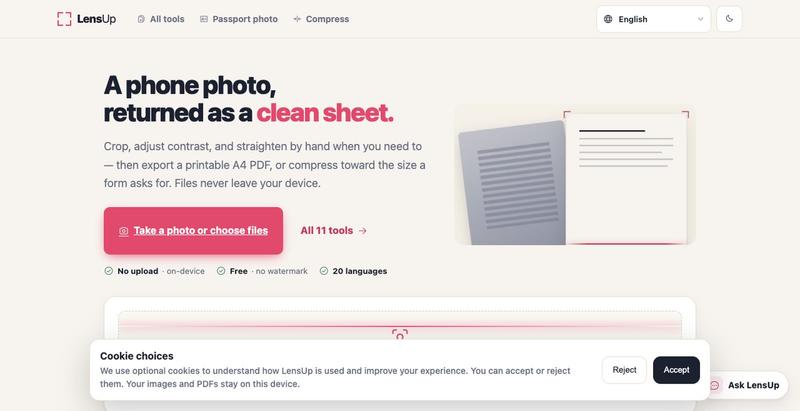
将照片转换为清晰、可打印的PDF,支持自动裁剪、去阴影和压缩。

免费在线PDF工具,支持合并、拆分、转换和编辑,文件不离开您的设备。
u/Key_Caramel_5578 · Reddit
Built a free PDF toolkit solo (with AI help) — need feedback on the in-browser text editor before I keep pushing on it Been heads-down on this for a while: thepdftool.in Standard PDF stuff : merge, split, compress, convert, OCR — but most of the conversion tools run entirely client-side (WASM), so files never leave your browser for those. Built solo, leaned on AI tools for a good chunk of the code and debugging. The feature I care most about right now is an inline text editor :— click i

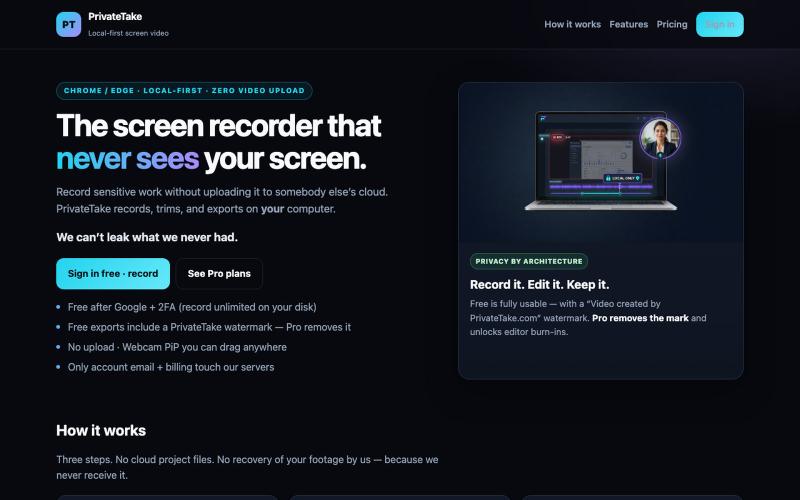
本地录制和编辑屏幕视频,无需云上传。
@MarkZofMarkZ · X
Screen Recorder that doesn't share your recordings to the cloud:

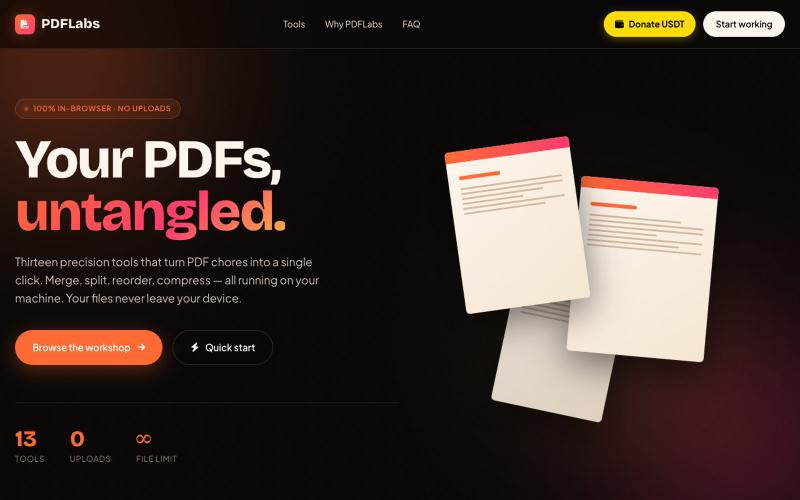
在浏览器中免费合并、拆分、压缩 PDFs,完全私密无需上传。
@no_hitori69465 · X
*"I just launched PDFLabs! 🚀 A free PDF toolkit (merge, split, compress) that runs 100% in your browser. No servers, no uploads, 100% private. Built with vanilla JS and pdf-lib. Try it out and let me know what you think! [ #buildinpublic #100DaysOfCode

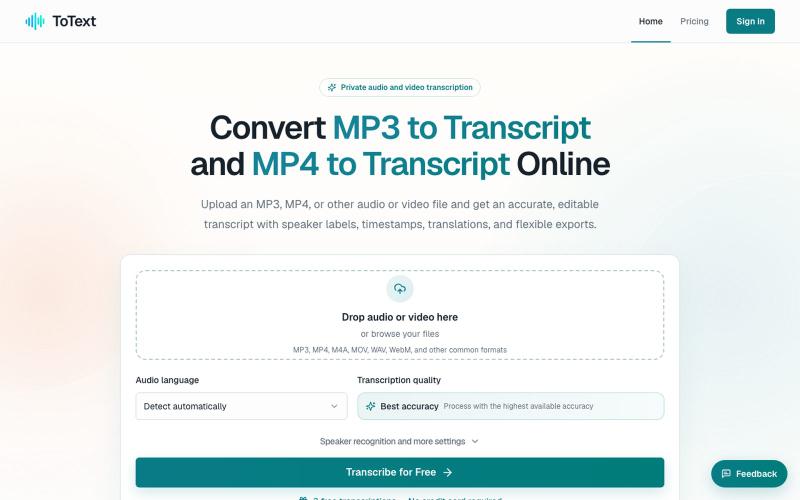
将 MP3 和 MP4 文件转换为带有时间戳和说话人识别的可编辑文字稿。
digiplanp · V2EX
做了一个音视频转文字工具,支持 MP3/MP4、说话人识别和字幕导出 大家好,最近做了一个在线音视频转文字工具 ToText ,想发出来请大家体验一下,也听听 V 友的意见。 最开始做这个工具,是因为我自己在处理会议录音、访谈和视频内容时,发现单纯生成一大段文字并不太实用。转录完成后,通常还需要反复对照原始录音、修改错误、区分说话人,再整理摘要或字幕。 所以现在做成了一个相对完整的工作流: * 上传 MP3 、MP4 、M4A 、MOV 、WAV 、WebM 等音视频文件 * 自动识别语言并生成带时间戳的文字稿 * 支持说话人识别和说话人名称修改 * 点击文字片段可以跳转到对应的音视频位置 * 可以搜索、编辑和校对转录内容 * 自动生成摘要、会议纪要、章节和行动事项 * 支持导出 TXT 、DOCX 、PDF 、SRT 、VTT 、CSV 和 JSON 音频文件可以直接使用 [MP3 to Transcript]( https://totext.app/) 功能,比较适合播客、访谈、课程录音、会议和语音备忘录。 视频文件也使用同一个编辑器,通过

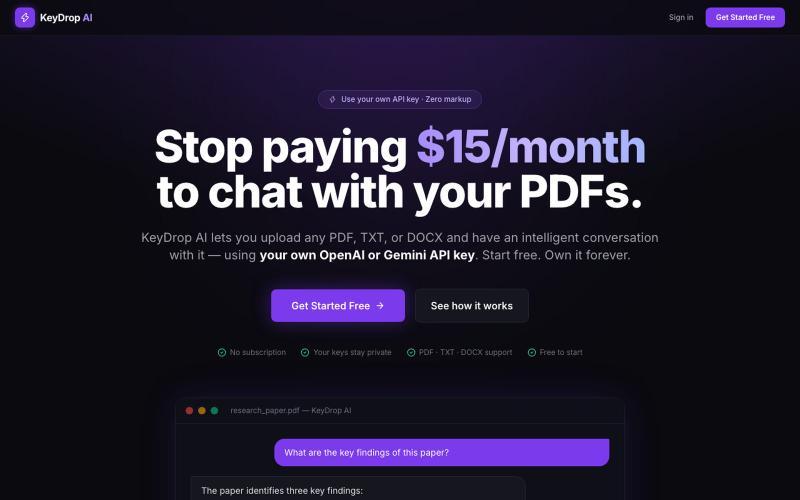
上传 PDF 文件,使用自己的 OpenAI 或 Gemini API 密钥与其聊天。
@PysumSumit · X
SaaS apps charge $20/mo to wrap AI models. I built KeyDrop AI to kill that subscription tax. Bring your own OpenAI/Gemini key to chat with PDFs/DOCX. • 100% client-side (localStorage) • Raw token costs (~$0.15/mo) 👉

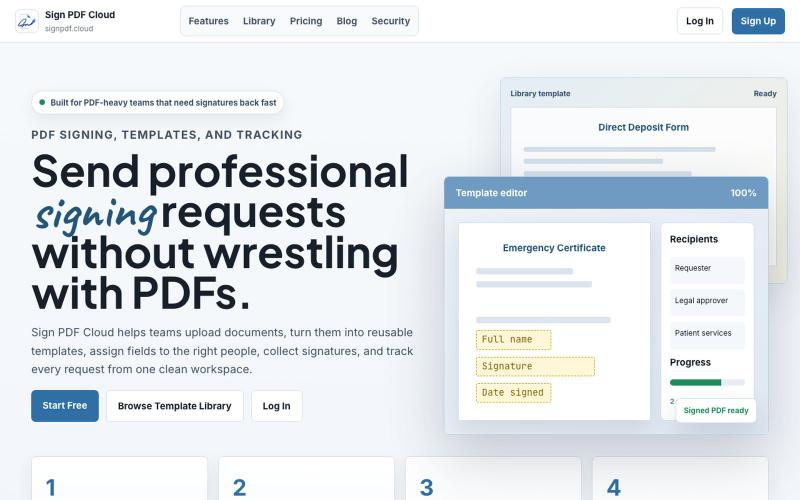
Sign PDF Cloud - 在线PDF签署工具和文档自动化平台。
@qayyumabro · X

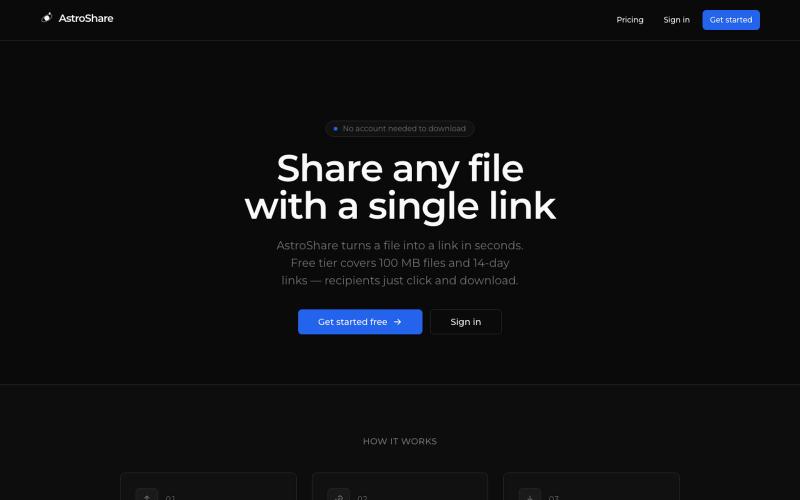
上传文件,生成分享链接让任何人下载。
@astrolinkcc · X
Try one of our products!

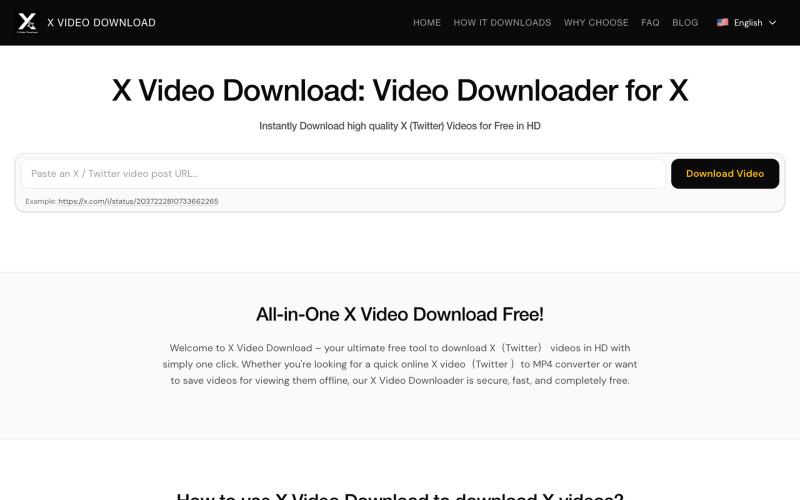
从X(Twitter)帖子下载视频为MP4文件。
x downloader — 解析推特(X)上的 AI 视频及各种视频链接,支持一键下载多种清晰度视频。

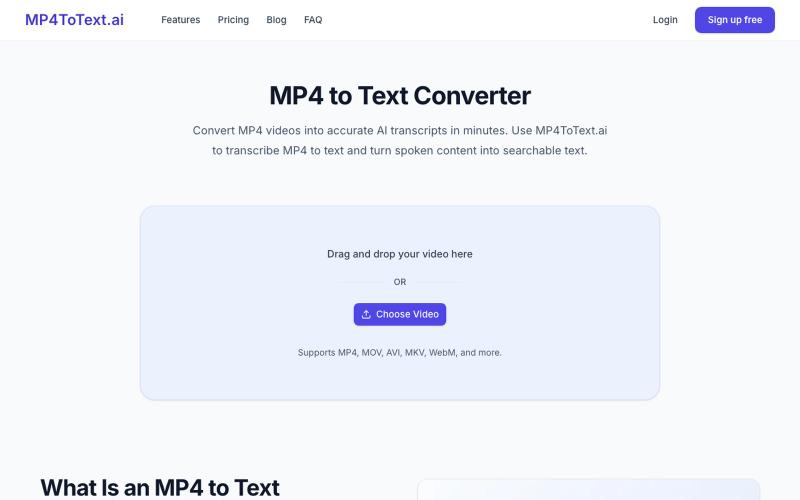
将 MP4 视频转录为文本,支持时间戳和说话人标签。
yongkunchen · V2EX
做了一个 MP4 转文字的小工具 最近自己做了一个 MP4 转文字的 AI 小工具,主要用于把视频快速转换成文本。 项目地址: https://mp4totext.ai/ 开发过程中发现,真正麻烦的并不是调用语音识别模型,而是视频格式兼容、音频提取、长视频处理以及异步任务这些细节。 目前还在持续优化,如果大家平时有视频转文字的需求,欢迎试试看。 也想听听大家对视频转写类工具还有哪些实际需求。