
其他2 days ago
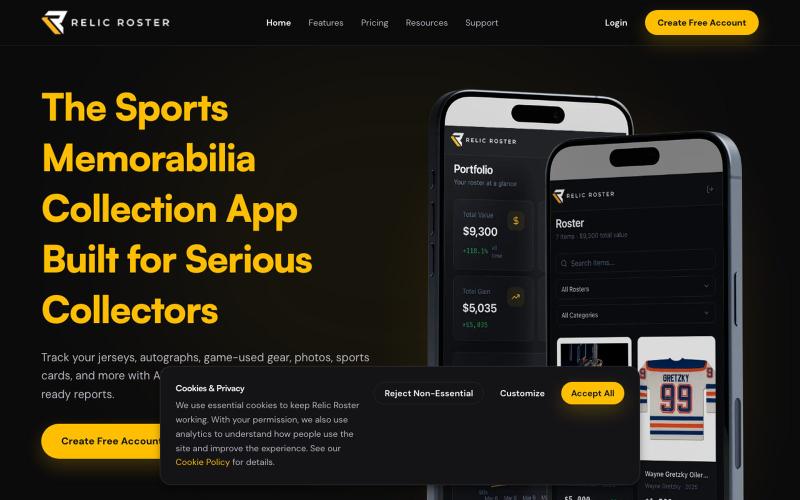
Manage Your Sports Memorabilia Collection | Relic Roster
Catalog, track, value and protect your sports memorabilia collection with Relic Roster. Scan items, track values and manage your entire collection in one place.

@relicroster · X
完整作品展
技术栈
60 projects
Catalog, track, value and protect your sports memorabilia collection with Relic Roster. Scan items, track values and manage your entire collection in one place.
@relicroster · X
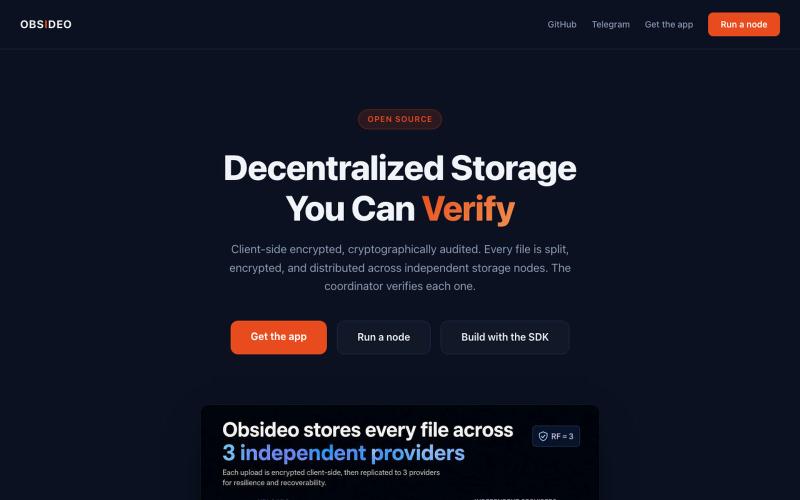
具有S3兼容API和TypeScript SDK的加密去中心化存储

@Regan_Obsideo · X
Obsideo — the storage layer for privacy-first apps. If your product tells users 'we can't see your stuff,' your storage backend shouldn't be able to either. Ours can't. S3-compatible, pay per terabyte-day.
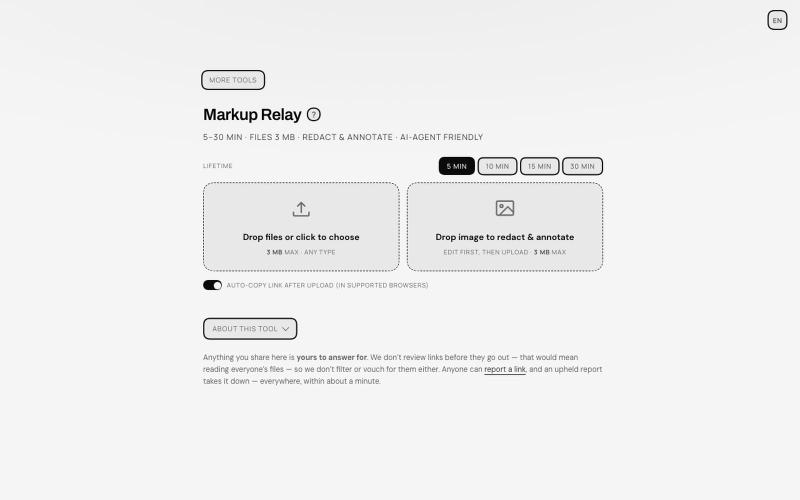
在浏览器中标注和编辑文件,通过自动过期链接分享。
TANTFENG · V2EX
周末到啦 介绍一个更加通用的 AI 导盲犬 Ampcode 推出的 Orbs 非常好用 但是反反复复提交图片 debug 会有点心累 现在远程 vibe coding 开发的场景越来越多了 agent 的识图能力也越来越强 但是如何给 agent 传递且描述准确的信息成了瓶颈 像 cursor design mode 这种好用的工具并不在大多数地方提供 尤其是画面动态变化的时候 或者步骤较多的时候可能需要多次标注以及关键帧引导才行 Markup Relay 作为 SUB&SUB 工作室第一个构想的开源产品提供了一个还在不断完善的思路 来作为 agent 的导盲和接力助手 让标注的内容能够被 agent 读懂 即便是视频 也可以方便的提取关键帧来描述画面的变动 https://tools.subnsub.com/relay 使用方法很简单 在桌面端浏览器内 你可以通过拖动支持的文件到窗口内进行快速编辑 如果是框选工具 在处理完毕后会对未框选的区域在浏览器端自动打码并上传至 cloudflare 的 R2 桶 并在设定时间内自动删除 https://i.
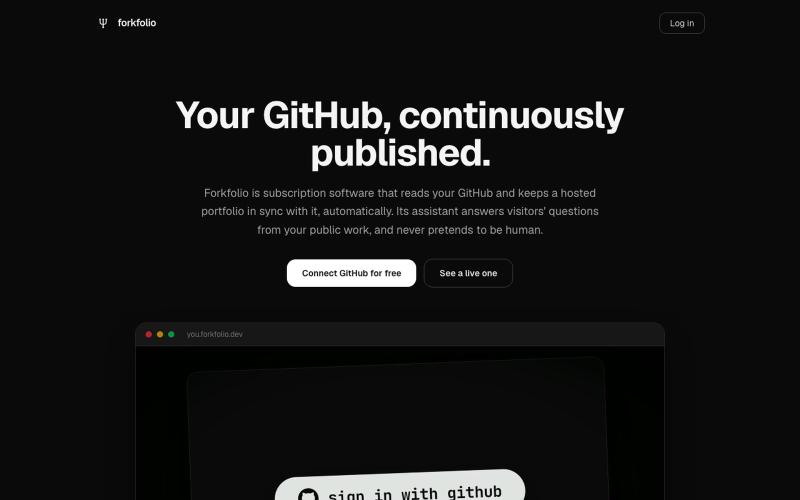
与 GitHub 仓库同步更新的自动生成作品集网站。
u/_Bl9_ · Reddit
Your GitHub is already a portfolio. You just never deployed it. (50+ users in 4 days) I built Forkfolio because my own portfolio site sat untouched for two years while my GitHub kept shipping. Felt backwards, so I made the site read the GitHub instead. Connect GitHub once, no forms, no uploads. It pulls your repos, languages, pinned work and your resume, and publishes a hosted site on your own subdomain. Live in about three minutes. 24 templates, 5 of them free. Same data, n
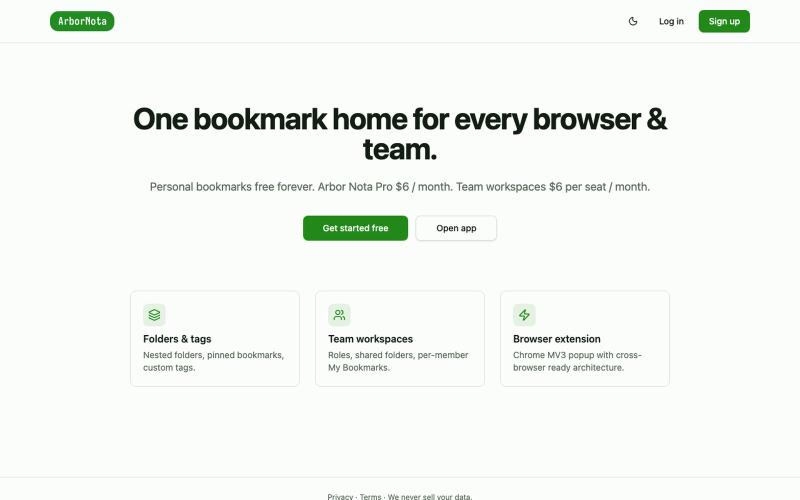
Arbor Nota — 跨浏览器书签管理器,支持团队文件夹共享。

@TimoPrescott · X
I'm working on my bookmark app, It will allow users to manage all of their bookmarks in a singular Universal location, and it will allow teams the ability to share bookmarks in an intuitive way. I didn't like the existing options, so now I'm here 😎
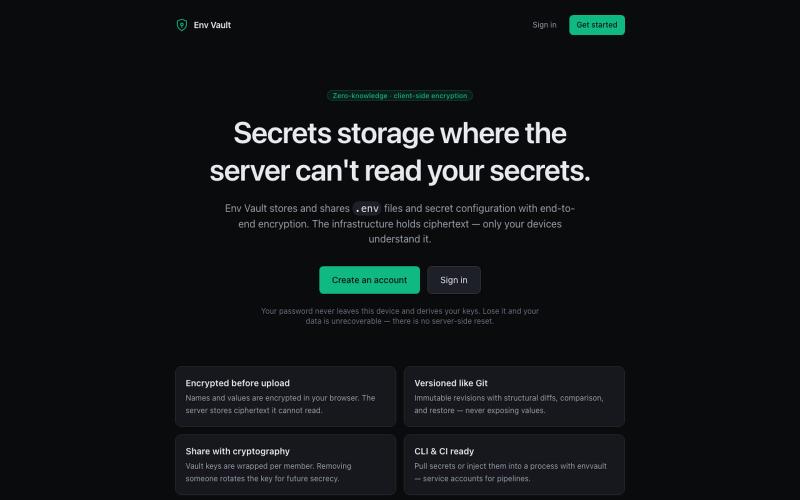
Zero-knowledge encrypted storage and sharing for .env secrets and secret files. Everything is encrypted in your browser — the server stores ciphertext it cannot read. Versioned lik

@theDevSoham · X
Built this multi level encrypted key value storage for storing and versioning environment variables so you don't have to share even dev environment variables on slack or whatsapp Check it here:
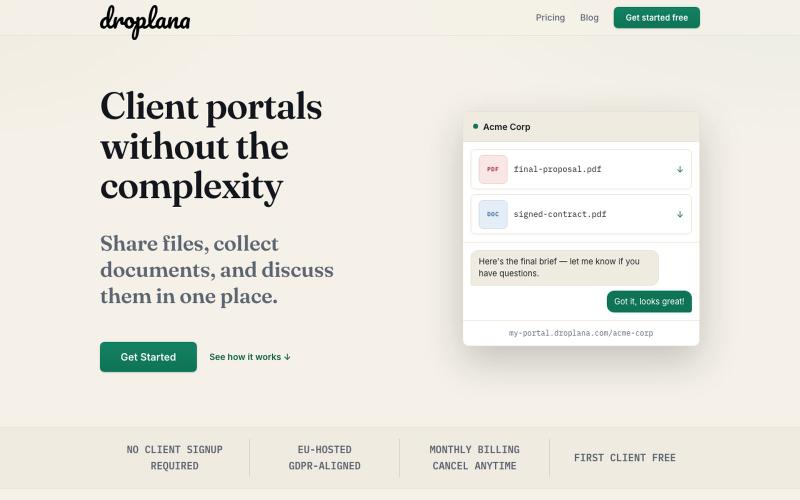
Droplana 无需注册即可创建客户门户,分享文件、收集文档并沟通。

@droplana_com · X
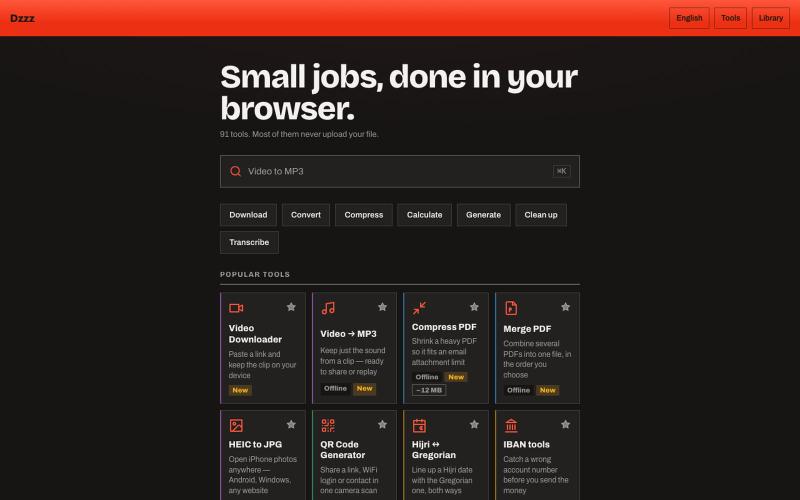
90个免费浏览器工具,无需上传,可转换、压缩和计算文件。
u/Current-Parking-1296 · Reddit
dzzz.ai over 90 tools in one website privacy focus Hey r/SideProject , I kept uploading private invoices and contracts to random "free PDF tool" sites just to compress a file. Eventually it occurred to me that the browser can do this locally — so I built dzzz.ai : over 90 tools that run entirely on your device. PDF compress/merge, video trim and conversion, background removal, HEIC→JPG, document scanning with your camera, audio transcription, CSV cleanup. All WebAssembly — ffmpeg, Ghost
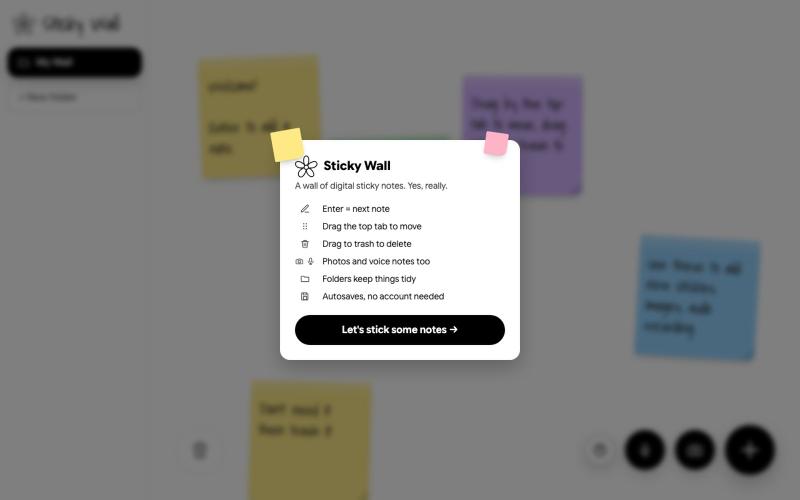
在数字墙上创建和整理便签

@SKaaveri14488 · X
Lately I have been into : eating healthy (Mexican-style baked sweet potatoes😍) and building things with Claude Code. check out this sticky note wall I built yesterday.
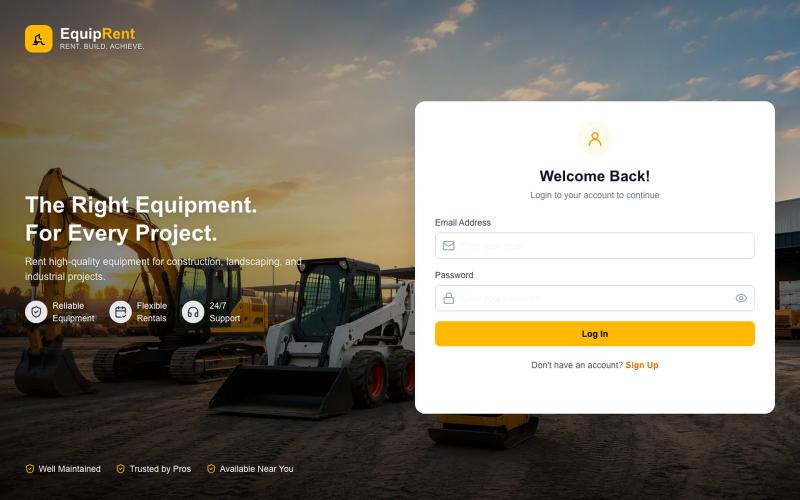
Vault_76:一个用于管理设备租赁、付款和库存追踪的系统。

@ShakibMd93031 · X
Built an Equipment Rental Management System to simplify rentals, payments, and equipment tracking. Looking for businesses interested in a demo or a customized solution.
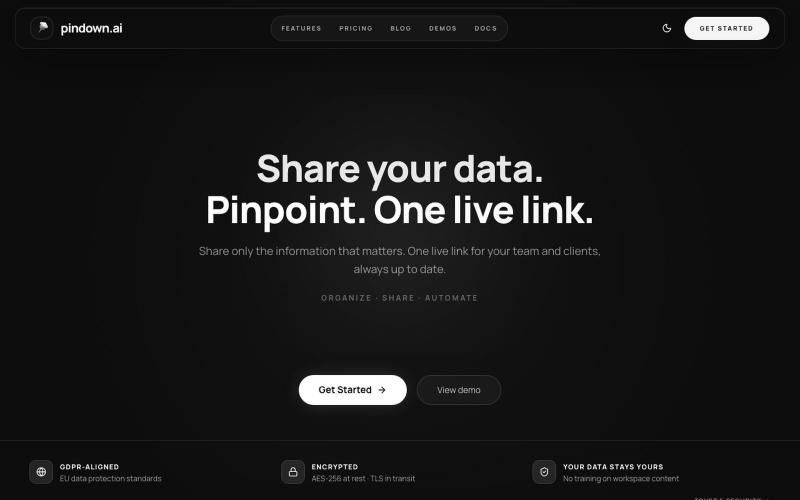
与团队通过实时链接共享和更新数据。
u/Melodic-Living4805 · Reddit
Roast my Agentic Platform Been building this platform on the side for about a year would love to hear if the messaging is clear and what your first impressions are. Are you curious ? confused . impressed etc ? https://pindown.ai/ submitted by /u/Melodic-Living4805 to r/microsaas [link] [comments]
