
创意工具1 month ago
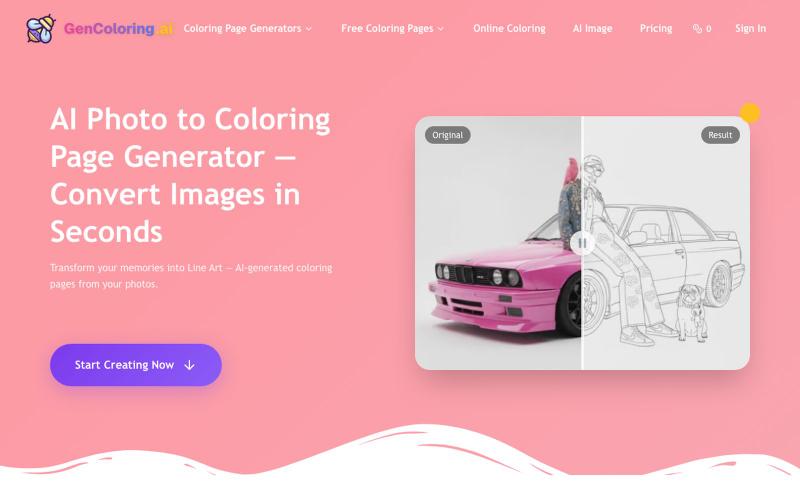
AI Photo to Coloring Page Generator | GenColoring
用AI将你的照片转成可打印的着色页。
GenColoring AI — AI 生成涂色页平台 - [博客介绍](https://blog.csdn.net/weixin_52314137/article/details/152511285)
完整作品展
技术栈
60 projects
用AI将你的照片转成可打印的着色页。
GenColoring AI — AI 生成涂色页平台 - [博客介绍](https://blog.csdn.net/weixin_52314137/article/details/152511285)
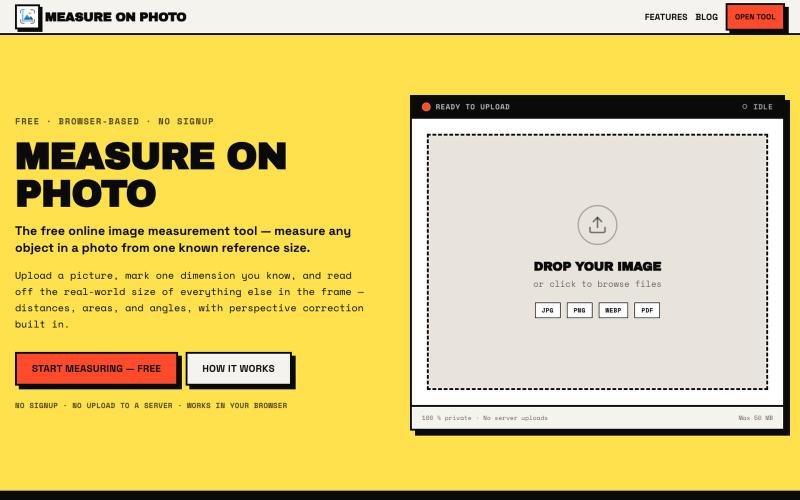
通过设置一个已知参考尺寸来测量照片中的物体。

@Laxman101058405 · X
A few days ago I needed to measure something from a photo. Instead of searching for the perfect tool, I thought: "Why not build it?" So over the next 2 days, I built a Photo Measurement Tool using Cursor. If you try it, I'd love to know what you think.
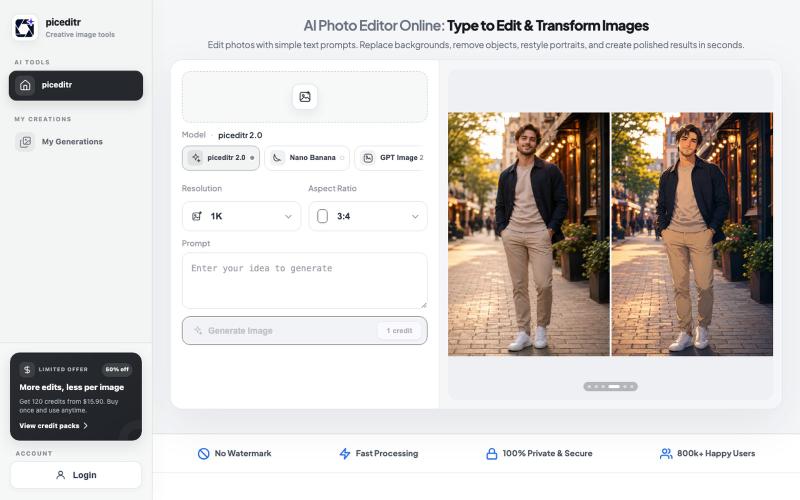
用文本指令编辑照片,支持背景替换、风格转换和细节改变。
new_user___35220255499a20a23f47674 · Product Hunt
piceditr Free AI Photo Editor Online - Type to Edit & Transform Image

Pokecut 是免费在线 AI 图像编辑器,支持移除背景、增强和生成图像,无需注册。
Pokecut — 在线免费使用的 AI 图像编辑/生成器
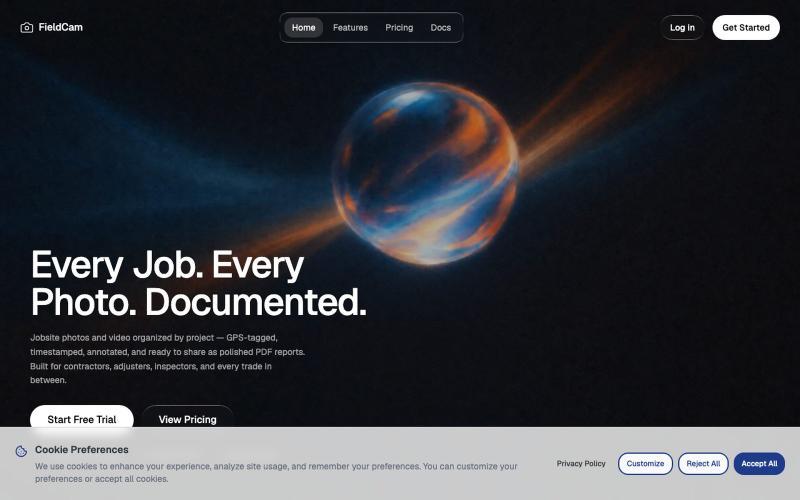
用 FieldCam 整理工地照片和视频,添加 GPS 和时间戳,自动生成 PDF 报告。

@12squaredAI · X
| @fieldcam_app
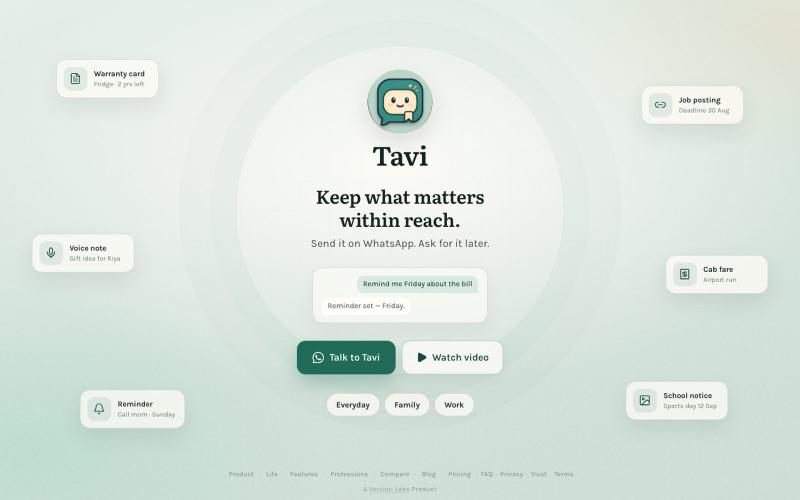
Send links, files, notes, photos and reminders to Tavi on WhatsApp. Find them later simply by asking. No folders. No organising.

@daxeelsoni · X
Send it to Tavi now. Find it when you need it.
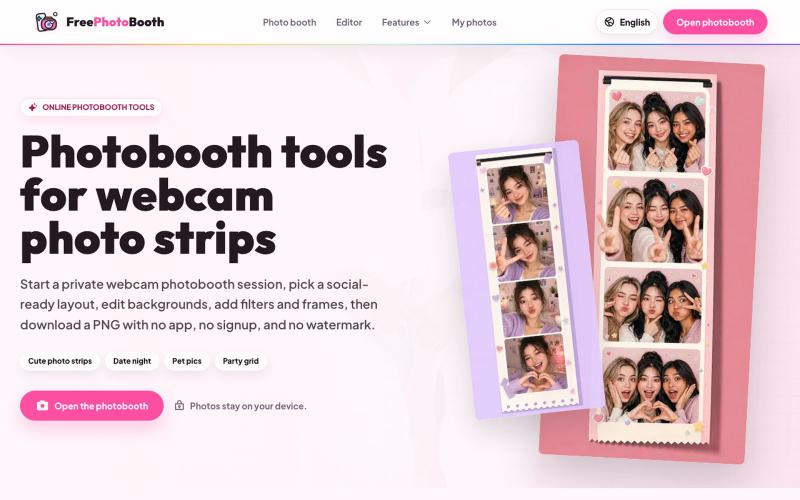
用摄像头拍摄照片纸条,支持滤镜、相框和背景编辑。
cmlanche · V2EX
做的在线照相亭本来还有点流量,结果我 301 瞎整一通,彻底废了,重新上了一个站 地址:[freephotobooth.online]( https://freephotobooth.online/) 上面是老地址,本来流量还可以,上站第二天就有 300 个新点击,但我嫌弃域名后期没有品牌优势,所以 301 到了另外一个域名,但上了之后看到流量没有了,又很焦虑,然后又把新站 301 到老站,现在彻底 game over 不得已重新写了一个站,再上,有兴趣可以围观一下,看看哪个更好,有啥问题我可以改改,主打听劝 新站地址:[https://photobooth100.com/]( https://photobooth100.com/)
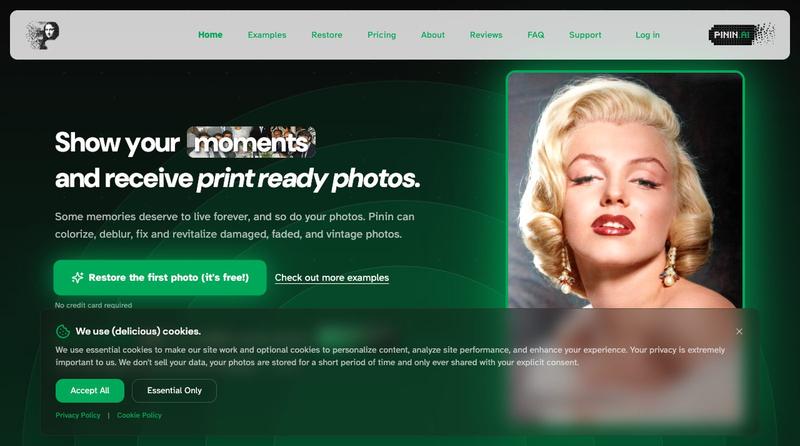
利用 AI 恢复和增强旧照片,修复损伤、添加颜色并提高清晰度

@Umitech_AU · X
AI photo restoration without the AI slop.
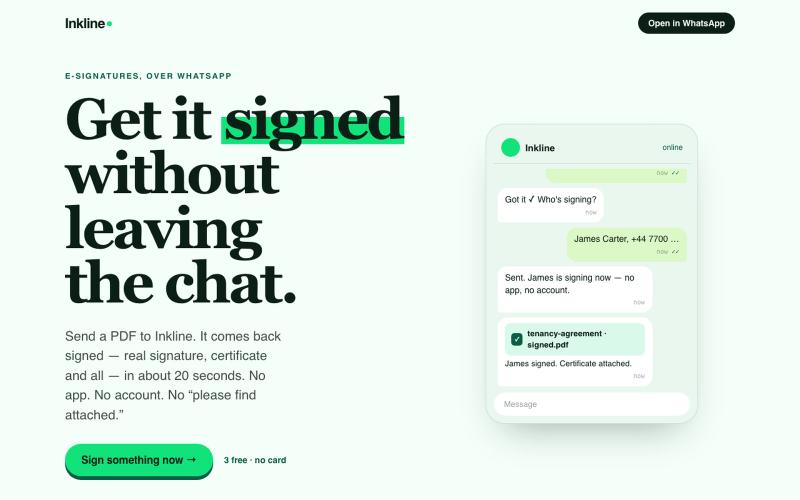
在WhatsApp中直接签署文件,获得认证副本,无需应用或账户

@InklineSign · X
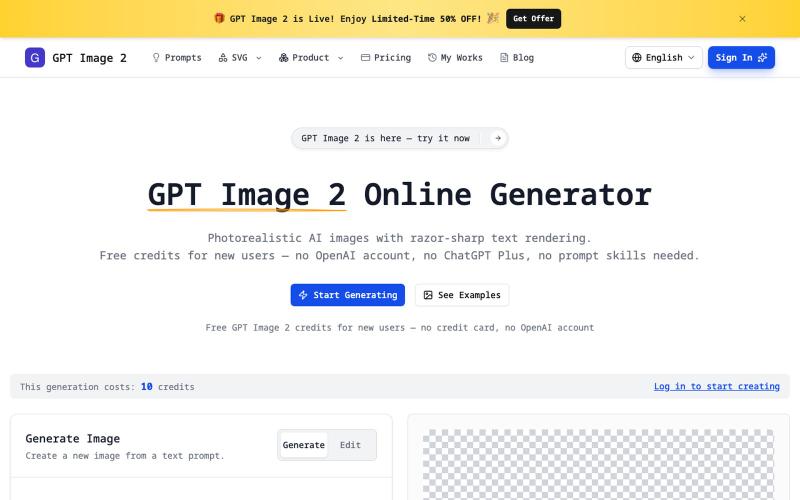
无需注册即可生成清晰文字的真实感AI图像,支持透明PNG和SVG导出。
imagesv2.ai — AI 视觉工具箱,提供透明 PNG 生成、SVG 图标制作、海报转 PSD、文章配图、微信聊天截图、推文截图、抖音/TikTok 直播间模拟、LinkedIn 商务头像、个人风格卡、360° 全景图等任务型工具。

根据GPS位置、本地天气和文本提示生成AI图像。

@Pascal1Reymond · X
Check out what I just built with Lovable!
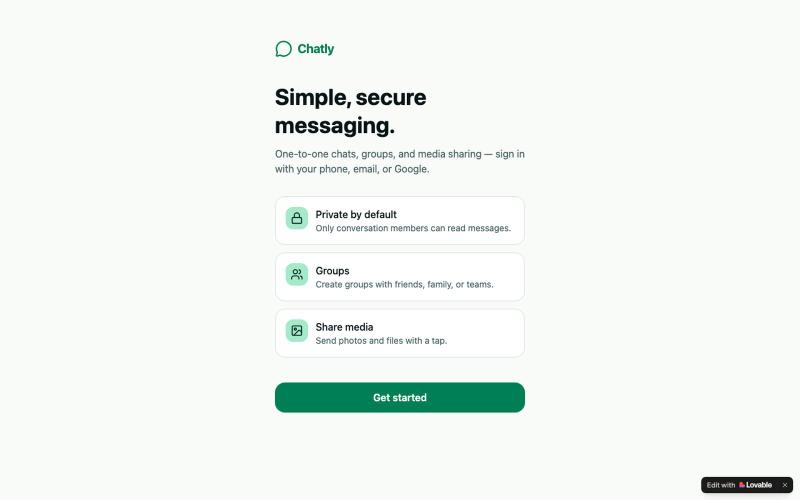
在Chatly上与好友和群组进行即时聊天和媒体分享。

@moid_haroon · X
Chatly Simple, secure messaging. One-to-one chats, groups, and media sharing — sign in with your phone, email, or Google Check out what I just built with Lovable!