
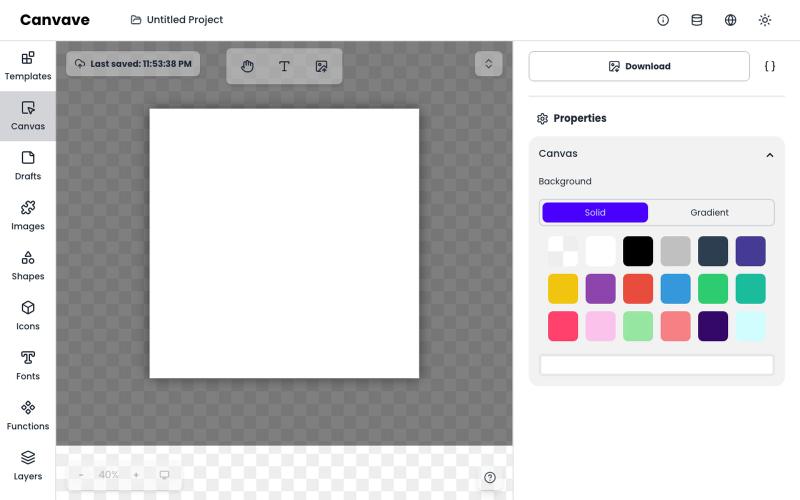
创意工具1 month ago · 1 次试用
Canvave - Simple Graphic Design. Create smooth motion in seconds.
免费图形设计和动画工具,支持AI文生图和图生图功能。
Canvave — 简单图形设计和动画制作平台。无须专业技能也能做出任意尺寸的精美设计;最高支持图片 3x 或动画 240 FPS 导出;内置基于 Flux 的 AI 文生图、图生图;适合电商卖家、广告设计、社媒运营、独立开发等有设计需求的群体
完整作品展
技术栈
60 projects
免费图形设计和动画工具,支持AI文生图和图生图功能。
Canvave — 简单图形设计和动画制作平台。无须专业技能也能做出任意尺寸的精美设计;最高支持图片 3x 或动画 240 FPS 导出;内置基于 Flux 的 AI 文生图、图生图;适合电商卖家、广告设计、社媒运营、独立开发等有设计需求的群体
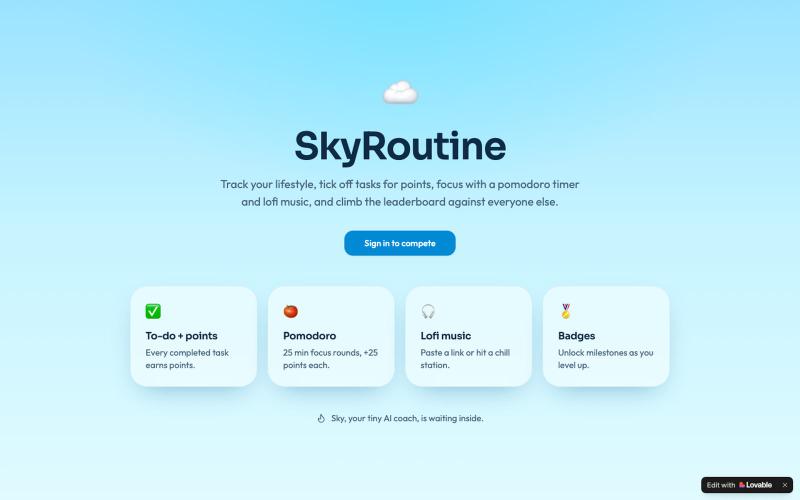
追踪任务赚积分,结合番茄工作法和音乐提升专注力,登上全球排行榜。

@Genius_creato · X
Check out what I just built with Lovable!
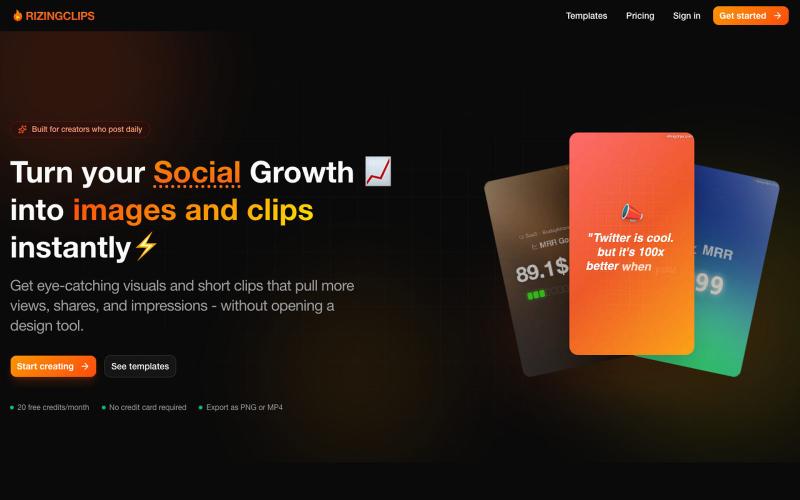
将社交增长瞬间转化为图像和短视频,无需设计工具。

@udaykirancodes · X
Hi am building
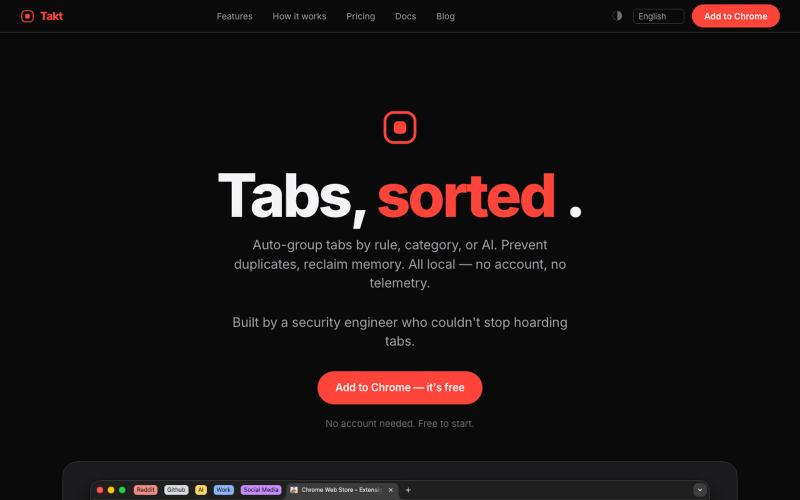
Takt 自动分组标签页、防止重复、跟踪资源。
u/-Leelith- · Reddit
Takt tab manager Update n°4: Adding 6 languages translations, (almost) fully interactive demo, an AI grouping feature, reworked our onboarding and fixing many bugs After discovering this sub and my first post , sharing my update n°4: We mentioned on the update n°3 that we wanted to build a live interactive demo. So we did that and build an almost identically fully interactive "try before you install" demo of the extension. The goal was to have a demo that converts a browser visit into a
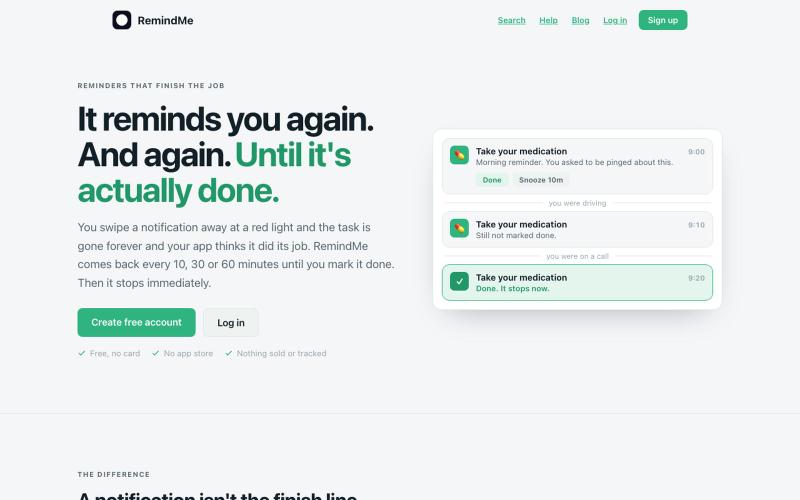
RemindMe 持续提醒你直到完成任务。
u/Irfan__Khan · Reddit
Reminder app where notifications get more aggressive until you do thing I built a reminder app where notifications get more aggressive until you actually do the thing Most reminder apps fire once and forget. I kept dismissing notifications and losing track of tasks. So I built RemindMe — a PWA that keeps chasing you with escalating notifications until you mark the task done. What makes it different: • Each re-notification is a different message with increasing urgency (AI-generated on
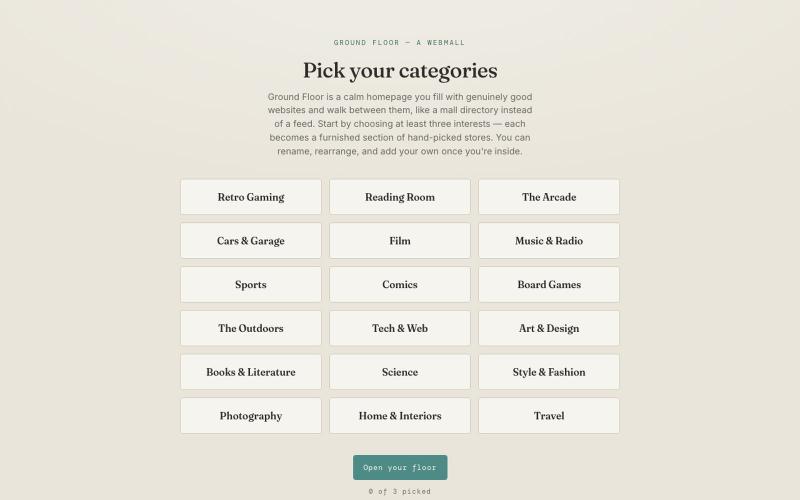
在主页添加你喜欢的网站,像浏览一个安静的目录一样。

@CliffDoomer · X
Those are great! Also I wanted to share this web app I vibe coded this week. A return to old school web surfing. Free.
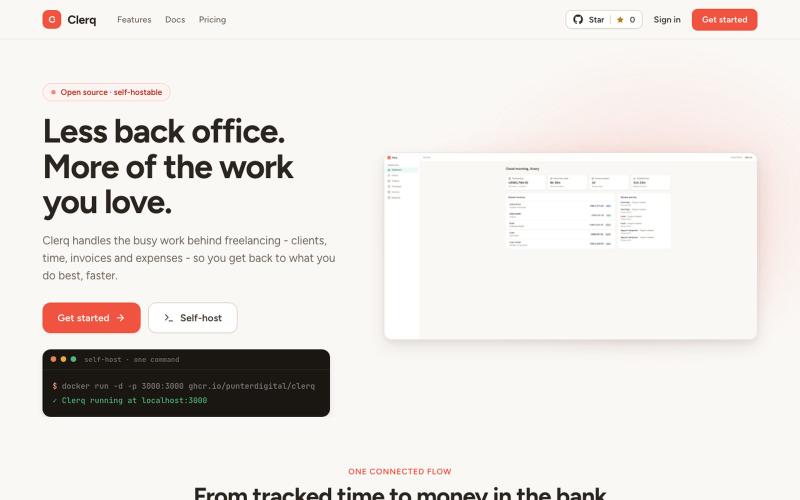
为您的自由职业业务管理客户、发票、时间跟踪和费用。

@ShayPunter · X
- Less back office. More of the work you love.
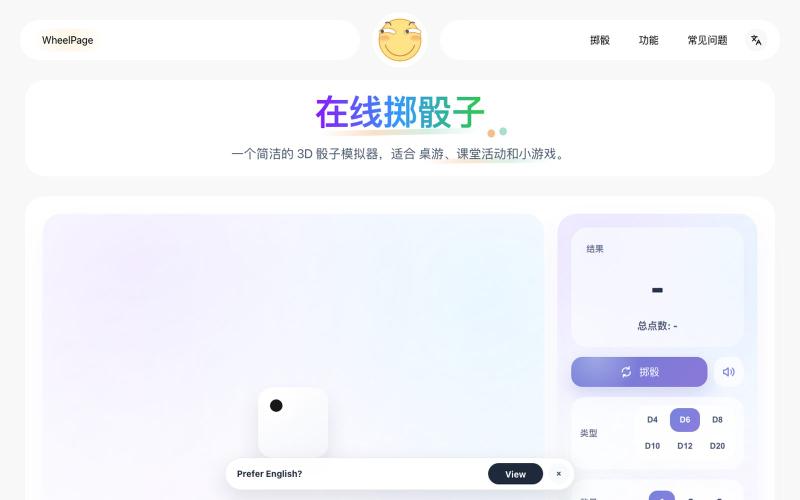
3D骰子模拟工具,支持D4-D20,掷骰即得结果和总点数。
Nalife520 · V2EX
最近用 Codex 做了一个 3D 骰子! 最近做了一个很小的网页工具:3D 骰子。 做完后有点纠结: 这种小工具到底应该保持极简,还是把常见功能都补上? 抛骰子: https://wheelpage.com/zh/dice-roller/ Dice Roller: https://wheelpage.com/dice-roller/ 现在功能很简单:打开页面,点一下,骰子滚动,然后给出结果。 一开始觉得骰子就是 1 到 6 的随机数,应该很好做。 但做的时候发现,如果只是直接显示数字,又不太像“掷骰子”;做成 3D 动画,又担心有点多余。 现在倾向于先保持简单,打开就能用,不加太多设置。 顺便也做了一个抛硬币页面: https://wheelpage.com/zh/coin-flip/ 它和骰子类似,都是临时做随机决定的小工具。
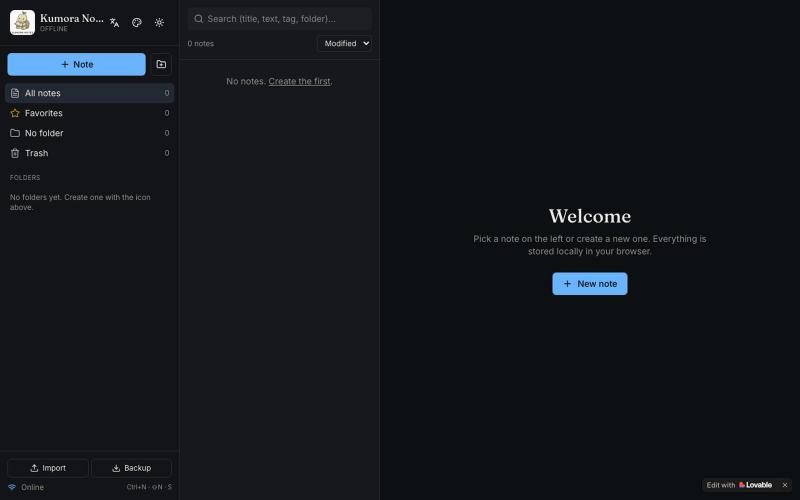
离线笔记本,支持文件夹、标签和 Markdown 格式。

@fuckingologist · X
🚀 Fully offline notes that actually work! 📱 KUMORA NOTES — ideas & tasks, no internet needed. Try now 👉 #OfflineNotes #Productivity #LovableAl #BuiltWithAl #SecondBrain Built with @Lovable @antonosika
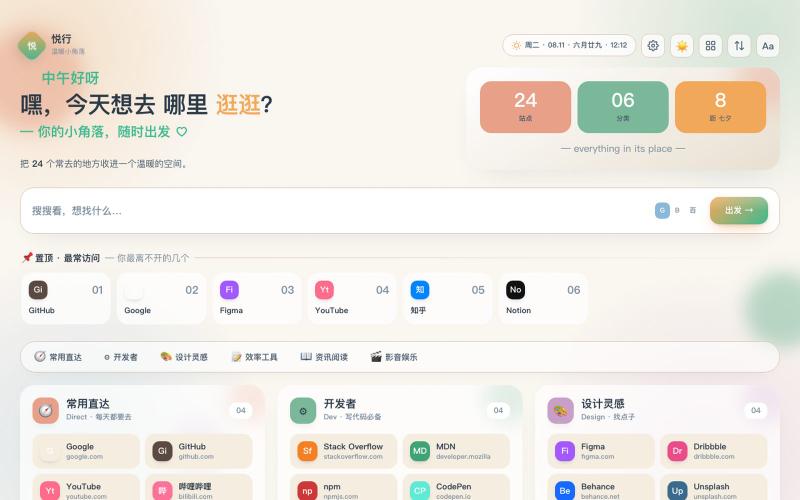
个人导航页,用分类卡片管理书签,支持多搜索引擎。
Lrevan · V2EX
纯 AI 工具写出来的个人导航站,欢迎大家意见,随便测试 # 悦行 **演示地址**: https://test1.lrevan.top **后台账号**:admin / admin123 (独立演示数据,随便折腾) --- 先交代下背景:我不是程序员,代码基本看不太懂。这个导航站是我用 AI 工具一点点聊出来的,一边说需求、一边让它改代码,从一张设计稿折腾到上线。 产品叫「悦行」,其实就是个人导航页 现在有的功能: - 分类卡片放书签,常用网站可以置顶;图标它会自己抓,抓不到就降级成字母头像 - 搜索引擎支持 Google 、Bing 、百度,也能自己加 - 亮色 / 暗色 / 自动切换,6 套配色,字体有系统 / 楷体 / 宋体,视图有卡片 / 列表 / 紧凑 - 「保险库」,书签可以加密上锁,锁上之后列表里就看不到了 - 手机端单独适配过 - 农历和节日有氛围装饰,搜索框支持快捷键,重复书签会自动识别 后台管理: - 分类、书签、搜索引擎的增删改,删除进回收站,支持批量操作和分页 - 仪表盘统计,能看到最近新
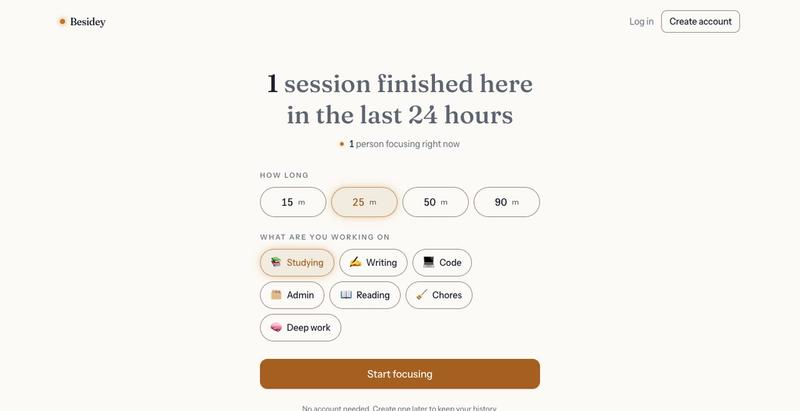
Besidey:一个专注计时器,可以实时看到其他人专注工作,无需摄像头或聊天。

@K_dev001 · X
Working alone is hard. I built Besidey: Start a focus timer and you can see other real people focusing at the same time, what they are working on, and roughly where they are. #buildinpublic #shipit #focus #productivity

可直接在浏览器玩NOPE游戏,无需钱包或设置。

@NormiePepeNFT · X
Want to have some fun? 🐸🎮 Try the NOPE game — built entirely with Claude Code. No wallet connection required. No complicated setup. Just jump in and play. Have some fun. Be NOPE. 💚