
创意工具1 week ago
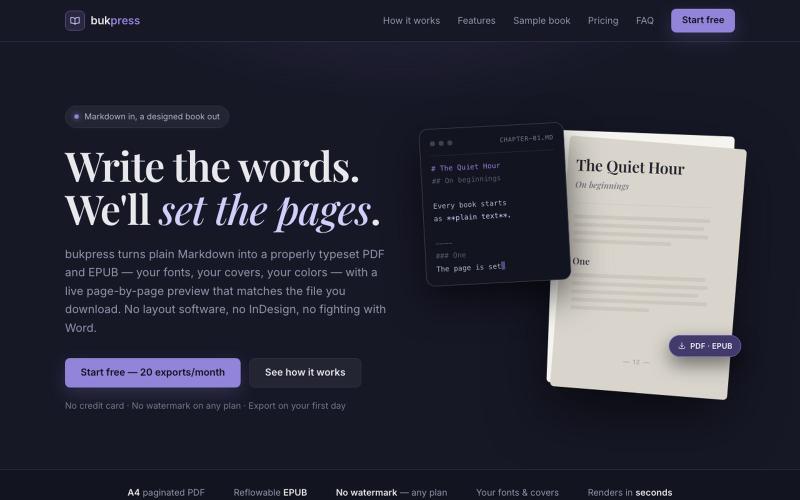
bukpress — Markdown in, a designed book out
将 Markdown 转换为排版精美的 PDF 和 EPUB,支持自定义字体和颜色。

@hiddenbydigital · X
完整作品展
技术栈
61 projects
将 Markdown 转换为排版精美的 PDF 和 EPUB,支持自定义字体和颜色。
@hiddenbydigital · X
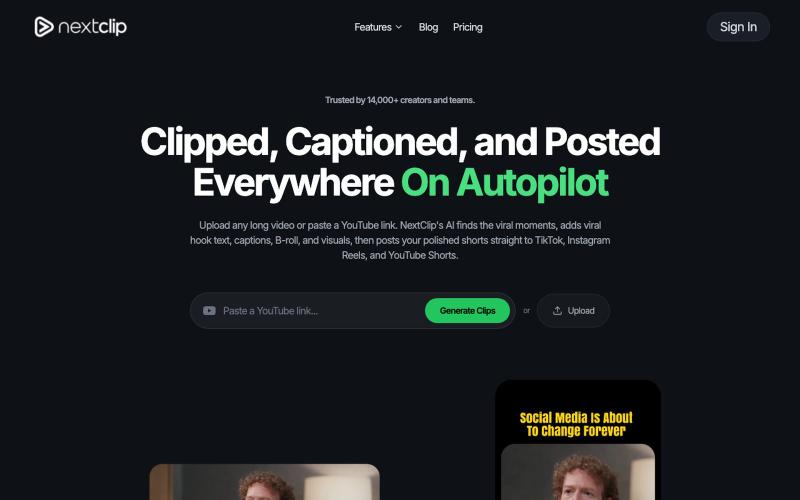
上传视频到NextClip生成带字幕的短视频,自动发布到TikTok、Instagram和更多平台。

@monu_builds · X
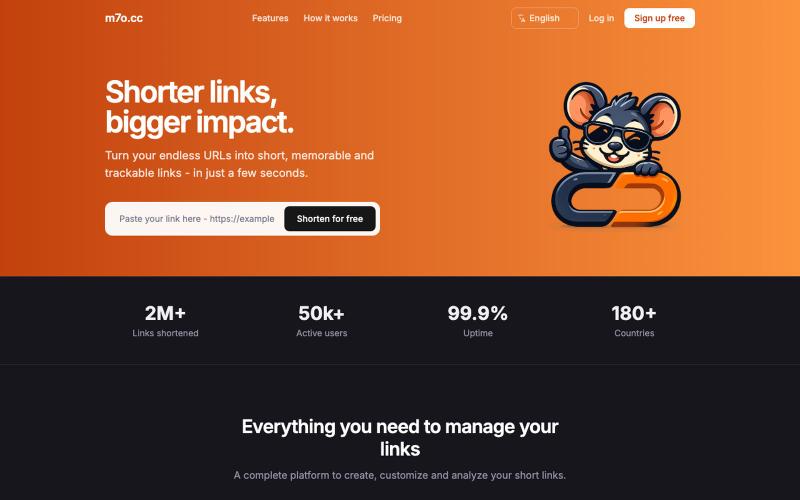
缩短链接,追踪分析数据。

@Martinez1471026 · X
I hope this saas of my friends that is free will be useful for someone.

通过 AI 反馈进行打字练习,提高速度和准确性。

@AmitGajbhare · X
We build - a modern typing platform that helps people improve typing speed and accuracy with AI-powered practice, real-time feedback, progress tracking
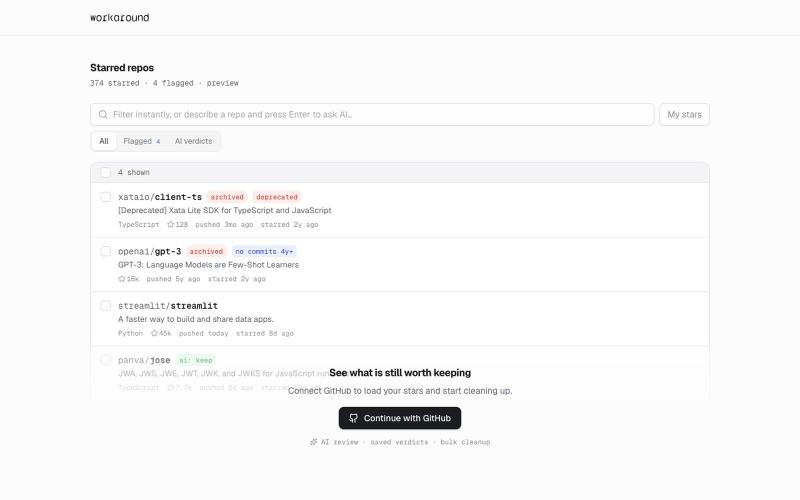
提供日常软件实用修复的浏览器工具,首先支持GitHub。
yusveng · HN
Workaround – Unstar GitHub Repos in Bulk
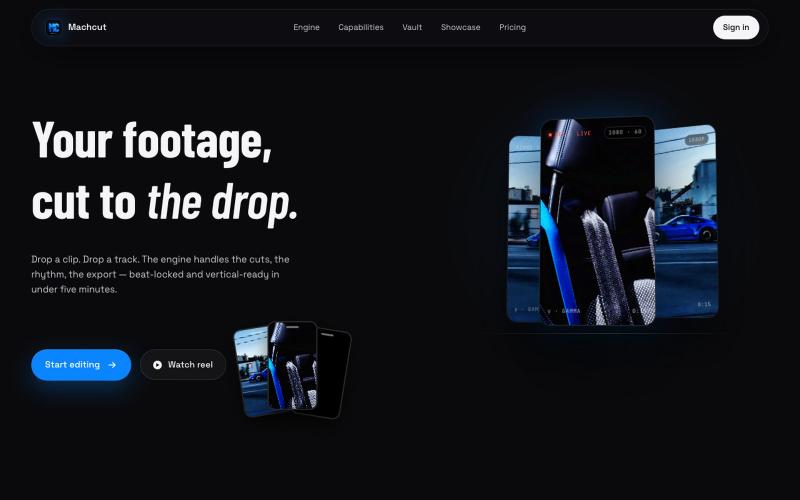
将汽车视频和音乐上传至Machcut,自动生成节拍同步的竖屏编辑。
u/Jonathanproductions · Reddit
We built a tool that automatically edits car videos to phonk beats... here's what it makes We've been building MACHCUT for the past few months. Drop in raw car footage and a phonk track and it produces a beat-synchronized vertical edit automatically. Python engine, not generative AI. Your real footage, automated cutting. The engine runs on A100 GPUs, uses YOLO to pick the best clips from your footage, locks cuts to the beat drop, and outputs vertical 1080p or 4K in about 6 min
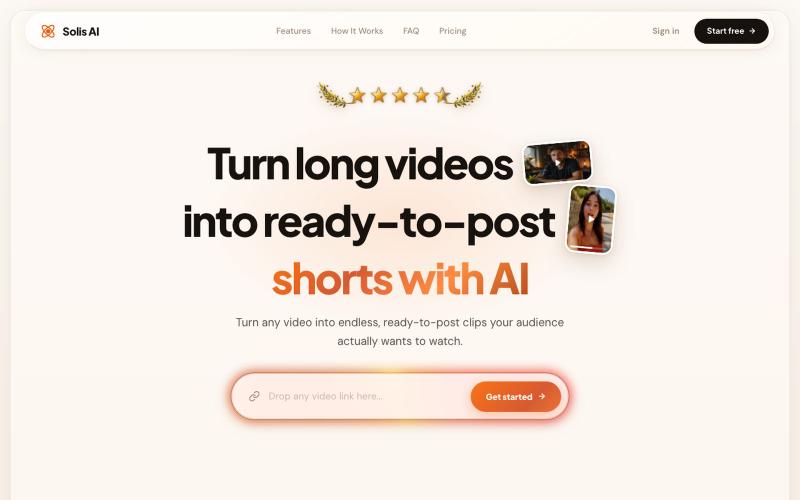
Turn long videos into ready-to-post shorts with AI clipping, captions, overlay removal, and post-generation editing.

@solisaivideo · X
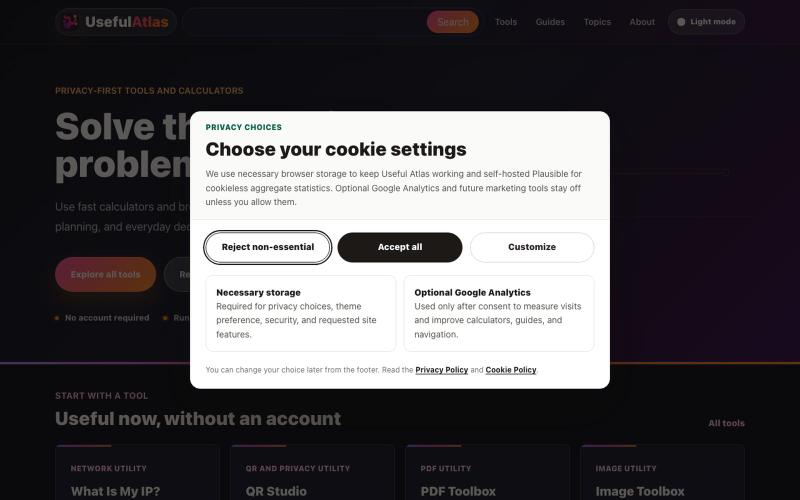
Use fast calculators and browser-local utilities for AI costs, local hardware, automation, website planning, and everyday decisions.

@Erko95261453 · X
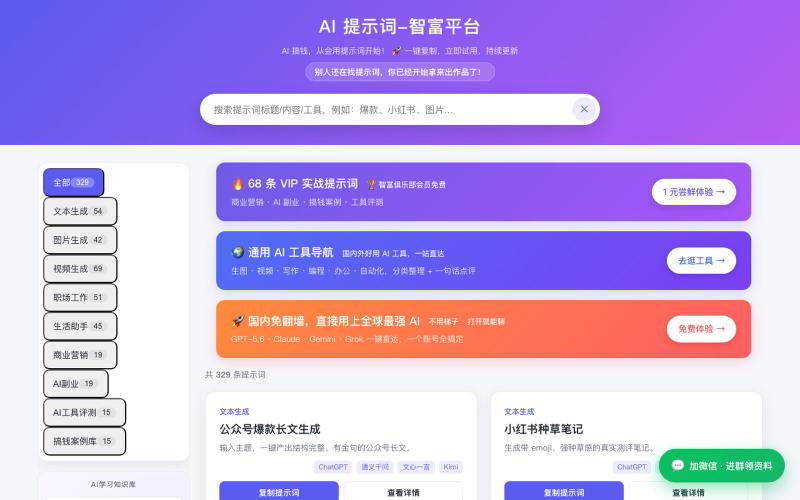
浏览精选 AI 提示词和工具库,助力生产效率和创意工作。

@yingxiongge03 · X
第一次用Ai做了一个网站,对于不懂代码的我而言,还是很兴奋的! 希望你喜欢!免费的Ai提示词和工具的。
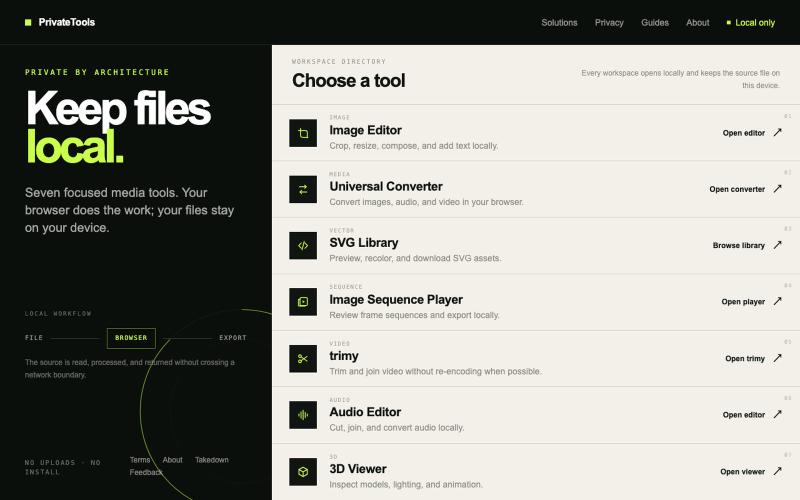
Edit images, convert files, browse SVGs, review sequences, trim video, edit audio, and inspect 3D models locally without uploads.

@motionvector3 · X
Useful online tools for creators
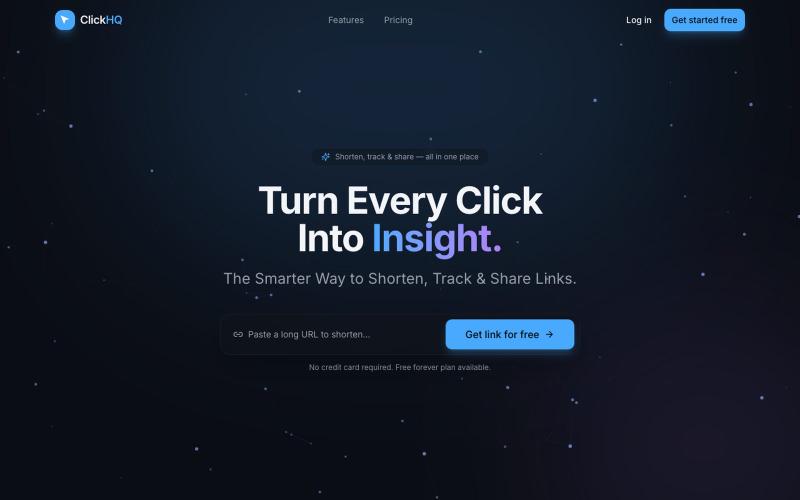
The smarter way to shorten, track & share links. URL shortening, click analytics, personal bio pages, and QR codes — all in one place.

@ClickHQco · X
Come check us out! -

通过描述快速生成高保真UI界面,支持移动和网络应用。

@ninakolari · X
Google just dropped Stitch and it changes the entire vibe coding workflow. You describe what you want your app to look like. It builds full high-fidelity screens in seconds. No Figma. No designer. No credit card. Here is how to use it: Go to Sign in with your Google account. That’s it. You’re in. Instead of typing “make me an app” type this: “A lesson planning app for teachers. Clean and calm. Inspired by Notion. Minimal. White space.” The more specific you are the better your screens. Then refine with follow up prompts. Change the nav. Try dark mode. Get 3 menu variations. Or just speak it. Your screens become a clickable prototype in seconds. Click a button and Stitch generates the next screen automatically. Your entire app flow. Before you write one line of code. Then take it further. Export to Lovable or Cursor and build the logic on top. Use the MCP server to keep your design and code in sync. Pull any website’s design system in seconds. Save everything as