
开发者工具1 day ago
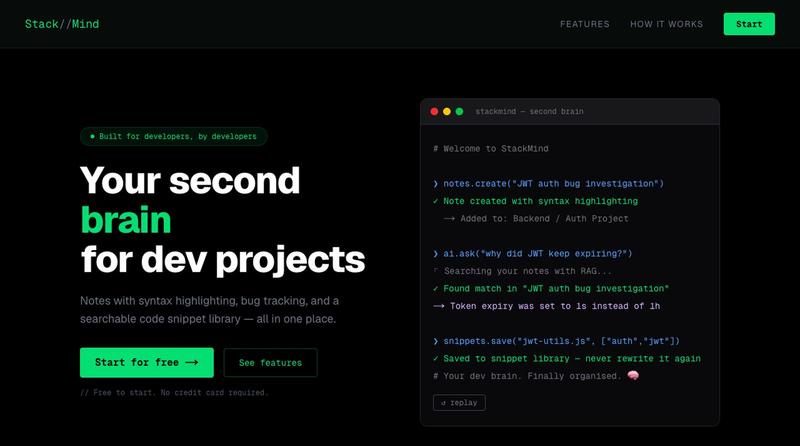
StackMind — Second Brain for Developers
为开发者设计的笔记应用,支持代码块、看板管理和GitHub导入。

@SinghApurv1711 · X
Hey! Check it out here:
完整作品展
技术栈
60 projects
为开发者设计的笔记应用,支持代码块、看板管理和GitHub导入。
@SinghApurv1711 · X
Hey! Check it out here:

为 JavaScript 应用提供爬虫友好 HTML,改善 Google 和 AI 搜索索引。
u/AlarmingPepper9193 · Reddit
I pulled the raw HTML of a bunch of "SEO-ready" startup sites. Google can see them fine — but AI search can't. I went down a rabbit hole reading SEO threads where founders were panicking that their React/Lovable/Vite sites weren't ranking. The usual advice is "JavaScript sites are invisible to Google, you need SSR." So I started pulling the raw HTML (what a crawler sees before any JavaScript runs) for a bunch of real sites people posted. Here's what actually surprised me: almost none of t
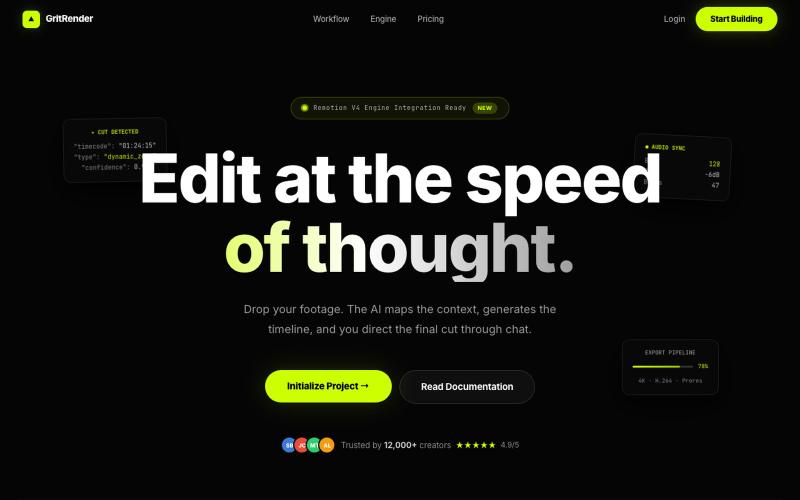
使用AI辅助编辑视频,同时保持完全的创意控制。
u/Juliur_ · Reddit
Built a "Cursor for Video Editing" because I couldn't stand another AI editor making decisions for me I've been building video tools for a while and here's my honest take: fully automated AI video editors are garbage. They cut the wrong frames, misplace captions, and you're stuck manually undoing everything. It's faster to just edit the damn thing yourself—but that takes 4+ hours per video. The problem isn't AI. It's that AI editors pretend they know better than you. They don't. So I buil
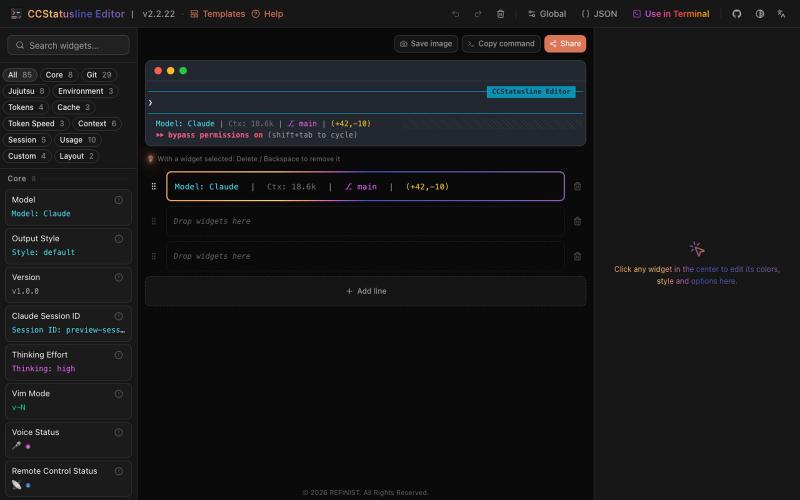
Drag-and-drop visual editor for Claude Code status line with terminal preview.

@refinistdev · X
Tired of hand-editing your Claude Code status line? I built a visual editor for ccstatusline 🎨 → drag & drop widgets → true-to-terminal preview, no Nerd Font needed → one command to apply Free & open source 👇 #ClaudeCode #ccstatusline

使用托管 Postgres、身份验证、实时订阅和自动生成的 API 构建后端。

@im_pradee_p · X
Backend as a service

在浏览器中批量处理图片,支持工具链、本地AI和格式转换。
BulkPicTools — 免费浏览器端图片批量处理工具,支持**工具链串联**(压缩→转格式→裁剪一次完成,无需重复上传),本地 AI 去背景/人脸模糊(WebGPU,无需 API Key),支持 200+ 张图片批量处理,文件不上传服务器。

一次编写,多格式导出为笔记、幻灯片、PDF、PPTX、DOCX 或画布。

@mr_wickedhacks · X
Write the doc once → get a notebook, slide deck, canvas, or resume from the same source. No rewriting for every format.
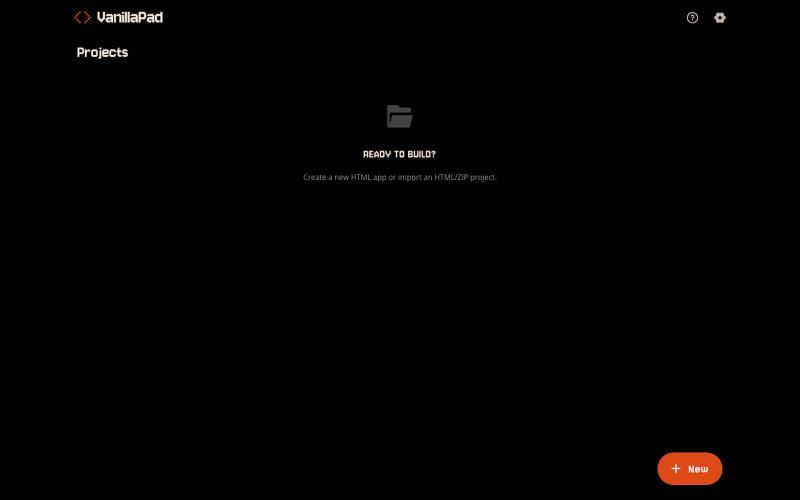
VanillaPad - 编辑和预览HTML应用的移动工作区,支持ChatGPT、Claude和Gemini。
u/heisenberg2995 · Reddit
I built a mobile workspace to edit and preview the HTML apps ChatGPT/Claude write for you. Hey everyone! I built VanillaPad , a mobile workspace for building simple HTML/CSS/JS projects. 👉 https://vanillapad.dev The idea came from something I kept running into. Sometimes I'd need a simple utility app or a quick landing page or to test a little game idea. Getting the initial code written was easy since I could just ask ChatGPT or Claude on my phone. The hard part came af
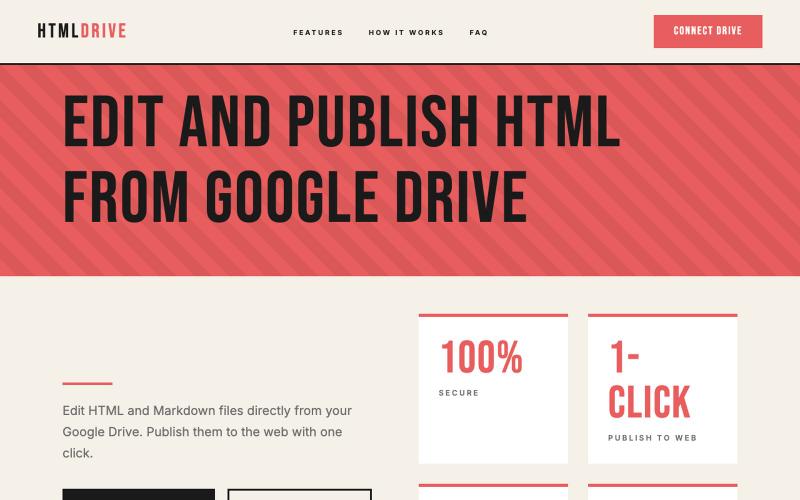
从 Google Drive 编辑和发布 HTML 文件。
debamitro · HN
I found that AI tools are generating excellent HTML documents nowadays, yet there's no easy way to show them to others. Yes, there's GitHub pages - but I don't know if it is user-friendly for non-technical people. This app allows you to keep your HTML file in your Google Drive and serve it from there. Feedback is most welcome.

自然语言AI图像编辑器,可生成和编辑照片。
Nano Banana Pro — AI 图片生成、图片编辑网站
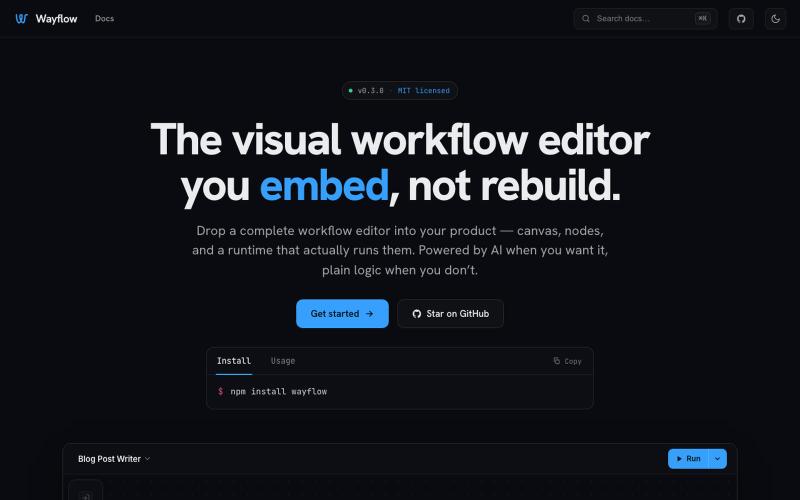
可嵌入的可视化工作流编辑器,支持AI驱动或纯逻辑设计。
tahazsh · HN
Hi! I’m Taha. In many agentic products that support workflows (including one I worked on), I noticed they either don’t support node-based editors, or use React Flow and go through the difficult work of integrating it into their product to run it and work with their existing logic. So I thought about creating a tool that could help with this by closing the gap between the editor and the runtime. That’s why I created Wayflow. The basic architecture is simple: you just need to create a graph (which is a JSON object) that the runtime knows how to run. The runtime doesn’t care where that graph is coming from, it just needs the right schema. And with the help of the editor, you can create the graph, and then export it or directly save it on your backend in your database. And then when you want to execute it, you just hand it to the runtime. The runtime can either stream the execution (which is useful for the editor), or give you the final result. How you execute the graph is up to you: t
