
生产力2 months ago · 1 次试用
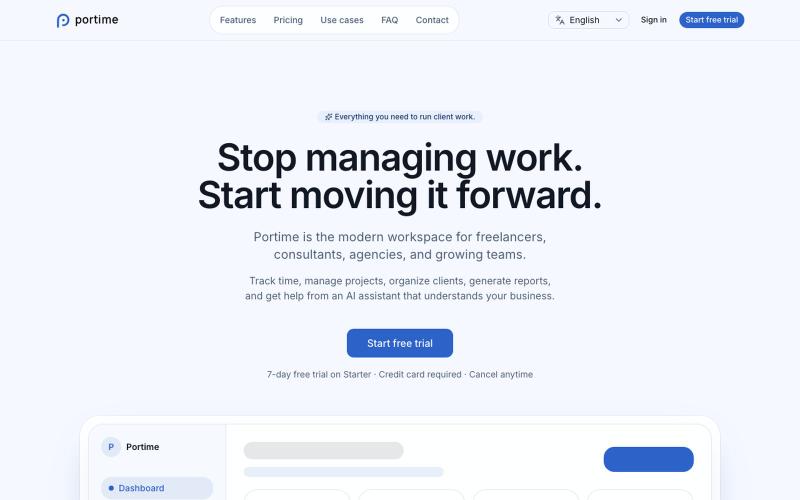
Portime
用于跟踪时间、管理项目和组织客户的AI驱动工作区。

@baptistedulac · X
time tracking for freelancers and agencies
完整作品展
技术栈
60 projects
用于跟踪时间、管理项目和组织客户的AI驱动工作区。
@baptistedulac · X
time tracking for freelancers and agencies
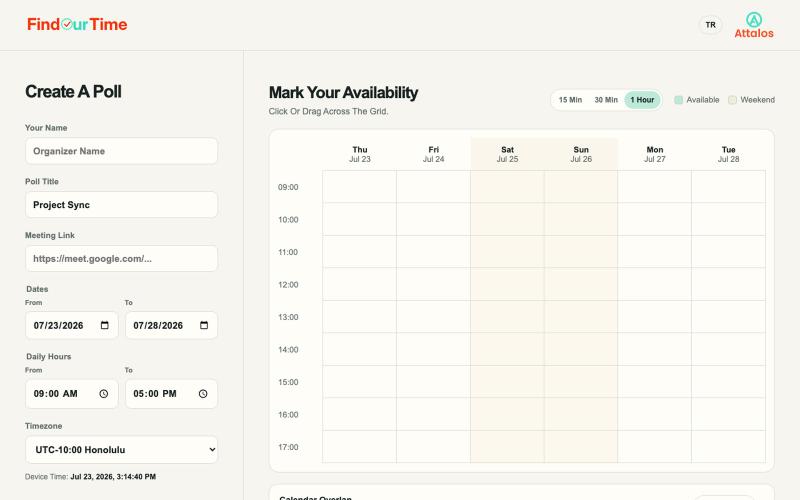
FindOurTime:创建可用时间投票来找到最佳小组会议时间,无需账户。

@Attalos__Life · X
Find a meeting time without the back-and-forth. FindOurTime auto-detects time zones, checks calendar conflicts from an .ics upload, and lets you schedule 15, 30, or 60-minute slots. No account needed.
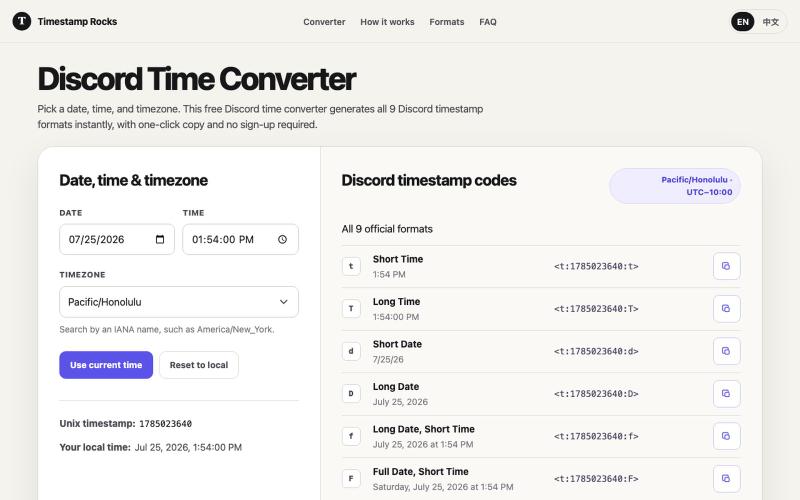
将日期转换为 Discord 时间戳格式,支持 9 种格式,一键复制。
zhengguge06 · V2EX
做了一个 Discord 时间戳转换器,再也不用算 Unix 了 # 经常在 Discord 里组织活动的人都知道,定好活动时间还不算完 怎么让不同时区的人都能看懂才是问题。直接写“晚上 8 点”,总有人按自己的时区理解;让大家手动换算时区又很麻烦。 我试用了不少市面上的同类工具后,根据自己的实际需求做了一个小工具:[Timestamp Rocks]( https://timestamp.rocks/) 选择日期、时间和 IANA 时区,工具就会自动生成 Discord 支持的 9 种时间戳格式。你只需一键复制并粘贴到频道里,Discord 就会按照每个人的本地时区和语言显示同一个时间。 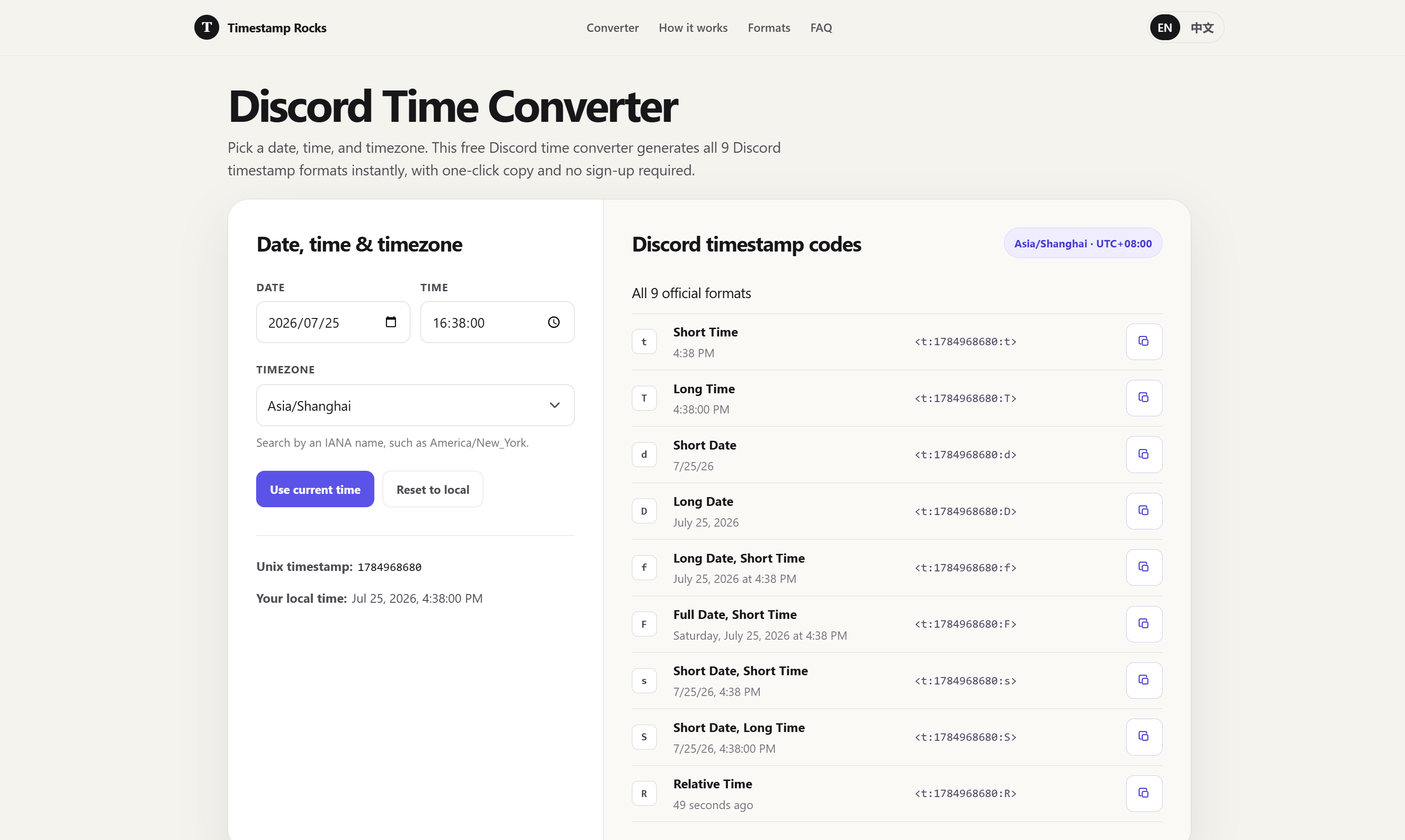 ## 为什么还要造这个轮子? 我试过的同类工具里,主要遇到了两个问题: 1. 有些工具只展示几种常用格式。我经常使用“相对时间”格式,例如显示“3 小时后”,但并不是每个工具都能方便地生成。 2. 夏令时处理几乎都翻车。大部分工具拿"今天的 UTC 偏移"去算未来的日期——3
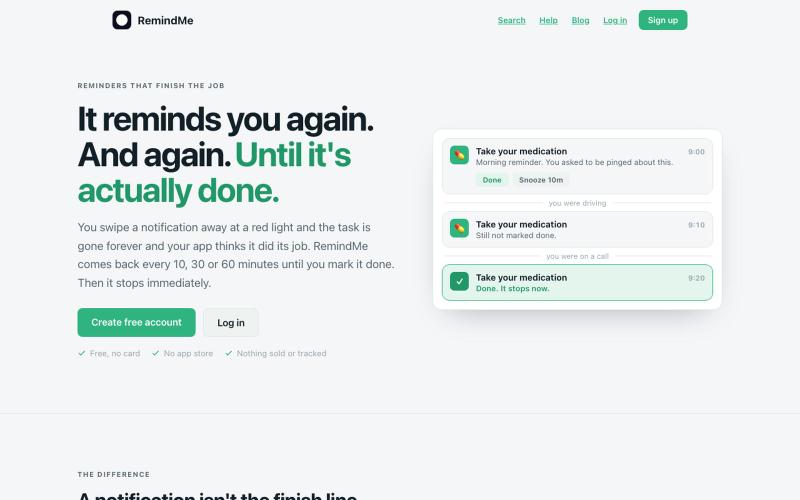
RemindMe:创建会发送递增通知的任务,直到完成为止。
u/Irfan__Khan · Reddit
Reminder app where notifications get more aggressive until you do thing I built a reminder app where notifications get more aggressive until you actually do the thing Most reminder apps fire once and forget. I kept dismissing notifications and losing track of tasks. So I built RemindMe — a PWA that keeps chasing you with escalating notifications until you mark the task done. What makes it different: • Each re-notification is a different message with increasing urgency (AI-generated on
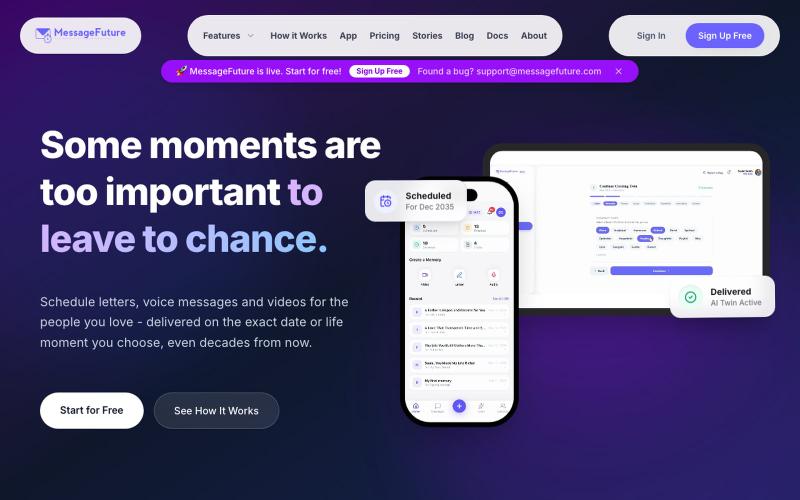
MessageFuture让你为亲人创建并安排消息、视频或语音,在特定日期发送。

@SidathRashen · X
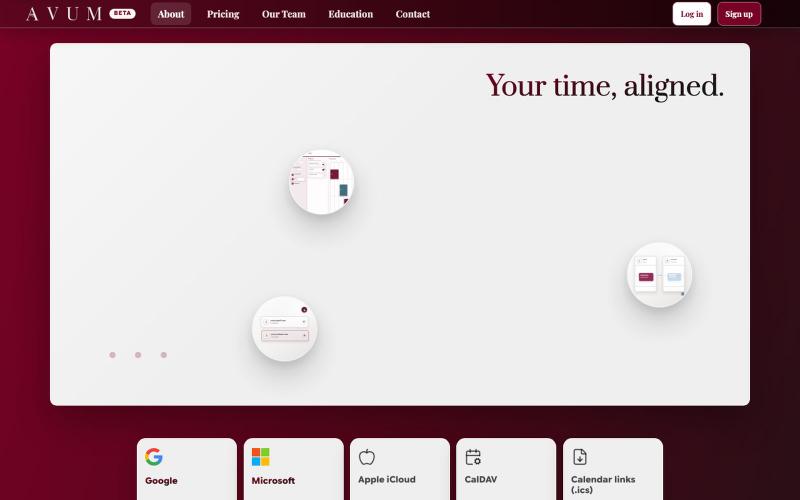
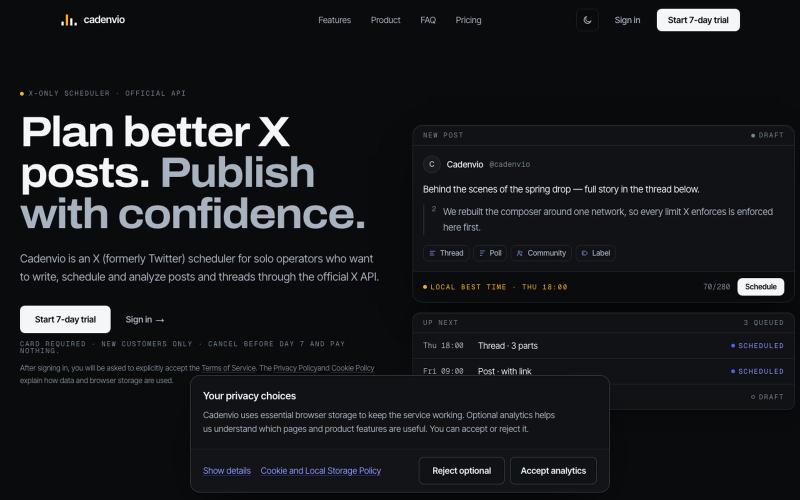
用 AI 辅助编写并计划 X 帖子,追踪分析表现。

@rafal_darlak · X
Released yesterday! I built a platform for my X account management, scheduling, analytics, AI assistant etc. I didn't like the apps that I tried so I wrote my own ;)
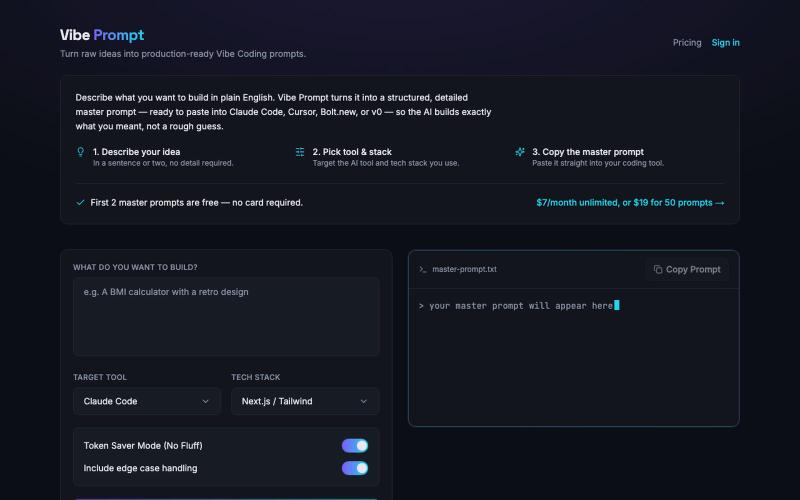
从原始想法生成生产就绪的 Vibe Coding 提示。

@itskalenai · X
stop writing bad prompts. #ai #claudecode #vibecoding

从任务参数生成 AI 工作流模板、提示词和质检清单。
AI 工作流模板生成器 — 免费 AI 工作流生成工具,输入重复任务、角色和输出格式,自动生成任务边界、处理步骤、提示词和质检清单。
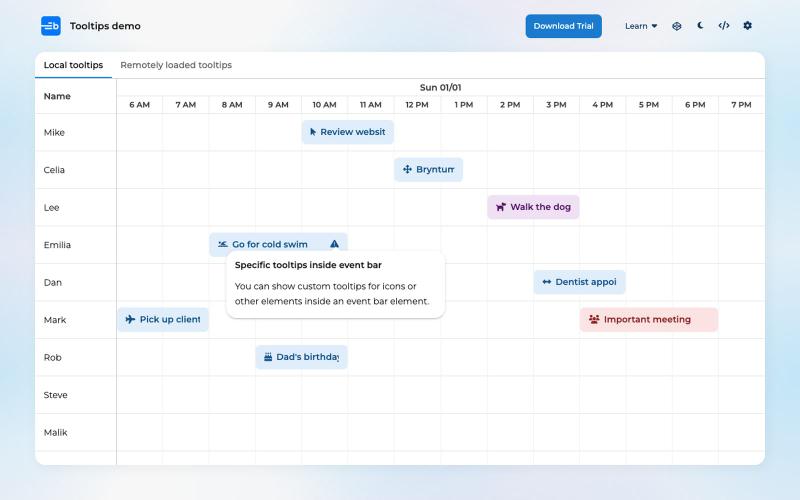
在Bryntum Scheduler中自定义事件提示,包含头像、进度条和操作。

@bryntum · X
Spend less time configuring tooltips. We asked Claude Code to add avatars, progress bars, ticket links, and event actions using the Bryntum Scheduler's built-in features. Tooltip demo: #bryntum #claudecode #scheduler #ai


