
开发者工具1 month ago
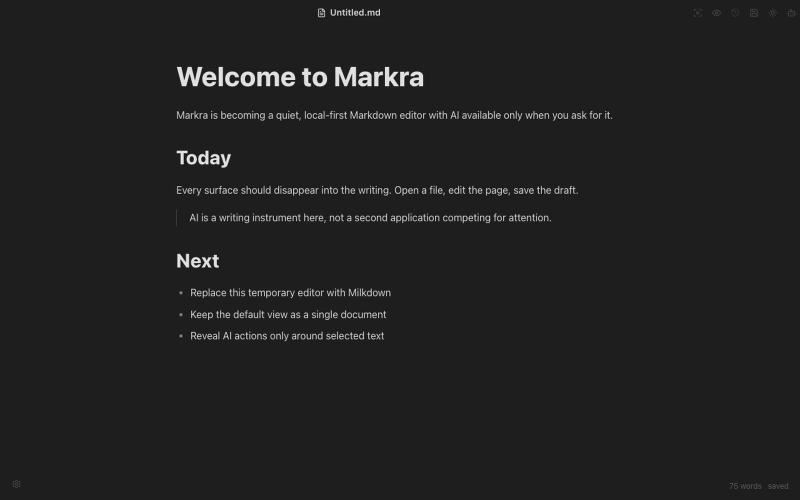
Markra
开源Markdown编辑器,支持本地存储、跨平台和AI辅助编辑。
Open source
Markra — 本地优先的开源所见即所得 Markdown 编辑器,支持 Web、macOS、Windows 和 Linux,AI 修改可预览后应用 - [更多介绍](https://github.com/markrahq/markra/blob/main/README.zh-CN.md)
完整作品展
技术栈
60 projects
开源Markdown编辑器,支持本地存储、跨平台和AI辅助编辑。
Markra — 本地优先的开源所见即所得 Markdown 编辑器,支持 Web、macOS、Windows 和 Linux,AI 修改可预览后应用 - [更多介绍](https://github.com/markrahq/markra/blob/main/README.zh-CN.md)
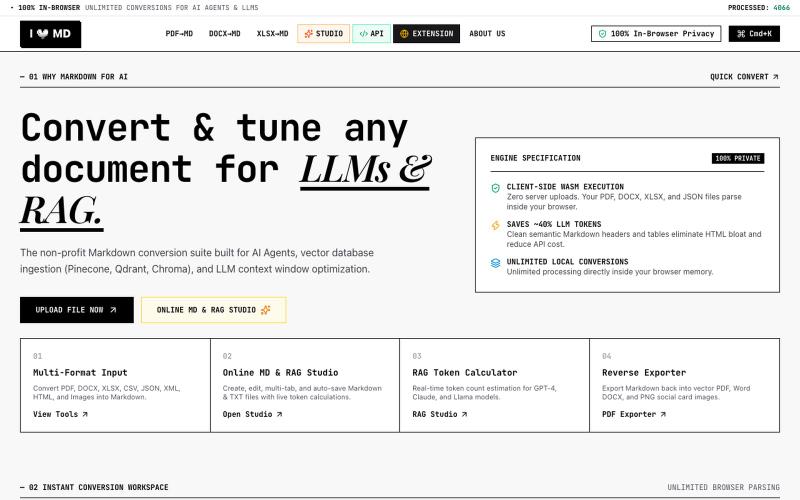
Convert PDF, DOCX, XLSX, CSV, JSON, XML, HTML, Images to clean Markdown optimized for AI Agents, RAG, and Vector DBs. 100% Privacy-First, In-Browser Conversion.

@13SahajChawla · X
For professionals to redact their client's sensitive informations before giving AI to process it & while converting any kind of document to a structured MD file. Better quality outputs, 100% privacy with on-browser local processing, and fully free!
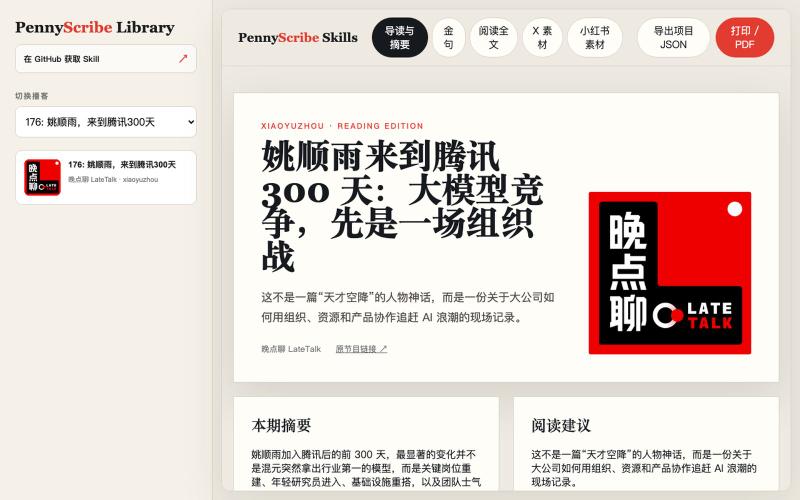
从播客和视频生成转录、社媒文章和小红书卡片,内置编辑功能。
yedaxia · V2EX
开源一个把播客变成小红书和 X 帖子的 Agent Skill 给它一个公开的播客或视频链接,它可以完成: - 支持 YouTube 、Apple Podcasts 、小宇宙、B 站等平台 - 下载音频并生成转写 - 把转写整理成分章节、适合阅读的完整全文 - 提取摘要、核心观点和金句 - 生成适合 X 的帖子和 Thread - 生成小红书标题、发布文案和图片卡片 - 提供 10 种小红书卡片风格 - 在网页里直接编辑文案和卡片 - 将单张卡片复制到剪贴板,或者导出 PNG - 将全部卡片打包成 ZIP 下载 - 把多期播客组织成可以本地访问和切换的网站 目前卡片支持手绘涂鸦、新粗野主义、剪纸、中世纪现代、漫画书、包豪斯、杂志排版、复古未来主义等风格。 我用一期《晚点聊》做了在线 Demo ,可以直接体验完整的全文、摘要、金句以及小红书卡片编辑效果: Demo: https://pennyscribe-skills-demo.pages.dev GitHub: https://github.com/YeDaxia/pennyscrib
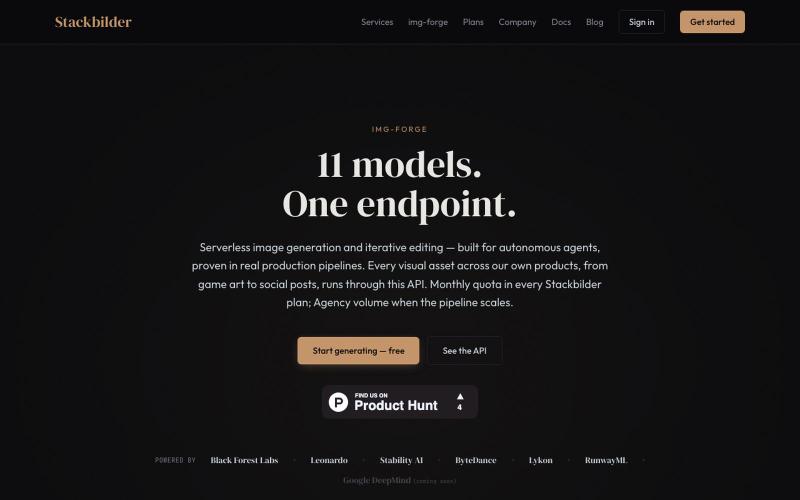
Img-Forge:通过 REST API 和 11 个 AI 模型生成图像。
u/texo_optimo · Reddit
I got tired of leaving claude code for image assets so I made Img-Forge - a remote txt2img MCP, API SoloDev here (doing this outside of my 9-5); I've decided to start shipping instead of remaining in a state of perpetual build. I'm shipping the tool I use most in my own work: Img-forge. Link is here but I have a Product Hunt listing for it here. There is a small free tier to check it out. Stackbilder.com is the platform UI; but Easiest way to get your agent working with it is via mcp
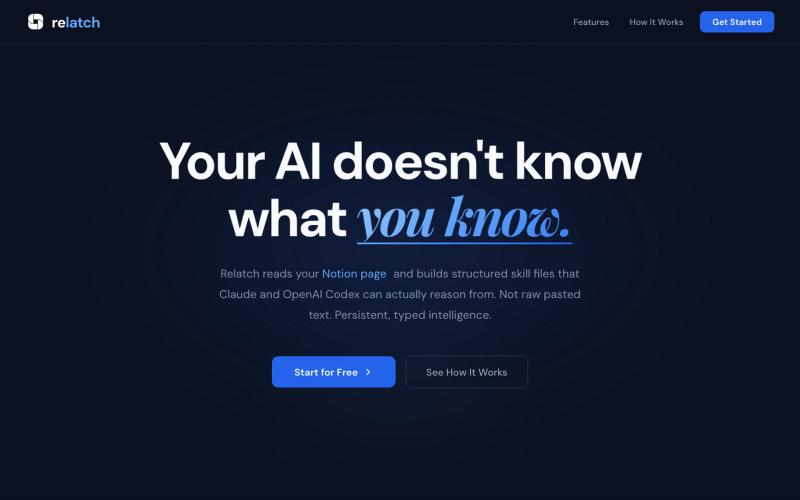
@Joi2James https://t.co/rUJD4PEstG https://t.co/dlepQIdt5t

@harit_manas · X
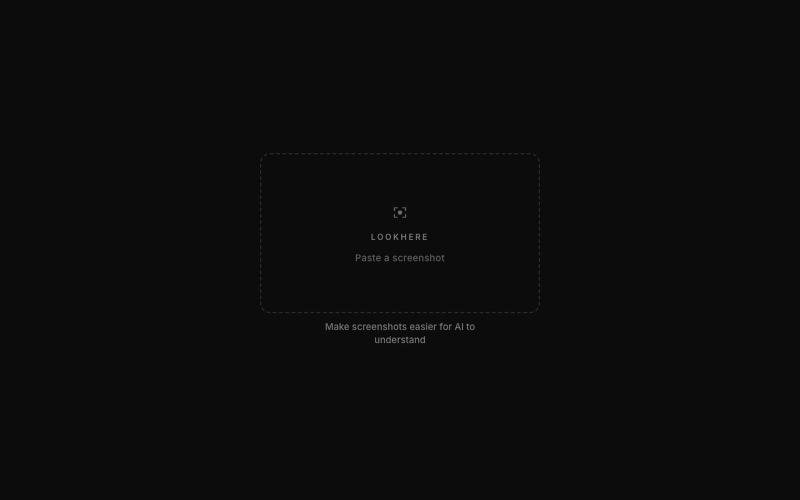
标记和提取截图部分分享给 ChatGPT 或 Claude。
akshitdandyan · Product Hunt
Label.Photos Make screenshots easier for AI to understand
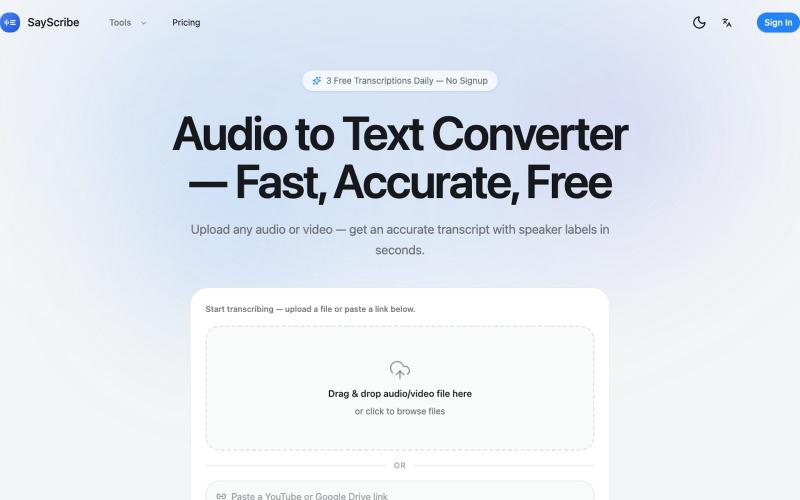
上传音频或视频,SayScribe 自动转成带说话者标签和时间戳的文字稿。
zxhywork · V2EX
SayScribe AI - 音频转文字的在线工具 花了几周搞了一个基于 OpenAI Whisper 的 AI 转录工具 **[SayScribe]( https://sayscribe.org)**,目前 5 个工具全部免费,每天 3 次无需注册。上线前请 SEO 专家做了一轮诊断,踩了不少坑,分享出来给同样在做工具站的 V 友参考。 --- ## 做了什么 核心工具是 **[Audio to Text Converter]( https://sayscribe.org)**(主页),上传音频/视频文件,AI 自动转成带 speaker labels 和时间戳的文字稿。选这个词的原因是:Google 第一页有个 DR 只有 10 的小站排第三,KD 才 20.2 ,链接预算只要 15-35 个引用域就能进前十——典型的弱盘面蓝海。 然后在主页基础上拆了 4 个子工具,每个打一个独立搜索词: - **[MP3 to Text]( https://sayscribe.org/mp3-to-text)** — 只转 MP3 。KD 41.7 比主页难一些,但
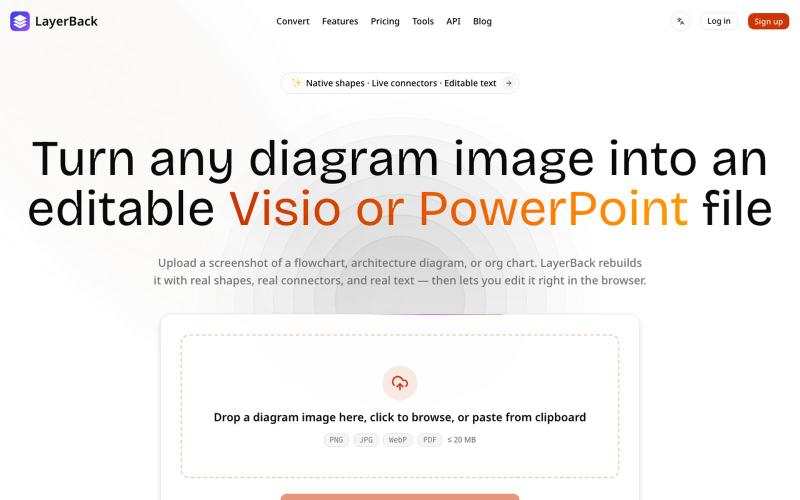
将图表图像转换为可编辑的 Visio、PowerPoint 和 draw.io 文件。

@ChenDavie_AI · X
Just shipped a new LayerBack update 🚀 Turn screenshots, photos, and diagram images into editable Visio or PowerPoint files — directly in the browser or via API. Image in. Editable files out. #buildinpublic #AI #SaaS
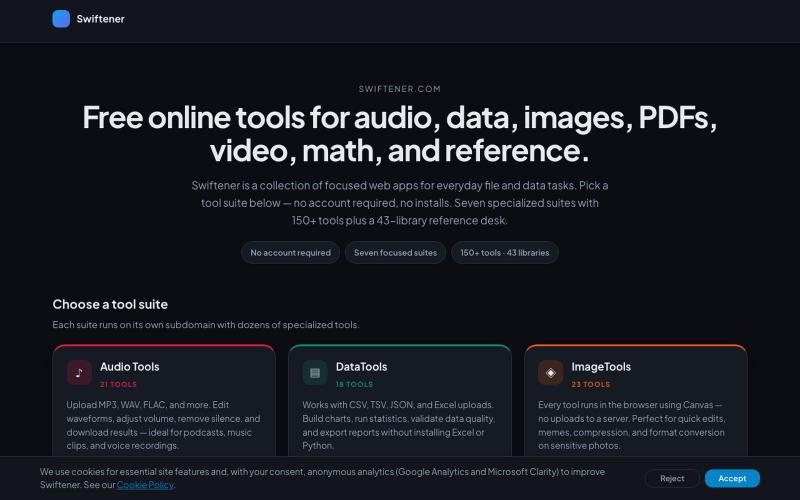
Swiftener:150+免费在线工具,编辑音频、图像、PDF、视频等,无需注册。

@factfile0 · X

在浏览器中编辑、压缩、转换和合并视频和音频文件。
zhw2590582 · V2EX
最近对网站进行了重构,做成了免费的视频工具站:[ArtPlayer Tools]( https://artplayer.org/tools/) 主要是围绕着 ffmpeg.wasm 和 mediabunny 实现的一些可以直接在浏览器里用的视频/音频工具,常用的有: - 视频压缩:[Compress Video]( https://artplayer.org/compress-video/) - 视频裁剪:[Crop Video]( https://artplayer.org/crop-video/) - 视频合并:[Merge Video]( https://artplayer.org/merge-video/) - 视频尺寸调整:[Resize Video]( https://artplayer.org/resize-video/) - 视频旋转:[Rotate Video]( https://artplayer.org/rotate-video/) - 视频调速:[Change Video Speed]( https://artplayer.org/change-video-speed/) - 添加文字到视频:[Add Text to Video]( https://artplayer.org/add-text-to-video/) - 添加水印:[Watermark Video]( https://artplayer.org/watermark-video/) - 提取字幕:[Subtitle Editor]( https://artplayer.org/subtitle-editor/) - HLS 转 MP4:[HLS to MP4]( https://artplayer.org/hls-to-mp4/) - 音频可视化:[Audio Visualizer]( https://artplayer.org/audio-visualizer/) 大部分工具都是本地处理,文件不会上传到服务器。最开始是因为自己偶尔要处理一些视频,开剪辑软件又有点重,在线工具又担心隐私,所以就慢慢做成了一个站。 目前还在持续完善,体验肯定还有不少粗糙的地方,比如不同浏览器的兼容、移动端操作、长视频性能之类的。 网站: [ArtPlayer Tools]( https:
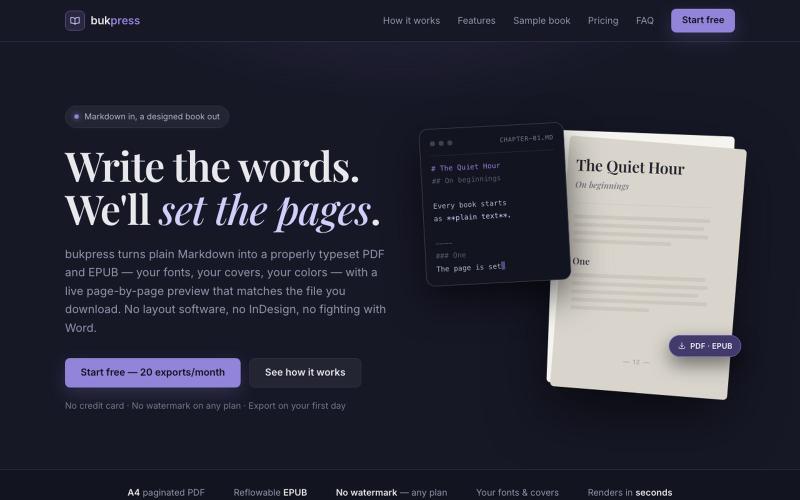
将 Markdown 转换为排版 PDF 和 EPUB,支持自定义字体、封面和颜色。

@hiddenbydigital · X

本地转换 GSTR 和 TDS PDF 至 Excel,供税务从业者批量提取数据。

@theprinceraj · X
Building for the tax professionals in India so they can work on things that matter and not waste time on repetitive tasks