
实用工具1 month ago
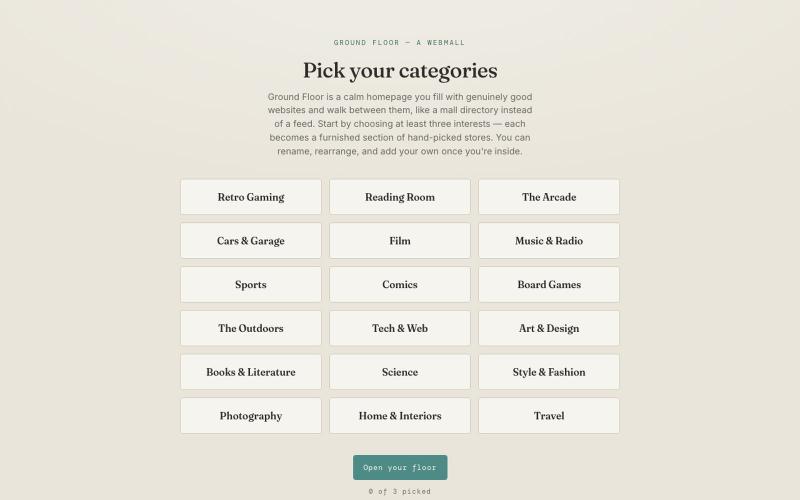
Ground Floor — a webmall
在主页添加你喜欢的网站,像浏览一个安静的目录一样。

@CliffDoomer · X
Those are great! Also I wanted to share this web app I vibe coded this week. A return to old school web surfing. Free.
完整作品展
技术栈
60 projects
在主页添加你喜欢的网站,像浏览一个安静的目录一样。
@CliffDoomer · X
Those are great! Also I wanted to share this web app I vibe coded this week. A return to old school web surfing. Free.

浏览器中免费合并PDF、压缩图片、去除背景和其他实用工具。

@damiadeh · X
Your files utility tools stacks in your browser. No uploads, files stays on your pc.
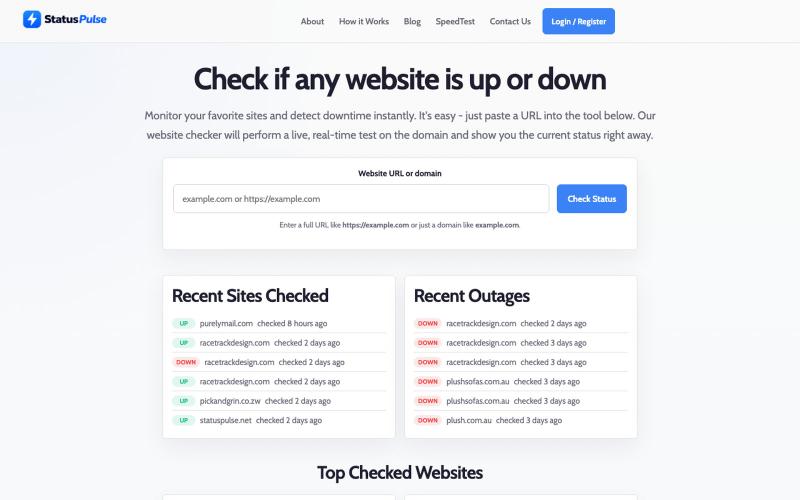
检查任何网站是否离线或在线,获得即时状态和响应详情。

@richardnavanda · X

浏览 150,000+ 个网站并购买用于 SEO 的反向链接,或使用托管服务。

@BMFDigital · X
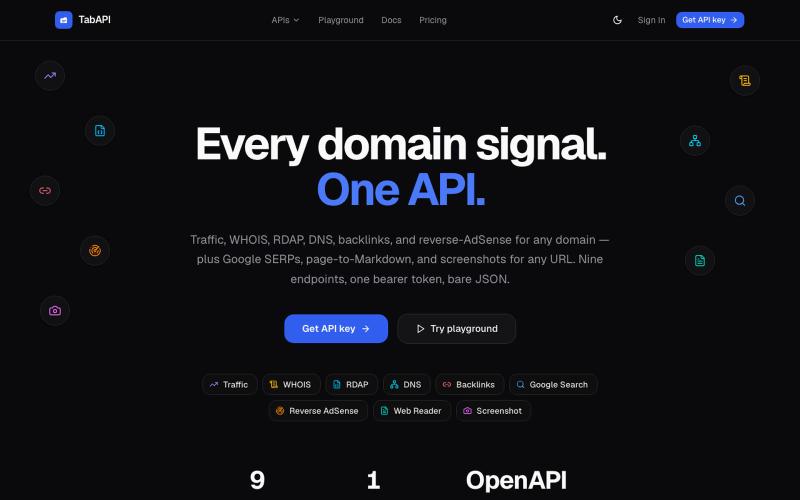
通过 API 查询任意域名的流量、DNS、WHOIS、反向链接和搜索排名。

@Lucas_hack91 · X
AITDK 作者 Blank 上线了个新网站 里边有各种上站需要用到的 API
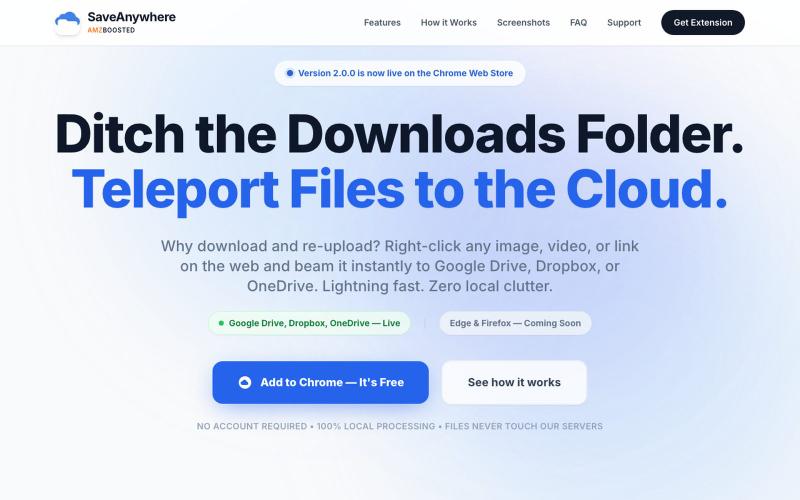
SaveAnywhere是Chrome扩展,直接将文件、图片、链接保存到Google Drive、Dropbox和OneDrive,本地处理。

@SaveAnywhere · X
Free chrome extension :

The smarter way to shorten, track & share links. URL shortening, click analytics, personal bio pages, and QR codes — all in one place.

@ClickHQco · X
Come check us out! -

Easily translate your website with Universally. Automate multilingual content, optimize SEO, and reach a global audience without complexity.

@syedbalkhi · X
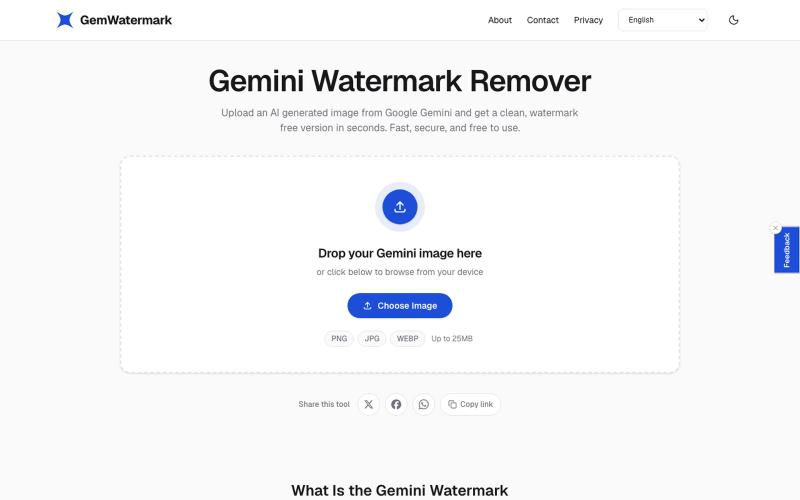
在浏览器中快速移除图像水印
zainamir · Product Hunt
Gemini Watermark Remover Remove Gemini AI watermarks from images in seconds
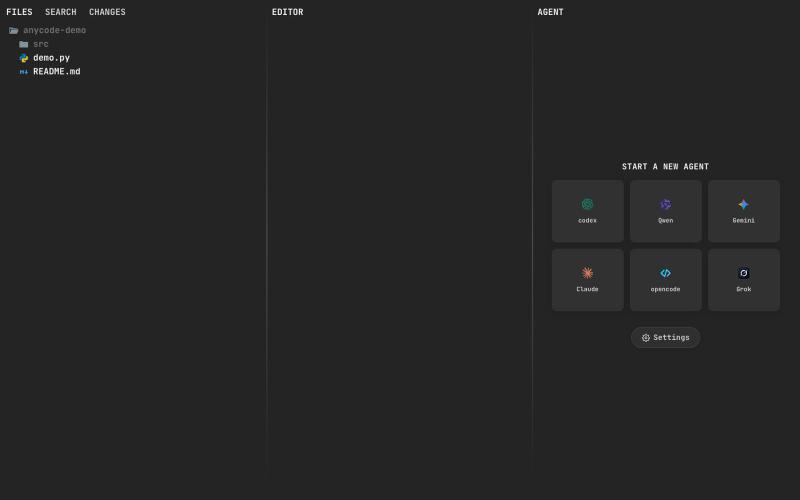
@anupamrjp A fast and smooth browser ADE where humans and agents build together. Its custom editor delivers native scrolling and smooth 120 FPS performance - even on large files. C

@andreisfedotov · X
A fast and smooth browser ADE where humans and agents build together. Its custom editor delivers native scrolling and smooth 120 FPS performance - even on large files. Check it out: Live demo without installation:

用AI自动整理YouTube视频到播放列表的Chrome扩展。

@almalimir · X
– a @YouTube extension for organizing videos

缩短 URLs、创建 landing pages、生成 QR codes,在一个平台上销售 digital products。

@Piyushkr_prog · X
is an all-in-one platform that combines branded links, link-in-bio pages, digital product sales, forms, QR codes, analytics, and more into a single dashboard. It's the perfect all-in-one platform for creators, small businesses, founders, and startups.