
生产力1 month ago
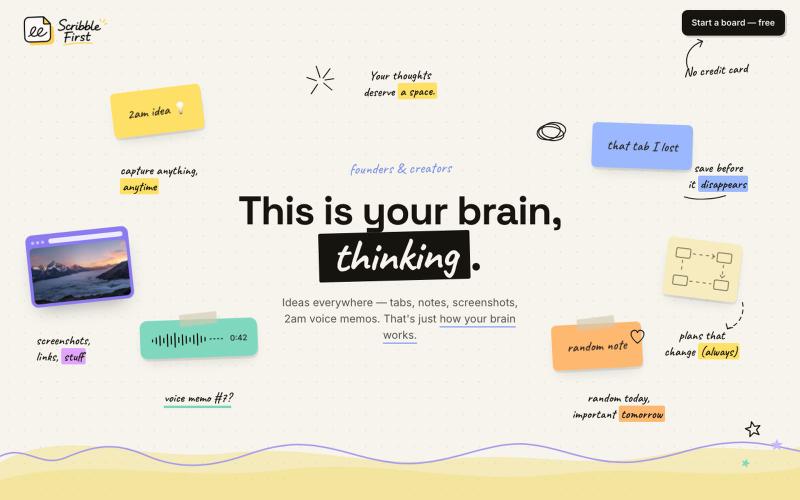
Scribble First — just scribble, AI takes it from there
Scribble First 将素描、语音笔记和截图一键转换成文档、计划和新闻稿。

@adarshbytes · X
完整作品展
技术栈
60 projects
Scribble First 将素描、语音笔记和截图一键转换成文档、计划和新闻稿。
@adarshbytes · X
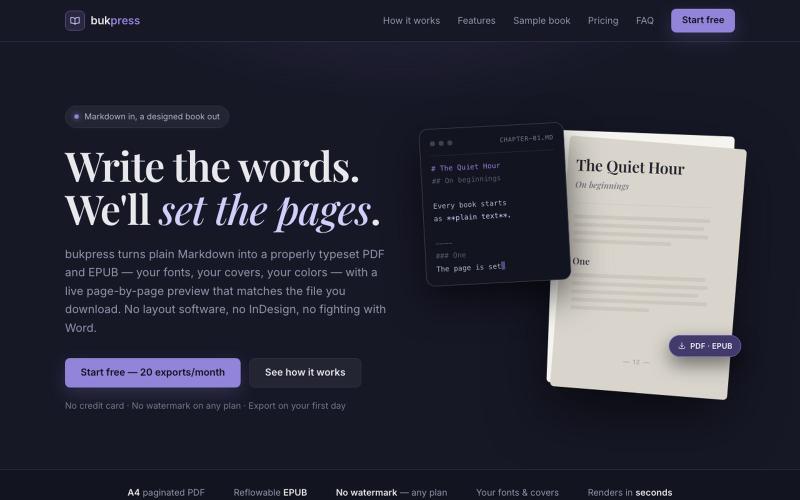
将 Markdown 转换为排版 PDF 和 EPUB,支持自定义字体、封面和颜色。

@hiddenbydigital · X
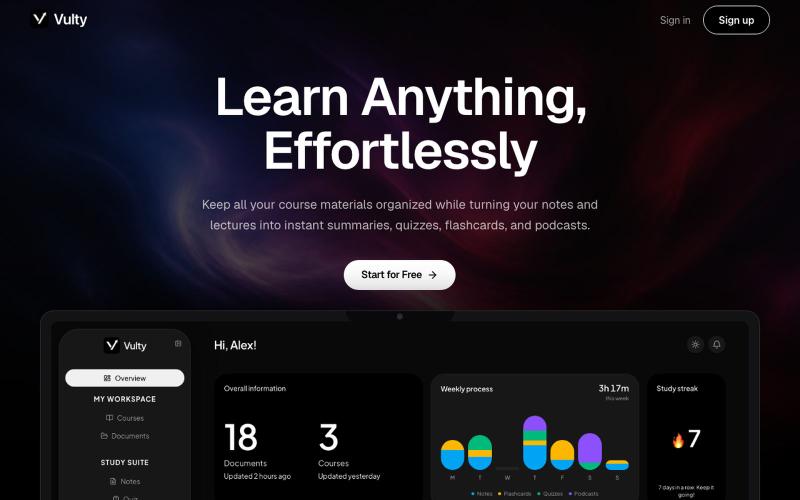
将讲座笔记和PDF转换为学习卡片、测验、摘要和音频播客。
u/LineMission3540 · Reddit
Would Love Feedback on an AI Study Tool I'm Building I’m a high school student currently building Vulty, an AI study tool that organizes and turns lecture notes and PDFs into interactive, editable note summaries, flashcards, quizzes, and even 1 to 15 minute audio podcasts. We’re starting early access testing before launch, and we would love feedback and beta testers. You can test Vulty out at https://vulty.org/ . If you'd like to access Pro or Premium mode for testing for free, DM me and I c
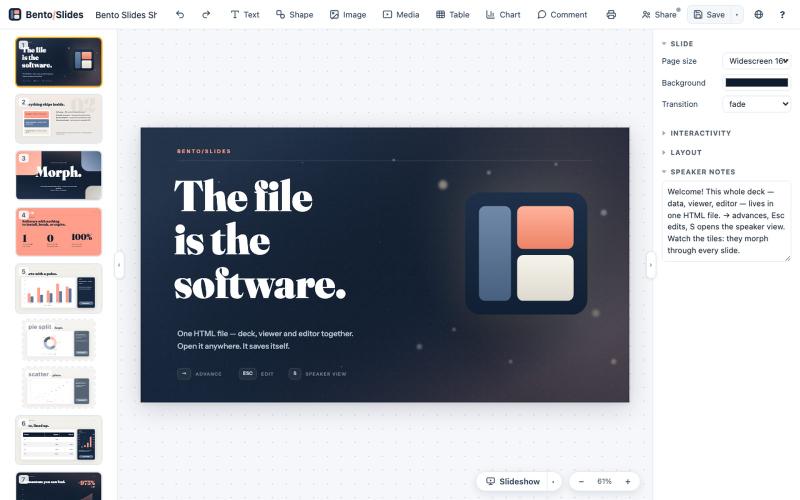
在单个HTML文件中创建和编辑演示文稿,支持实时协作。
starfallg · HN
Bento - An entire PowerPoint in one HTML file (edit+view+data+collab)
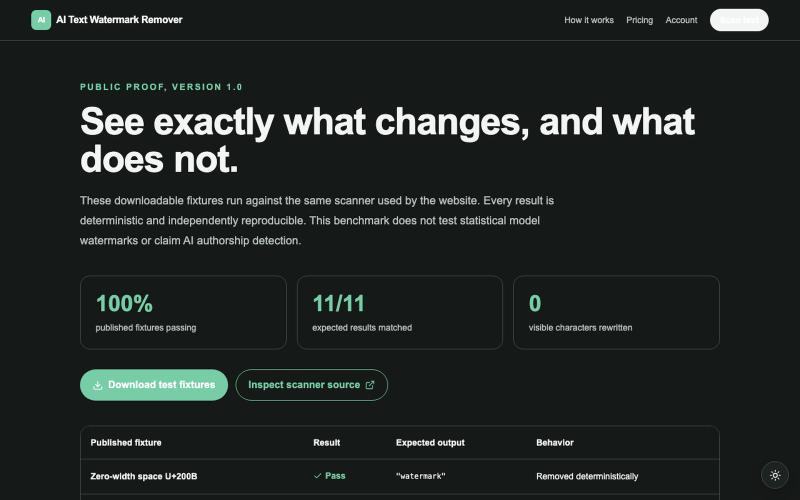
检查并移除 AI 生成文本中的隐藏 Unicode 工件,无需修改可见内容。
u/nategdd · Reddit
I published reproducible fixtures for a lossless AI text artifact scanner I built AI Text Watermark Remover to inspect copied AI text without rewriting visible words. It reports exact hidden Unicode code points, removes only supported literal artifacts locally, and does not claim that hidden characters prove AI authorship. I just published the browser compatibility fixtures, artifact coverage benchmark, self-hosted API, Docker image, and open-source scanner so the claims can be tested inste
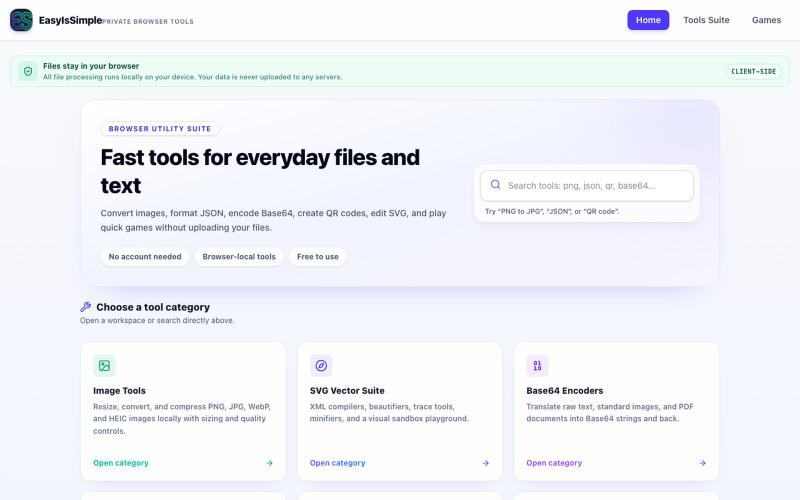
Convert, format, encode, and generate useful outputs locally in your browser. Files are not uploaded by the tools.

@easyissimple · X
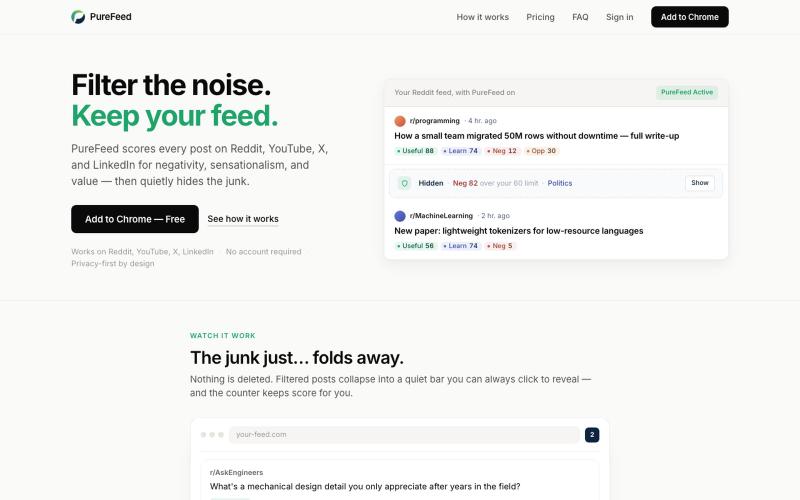
自动隐藏Reddit、YouTube、X和LinkedIn上的负面和耸人听闻帖子。

@zelvaio · X
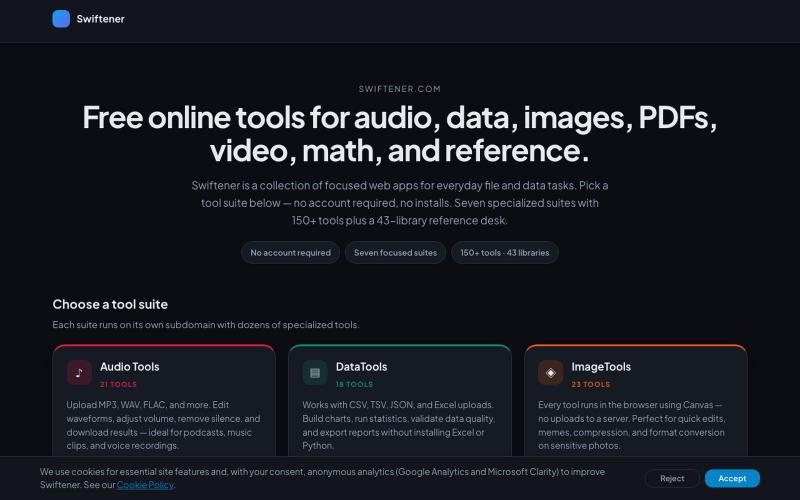
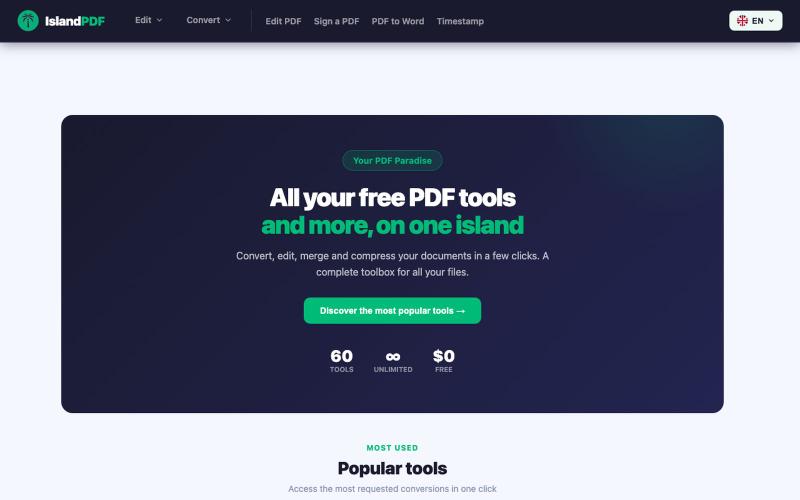
Swiftener:150+免费在线工具,编辑音频、图像、PDF、视频等,无需注册。

@factfile0 · X
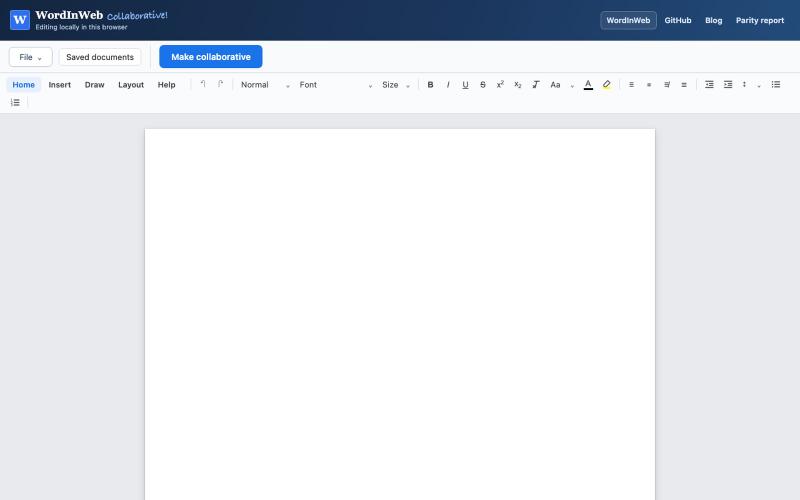
Word in Web:支持匿名分享的在线协作编辑器,与MS Word兼容。
theRealestAEP · HN
Collab Word in Web - A collaborative DOCX Editor with MS Word Parity
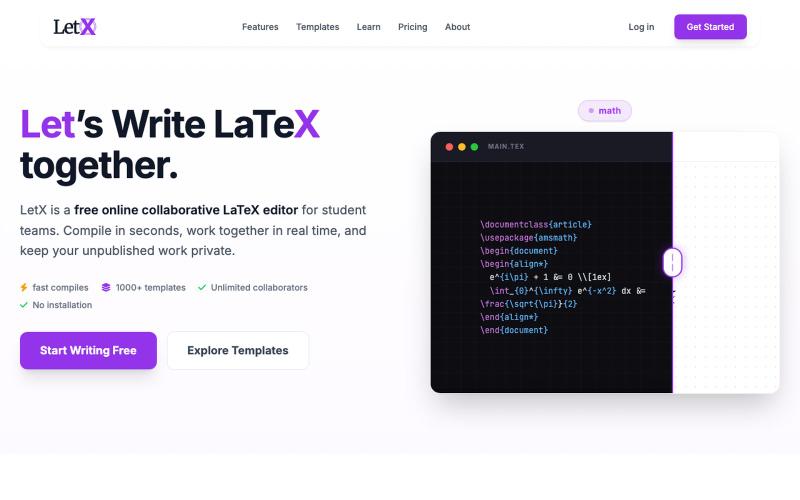
在浏览器中编写、编辑和编译LaTeX文档,支持无限实时协作。

@letxapp · X
collaborative Latex. link:

在浏览器中编辑、压缩、转换和合并视频和音频文件。
zhw2590582 · V2EX
最近对网站进行了重构,做成了免费的视频工具站:[ArtPlayer Tools]( https://artplayer.org/tools/) 主要是围绕着 ffmpeg.wasm 和 mediabunny 实现的一些可以直接在浏览器里用的视频/音频工具,常用的有: - 视频压缩:[Compress Video]( https://artplayer.org/compress-video/) - 视频裁剪:[Crop Video]( https://artplayer.org/crop-video/) - 视频合并:[Merge Video]( https://artplayer.org/merge-video/) - 视频尺寸调整:[Resize Video]( https://artplayer.org/resize-video/) - 视频旋转:[Rotate Video]( https://artplayer.org/rotate-video/) - 视频调速:[Change Video Speed]( https://artplayer.org/change-video-speed/) - 添加文字到视频:[Add Text to Video]( https://artplayer.org/add-text-to-video/) - 添加水印:[Watermark Video]( https://artplayer.org/watermark-video/) - 提取字幕:[Subtitle Editor]( https://artplayer.org/subtitle-editor/) - HLS 转 MP4:[HLS to MP4]( https://artplayer.org/hls-to-mp4/) - 音频可视化:[Audio Visualizer]( https://artplayer.org/audio-visualizer/) 大部分工具都是本地处理,文件不会上传到服务器。最开始是因为自己偶尔要处理一些视频,开剪辑软件又有点重,在线工具又担心隐私,所以就慢慢做成了一个站。 目前还在持续完善,体验肯定还有不少粗糙的地方,比如不同浏览器的兼容、移动端操作、长视频性能之类的。 网站: [ArtPlayer Tools]( https:
