
教育学习1 month ago
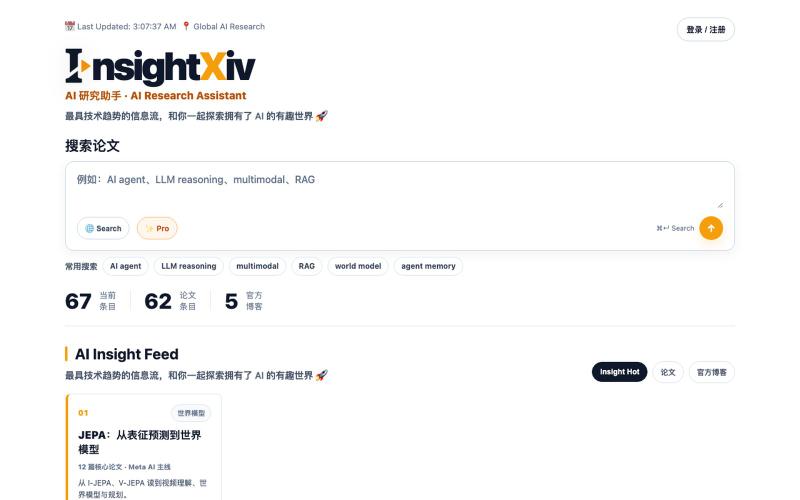
InsightXiv|AI 论文中文导读、PDF 阅读与智能研究助手
搜索、阅读和分析中文 AI 论文,获取导读、问答和笔记。
insightxiv · Product Hunt
InsightXiv Discover and understand AI papers in Chinese
完整作品展
技术栈
60 projects
搜索、阅读和分析中文 AI 论文,获取导读、问答和笔记。
insightxiv · Product Hunt
InsightXiv Discover and understand AI papers in Chinese
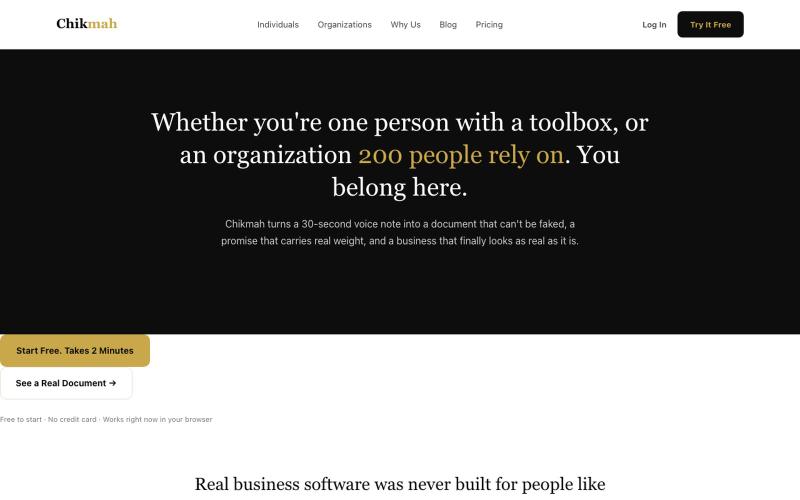
通过语音创建专业商业文档。

@torgimaOS · X
Voice to any document in 30 seconds
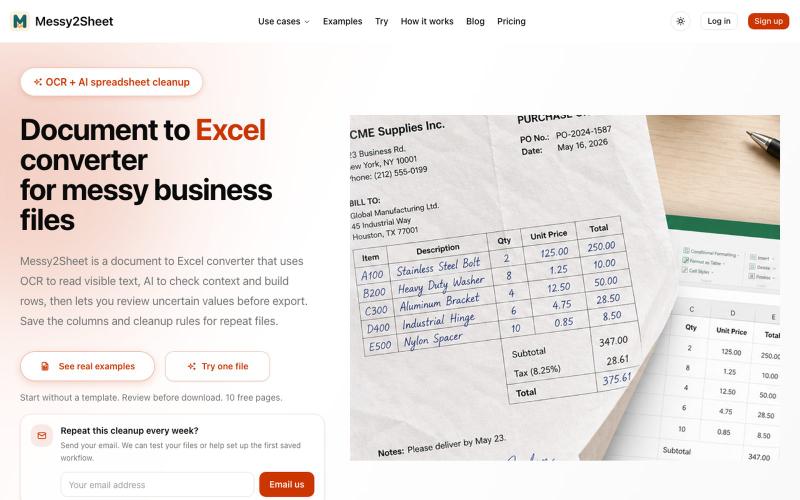
用AI和OCR将PDF、截图和邮件转换为整理好的Excel表格。
Messy2Sheet — AI 文档转表格工具,把截图、邮件订单和 PDF 价格表按自定义字段整理成 Excel/CSV,支持保存可复用 Recipe
用零知识加密发送自毁笔记和文件,支持截图保护。
minpym · HN
Flashpaper – Self-destructing secret sharing with no database
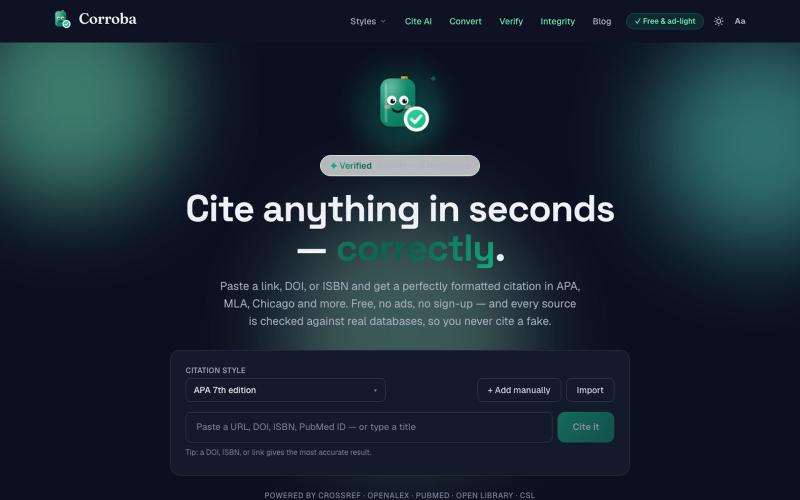
输入URL或ISBN快速生成多格式学术引用(APA、MLA、Chicago等)。
colin_peterson · Product Hunt
Corroba - Free, accurate citation Cite AI, Verify Links, How To Cite
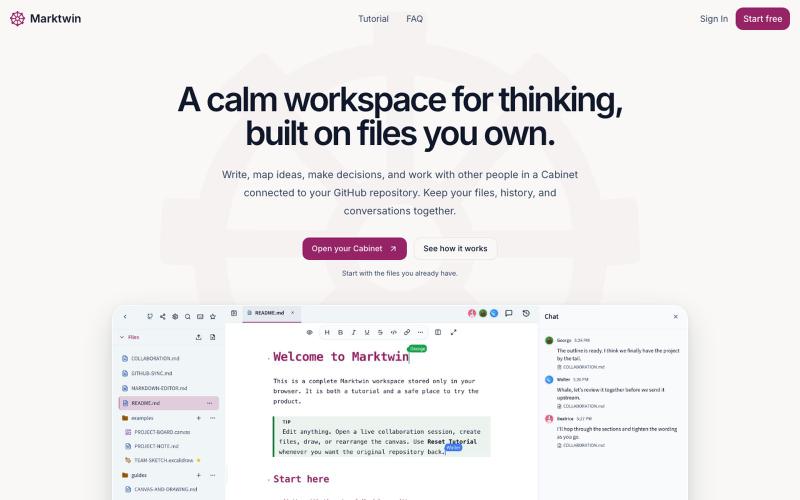
在协作工作空间中思考、讨论和编辑你的Markdown文件。
nathwolf · HN
Marktwin – collaborative workspaces on Markdown files you own
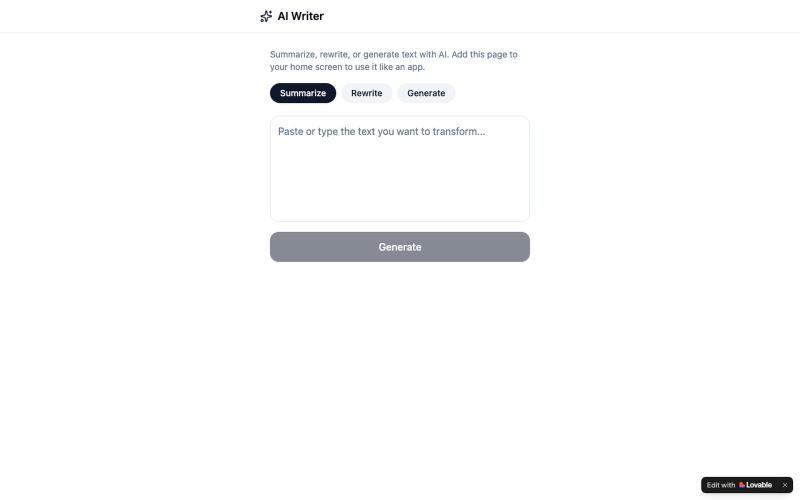
一款移动AI应用,可快速总结、改写和生成文本。

@zodiac_ali51523 · X
Check out what I just built with Lovable!
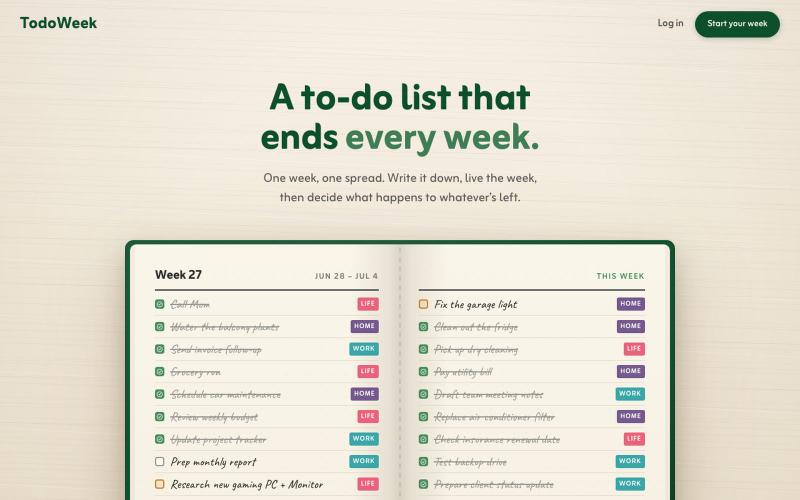
一个像纸质笔记本的每周待办应用,每周日决定任务是否延续或删除。

@faruque · X
TodoWeek: Works like a paper notebook, one week per spread, and every Sunday you decide what todos slide over to next week, and which ones get dropped. Mostly vibe coded with Claude Fable + Laravel 13 Vue starter kit.
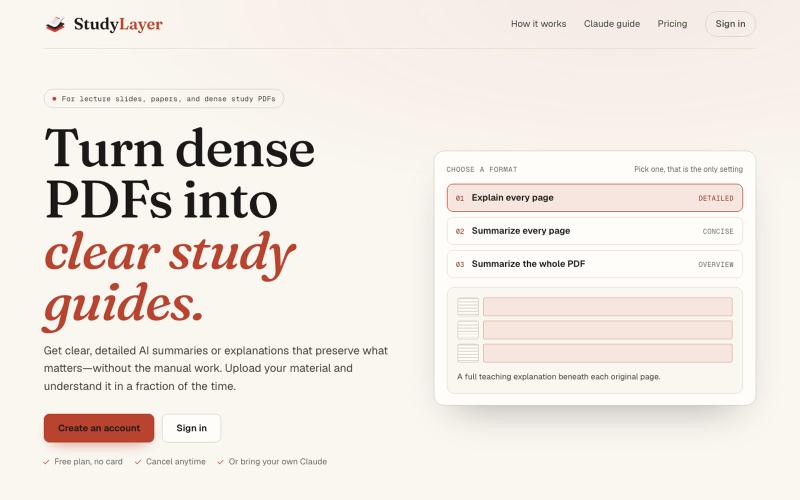
将讲座PDF转化为带页码引用的智能学习笔记。
u/Leanna_Every · Reddit
I built StudyLayer after spending days turning lecture slides into useful notes https://reddit.com/link/1w20w3d/video/kbizu752cemh1/player I’m an undergrad student, and I built StudyLayer to solve my own problem. When I uploaded an entire lecture PDF to a general AI chat, the explanation was often too generic and inconsistent. Important details could be lost. My workaround was painful. Take a screenshot of one page, paste it into the chat, request an explanation, copy the response into
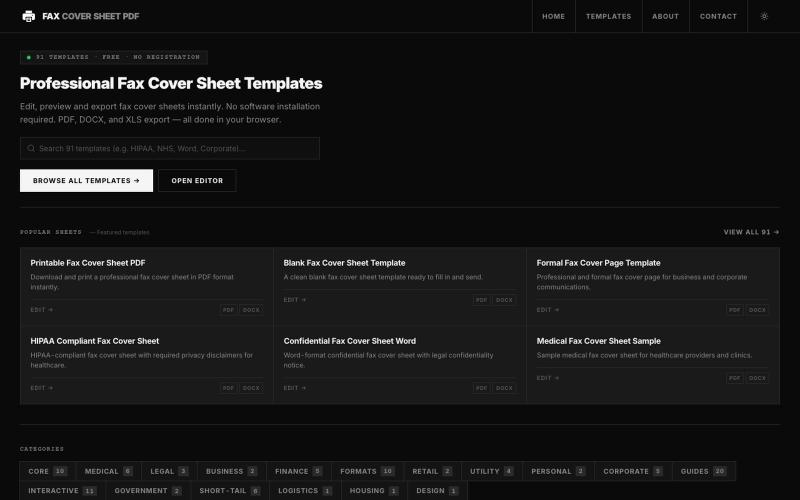
在线浏览和编辑50多种专业传真封面模板,无需软件。

@darsh0891 · X
Fax Cover Sheet PDF is a web-based repository providing zero-cost, printable, and fillable fax cover templates designed for administrative and regulatory compliance. #buildinpublic #saas #webapp
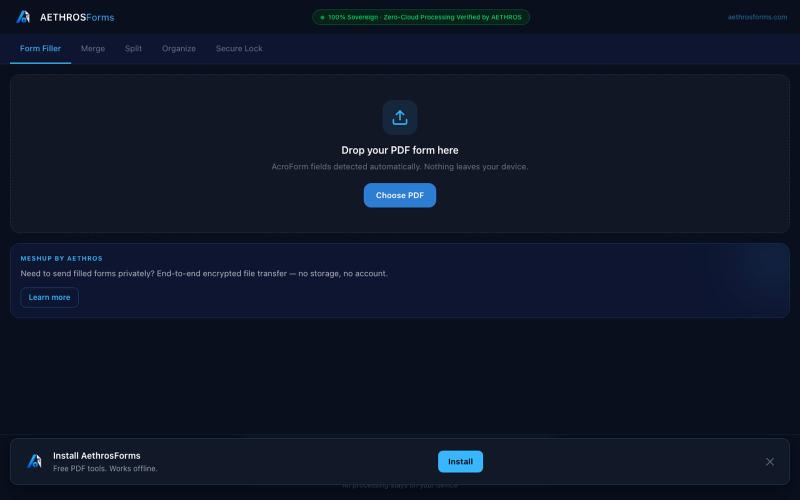
在浏览器中直接处理PDF,支持填充、合并、拆分、加密,无需上传。

@aethrosX · X
- a free pdf utility tools
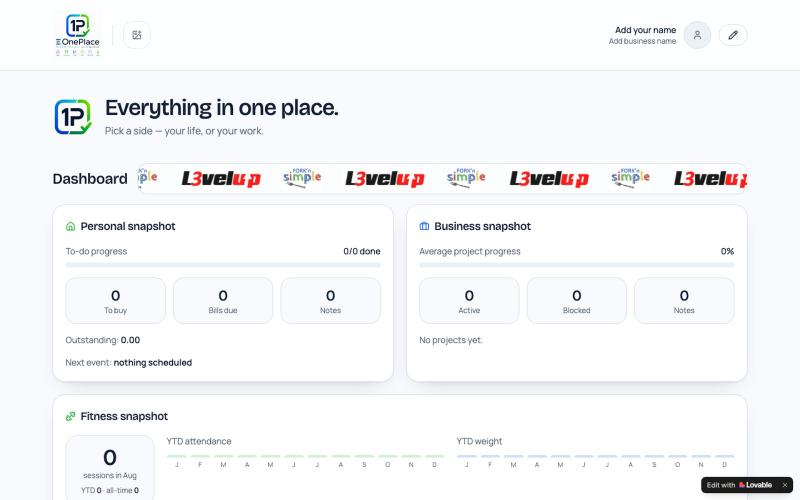
在一个地方整理笔记、任务、账单、事件和项目。

@MasterRubin007 · X
Check out what I just built with Lovable!