
实用工具4 weeks ago
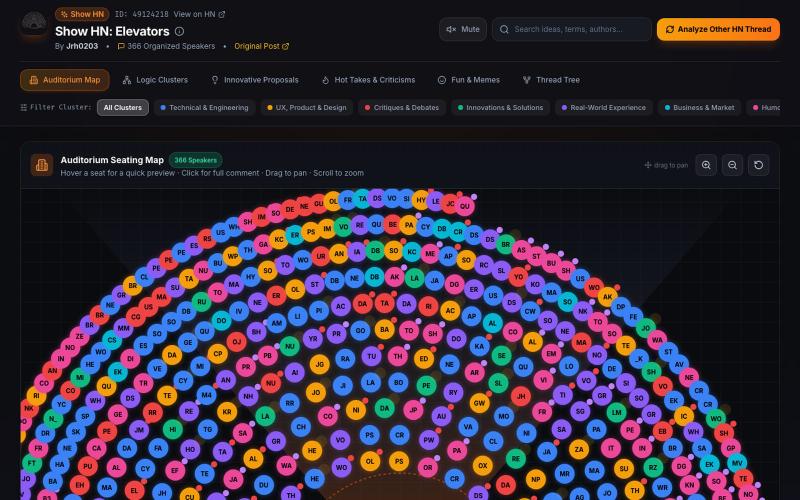
HN Discussion Visualizer & Auditorium | Show HN: Elevators (item 49124218)
用交互式空间可视化和AI摘要浏览Hacker News讨论。
ahmedxuhri · HN
Postroom – HN thread 2D Visualizer as auditorium AI-powered summaries
完整作品展
技术栈
60 projects
用交互式空间可视化和AI摘要浏览Hacker News讨论。
ahmedxuhri · HN
Postroom – HN thread 2D Visualizer as auditorium AI-powered summaries
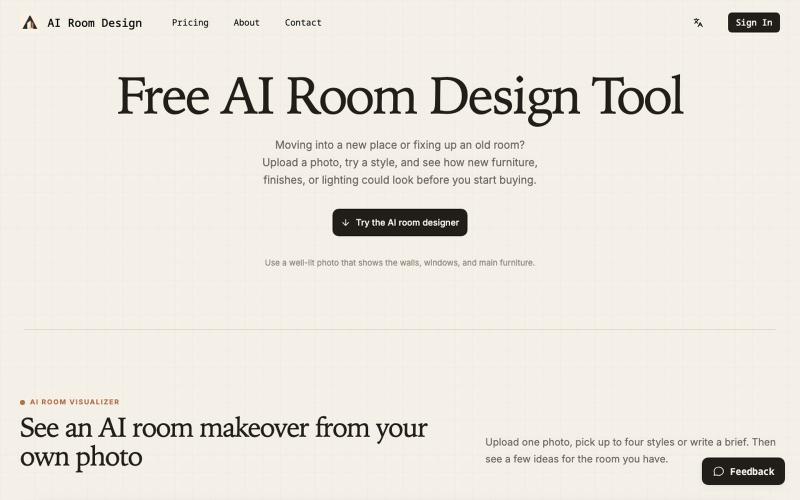
上传房间照片,AI生成多种设计风格供对比选择。
AI 室内设计 — 上传房间照片生成多种风格的装修设计,装修前即可预览效果
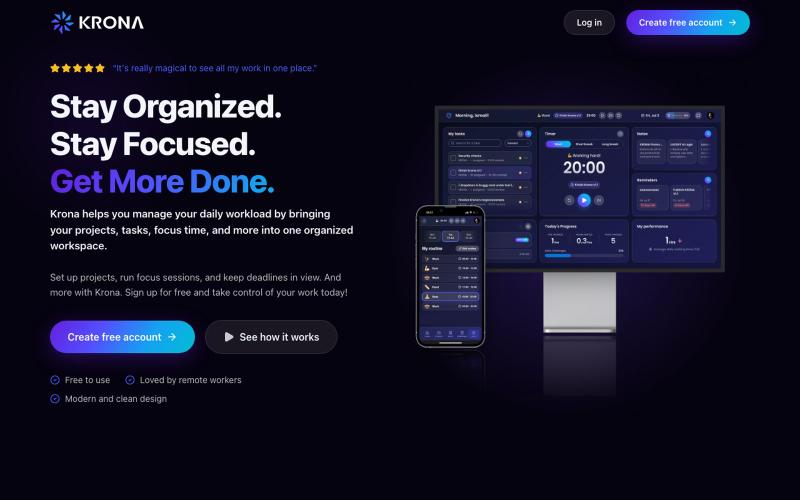
Krona 是集焦点计时器、任务、项目、笔记和日程于一体的自由职业者工作空间。

@mesbahlab · X
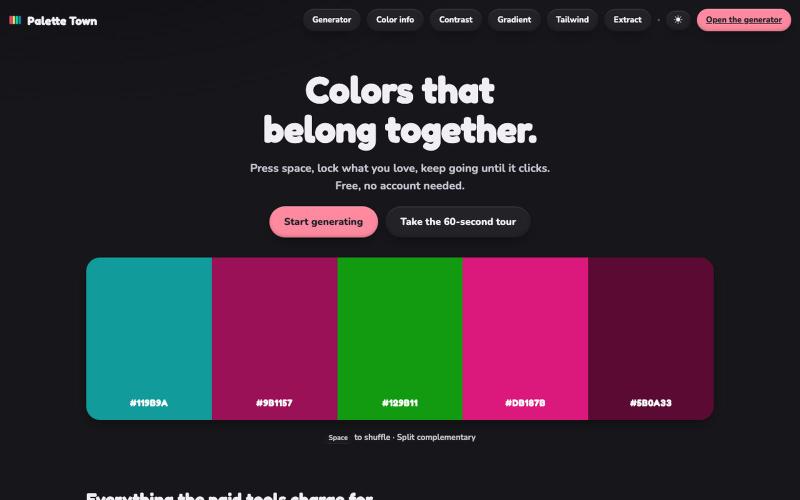
A free color palette generator, no account needed. Press space, lock what you love, check WCAG contrast, preview on real layouts and export to CSS, Tailwind, PDF, ASE and Procreate

@palettetowncc · X

HomeDesign 用 AI 帮你设计家居,上传照片或户型图即可生成 2D 布局、3D 效果图和 360° 全景。
HomeDesign — AI 空间与家装设计工具,上传房间实拍、建筑外观或户型图,即可预览室内外装修改造效果,并生成 2D 布局、3D 效果图与 360° 全景

为 Codex Desktop 设计自定义主题,调整背景、颜色、透明度和视觉效果。
plutozc · V2EX
做了个 Codex Desktop 主题预览和切换工具,先调好再安装 最近一直在用 Codex Desktop ,觉得默认界面看久了有点单调,就顺手做了个主题编辑工具,分享一下: [Codex Skin]( https://getcodexskin.com) 可以先在网页里预览主题,调整背景透明度、面板透明度、颜色、模糊和圆角等参数,满意之后再下载并切换到 Codex Desktop 。 目前支持: - 自定义 JPG 、PNG 、WebP 背景 - 在线实时预览主题效果 - 调整透明度、颜色、模糊、圆角 - 预览满意后生成安装命令 - 不喜欢了可以恢复默认外观 目前主要面向 macOS 上的 Codex Desktop ,还是个人项目,功能和兼容性都在继续打磨。 欢迎试试,也想听听大家对主题参数、预览效果和安装流程的反馈。 直接网址: https://getcodexskin.com [轻喷 轻喷,可能还有些 bug
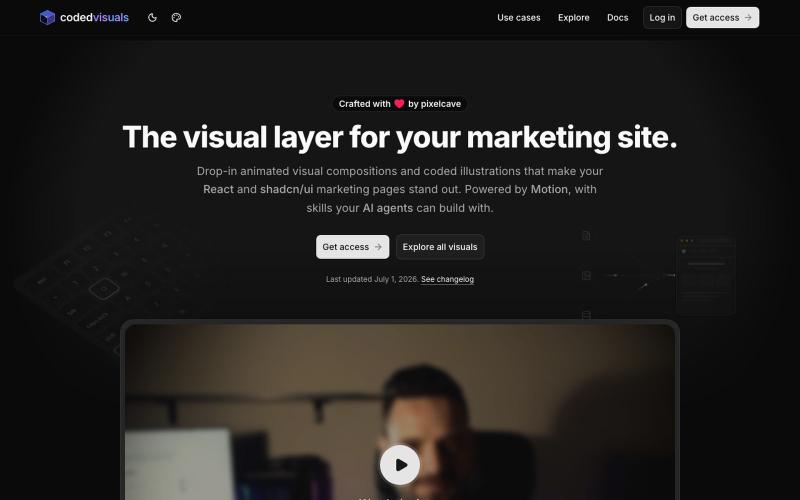
React 和 shadcn/ui components,用于在营销和登陆页面上创建 animated visual elements

@pixelcave_john · X
Hey Germán! I recently launched and a major update to Tailkit!
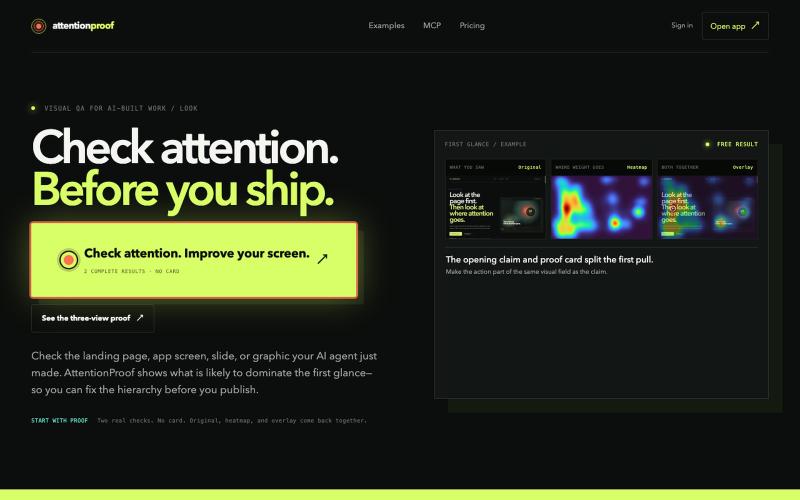
用 ML 热力图和叠加层分析设计中的人类注意力。
u/dimabreezy · Reddit
Hey, I built a tech that predicts human attention (it's Machine Learning + Data project). I've being using it for the past 2 months and it gives amazing results to AI agents I'm a software engineer and I also love good visuals. And I hate when AI build UI but it doesn't understand what should be GRABBING the attention, so I've build a tech that solves that https://attentionproof.com/ Here you can sign in with the ChatGPT account and get free 2 tries (I got limited compute) so please g
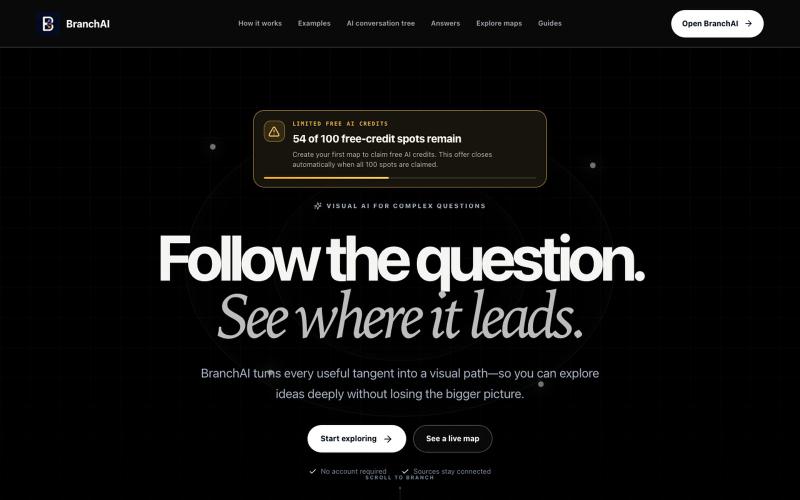
将复杂问题转化为可视化分支知识图谱,深入理解话题。
u/LeonHelloWorld · Reddit
Build update: testing whether visual AI maps are actually clearer than chat This week I finished a public beta of BranchAI, a web app that turns a complex question into a visual tree instead of a single long AI conversation. The hypothesis is simple: people lose useful context once a chat has several follow-ups. Keeping those follow-ups visible as branches should make research and complicated topics easier to revisit. What is working now: - Generate a starting map from a question - Op
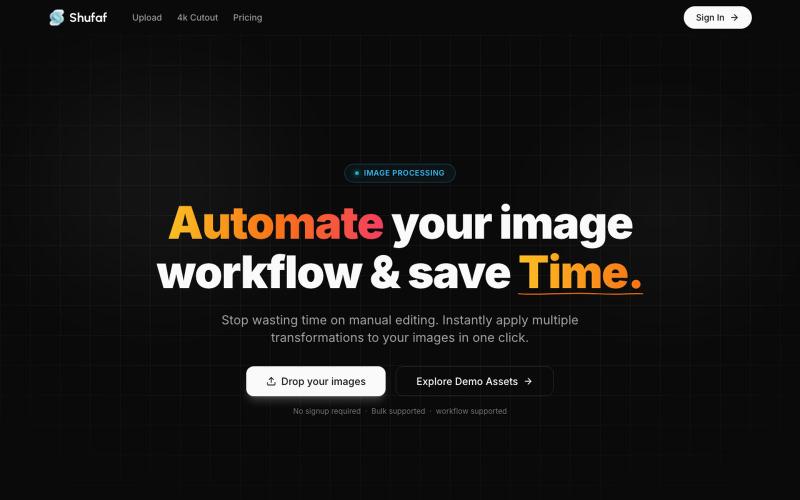
Shufaf is an interactive image workspace built to help developers and designers instantly visualize, test, and perfect their assets in different UI components and mockups before de

@ramio_io · X
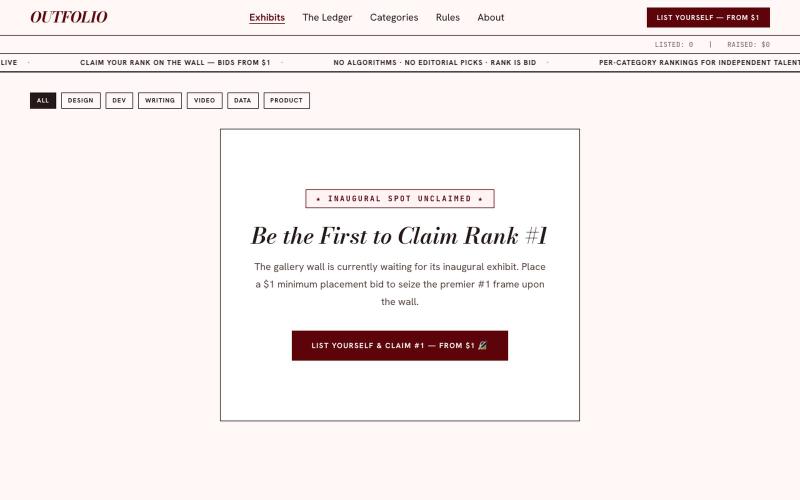
Bid for your rank on the gallery wall. Outfolio is an open exhibition platform where freelance designers, developers, and creators secure visibility through placement bids.

@imsudipcreator · X
i created for freelancer portfolios
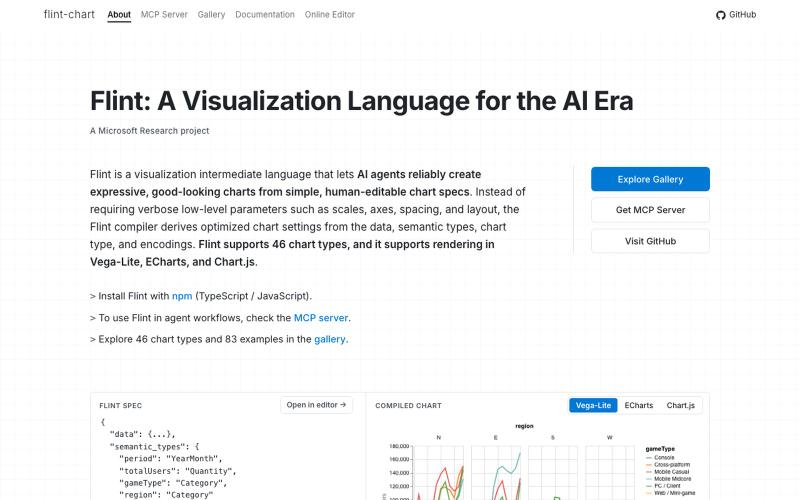
Flint是为AI代理设计的可视化语言,用于创建交互式数据可视化。
chenglong-hn · HN
Data visualizations are the bridge between user and data. But building AI agents that can generate visualizations reliably can be very tricky: - simple chart specs can be reliable, but generated charts are often of low quality due to reliance on system defaults; - complex chart specs with explicit details can produce good-looking charts, but they are verbose and agents can struggle with reliability We figured out it is a limitation on the language issue (not just AI capability thing) -- current visualization languages are a bit too low-level for AI agents, requiring them to explicitly make visual decisions that are supposed to be handled by a good compiler. Flint is a visualization intermediate language to address this issue, allow AI agents to solve this last-mile human-agent interaction problem. It provides a simple semantic-type based specification, and contains a layout optimization engine that can produce good-looking charts (filled with derived low-level details) from simple