
创意工具1 week ago
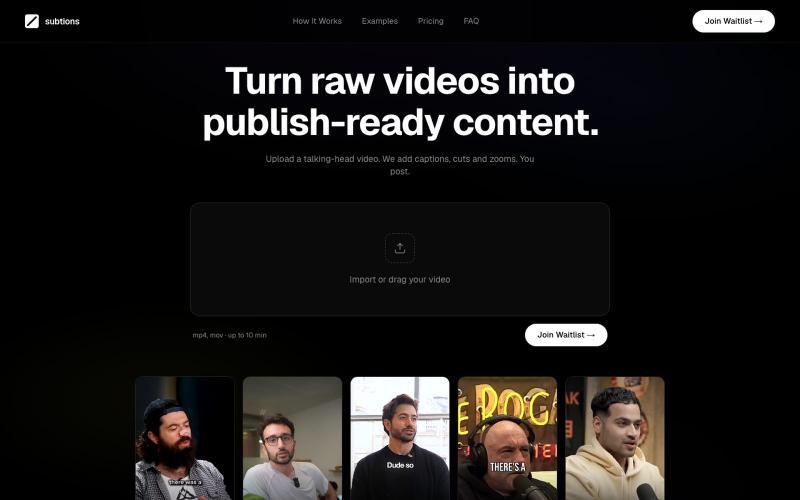
Subtions — Turn Raw Videos into Publish-Ready Videos
自动为社交媒体上的 talking-head videos 添加 captions、cuts 和 zooms。

@subtions · X
create publishing ready videos in under 40 seconds. Join the waitlist to get a month of pro free:
完整作品展
技术栈
60 projects
自动为社交媒体上的 talking-head videos 添加 captions、cuts 和 zooms。
@subtions · X
create publishing ready videos in under 40 seconds. Join the waitlist to get a month of pro free:
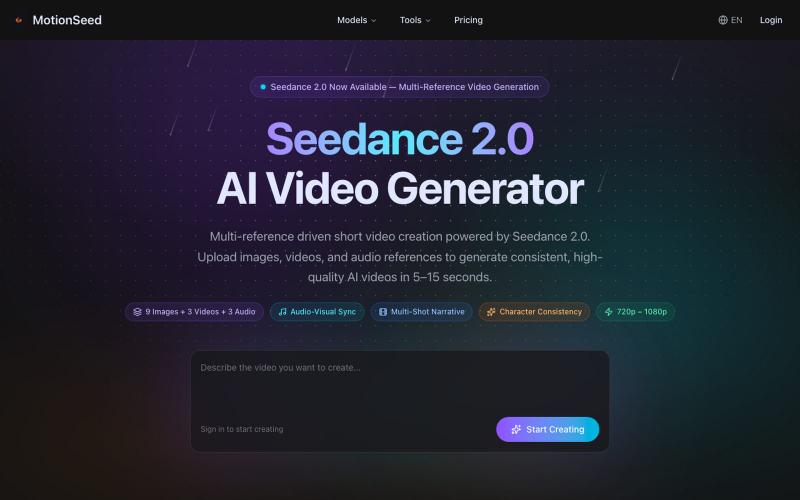
用图片、文本或多个参考生成AI视频,支持音视频同步。
MotionSeed — AI 视频生成平台,聚合 Sora 2、Veo 3.1、Seedance 2.0 等多个主流 AI 视频模型,支持文字生成视频、图片生成视频,无需分别注册各平台账号,注册即送免费额度。
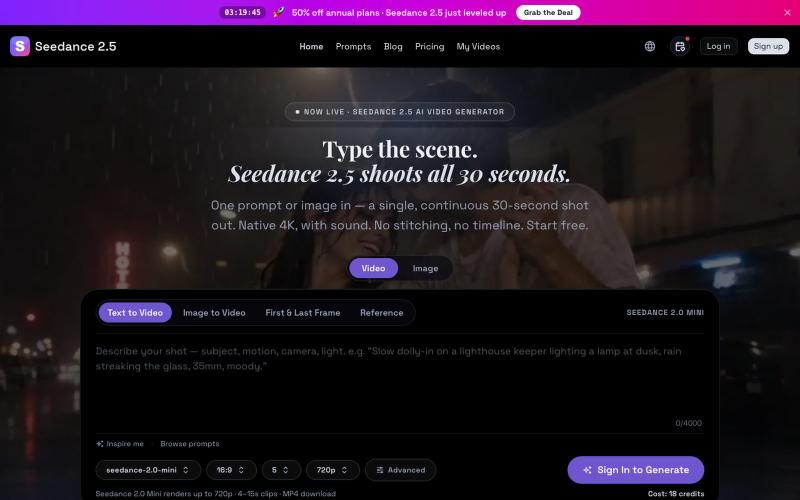
Seedance 2.5 从文字提示生成原生 4K 视频,可达 30 秒。
Seedance 2.5 — 字节跳动推出的 AI 视频生成器,输入提示词生成原生 4K 画质、时长达 30 秒的视频,支持最多 50 个参考输入,免费使用
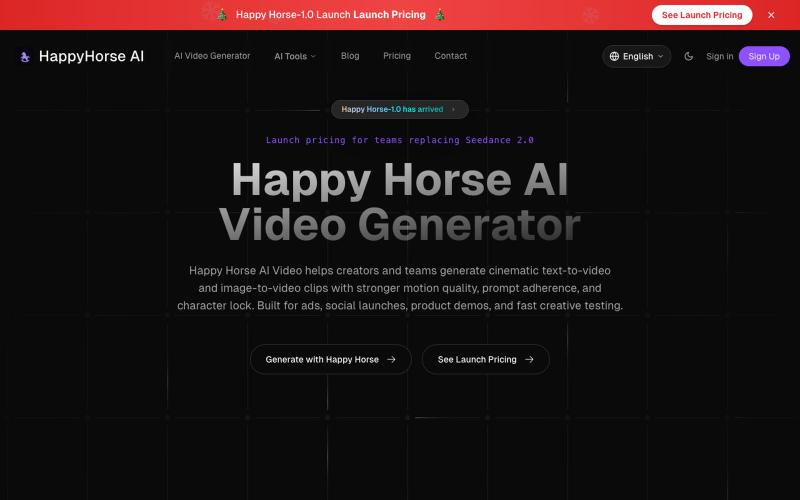
用AI从文本或图像生成电影级视频。
happyhorseai.pro — AI Video Generator for Text to Video and Image to Video
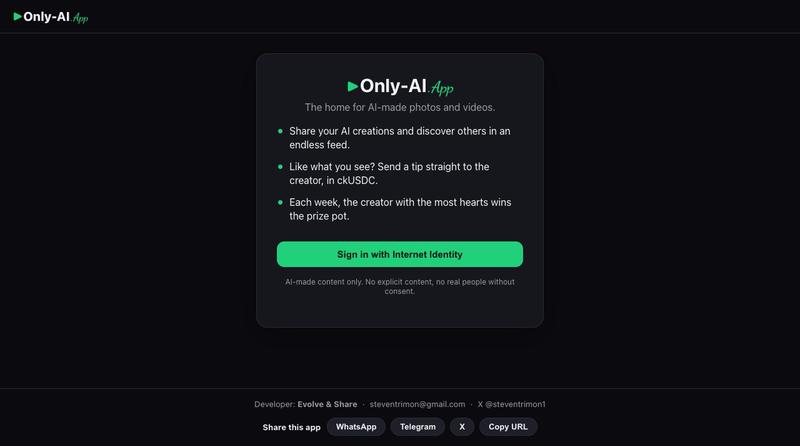
AI照片和视频的图库与生成工具

@steventrimon1 · X
I built this with Claude Code and Caffeine! Check out Only AI — the home for AI-made photos and videos
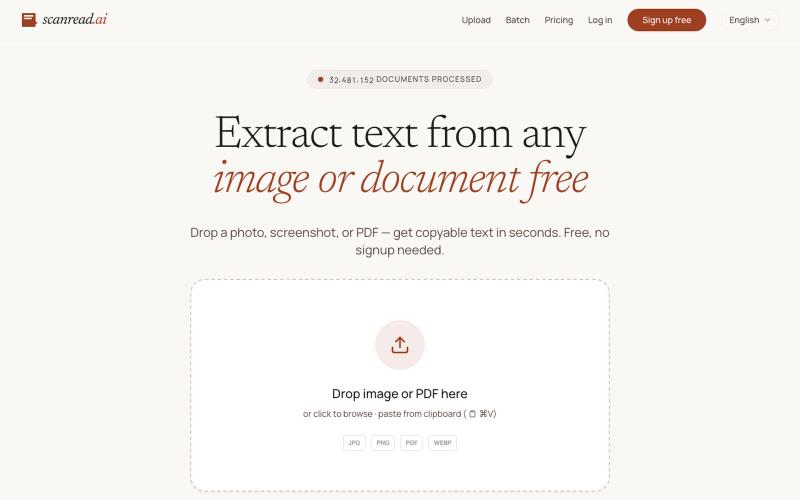
从图片、PDF和截图中提取文本,支持100多种语言,免费无需注册。
ScanRead.ai — OCR 文字提取工具,支持 100+ 语言,可从图片、PDF、截图和手写文档中提取文字
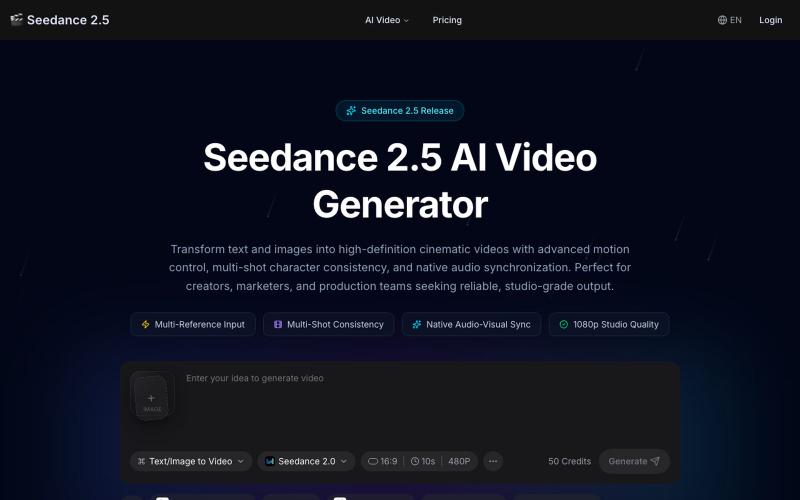
用 Seedance 2.5 生成AI视频,支持角色锁定、3D摄像机和音效同步。
seedance 2.5 — 在线 AI 视频生成平台,支持文生视频和图生视频,依托 Seedance 2.5 模型生成流畅自然的 AI 视频
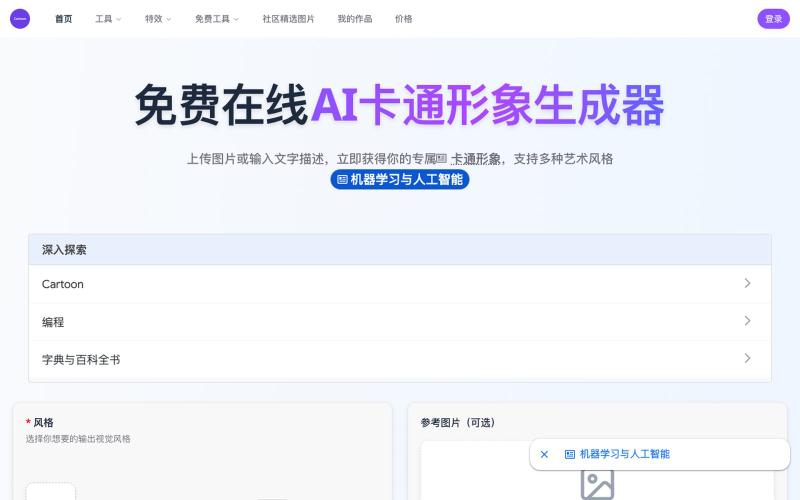
将照片或文字转换成卡通形象,支持迪士尼、宫崎骏等多种风格
免费在线 AI 卡通图片生成工具 — 将文本和照片转换为令人惊艳的卡通风格图像。它提供多种艺术风格、丰富的自定义选项和高质量的输出,让用户轻松创建独特的头像、社交媒体内容和品牌插画
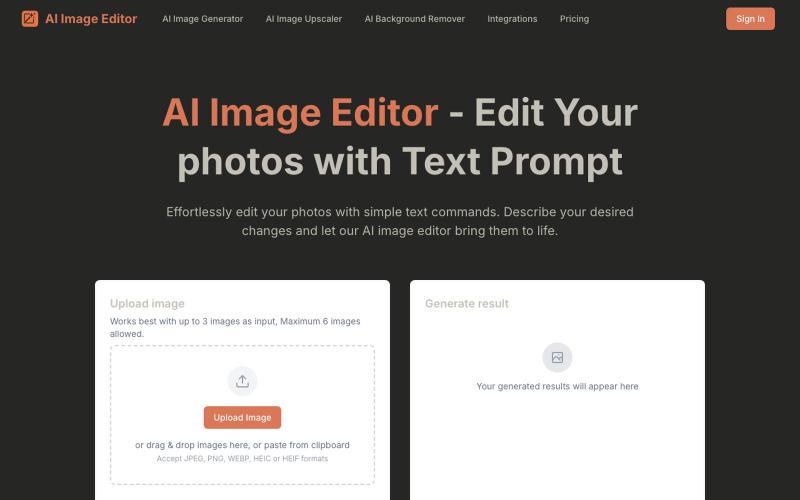
通过文字指令编辑照片的 AI 工具,无需复杂操作。
AI Image Editor — 通过文字指令编辑你的照片,AI 图像编辑器是一款由提示词驱动的智能新一代工具,它能让您使用自然语言编辑照片——无需像传统照片编辑器那样进行复杂的手动操作
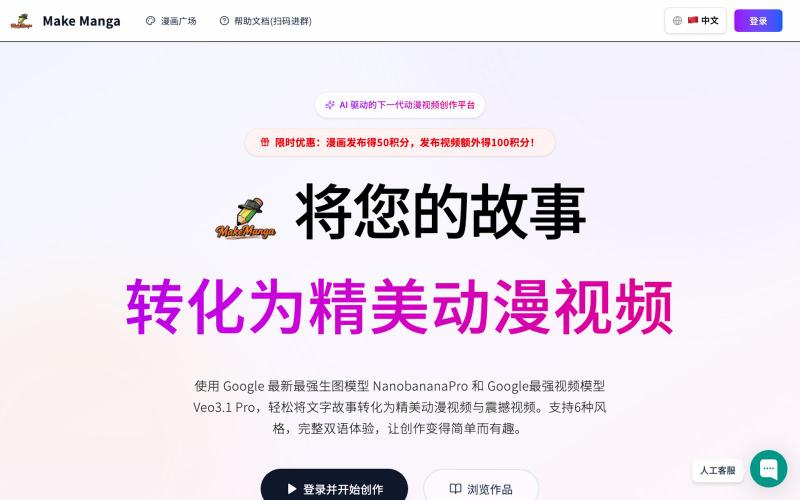
Make Manga:用 AI 将故事转化为漫画和视频。
MakeManga — AI 生成漫画,支持 Nano Banana 和 Seedream 4.0 模型,只需提供故事,剩下的分镜和角色生成等都交给 AI

ArtPlayer 免费浏览器视频和音频编辑工具,支持压缩、裁剪、合并和格式转换。
zhw2590582 · V2EX
最近对网站进行了重构,做成了免费的视频工具站:[ArtPlayer Tools]( https://artplayer.org/tools/) 主要是围绕着 ffmpeg.wasm 和 mediabunny 实现的一些可以直接在浏览器里用的视频/音频工具,常用的有: - 视频压缩:[Compress Video]( https://artplayer.org/compress-video/) - 视频裁剪:[Crop Video]( https://artplayer.org/crop-video/) - 视频合并:[Merge Video]( https://artplayer.org/merge-video/) - 视频尺寸调整:[Resize Video]( https://artplayer.org/resize-video/) - 视频旋转:[Rotate Video]( https://artplayer.org/rotate-video/) - 视频调速:[Change Video Speed]( https://artplayer.org/change-video-speed/) - 添加文字到视频:[Add Text to Video]( https://artplayer.org/add-text-to-video/) - 添加水印:[Watermark Video]( https://artplayer.org/watermark-video/) - 提取字幕:[Subtitle Editor]( https://artplayer.org/subtitle-editor/) - HLS 转 MP4:[HLS to MP4]( https://artplayer.org/hls-to-mp4/) - 音频可视化:[Audio Visualizer]( https://artplayer.org/audio-visualizer/) 大部分工具都是本地处理,文件不会上传到服务器。最开始是因为自己偶尔要处理一些视频,开剪辑软件又有点重,在线工具又担心隐私,所以就慢慢做成了一个站。 目前还在持续完善,体验肯定还有不少粗糙的地方,比如不同浏览器的兼容、移动端操作、长视频性能之类的。 网站: [ArtPlayer Tools]( https:
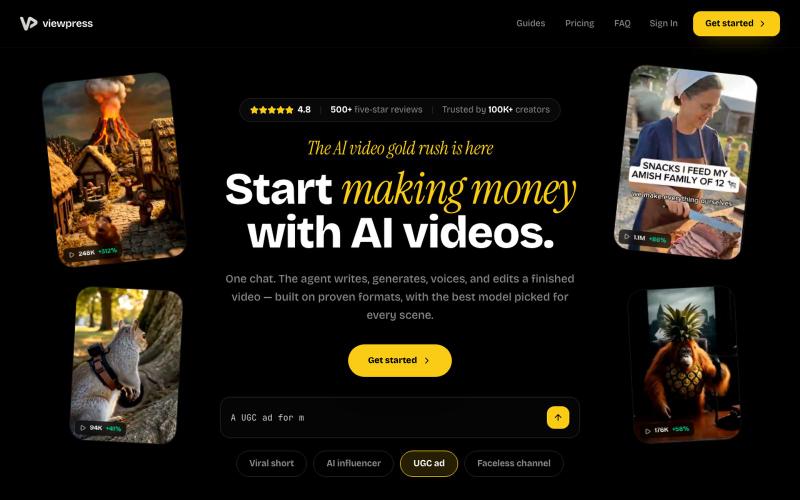
通过AI聊天界面一站式创建视频,自动生成脚本、配音和编辑。
u/Real-Estate-Agentx44 · Reddit
Built an AI video tool where one chat writes, voices, generates, and edits the whole video - is all-in-one actually useful or do you prefer separate tools? I've been building ViewPress AI , an AI video generator, and I'm at the point where I want honest feedback before I keep pushing in one direction. Instead of jumping between a script tool, a voice tool, an image/video generator, and an editor, you describe what you want in one chat and the agent handles the whole thing. It