
教育学习1 month ago
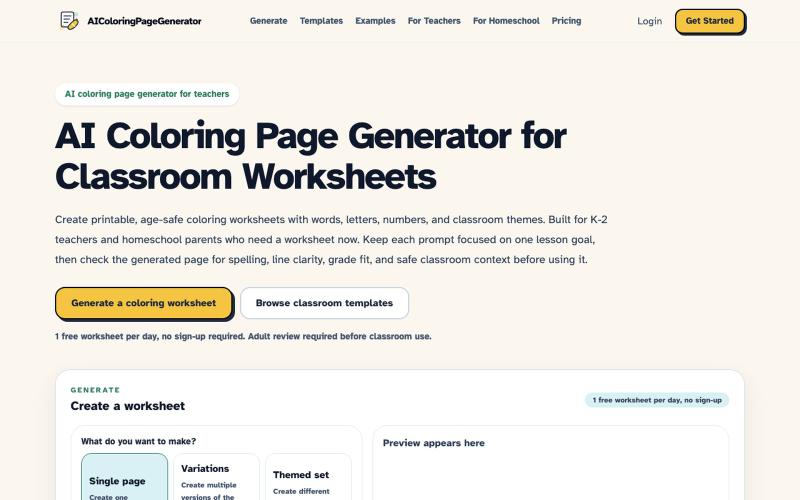
AI Coloring Page Generator for Teachers | K-2 Worksheets
为K-2课堂生成AI着色页工作表。
robot1996 · HN
AI Coloring Page Generator for printable classroom worksheets
完整作品展
技术栈
60 projects
为K-2课堂生成AI着色页工作表。
robot1996 · HN
AI Coloring Page Generator for printable classroom worksheets
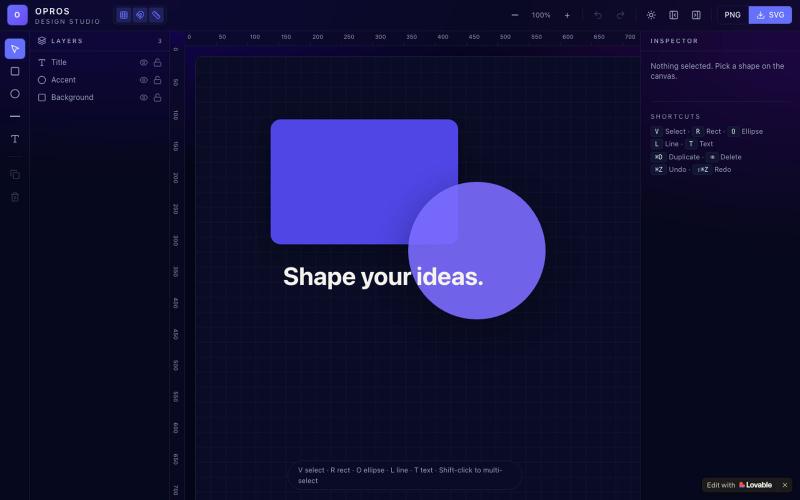
在网络上创建和可视化设计的创意工作室OPROS Design Studio。

@OprosOlamiflex · X
Check out what I just built with Lovable!
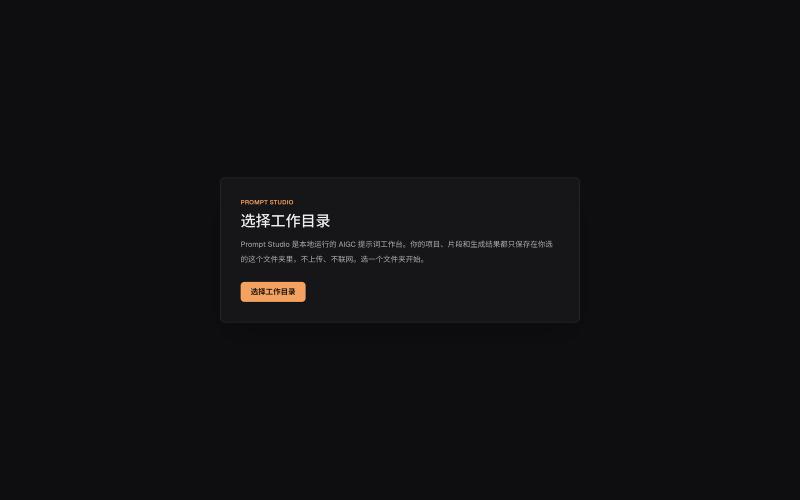
本地管理 AIGC 提示词、角色设定和视觉描述的工作台。
innerpeace03 · V2EX
做了个管 AIGC 提示词的本地工作台 —— Prompt Studio 先放地址(纯静态、无后端,打开即用): https://prompt-studio-7gh.pages.dev ## 为什么做这个 起因是身边一个做漫剧 / AI 短视频的朋友,她的 prompt 和素材全靠飞书文档 + 手动复制粘贴管理。 同一段角色设定、画风描述,在几十条 prompt 里被物理复制了几十遍 —— 真实样本里同一段片段重复出现了 16 次。 改一个设定就得全文档翻着改,漏一处就出错。 市面上要么是「以图为中心」的图库( MJ / Civitai 那种),要么是通用文档( Notion / 飞书), 都没解决「同一段提示词在很多地方被重复、想改一处就同步所有引用」这件事。所以自己动手做了一个。 ## 它是什么 一句话:浏览器里运行、数据全在本地、单人用的「提示词 + 素材」工作台。 核心就一件事 —— 消灭 prompt 片段的物理重复: - 片段层 + 规则层两级可复用资源,prompt 里用「引用」而不是复制粘贴 - 改一次片段,所有引用它的
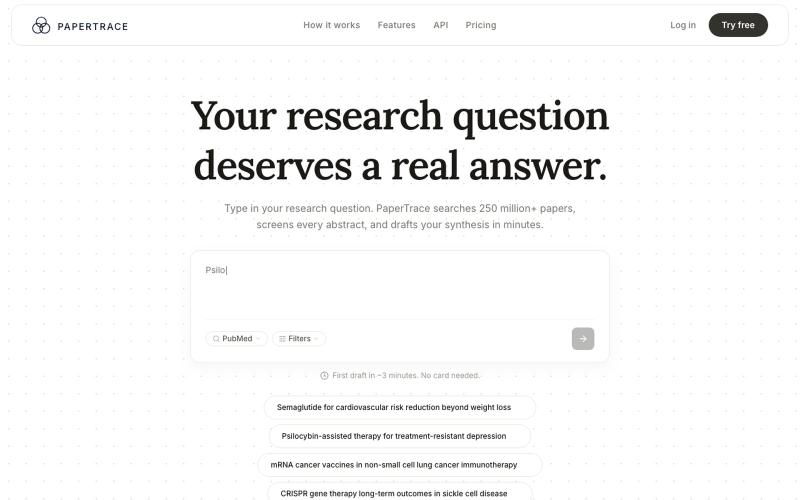
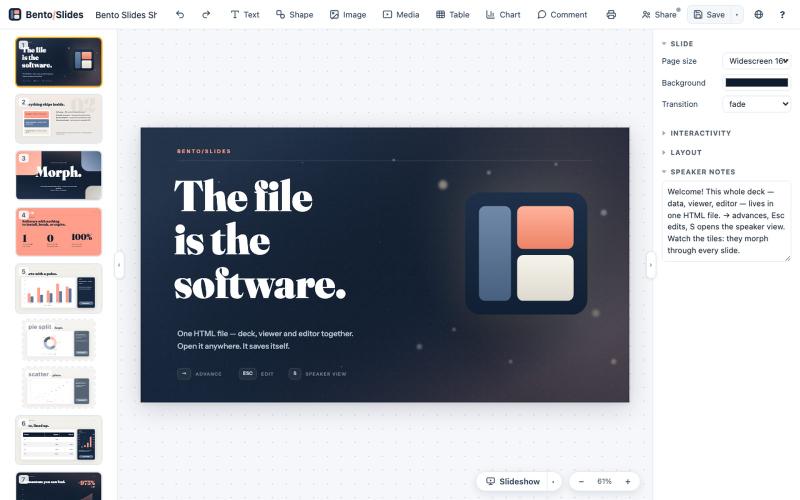
在单个HTML文件中创建和编辑演示文稿,支持实时协作。
starfallg · HN
Bento - An entire PowerPoint in one HTML file (edit+view+data+collab)
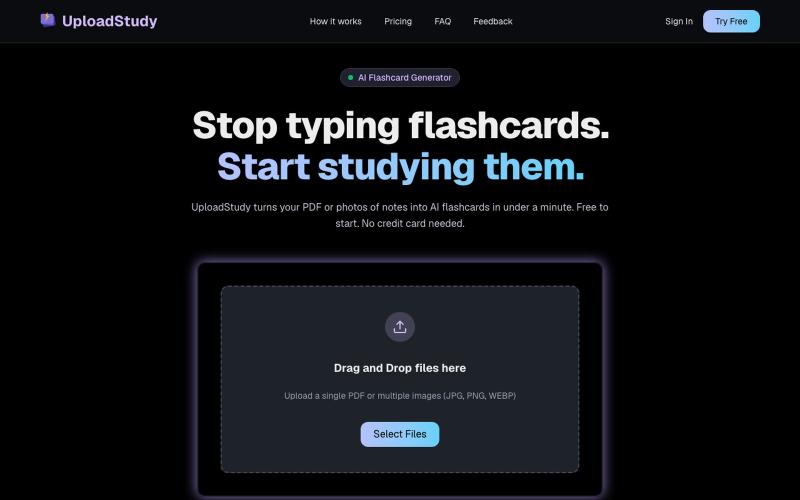
从PDF和笔记照片快速生成AI学习卡片。

@MrDave_id · X
I built an ai flashcard generator
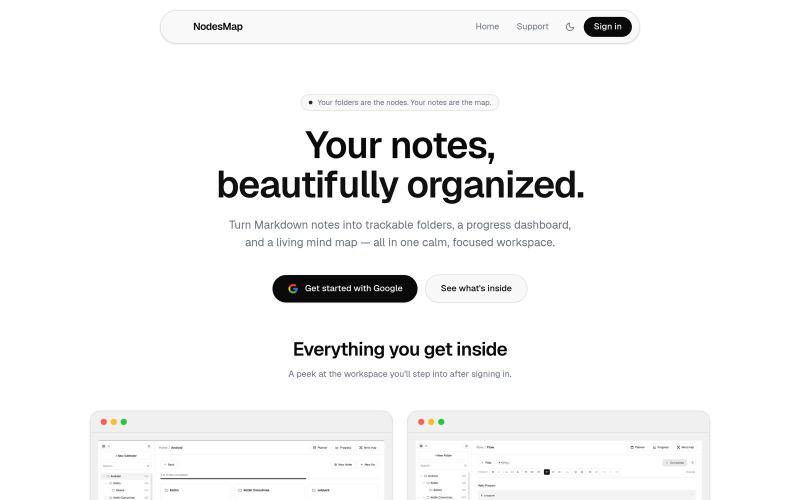
用 markdown 笔记组织想法,支持进度追踪,并将其可视化为交互式思维导图

@vasanthadabala · X
Not really a startup. It's just something I built for myself a simple note taking app with a planner, progress tracker, and mind map I'm going to share it publicly @NodesMap check it
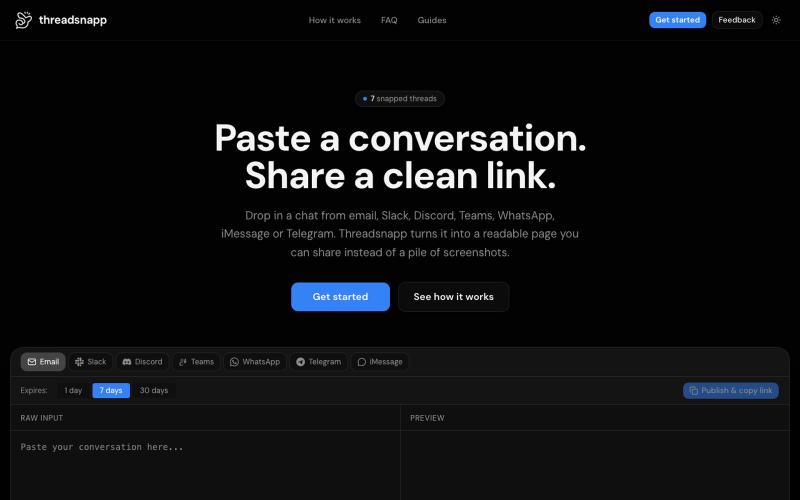
Threadsnapp 将聊天和电子邮件对话转换为漂亮的可分享链接。

@DDominella · X
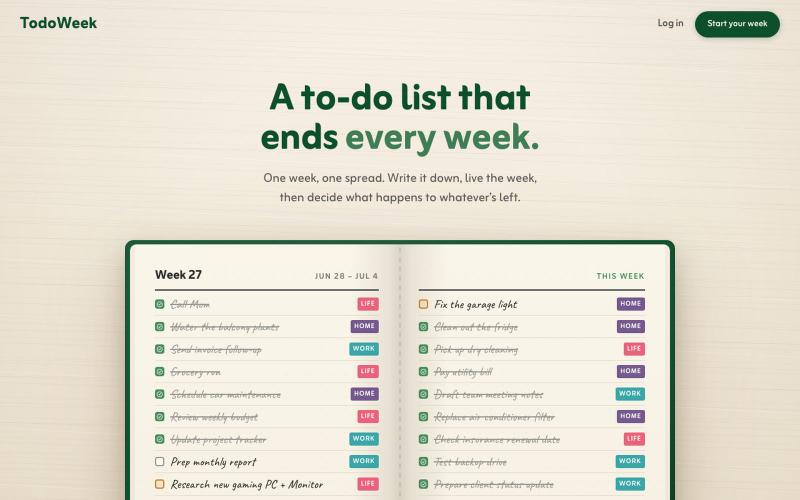
一个像纸质笔记本的每周待办应用,每周日决定任务是否延续或删除。

@faruque · X
TodoWeek: Works like a paper notebook, one week per spread, and every Sunday you decide what todos slide over to next week, and which ones get dropped. Mostly vibe coded with Claude Fable + Laravel 13 Vue starter kit.
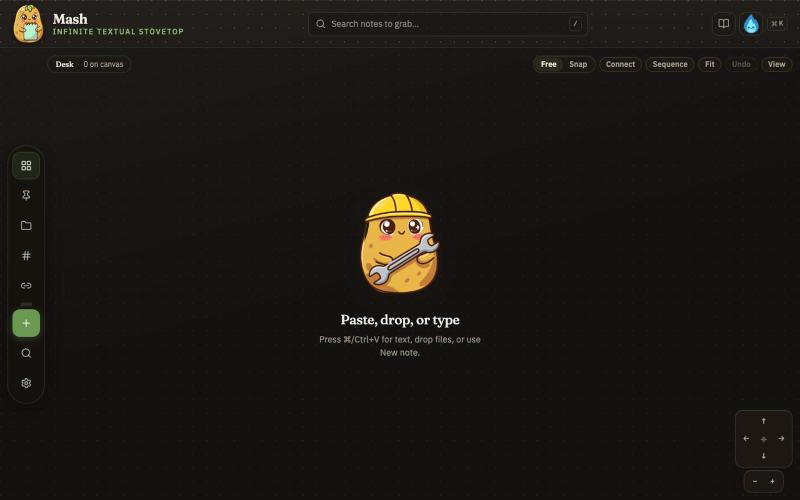
在无限画布上创建笔记,组合并导出为 PDF 页面。

@JonnyD · X
I'm happy to announce "Mash" A local first browser based app for compiling notes and ideas on an infinite canvas. Make as many notes as you want, drag and drop to "Mash" them by combining. Create "sequences" that allow you to export a pdf with each sticky as it's own page. Drop in PDF or DocX or images to easily browse the file and select your favorite clippings to a new canvas, and manipulate them or export them how you want to. Drop a GIF to get all the individual frames. Mash features a roster of cute food themed mascots because this is your infinite textual stove top. Pull in some ingredients, mash them together, stitch them together, arrange them into a flow chart, whatever you find useful, and then get out quickly. Mash is for the little moments that speed up work, and the spontaneous thoughts that inspire new directions. There is no fancy AI feature, no data collection, no login, just a utility for you. Free open source licence. Run it offline if you want
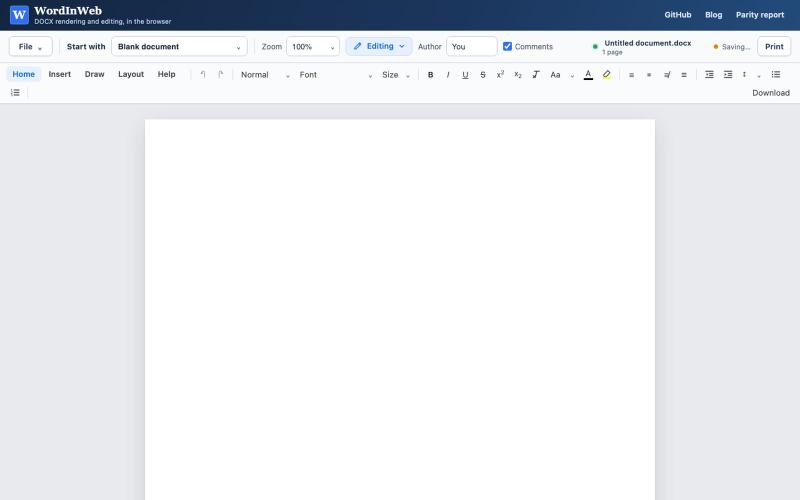
在浏览器中编辑DOCX文档,兼容Word功能。
theRealestAEP · HN
Word in Web – Near MS Word Parity Docx Editor in Web

使用450+隐私友好的工具,在浏览器中直接格式化、转换和处理PDF和图像。

@tentaco_cc · X
Hey! I built 🐙 It’s a privacy-first web space packed with over 450+ free micro-tools for tech, design, marketing, and PDFs. The best part? Everything runs 100% locally in your browser. No registration, no ads. Let's connect! 🛠️
