

创意工具3 weeks ago
ClaudeNovo — Free Vector Editor with AI Background Removal
ClaudeNovo是免费矢量编辑器,配备AI背景移除和图像放大。

@qazzhoubin · X
完整作品展
技术栈
61 projects
ClaudeNovo是免费矢量编辑器,配备AI背景移除和图像放大。
@qazzhoubin · X
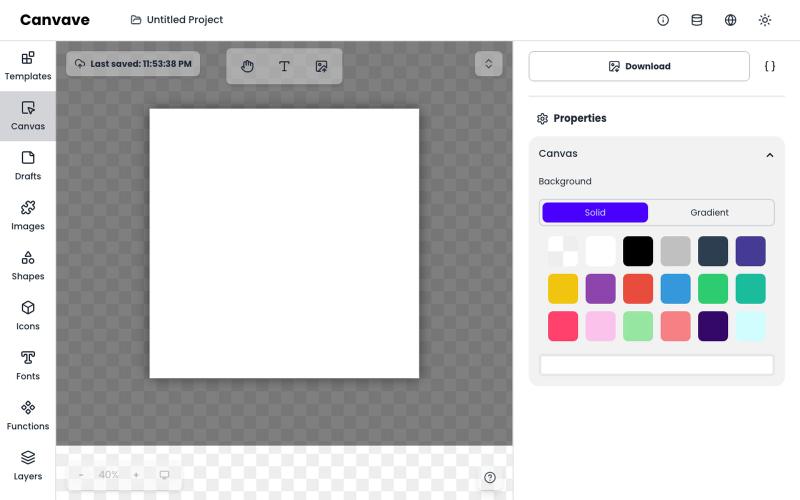
免费图形设计和动画工具,支持AI文生图和图生图功能。
Canvave — 简单图形设计和动画制作平台。无须专业技能也能做出任意尺寸的精美设计;最高支持图片 3x 或动画 240 FPS 导出;内置基于 Flux 的 AI 文生图、图生图;适合电商卖家、广告设计、社媒运营、独立开发等有设计需求的群体
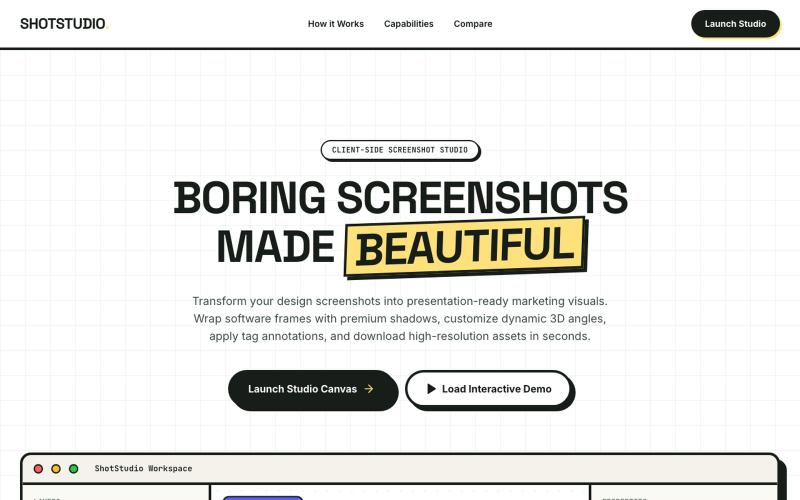

Dashwall is a realtime metrics display platform that puts live KPIs like revenue and signups on big office screens. Push a value to a webhook or tell an AI agent what to track; the

@dashwallio · X

GoDraw: 在线白板和图表工具,支持即时协作,无需注册。

@rishabh21g · X
The whiteboard that just lets you draw
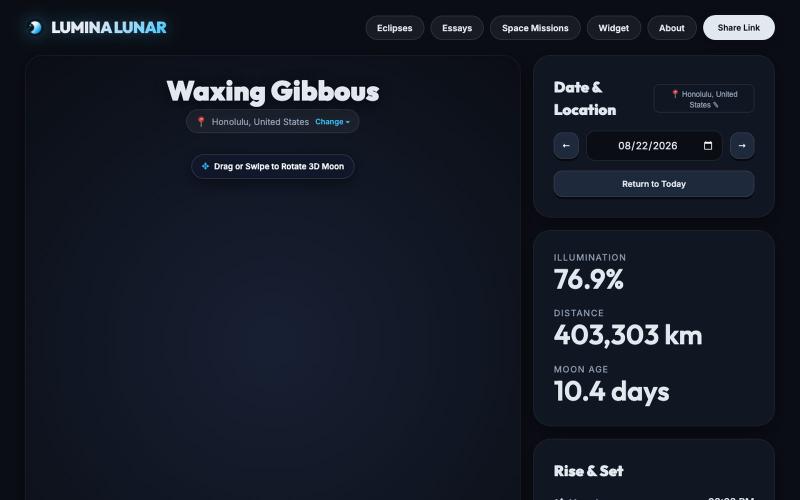
Explore real-time 3D moon phases, accurate illumination, rise/set times, dark-sky astrophotography planner, and interactive 3D atlas with 31 landing sites, craters, and seas.

@LuminaLunarLabs · X
Meet Lumina Lunar: real-time 3D command center for the Moon. - Interactive 3D WebGL Moon with NASA textures - 3D landing atlas from Apollo to Artemis - Live 2026-2030 lunar mission trajectories - Astrophotography planner & eclipse hub Explore:
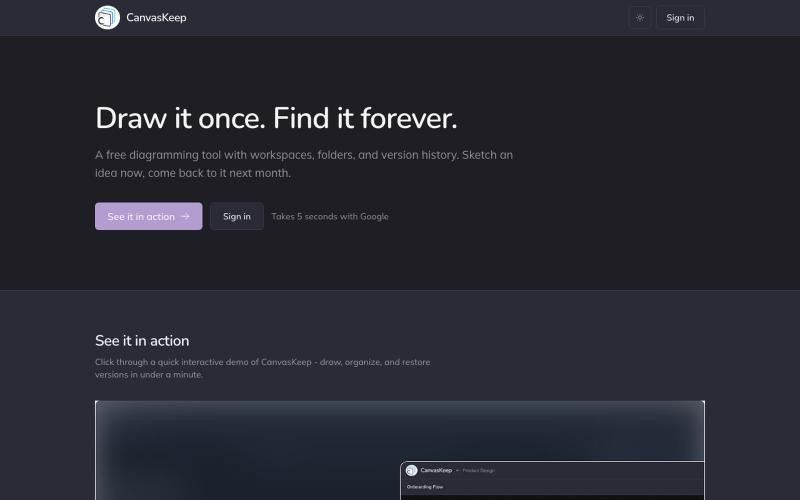
A free diagramming tool with workspaces, folders, and version history. Sketch an idea now, come back to it next month.

@_aniruddha_d · X

输入纯文本快速生成演讲幻灯片,实时广播到房间内的手机。

@danielberigoi · X
Type plain text, get a clean deck in 30 seconds, broadcast it live to every phone in the room
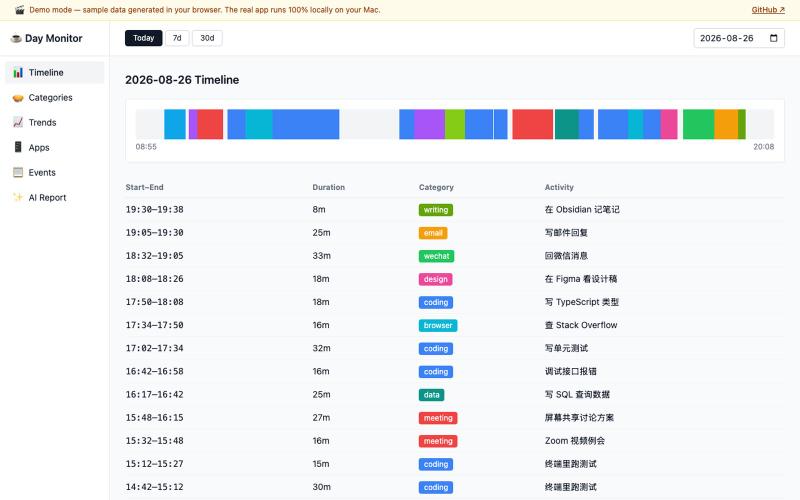
Day Monitor 用 AI 分析截图自动追踪和分类您的日常活动。
defiabell · V2EX
做了个屏幕监控工具,总结自己一天都在干啥(已开源) 在线 Demo (示例数据,浏览器直接开): https://defiabell.github.io/day-monitor/ ## 背景 每天上班很累,下班却说不清时间花在哪了。 于是做了个 macOS 菜单栏小工具 Day Monitor: - 每 ~20 秒截一次屏,丢给 Claude Haiku 识别「在干嘛」(写代码、开会、回微信、摸鱼看网页……) - 识别结果(一句话描述 + 分类)写进本地 SQLite - 攒一天就有:时间轴、分类占比、应用排行、跨日趋势,外加一份 AI 写的工作日报 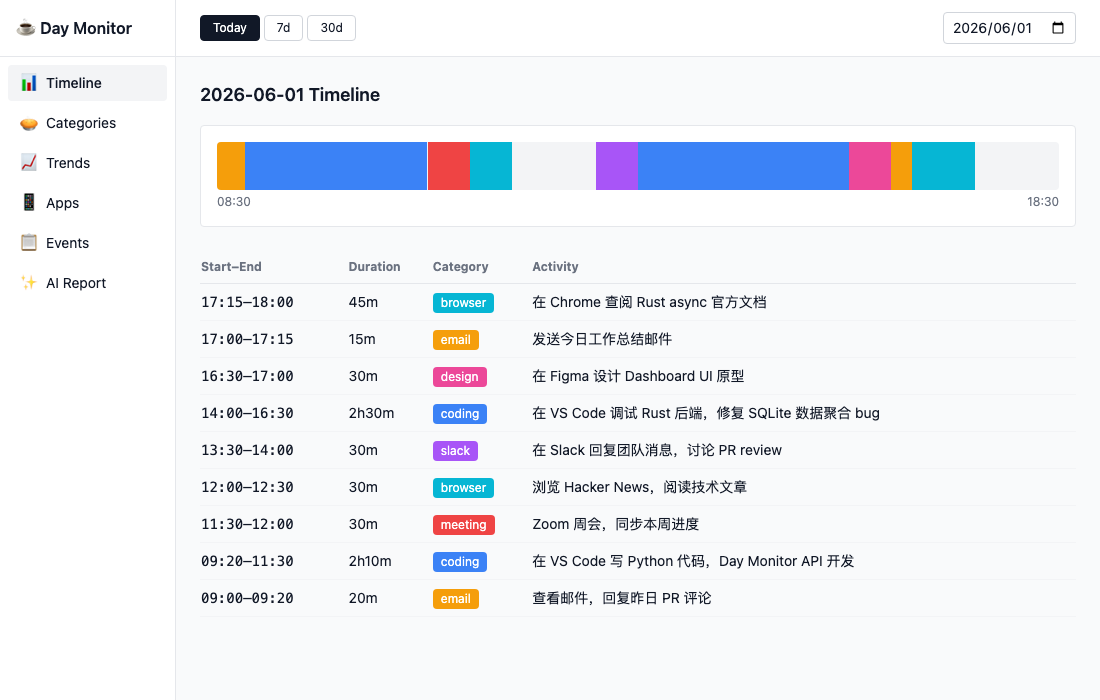 
Avnac 是一个开源设计工具,可在浏览器中创建图形。

@akinkunmi · X
He trash-talked me and my amazing project ( unprovoked while all his projects are vibe-coded slop. That's why I named him King of Slop.
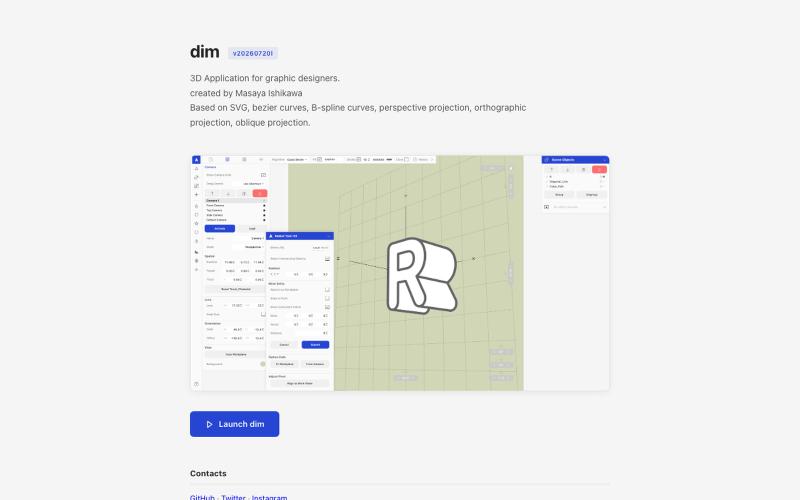
从 Adobe Illustrator 导入 2D 路径,在 3D 中变换并以矢量格式导出。

@kamone · X
I built (vibe coded) my own geometry engine from scratch. It keeps path as path, and does the transformation and the silhouette splitting. You can see the code here. One single html file.
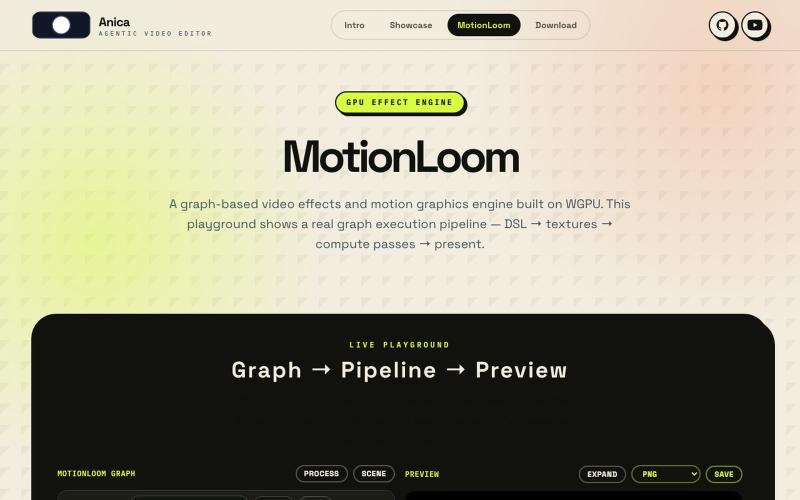
通过可视化图表和代码界面创建GPU加速的视频效果和动态图形。
LOVELYZOMBIEYHO
