
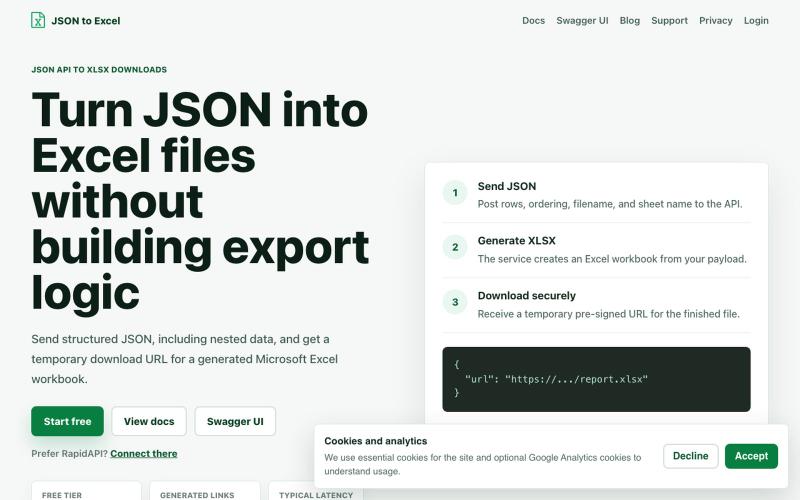
完整作品展
技术栈
60 projects
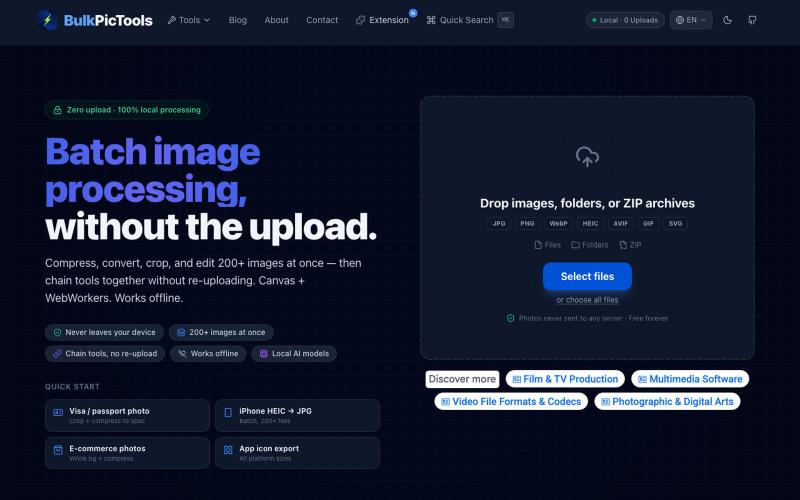
在浏览器中批量处理图片,支持工具链、本地AI和格式转换。
BulkPicTools — 免费浏览器端图片批量处理工具,支持**工具链串联**(压缩→转格式→裁剪一次完成,无需重复上传),本地 AI 去背景/人脸模糊(WebGPU,无需 API Key),支持 200+ 张图片批量处理,文件不上传服务器。
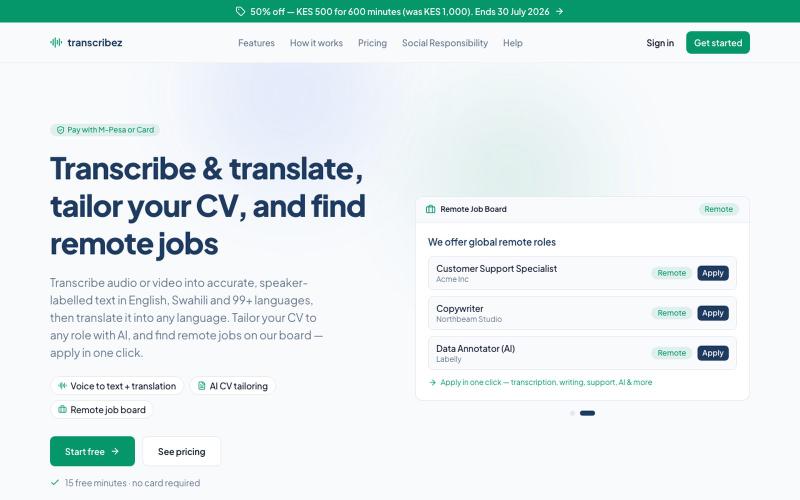
支持100多种语言的音频和视频转录,使用AI定制简历,查找远程工作机会。

@OauthNature · X
Ai cv tailoring job board
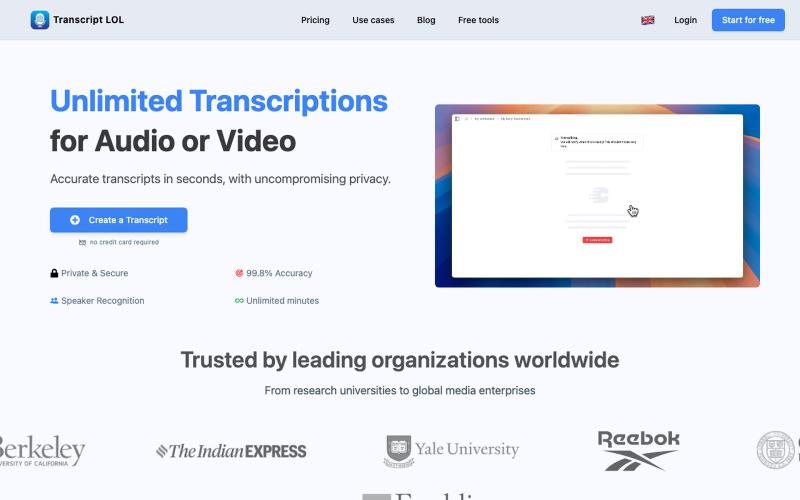
用AI转录音频和视频为文本和摘要

@Mahima_Akkina · X
Yes, you can check - It's a tool used to convert both and video into text and summaries

NextBunny:可视化构建生产级 React & Next.js 应用,导出整洁代码。

@MahatiSingh · X
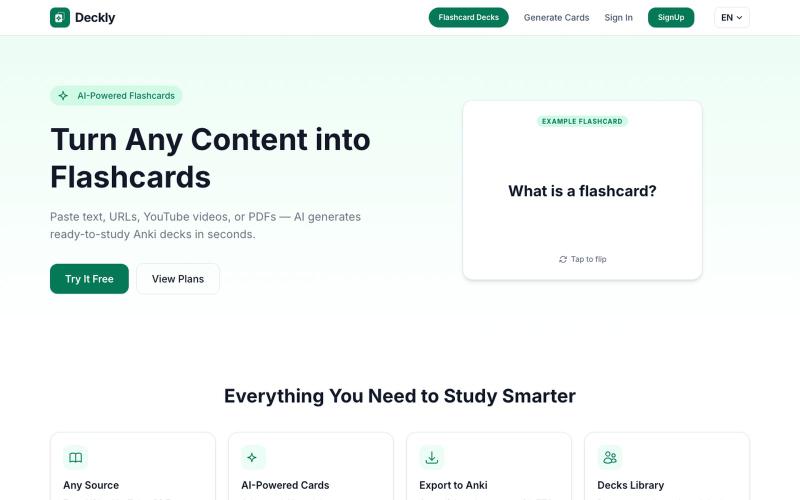
将 YouTube、PDF 转换为 Anki 学习卡,AI 自动生成。
u/holios89 · Reddit
Built an AI SaaS that turns your notes/articles/PDFs into study flashcards — looking for harsh feedback (and bugs) Hey folks, Solo/small side project here: Deckly ( deckly.one ) — an AI-powered flashcard generator for spaced-repetition learning (Anki-compatible export). You give it text, a PDF, or an article link, it generates a deck of flashcards (Q&A, Cloze, or multiple choice), optionally with TTS audio and images per card, and you can study it right in the browser or export to `.apkg`.

Build AI-powered workflows from your notes to automate GTM and sales processes.

@jingconan · X
Hi! Let's Connect! I am building which helps founders to turn ideas to reusable workflows
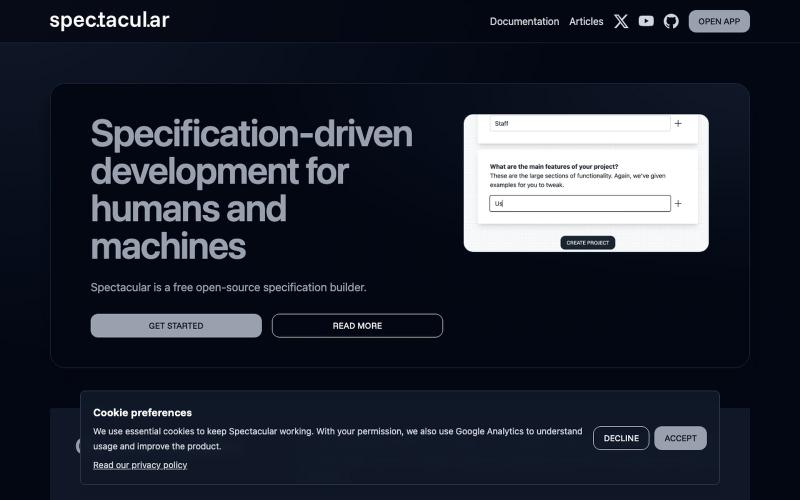
编写人类和AI都能理解的功能规范的开源工具。

@spec_tacul_ar · X
Specifications for humans and AI.

浏览器中免费合并PDF、压缩图片、去除背景和其他实用工具。

@damiadeh · X
Your files utility tools stacks in your browser. No uploads, files stays on your pc.
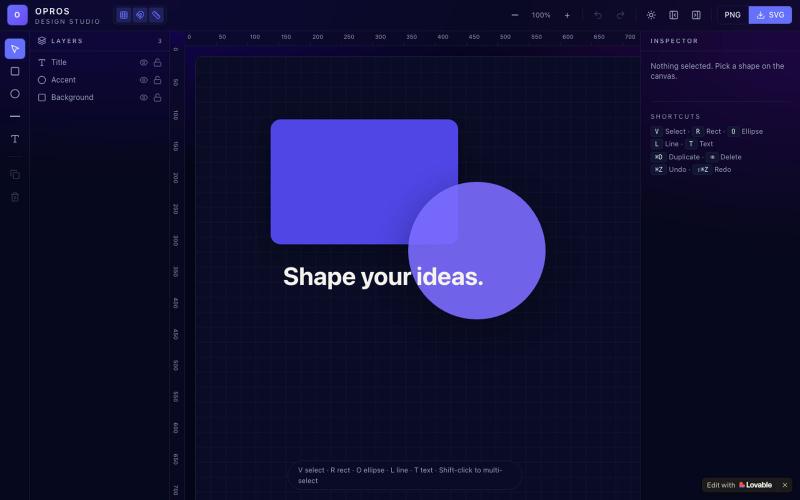
在网络上创建和可视化设计的创意工作室OPROS Design Studio。

@OprosOlamiflex · X
Check out what I just built with Lovable!
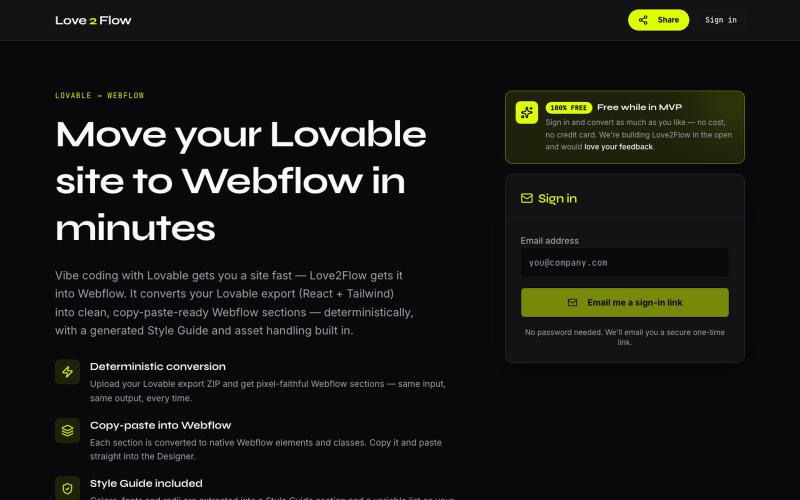
将 Lovable React 导出转换为 Webflow 可粘贴部分

@philippxroth · X
Turn your vibe-coded @Lovable site into clean, paste-ready Webflow sections. Upload your export, organize your migrations in projects, paste straight into @webflow. Free MVP. No password, no credit card — just a magic link and you're in. ✨
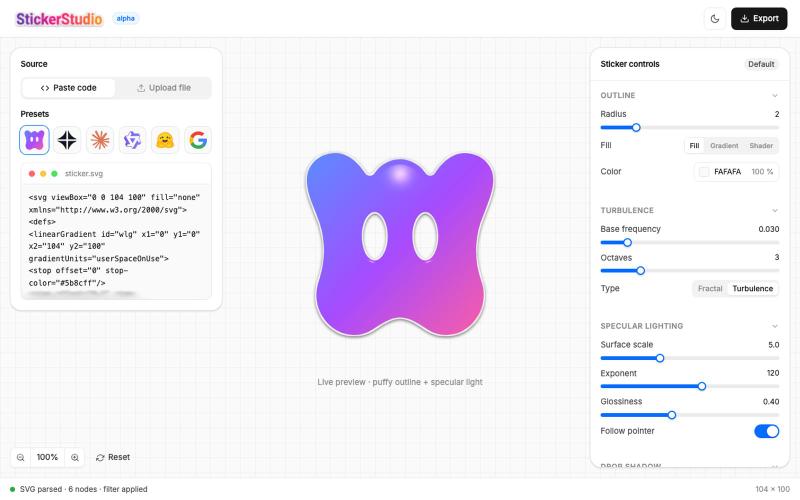
上传SVG创建蓬松光泽贴纸,支持3D光学效果和PNG导出。

@Ammar110_SM · X
Turn any SVG into a glossy die-cut sticker you can actually peel 🎨 Built Sticker Studio entirely in Wonder, UI in Wonder Chat, live shader outlines, and Wonder's MCP piped it all into Claude Code as a real app. Try it: @usewonder #wonderchallenge
