
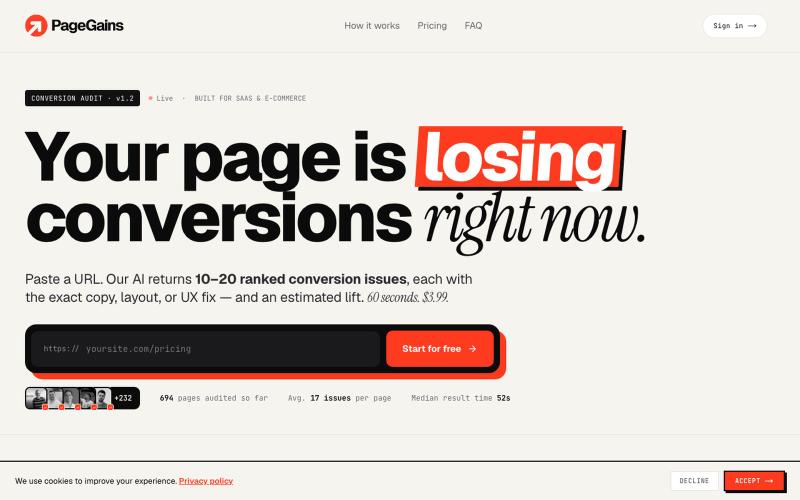
生产力1 month ago
PageGains - Your Page Is Losing Conversions Right Now
分析着陆页的转化问题,获取排序修复建议及预期提升效果

@JonBuildsHQ · X
My project is A tool for SaaS founders to spot landing page leaks. What are you working on?
完整作品展
技术栈
60 projects
分析着陆页的转化问题,获取排序修复建议及预期提升效果
@JonBuildsHQ · X
My project is A tool for SaaS founders to spot landing page leaks. What are you working on?
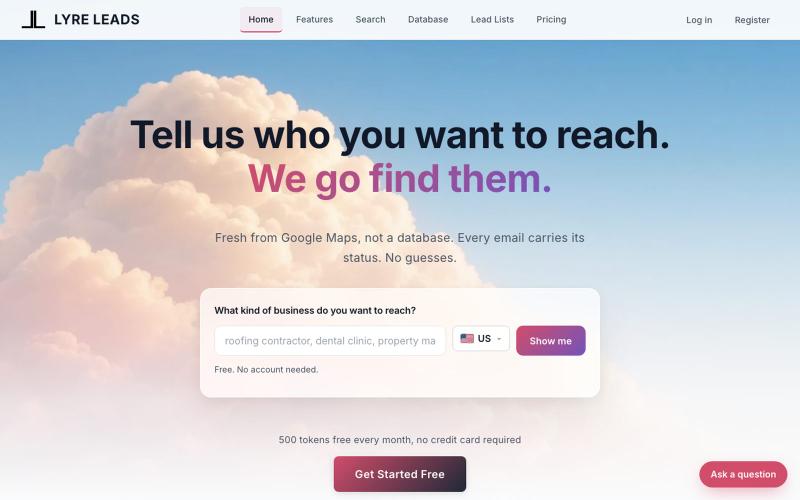
Name a business type and a place. Lyre Leads finds every match live on Google Maps and enriches each from its own website. Free tier included.

@LyreLeads · X
We help sales managers methodically empty entire markets of fresh leads in their preferred segment.
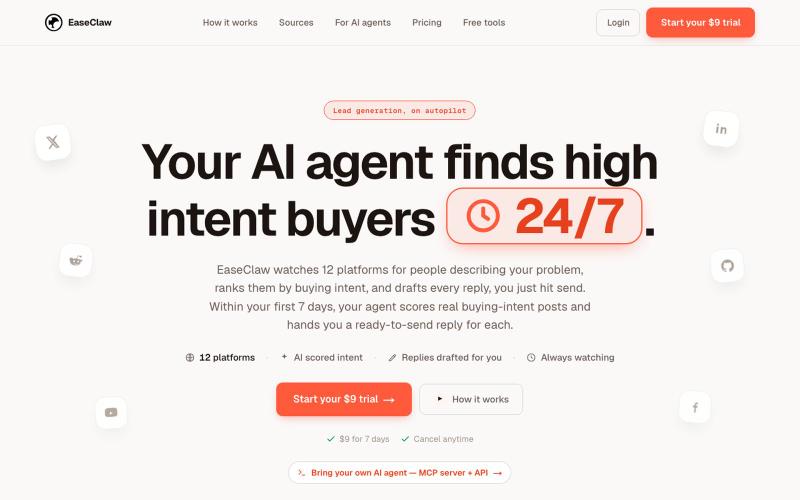
从12个B2B线索来源监控潜在客户,按购买意向排名,自动起草回复。

@MannPriteshh · X
Checkout it helps businesses find leads easily
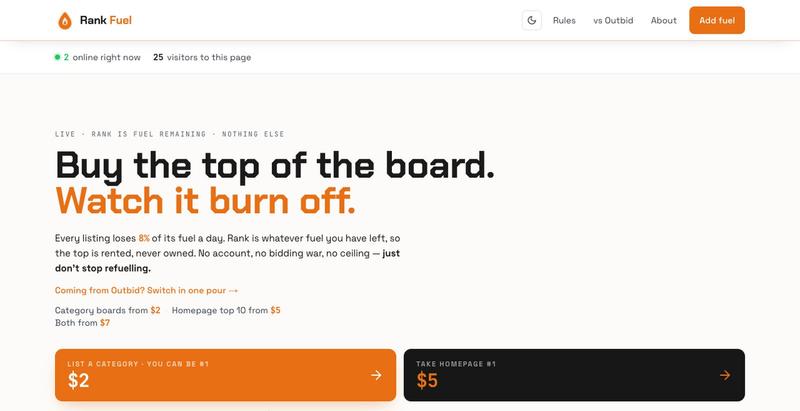
Outbid alternative. Buy the top of a public leaderboard — fuel burns 8% a day, so rank is rented, never owned. No accounts.

@RankFuel_lol · X
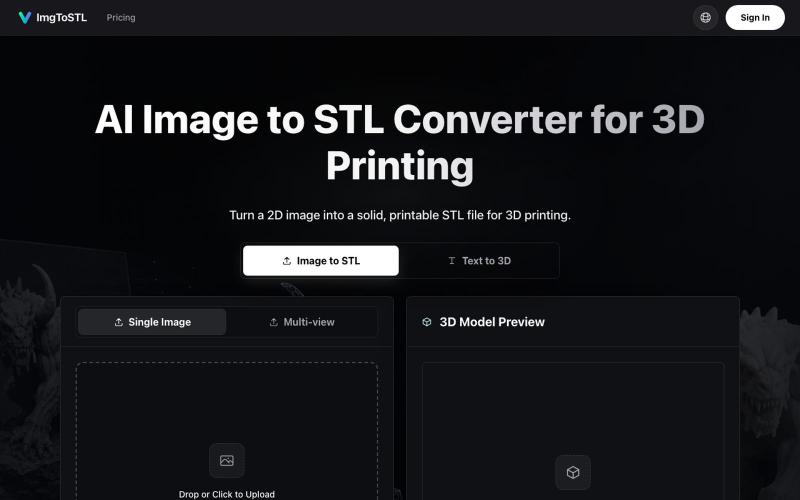
将图像转换为 3D 可打印的 STL 模型。
ImgToSTL — 面向 3D 打印的 AI 图片转 STL 转换器

List your project. Use Nitro. Push it to #1.

@edinsoncode · X
Add your startup in
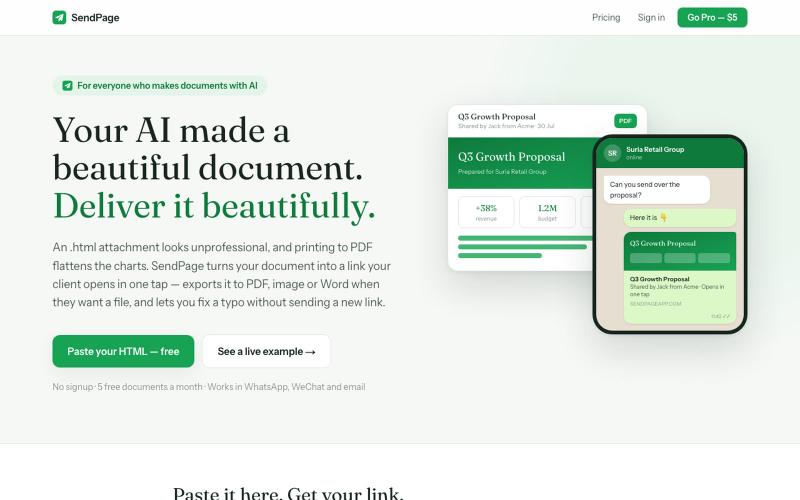
将AI生成的HTML文档转换为专业分享链接,支持PDF、图片和Word导出。
jack714 · HN
SendPage – Paste AI-generated HTML, get a link clients can open
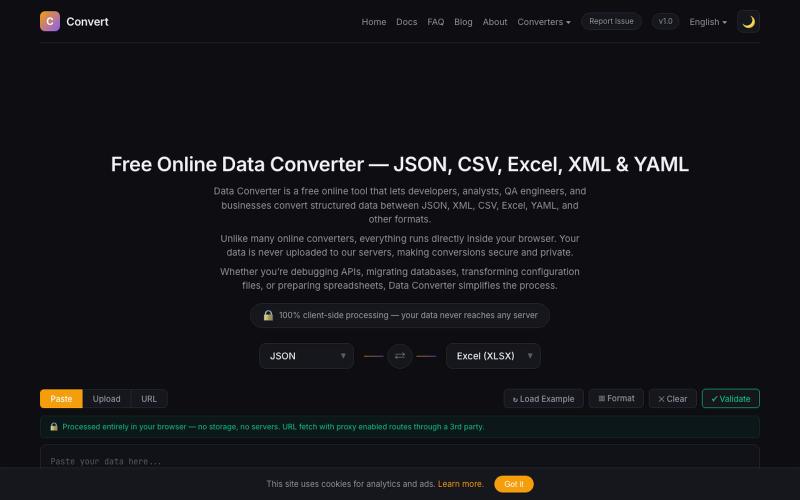
在浏览器中将 JSON、CSV、Excel、XML、YAML 等数据格式相互转换。

@NaimBiswas11 · X
Developers work with different data formats every day — JSON, CSV, XML, YAML, and Excel files are everywhere. But finding a simple, fast, and privacy-friendly way to convert and process these formats is not always easy.

VerifiedLead 自动查找并验证销售线索,撰写发送邮件并自动跟进。
idoko · Product Hunt
Verifiedlead.ai Real leads. Verified at the source.
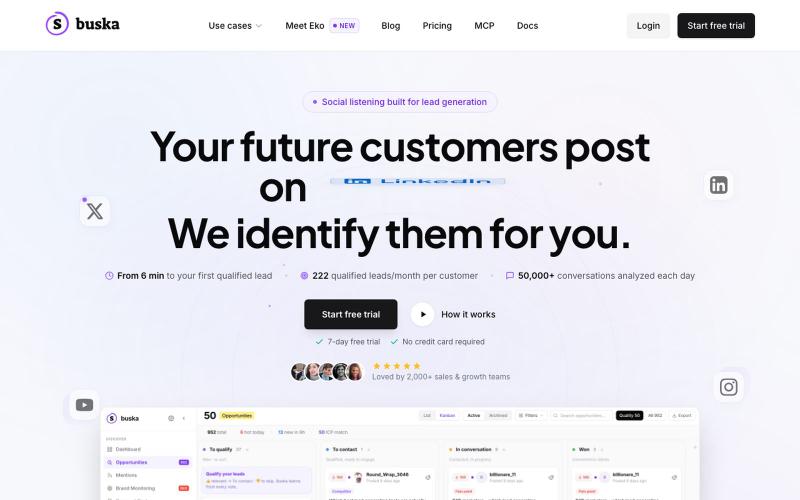
在30+个社交平台监测购买信号,用AI评分销售线索

@TBerguer · X
The goal is to find theese guys 😋
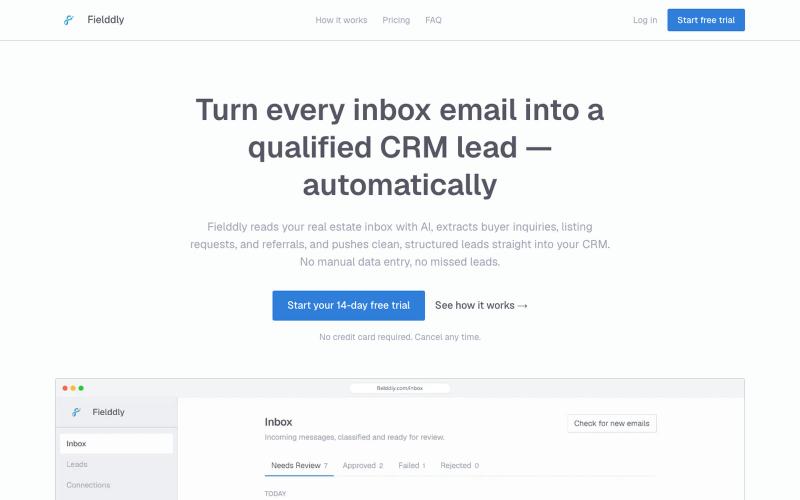
AI 提取邮件中的房产线索并自动推送到 CRM。

@otman_heddouch · X
Fielddly reads your inbox with AI, extracts buyer inquiries, invoices, referrals etc, and pushes clean, structured records straight into your CRM.
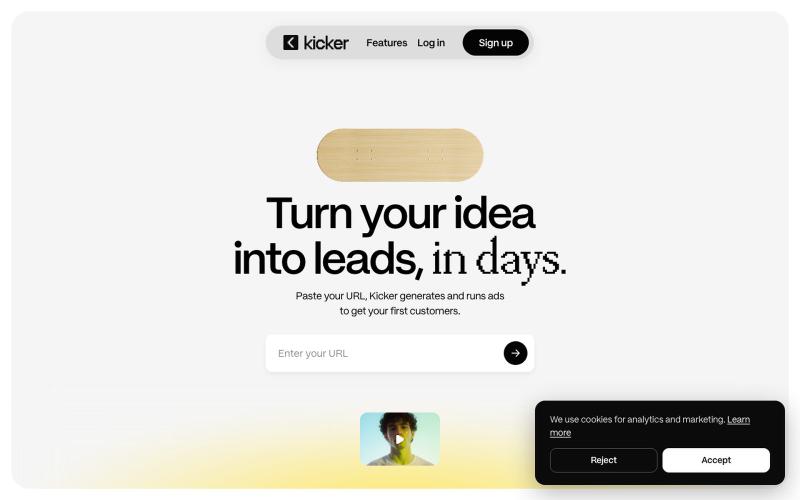
Kicker 通过小预算广告快速验证商业想法和测试转化效果。
u/Top-Leadership7498 · Reddit
It's never been easier to build a SaaS, so why is advertising it still this hard? If you run paid ads for your SaaS, you already know a lot of your results come down to the creative, not just the product. And making a genuinely beautiful creative without being a designer, or without paying one who's expensive and slow, is hard. Generators and AI tools still aren't there yet when it comes to actual aesthetic quality. We rebuilt Kicker around that specific problem. It pulls from your actual l