
创意工具4 days ago
UUZP · 让出片更简单
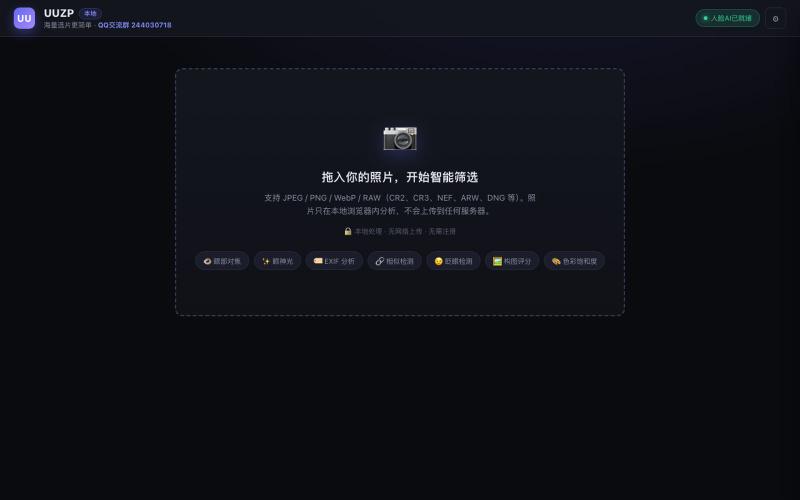
UUZP:本地浏览器选片工具,轻松从数百张照片中筛选最佳作品。
alexmaster · V2EX
玩摄影,选片神马的最烦,于是搞了个选片工具 uuzp.cn 每次拍完照片都是几百张,选片最烦人了。 当然隐私更重要,本地处理,无上传。 纯浏览器端处理。 https://uuzp.cn 欢迎大家使用
完整作品展
技术栈
65 projects
UUZP:本地浏览器选片工具,轻松从数百张照片中筛选最佳作品。
alexmaster · V2EX
玩摄影,选片神马的最烦,于是搞了个选片工具 uuzp.cn 每次拍完照片都是几百张,选片最烦人了。 当然隐私更重要,本地处理,无上传。 纯浏览器端处理。 https://uuzp.cn 欢迎大家使用
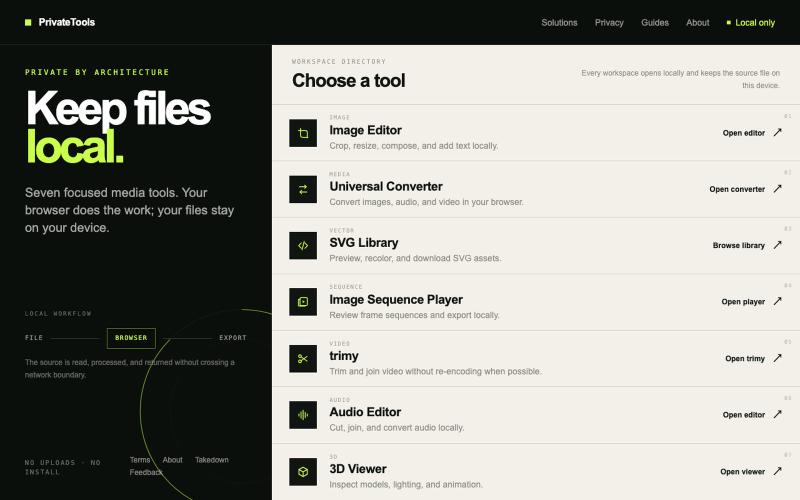
Edit images, convert files, browse SVGs, review sequences, trim video, edit audio, and inspect 3D models locally without uploads.

@motionvector3 · X
Useful online tools for creators
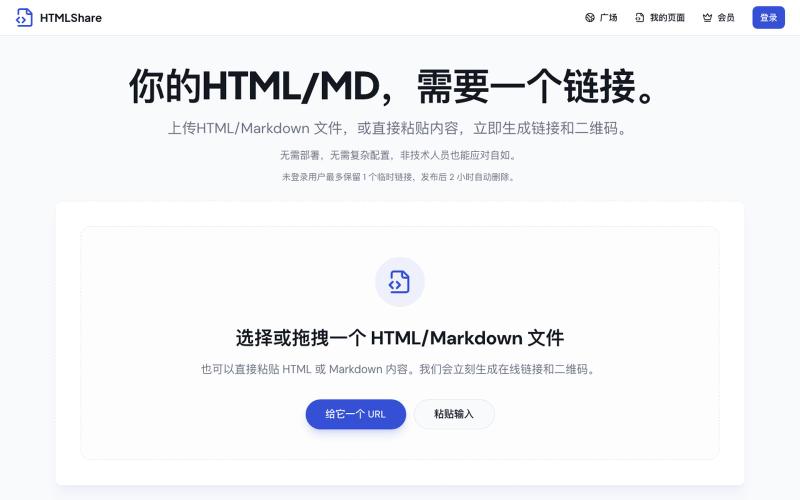
将 HTML 和 Markdown 转换成可分享的链接和二维码。

@gomixo · X
和团队做了一个非常实用的小工具:HTMLShare。 现在用 AI 生成网页、报告、可视化作品越来越方便,但生成后的 HTML 文件,想分享给别人却很麻烦:要么发文件,要么部署网站,要么截图。 HTMLShare 解决的就是这个问题: 👉 欢迎体验,也欢迎反馈建议。

在浏览器中录制屏幕,保存至 Google Drive,并通过即时链接分享,仅需 $29。

@HashamBuilds · X
Building Walkthrough, screen recorder, $29 once, videos save to your own Google Drive. No subscription, no vendor servers. 14 days refund with no question asked. Now shipping in public daily. 🔗
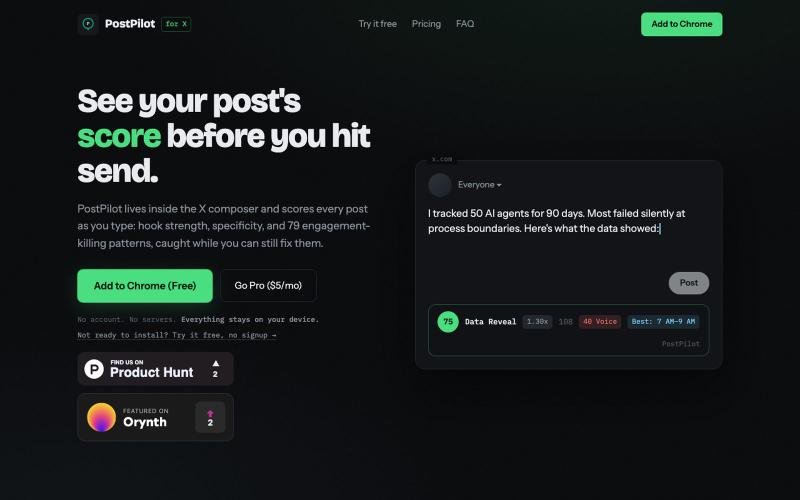
PostPilot scores your X posts in real time as you type. Hook analysis, 79 engagement-killer checks, AI rewrites, voice coaching. Free on the Chrome Web Store.

@brianmcgrath · X
Telegram community-
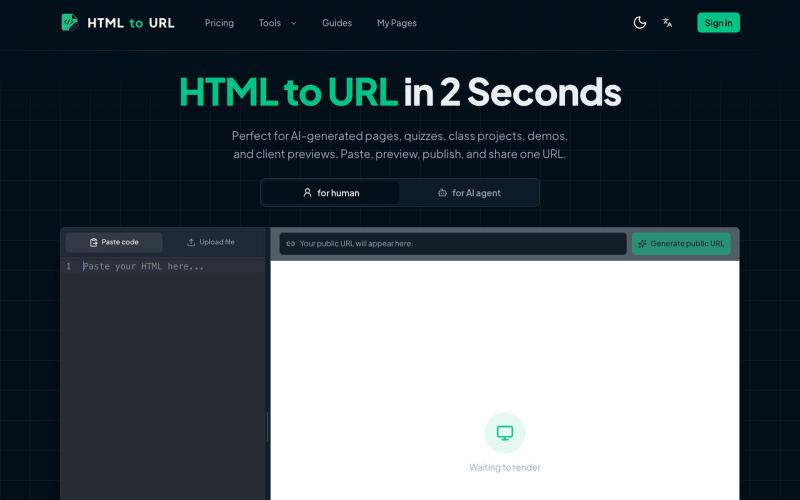
粘贴 HTML 代码一键生成可分享的在线链接。
htmltourl — 专为 AI 编程设计的快速上线工具,粘贴 HTML 代码即可一键生成在线访问链接
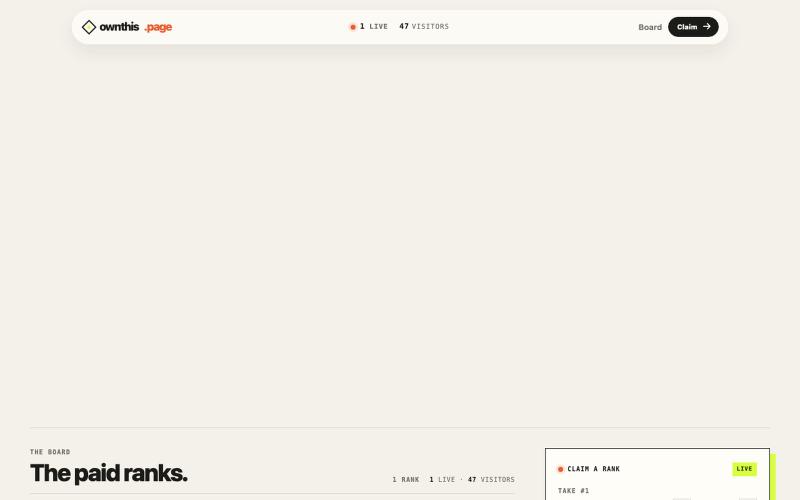
A public page where paid ranks determine the live HTML takeover.

@spidevX · X
we didn't just build another boring bid leaderboard. at the #1 spot lets you fetch and display any custom HTML or your site right on the main screen with zero limits. take the top and own the site:
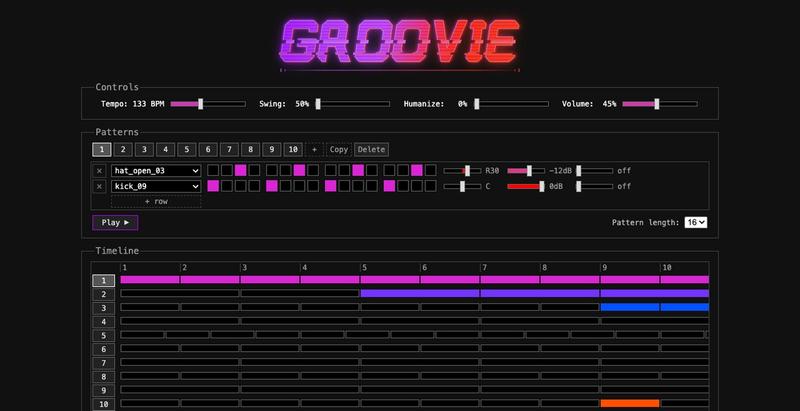
在浏览器中绘制鼓点,编排成歌曲,并通过链接分享。
maxime_cb · HN
I built one of the most advanced web-based drum/beat sequencers
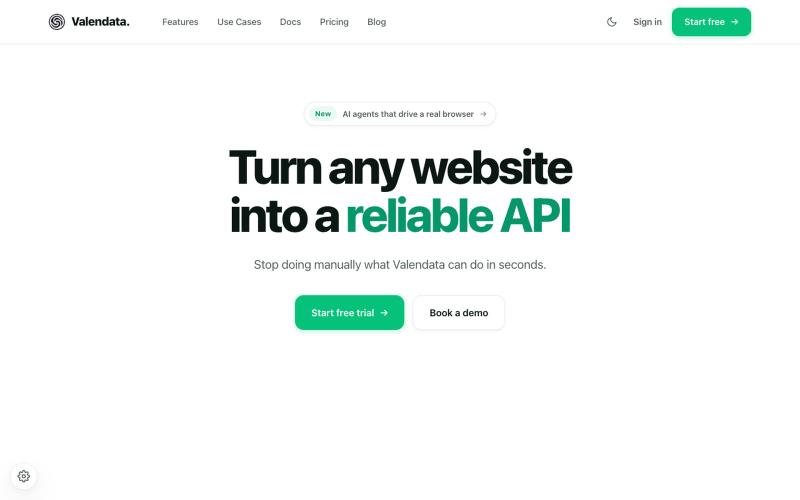
Transform the web into your own API. Valendata automates web data extraction from browser automation to structured APIs with zero maintenance. Trusted by 100+ data teams.

@valy_data · X
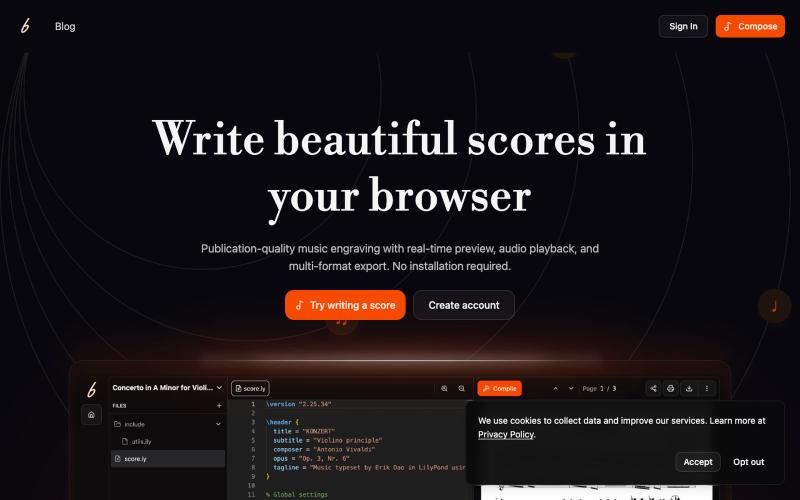
在浏览器中创作和协作音乐记谱,实时预览效果。

@erikdao · X
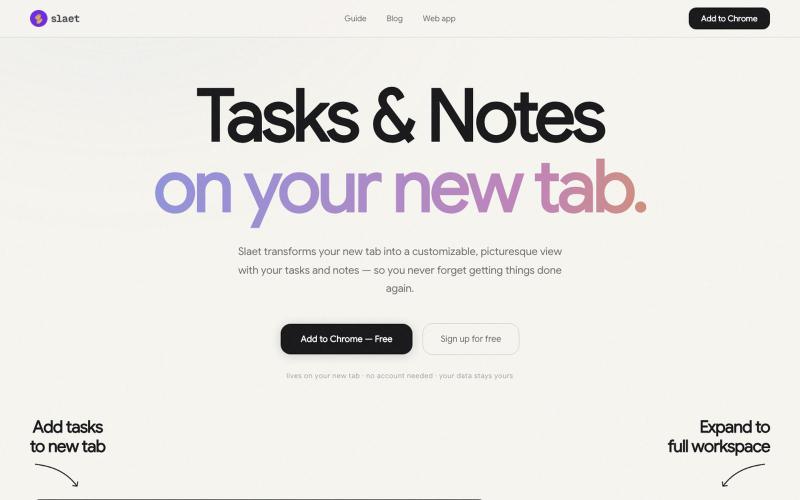
为 Chrome 新标签页添加自定义壁纸、任务、笔记和提醒。

@Slaetapp · X

在浏览器中编辑、压缩、转换和合并视频和音频文件。
zhw2590582 · V2EX
最近对网站进行了重构,做成了免费的视频工具站:[ArtPlayer Tools]( https://artplayer.org/tools/) 主要是围绕着 ffmpeg.wasm 和 mediabunny 实现的一些可以直接在浏览器里用的视频/音频工具,常用的有: - 视频压缩:[Compress Video]( https://artplayer.org/compress-video/) - 视频裁剪:[Crop Video]( https://artplayer.org/crop-video/) - 视频合并:[Merge Video]( https://artplayer.org/merge-video/) - 视频尺寸调整:[Resize Video]( https://artplayer.org/resize-video/) - 视频旋转:[Rotate Video]( https://artplayer.org/rotate-video/) - 视频调速:[Change Video Speed]( https://artplayer.org/change-video-speed/) - 添加文字到视频:[Add Text to Video]( https://artplayer.org/add-text-to-video/) - 添加水印:[Watermark Video]( https://artplayer.org/watermark-video/) - 提取字幕:[Subtitle Editor]( https://artplayer.org/subtitle-editor/) - HLS 转 MP4:[HLS to MP4]( https://artplayer.org/hls-to-mp4/) - 音频可视化:[Audio Visualizer]( https://artplayer.org/audio-visualizer/) 大部分工具都是本地处理,文件不会上传到服务器。最开始是因为自己偶尔要处理一些视频,开剪辑软件又有点重,在线工具又担心隐私,所以就慢慢做成了一个站。 目前还在持续完善,体验肯定还有不少粗糙的地方,比如不同浏览器的兼容、移动端操作、长视频性能之类的。 网站: [ArtPlayer Tools]( https: