

完整作品展
技术栈
61 projects
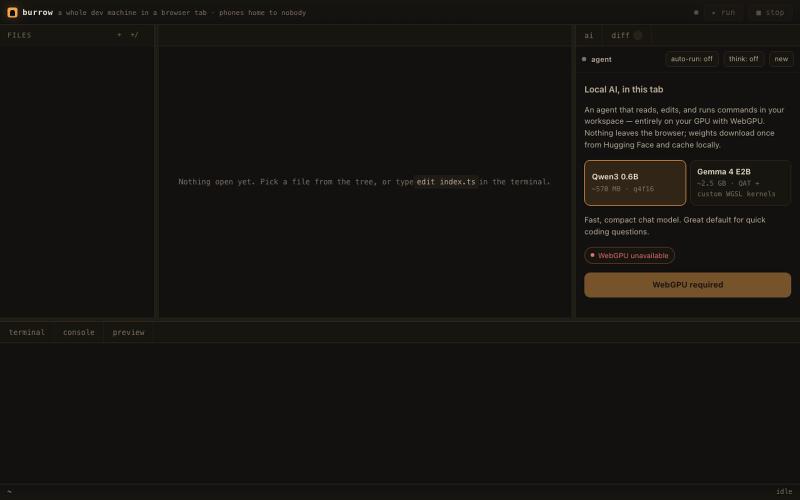
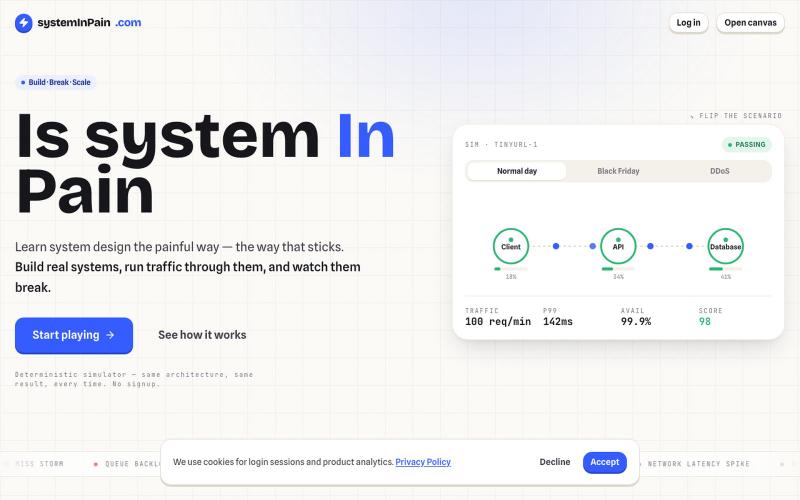
浏览器中的开发环境,集成shell、git和本地AI。
Dhravya · GitHub
burrow a whole dev machine in a browser tab - bun.wasm, shell, git, and local AI. phones home to nobody.
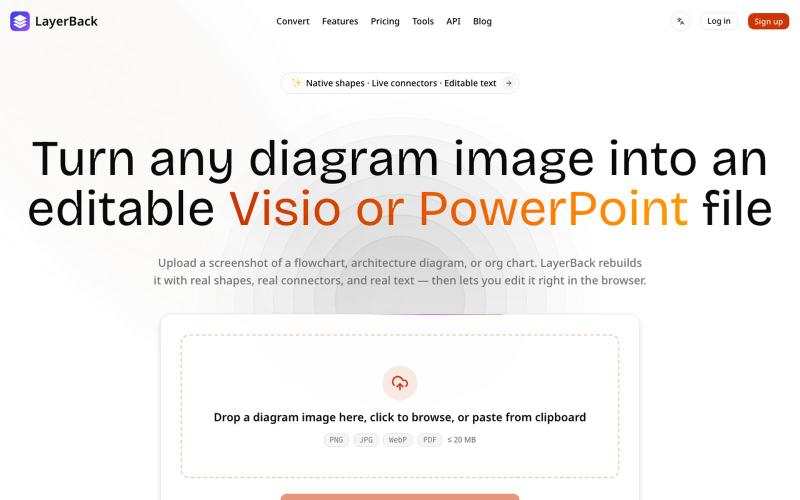
将图表图像转换为可编辑的 Visio、PowerPoint 和 draw.io 文件。

@ChenDavie_AI · X
Just shipped a new LayerBack update 🚀 Turn screenshots, photos, and diagram images into editable Visio or PowerPoint files — directly in the browser or via API. Image in. Editable files out. #buildinpublic #AI #SaaS
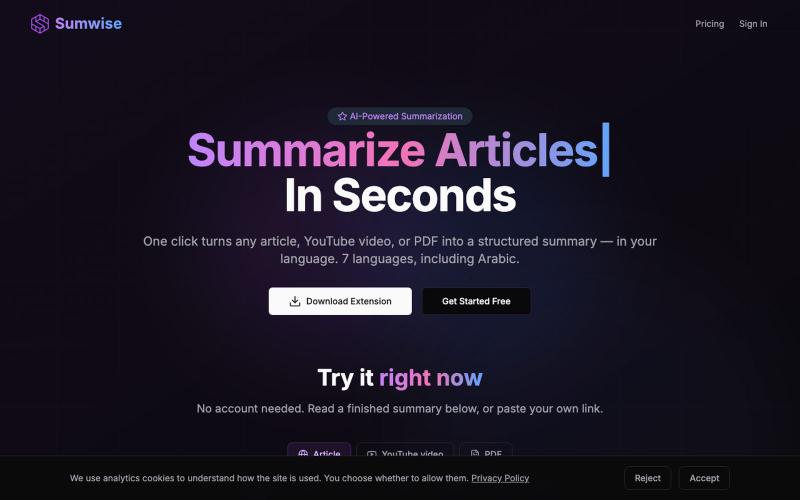
可用 AI 秒速总结网页、PDF 和 YouTube 视频的 Chrome 扩展。
u/the_codefather · Reddit
Quick update on Sumwise (posted here a few weeks back) — a Chrome extension that turns any article, YouTube video, or PDF into a structured summary in one click. Shipped since then: - Summaries in 7 languages (EN/TR/ES/IT/AR/DE/FR) — output adapts to *your* language, not the page's. - ~2–7 seconds per summary after switching AI models - Markdown export — someone on Reddit asked for it under a previous post, so I built it. They came back and used it the same week, which ho
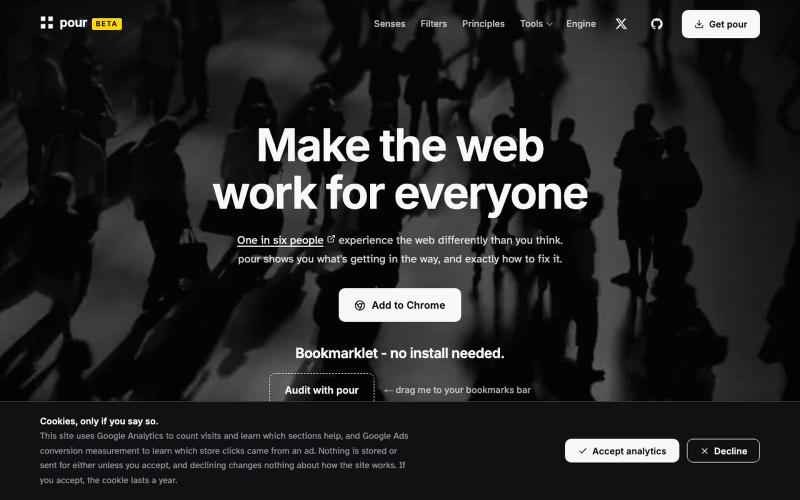
Accessibility testing, documentation, and vision/sensory/motor simulation tools. A non-profit initiative: WCAG 2.2 audits with plain-language fixes, built on pour engine.

@A11y_pour · X
One in six people experience the web differently than you think. pour shows you what's getting in the way, and exactly how to fix it.
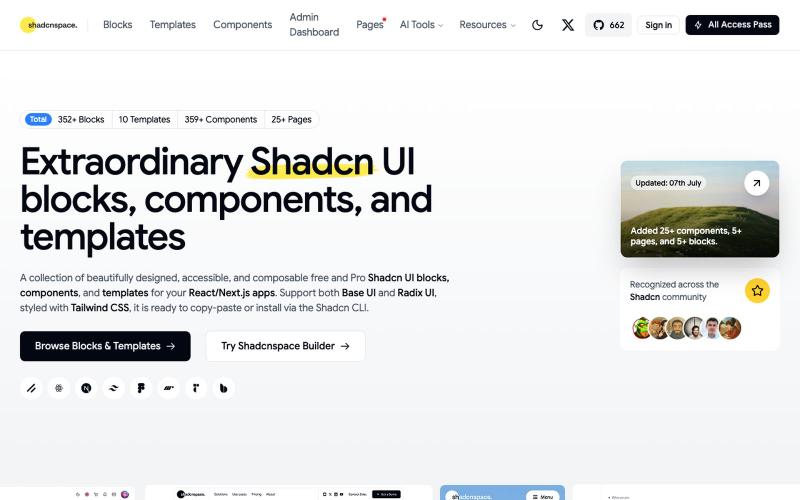
浏览并复制 Shadcn UI 组件、区块和模板库用于 React 开发。

@gupta05_vaibhav · X
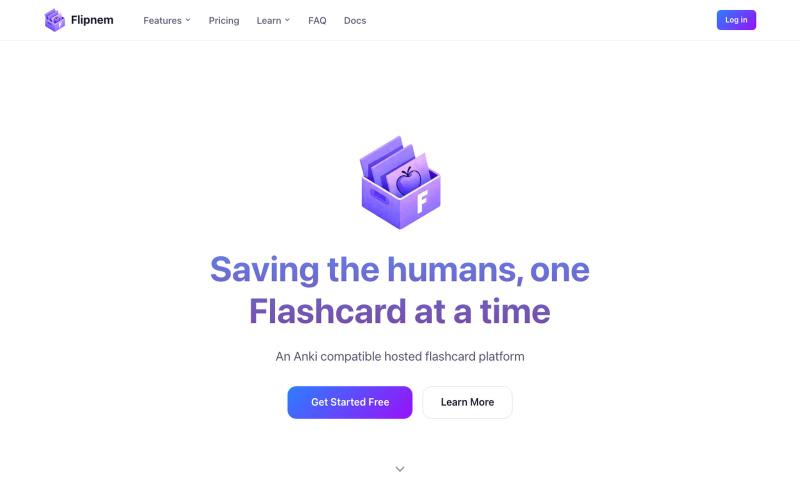
Anki兼容的在线闪卡应用,支持间隔重复、卡组分享和导入导出。

@sandfish8 · X
just shipped some cool background image styling on Flipnem! (anki alternative) #anki #buildinpublic
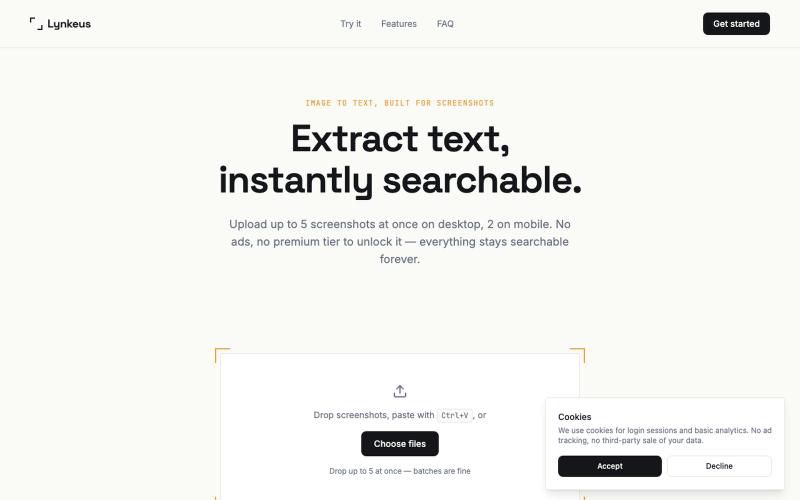
将截图转换为可搜索、可编辑的文本,无需登录。

@DoriaJefferson3 · X
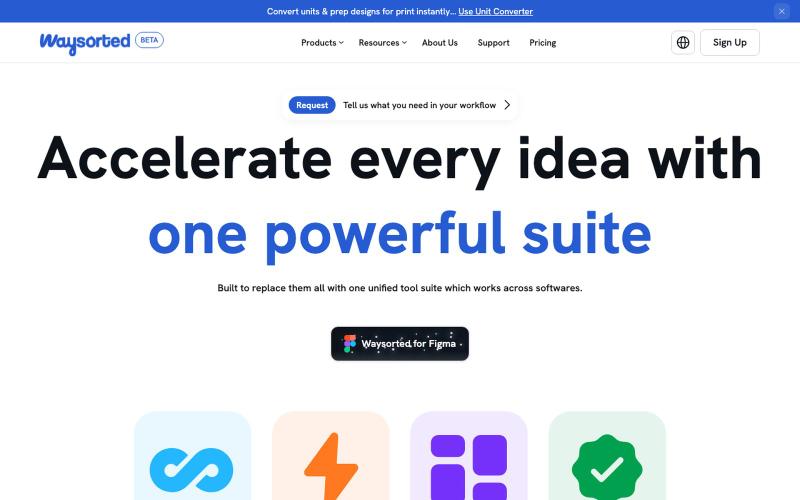
Waysorted - 与其他软件集成的设计工具套件

@aviralgarg05 · X
Here's what you get on One toolkit. Every design task.

一站式AI网络诊断工具,支持DNS、SSL和数据包分析。

@paqetnet · X
Building Paqet — DNS, SSL, network & email diagnostics in one place, built to actually be usable. Describe your issue, AI runs the checks and tells you what's wrong + what to do next. Solo-built, free to try, API included 🛠️

图片转 ASCII 字符画、复制符号、查看码表、进制转换——全在浏览器。
HeStudy · V2EX
做了个纯前端的 ASCII 工具站:图片转字符画、banner 生成、符号一键复制 平时偶尔需要查 ASCII 码表、复制一些特殊符号(箭头、制表符这类),每次都是搜一个满屏广告的老站凑合用,索性自己做了一个: https://getascii.com 目前有这些工具: 图片转 ASCII 字符画(拖一张图进去就行,支持调宽度/字符集/反色) 文字转 ASCII banner 大字 常用符号一键复制(箭头、制表符、数学符号、颜文字) 完整 ASCII 码表 + 一个交互式键盘映射图(点键盘上的键显示对应的 dec/hex 码) 进制转换器( hex/dec/bin ↔ ASCII ) 几个实现上的点: Astro 构建的纯静态站,所有工具都是纯客户端计算,图片不会上传到任何服务器 没有账号系统,没有付费墙,打开就用 整站是绿色荧光终端风( CRT 扫描线 + JetBrains Mono ),算是给终端审美交个作业 顺手给它做了个 25 秒的宣传片: https://www.youtube.com/watch?v=AjzU5mw1PrI

