Cubix Capture – Free Screen Recorder with Auto Zoom | Mac & Windows
Mac & Windows 屏幕录制工具,支持点击自动缩放、渐变背景和摄像头叠加。
@zuess05 · X
Shipped some banger updates to
完整作品展
技术栈
60 projects

Mac & Windows 屏幕录制工具,支持点击自动缩放、渐变背景和摄像头叠加。
@zuess05 · X
Shipped some banger updates to

创建精美的 screenshots 和 progress cards,准备好与您的受众分享。
@shreyassihasane · X

上传产品图片,选择场景,AI生成专业级摄影照片。
@aftertakenai · X
for AI e-commerce product photography

用 Veo 3.1 制作 1080p 视频,原生音频与镜头级控制。
Veo 3.1 AI — 使用 Veo3.1 创作电影级视频,配备 1080p 原生音频、首尾帧控制及免费试用额度

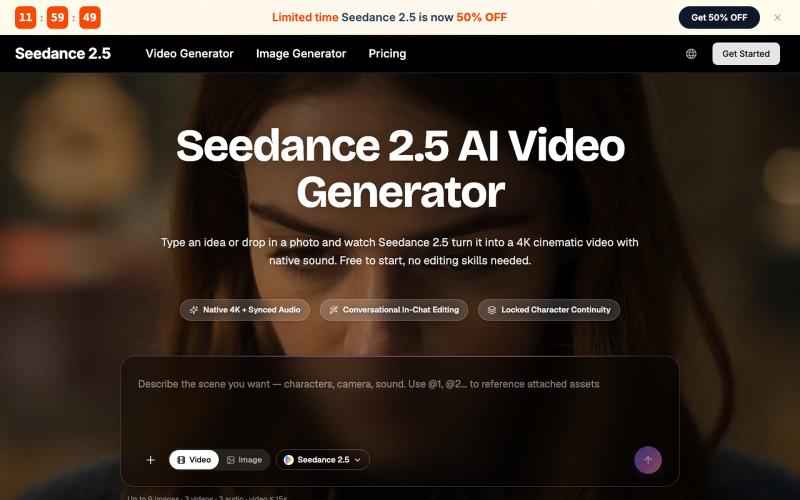
用图片、文本或多个参考生成AI视频,支持音视频同步。
MotionSeed — AI 视频生成平台,聚合 Sora 2、Veo 3.1、Seedance 2.0 等多个主流 AI 视频模型,支持文字生成视频、图片生成视频,无需分别注册各平台账号,注册即送免费额度。

使用AI生成的脚本、配音和字幕创建无脸视频,自动发布到TikTok和YouTube。
Fableclip — AI 视频自动化工具,输入创意即可自动写脚本、生成配音与配图,并按排期自动发布到 YouTube、TikTok 等平台

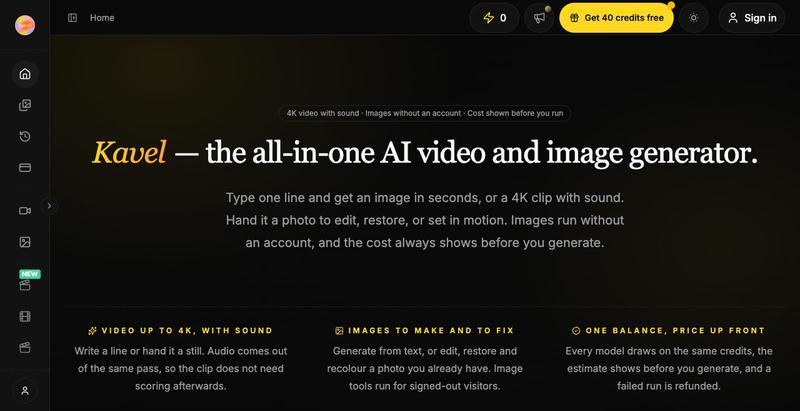
使用AI生成图像和视频,界面类似Midjourney。
@xucian_ · X
image generator that'll read and blow your mind:

Cam-Shot AI 活动照片分享平台,支持人脸识别和白标库。
@Jatinthadani1 · X

粘贴产品URL生成AI演示视频用于营销推广。
u/Rae_Shin_ · Reddit
Why spend hours making demo videos? Paste a URL and let AI do it These days everyone is building products, but promoting them is a completely different challenge. Recording demos, editing videos, adding captions, and making content for Shorts, TikTok, Reels, or ads takes a lot of time. So I built Screenzy.pro. Just paste your product URL, and it automatically creates product demo videos that explain what your product does. It works well for social media content, launch videos, tutoria

使用AI生成和关键帧编辑,在浏览器中创建矢量和3D动画。
@listudio · X
Fable 5 规划+Codex 执行,效率真的很 ok。一个周末上线了两个工具网站。麻了。。 👉: 和

在浏览器中录制屏幕,保存至 Google Drive,并通过即时链接分享,仅需 $29。
@HashamBuilds · X
Building Walkthrough, screen recorder, $29 once, videos save to your own Google Drive. No subscription, no vendor servers. 14 days refund with no question asked. Now shipping in public daily. 🔗

将教程视频转换为Playwright测试、操作图和n8n工作流。
@bhavin_Confuse · X
BEHAVR ( @Behavr_AI ) — chat with any video instead of scrubbing through it. Ask "where does he fix the CORS bug?" → get the answer with the exact timestamp.