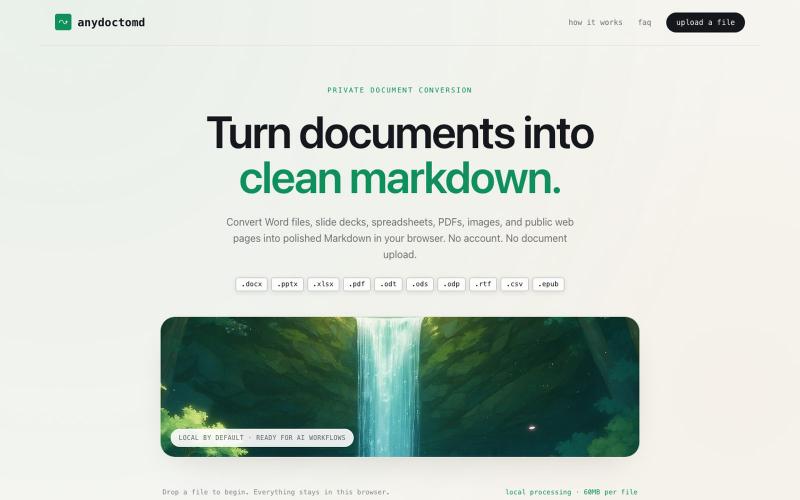
创意工具6 days ago
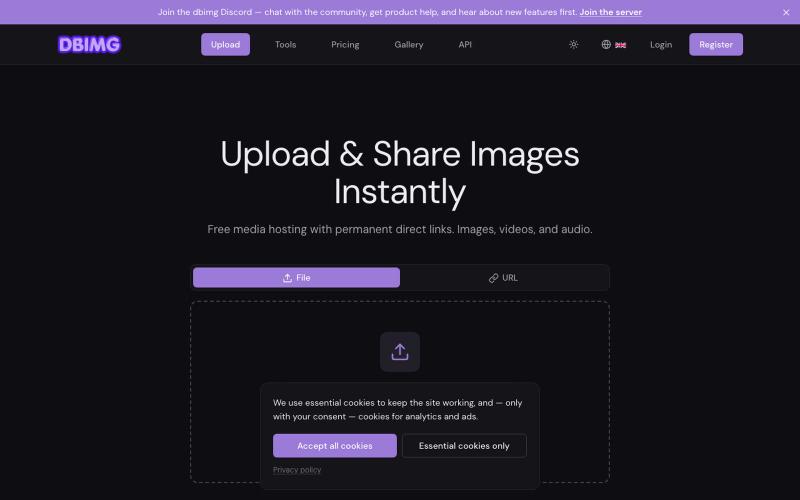
dbimg — Free Image & Video Upload | Media Hosting
Free media hosting with permanent direct links, embed codes, and global CDN. Upload images, videos, and audio — no account required.

@dbimgapp · X
完整作品展
技术栈
60 projects
Free media hosting with permanent direct links, embed codes, and global CDN. Upload images, videos, and audio — no account required.
@dbimgapp · X
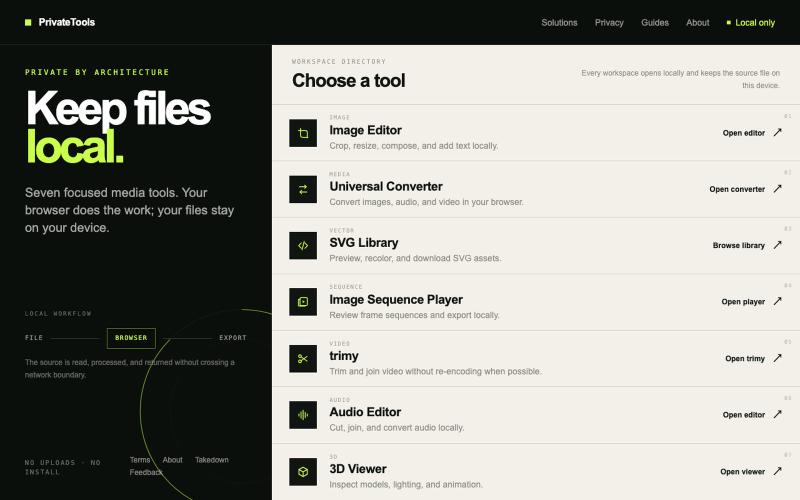
Edit images, convert files, browse SVGs, review sequences, trim video, edit audio, and inspect 3D models locally without uploads.

@motionvector3 · X
Useful online tools for creators
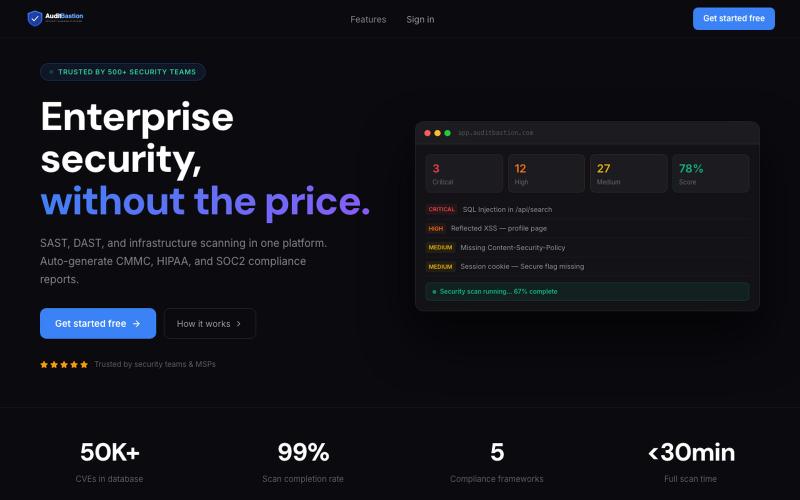
Free SAST, DAST, and infrastructure vulnerability scanning with automated CMMC, HIPAA, SOC2, and ISO27001 compliance reports. Built for developers, security teams, and MSPs.

@AuditBastion · X
Built something worth testing? Scan it with
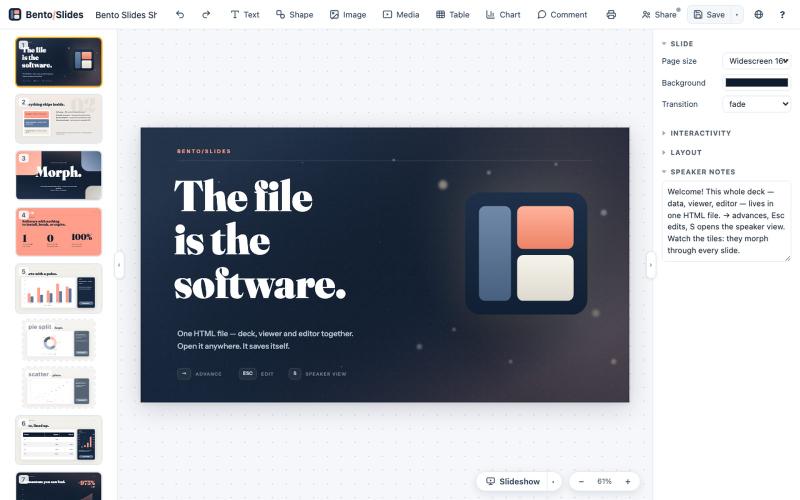
在单个HTML文件中创建和编辑演示文稿,支持实时协作。
starfallg · HN
Bento - An entire PowerPoint in one HTML file (edit+view+data+collab)

Surveillez vos mentions web, social et IA, mesurez votre Reputation Score et recevez des plans d’action pour améliorer votre e-réputation.

@myDidActu · X

MCP Ads is a professional campaigner system connecting Google Ads, Meta Ads, LinkedIn Ads, TikTok Ads, GA4, and Search Console to compatible AI clients.

@McpAdss · X
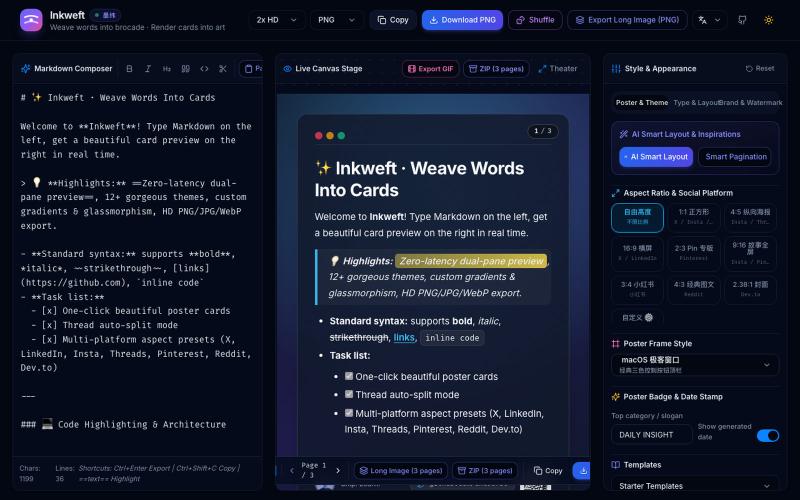
将 Markdown 笔记转换为高颜值社交海报卡片,12 个主题,导出 PNG/JPG/WebP。

@dxer0730 · X
做了一个把 Markdown 笔记 3 秒变成高颜值社交海报的小工具,支持连载切图与无缝长图拼接 在线体验 / 开源:

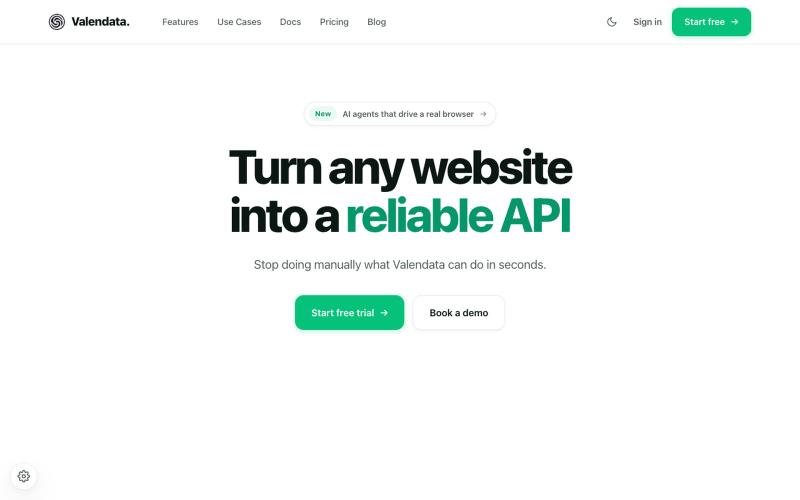
Transform the web into your own API. Valendata automates web data extraction from browser automation to structured APIs with zero maintenance. Trusted by 100+ data teams.

@valy_data · X
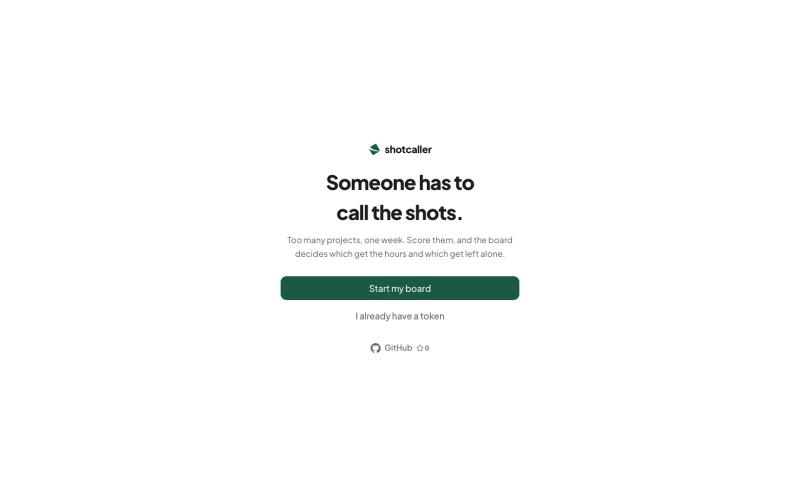
通过四个问题对你的副业项目进行评分和优先级排序,自动分配每周工作时间。

@mdanassaif · X
I made an MCP server that decides which side project gets your week. - you tell it your projects and your hours, it tells you where they go. 🔋 Sorts projects into focus / fix / autopilot / cut ⏳ Splits your weekly hours across them 🔍 Tracks what you shipped, earned, and worked on 📲 Calls out when your board is lying to itself Works right inside Claude Code / Cursor / Codex - just talk to it. Well its open source and runs on @CloudflareDev