

创意工具1 month ago
Imagerry | Image Editor, Converter & Customizer
Imagerry:在浏览器中编辑、调整大小、裁剪和转换图像,无需上传文件。

@its_ajseven · X
完整作品展
技术栈
60 projects
Imagerry:在浏览器中编辑、调整大小、裁剪和转换图像,无需上传文件。
@its_ajseven · X
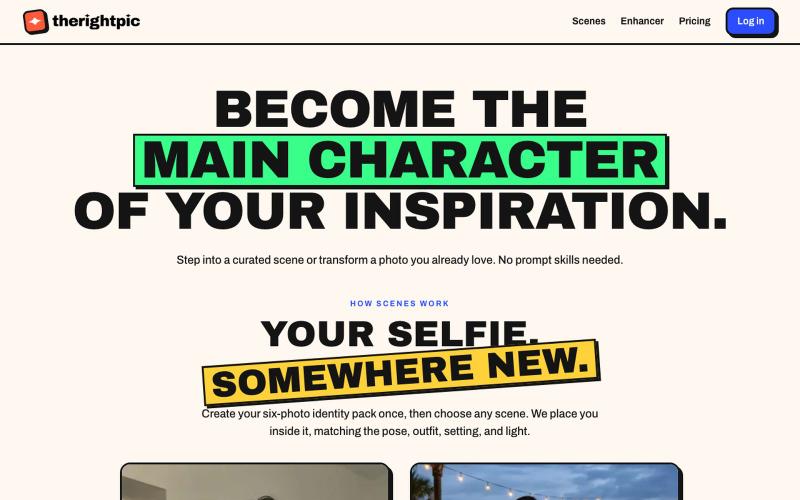
将自己融入精选AI场景或转换照片,无需提示词。
u/TheChilledTribe · Reddit
My product bet: image prompt libraries are a workaround for a missing discovery layer There’s a strange workflow around AI images: People see an image they like, search for the prompt or ask the LLM to craft a prompt to reproduce the same style, paste it into another ChatGPT, and hope they can reproduce the result. That feels less like a creative tool and more like moving source code between text boxes. I’m building therightpic around a different product hypothesis: The gallery should

在浏览器中将照片和视频转换为ASCII艺术、像素艺术和马赛克。

@kail_designs · X
Jokes aside but honestly (Landing page) was built with Claude (Opus 4.7) in 1 day. But no, it was not just four prompts or some random skills. Here's how I built the entire AsciiMagic landing page with Claude in one day👇 Started with a rough sketched wireframe. Then designed it in @paper Then I used the Paper MCP with Claude to recreate that design in code and get a solid first version running. From there, the real work began. I kept iterating with specialised Claude skills: • impeccable • frontend-design • emil-design-eng • review-animations • responsive-design • seo-audit Each one improved a different part of the experience. By the end, the page had: • Mobile-first responsiveness • Better SEO optimised copy • Smooth micro-interactions • Cleaner frontend architecture Then came the part people don't see. For the next 5–6 hours, I wasn't asking Claude to "make it prettier." I was: • Fine-tuning layouts • Uploading and compressing assets • Moving files across diff
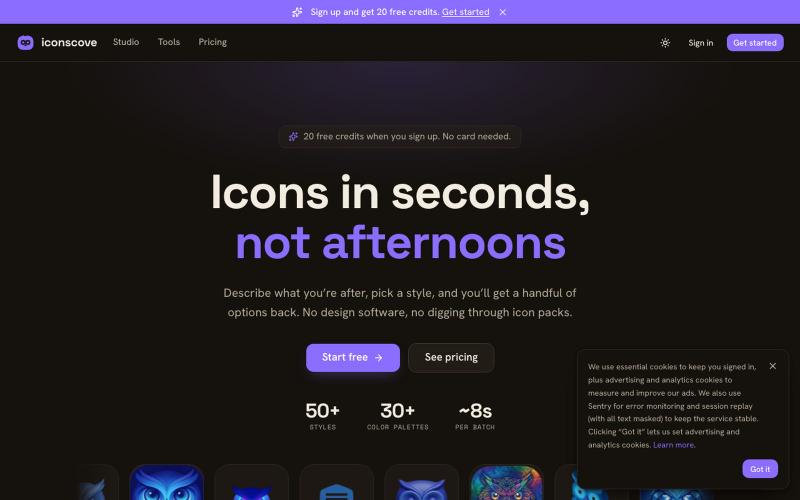
输入文本描述生成专业图标,50+种风格可选,支持PNG下载。
mantasge · Product Hunt
IconsCove AI Icon Generator with 50+ styles and library management
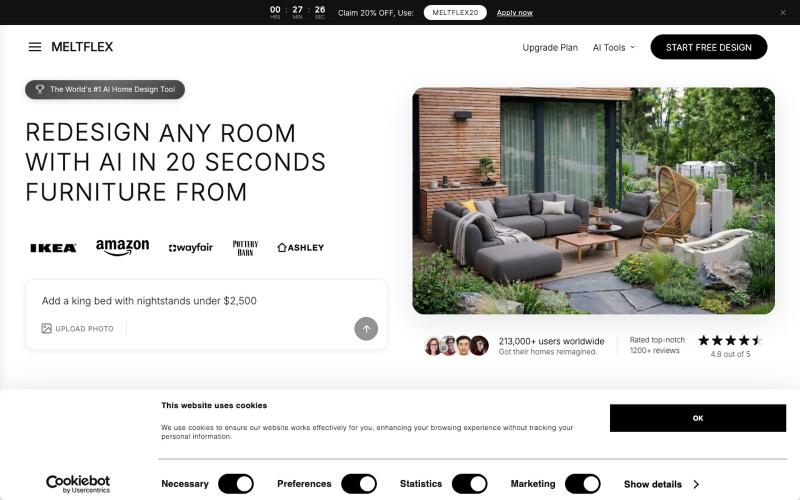
上传房间照片,获得多种风格的AI室内重新设计。

@BranHrivnak · X
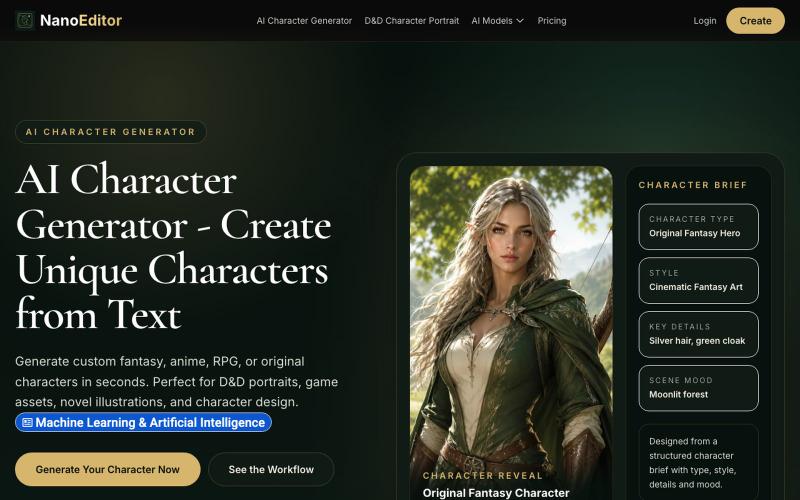
为游戏、OC 和 RPG 战役生成自定义 AI 角色艺术。
NanoEditor — 对话式 AI 生图平台
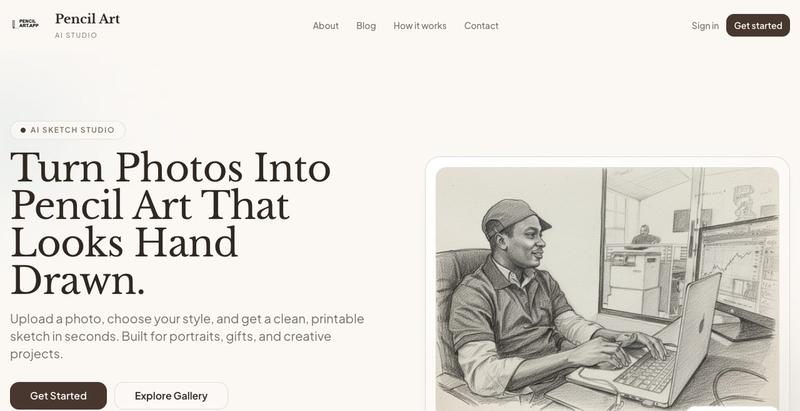
用AI将照片转换为逼真的铅笔素描艺术

@_samuelaidoo · X
Getting users
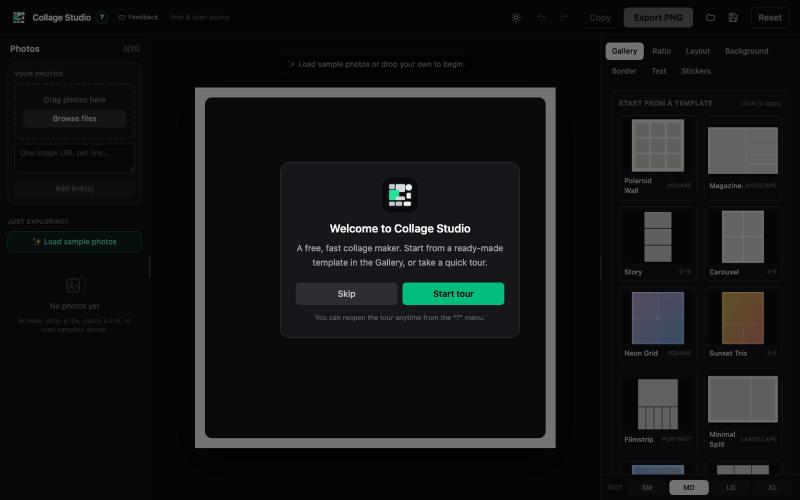
用 Collage Studio 创建照片拼贴,支持网格、蒙版、滤镜和分层文本,无需注册。

@madonna_matt · X
I vibe coded a little utility for myself, "Collage Studio" (because we definitely needed another collage builder) I turned screenshots into a promo video for fun. check it out: no sign up. no fees. photos never leave your device. 🛠️ stack: React 19 · TypeScript · Vite · Tailwind · Konva · Zustand · @vercel | built with Claude Code @claude, video by @hyperframes_, music + art AI-generated with @magnific_ai
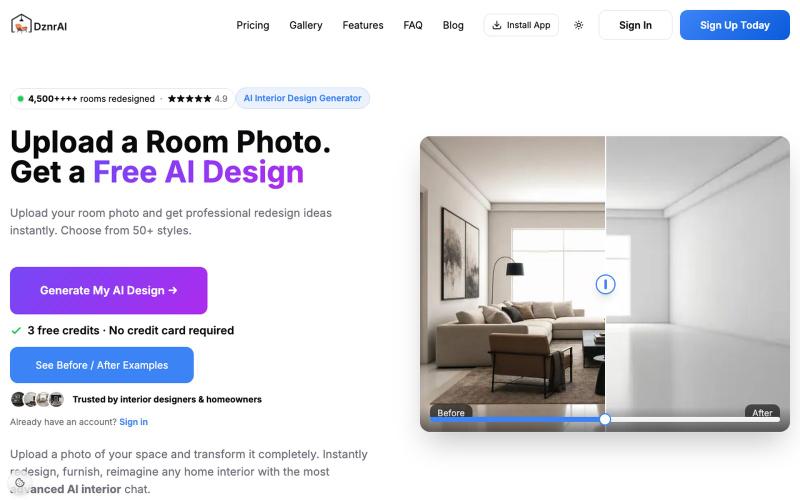
上传房间照片获取 50+ 种风格的 AI 室内设计建议。

@dzrnai · X
- AI Interior Design with premium AI Interior models, Video Creation, The Most Advanced AI Chat with Your Design and more
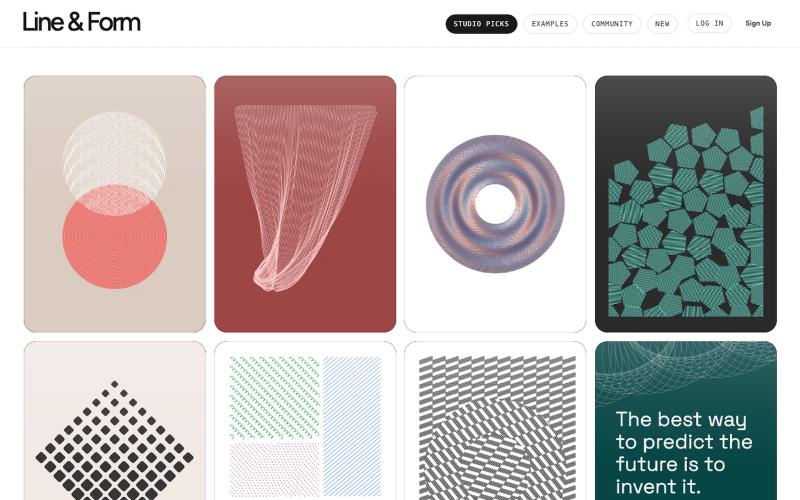
用线条和形状在浏览器中设计视觉艺术

@josephflaherty · X
by @golnik is the best vibe-coded software project I've seen, both in its aesthetics and the difficulty of its accomplishment. You can see the finished output of his work here:

将社交媒体帖子转换为精美可分享图像,支持多个平台。

@larsbuilds · X
here's the link for the lazy ones :)
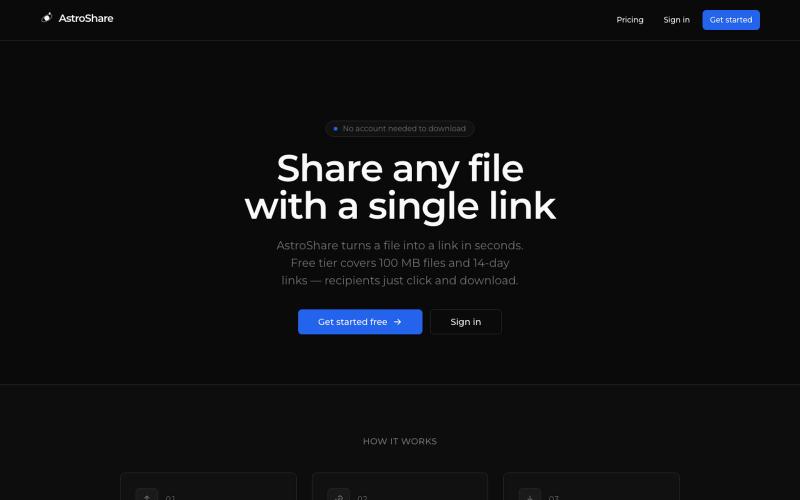
上传文件,生成分享链接让任何人下载。

@astrolinkcc · X
Try one of our products!