

生产力2 months ago
Cubix Capture – Free Screen Recorder with Auto Zoom | Mac & Windows
Mac & Windows 屏幕录制工具,支持点击自动缩放、渐变背景和摄像头叠加。

@zuess05 · X
Shipped some banger updates to
完整作品展
技术栈
60 projects
Mac & Windows 屏幕录制工具,支持点击自动缩放、渐变背景和摄像头叠加。
@zuess05 · X
Shipped some banger updates to
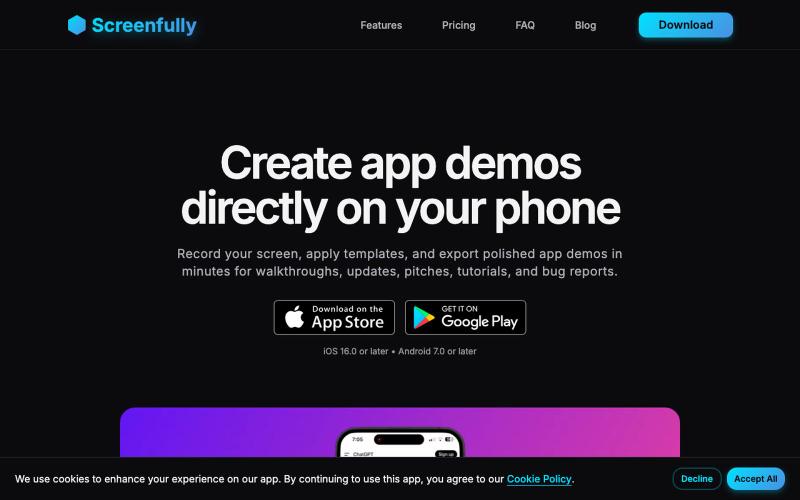
在您的手机上直接创建精美的移动应用演示和原型。

@startappdev · X
I'm working on a mockup and demo creation tool straight on your phone so you can build in public easily.

在浏览器中录制屏幕,保存至 Google Drive,并通过即时链接分享,仅需 $29。

@HashamBuilds · X
Building Walkthrough, screen recorder, $29 once, videos save to your own Google Drive. No subscription, no vendor servers. 14 days refund with no question asked. Now shipping in public daily. 🔗
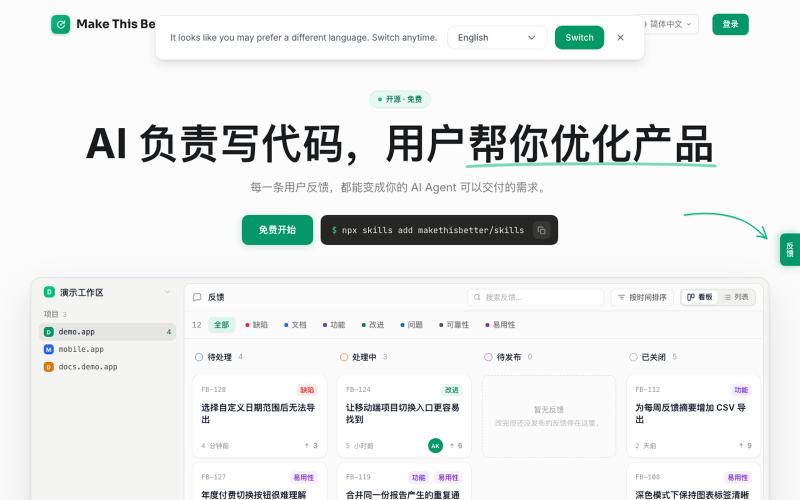
通过 widget 收集用户反馈,AI Agent 自动分析处理。

@lai_jia_wei · X
发布我们团队的第一个 side project 项目 这是一套收集、处理用户反馈的 Agent 工作流,包含 Widget、CLI、MPC、Skill,开源地址在评论区。 随着运营产品越来越多,许多细节很难逐一深入体验(尤其当自己不是目标用户),AI coding 可以实现可用,但是好不好用还得是现场用户说了算,更别说出现静默 Bug 的时候,只能实际使用才知道哪里出问题了。 所以我们做了一个很轻量的小工具,Make This Better 可以让用户在网页上提交反馈,AI 根据现场进行需求分析,最后你的本地 coding agent 接手处理,全程不碰任何数据、代码。 内部运行下来,帮助我们处理了不少用户反馈,甚至有些用户建议让我们发现了新需求。 前端 widget 组件是开源的,支持自定义后端,后端接口设计也在仓库里。如果你不想自己写后端,欢迎使用我们的官网后台,支持 BYOK,个人使用是完全免费的,不限项目数。 AI writes the code. Users make it better. 欢迎反馈。
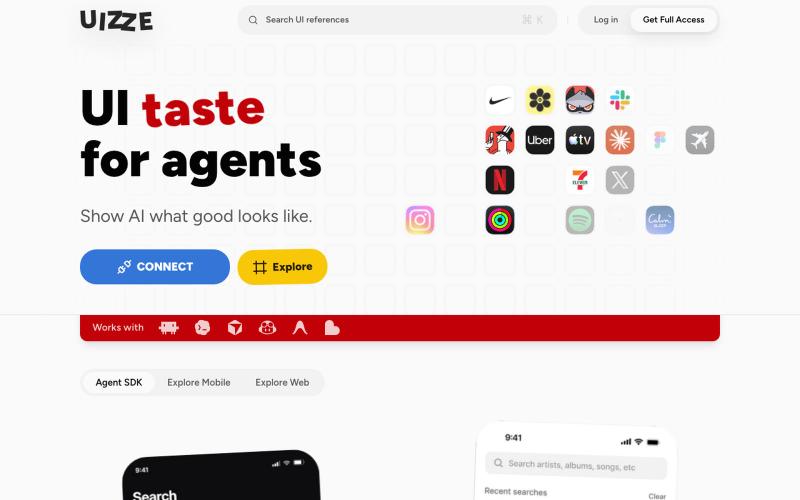
UIZZE 分析 UI 截图并为 AI 代理提供设计审计。
u/albanianspy · Reddit
the boring internal tool became the product we didn’t start with a saas idea. we were just annoyed that every agent-built UI looked weirdly related. so we made an internal finish gate: real screen references, a design contract, browser checks, and a ban list for generic AI defaults. one developer kept asking why it wasn’t public. eventually we stopped having a good answer. now UIZZE has a few paid users. builder disclosure: it’s mine, $9/mo or $99 lifetime: https://uizze.com current

屏幕录制Chrome扩展,内置自动缩放效果和自定义背景功能。

@gabani_vatsal · X
Building Screen recorder which adds zoom effects and custom backgrounds
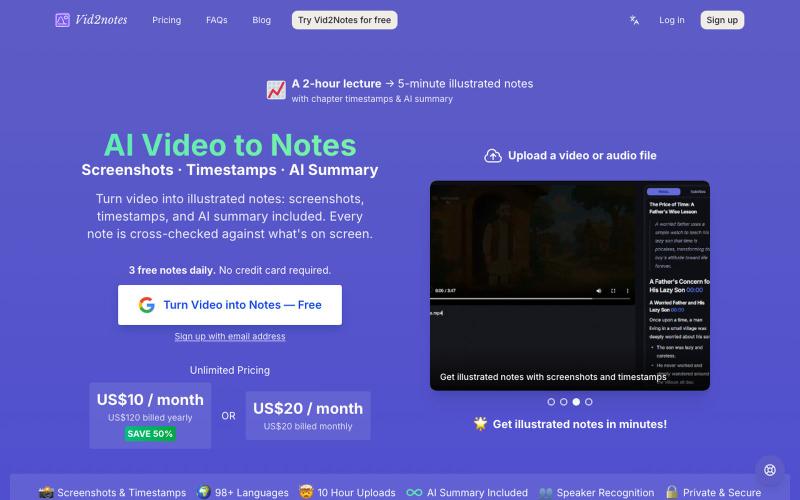
从视频生成笔记,包含AI转录、截图和摘要。
lilaiqun · V2EX
受够了视频没听清就反复拖进度条,只考虑音频错别字多,写了个"会看画面"的视频转笔记工具 看视频经常一句话没听清,拖回去重听好几遍还是听不清。试了现有的转写工具,发现它们只用音频——恰恰是我听不清的词,它们也转不对(幻灯片上的术语、代码里的名词,声音里根本猜不出来)。 所以做了 **Vid2notes**:转写时不只听声音,还抽帧看画面。Whisper 转文字,多模态模型拿着字幕对着截图一起读,输出带截图、章节、时间戳和 AI 总结的图文笔记,可导出 Markdown / SRT / VTT 。 支持最长 10 小时的视频,常见格式都行。 技术栈给感兴趣的 V 友:全栈 Cloudflare ( Workers AI 跑 Whisper + GLM ,Rust + FFmpeg 跑在 Containers 里),按视频 MD5 缓存不重复算。 **每天免费 3 个视频**,不用绑卡:[vid2notes]( https://vid2notes.com/) 最想知道的反馈:准确率在你的视频上怎么样,尤其是带幻灯片/代码的教学视频。欢迎拍砖
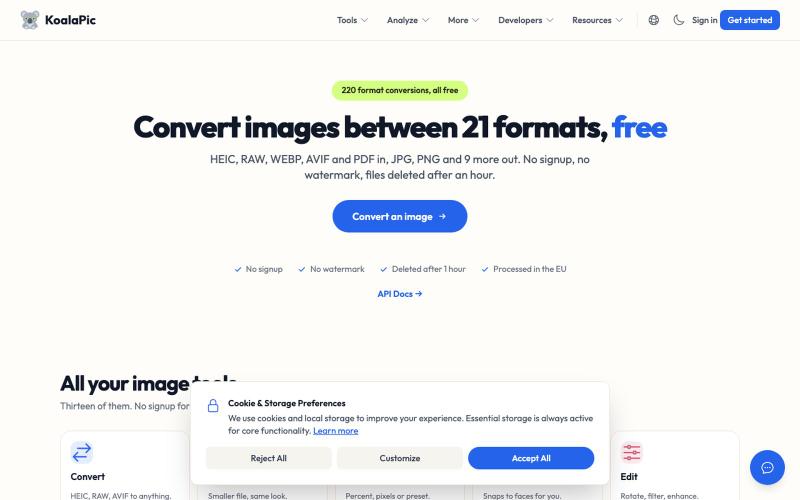
Convert HEIC, WEBP, AVIF images to JPG, PNG instantly. Free, private, no signup. Works on the web and in Telegram, Discord, WhatsApp and Slack.

@philippenamias · X
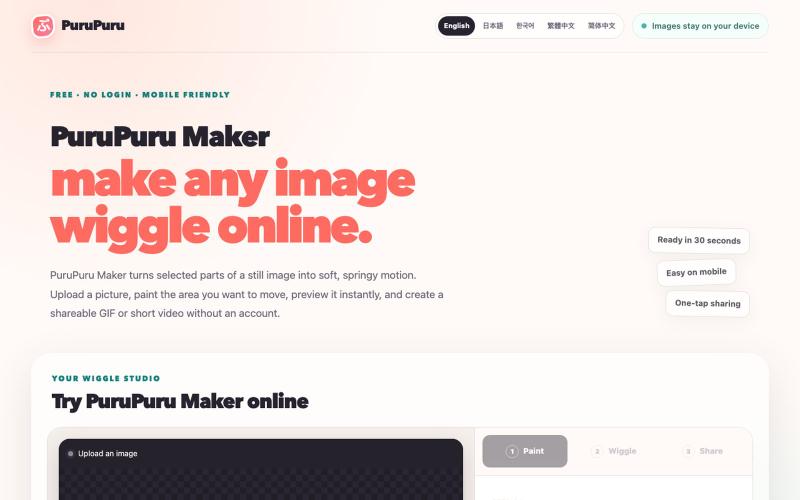
给图片的指定区域添加抖动效果,生成动画GIF或视频。
plutozc · V2EX
purupuru 抖动起来吧 部分图片区域抖动工具 二次元们 抖动起来吧 [purupuru maker]( https://purupuru-maker.com/) 二次元们 各位食用愉快😀 各种不同的抖动方式 优化了下手机端使用
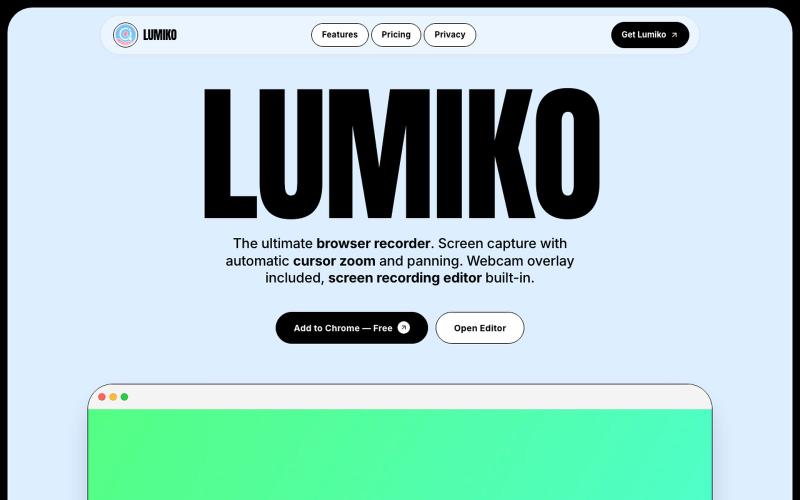
免费 Chrome 截屏工具,支持自动光标缩放、平移和内置视频编辑。
Ashish106 · HN
Lumiko – Chrome screen recorder with automatic cursor zoom

在浏览器中直接编辑和筛选 RAW 照片,本地处理无需上传。

@am56ay · X
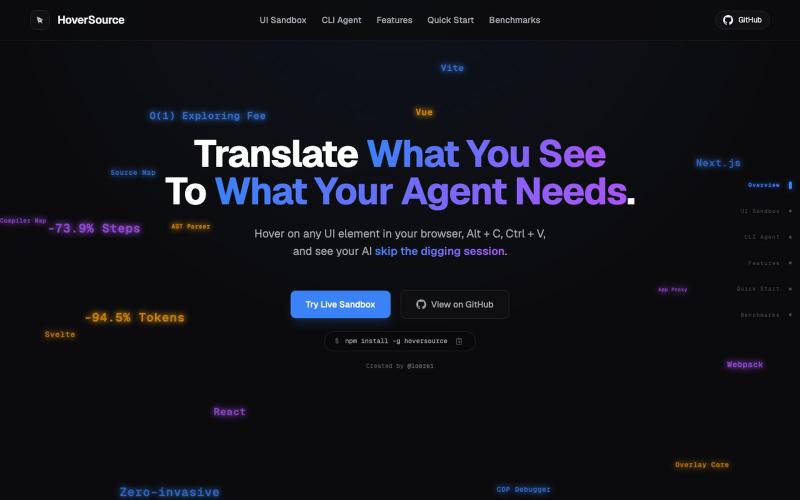
捕获UI元素及其代码上下文,与AI代理分享以调试视觉缺陷。
Loerei · HN
I found that describing where a broken UI is and taking screenshots for AI agents really sucks. I’m too lazy to explain an indescribable visual bug or capture a millisecond-long flash. I also don’t want to remember which file defines an element, whether it's right in the .tsx or a problem with the Parent Styles in .css. And even if you can point out the exact file, your agent still has to dig through thousands of lines of code to know what on earth you're yapping about. In a 7700-file monorepo like Cal.com, simply giving the right file in the prompt for your agent saves about 68.9% of execution time and 94.2% of the tokens your agent needs to digest. HoverSource gives all the needed information and further pushes it to -88.5% time and -94.5% tokens, basically skipping the entire digging session and jumping straight to reasoning and executing. The save is linear to how big your codebase is. I want to save tokens, but don’t want to spend my time and energy digging manually, and a junio