
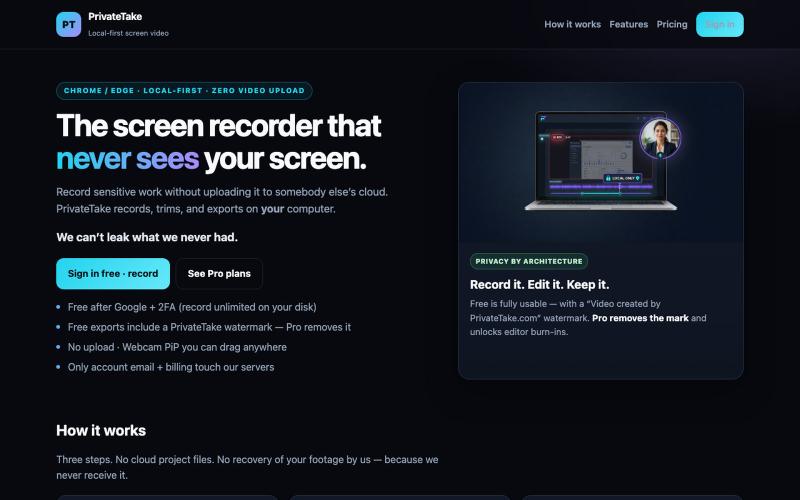
生产力2 months ago · 1 次试用
PrivateTake | Local-First Private Screen Recorder
本地录制和编辑屏幕视频,无需云上传。

@MarkZofMarkZ · X
Screen Recorder that doesn't share your recordings to the cloud:
完整作品展
技术栈
60 projects
本地录制和编辑屏幕视频,无需云上传。
@MarkZofMarkZ · X
Screen Recorder that doesn't share your recordings to the cloud:

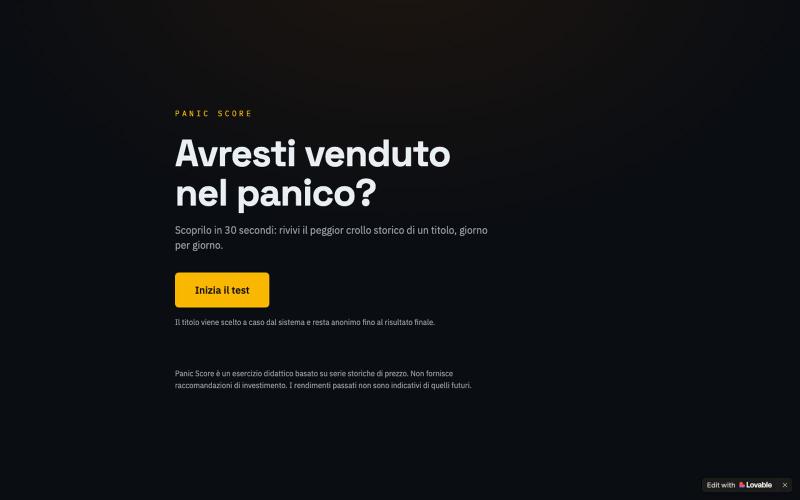
通过逐日重放股票崩盘来测试投资纪律
u/G1a9b9r9y · Reddit
I built a tool that shows if you would've panic-sold during a real market crash Weekend project: a test where you relive a stock's worst historical crash day by day, and decide whether to sell or hold at each point. At the end it shows how much return you'd have left on the table by panic-selling vs holding. Posted it on an Italian finance sub first — got genuinely useful feedback (turns out showing the ticker upfront made it too easy to guess the outcome), so I just shipped a v2 where the
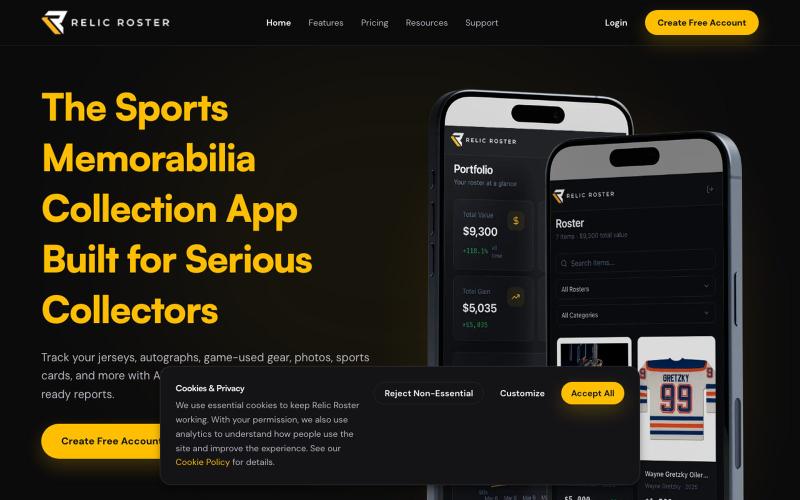
Relic Roster:编目、追踪和估值体育纪念品收藏

@relicroster · X
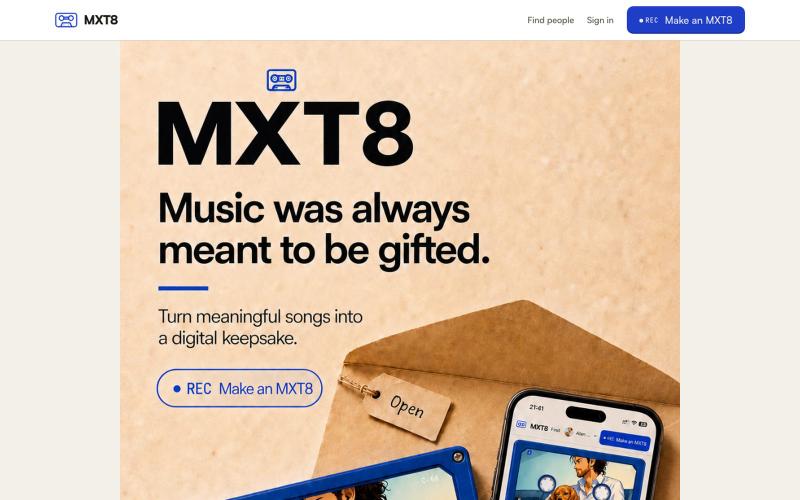
Turn songs you love into a two-sided digital keepsake with an optional memory place and up to twelve Polaroid-style photographs. MXT8 stores metadata, not music audio.

@Alan_John_Riley · X
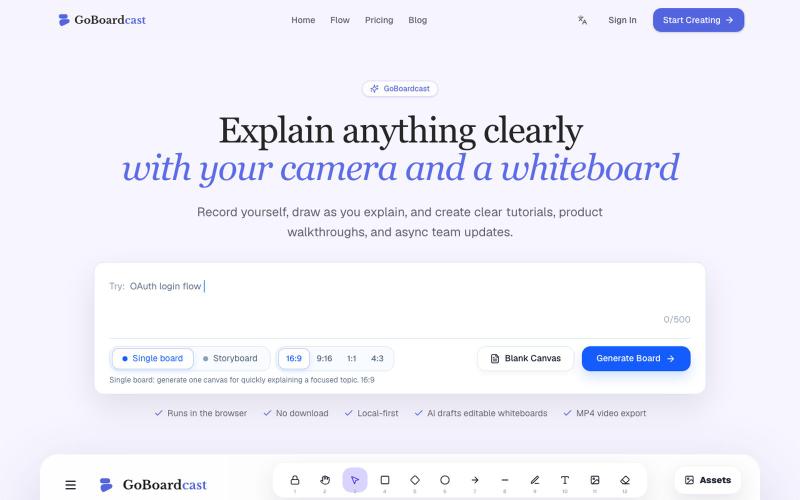
在白板上绘画并录制,创建教程视频和团队更新。
GoBoardcast — AI 白板讲解视频工具,把任意主题生成可编辑白板,并录制摄像头、麦克风、光标讲解后导出 MP4
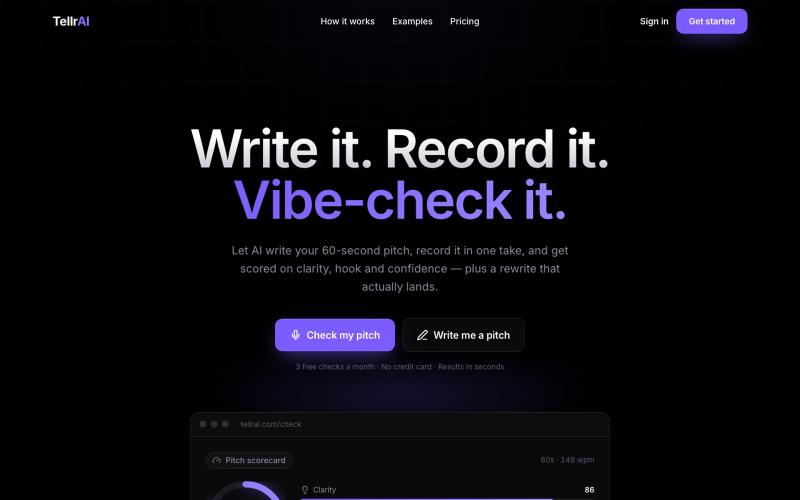
录制你的60秒推销词,获得关于吸引力、清晰度和自信心的AI反馈以及改写版本。

@Ethan_Cohen07 · X
, feel free to reach out to discuss ideas
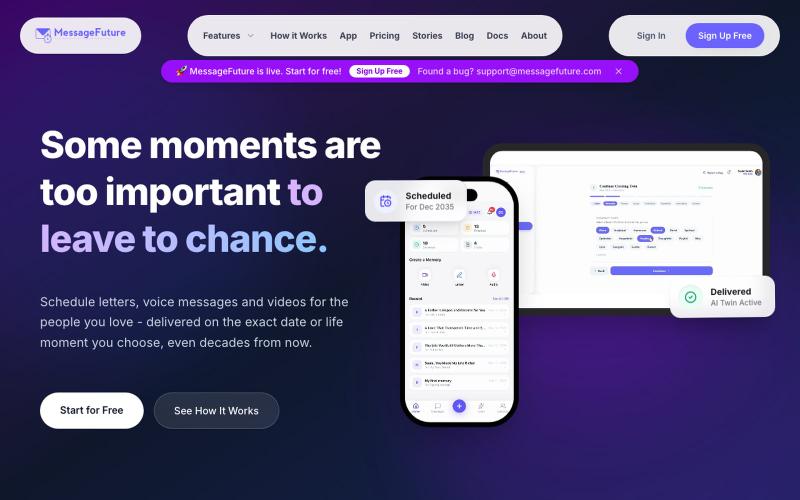
MessageFuture让你为亲人创建并安排消息、视频或语音,在特定日期发送。

@SidathRashen · X
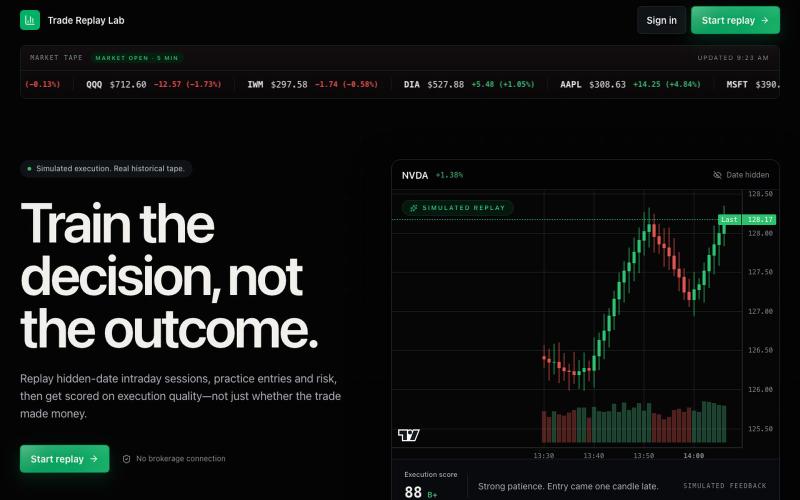
选择股票和时间段,使用历史行情数据练习日内交易。
u/dodqy · Reddit
Trading Practice Platform I’ve always found it difficult to get meaningful practice outside of market hours, so I built a browser-based replay platform to solve that problem. You choose a stock or ETF, time of day, and up to three indicators, and it randomly loads a historical trading session from the past six months. The goal is to practice taking trades as if they were happening live. It includes: Basic and advanced TP/SL management AI trade reviews with a performance score after each
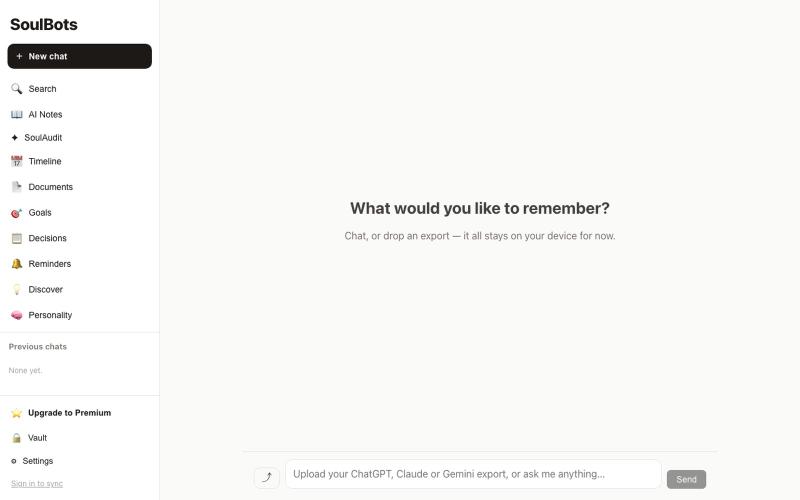
上传AI对话记录,获取证据支持的报告

@StilThinkng · X
Tired of repeating the same context across ChatGPT, Claude, and Grok? SoulBots builds a privacy-first memory that grows with you across AI. Looking for early testers.
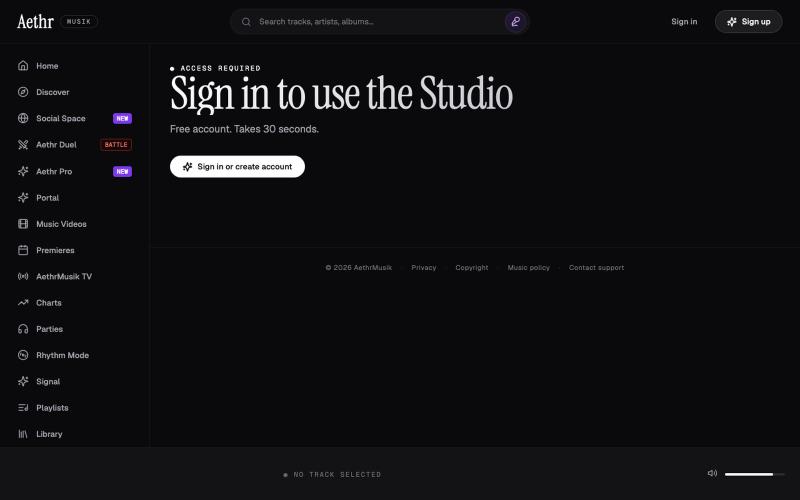
上传和管理来自Suno及其他来源的音乐曲目。

@GrimfelOfficial · X
Checked it out looks very similar to my studio and I'm not saying thats a bad thing because I vibe coded mine Good direction, will it remain watermark free on studio inputs?
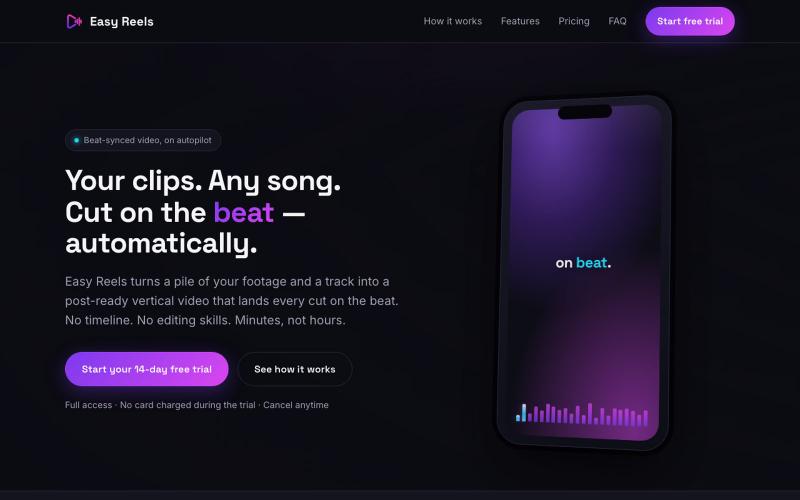
Turn your clips and any song into a vertical video that cuts on every beat — automatically, in minutes. No timeline, no editing skills. 14-day free trial.

@nxcturnez · X
Create a vertical video template. Create your next video in one click
