
创意工具1 week ago
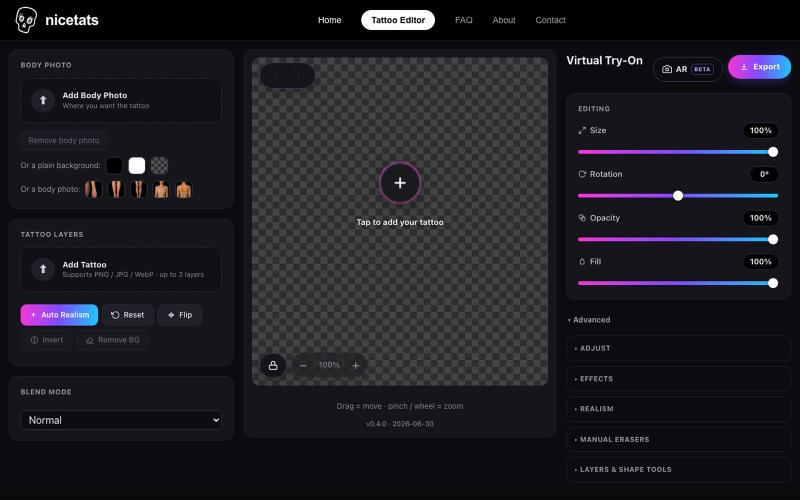
Try Tattoo Designs Online — Free Tattoo Try-On Editor · Nicetats
上传照片和纹身设计,预览纹身在皮肤上的效果。

@nicetatsapp · X
Preview Tattoos Online
完整作品展
技术栈
60 projects
上传照片和纹身设计,预览纹身在皮肤上的效果。
@nicetatsapp · X
Preview Tattoos Online
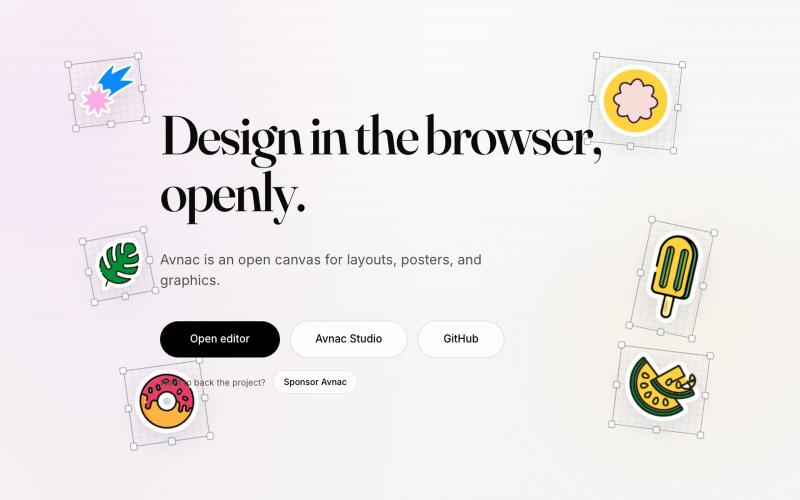
Avnac 是一个开源设计工具,可在浏览器中创建图形。

@akinkunmi · X
He trash-talked me and my amazing project ( unprovoked while all his projects are vibe-coded slop. That's why I named him King of Slop.
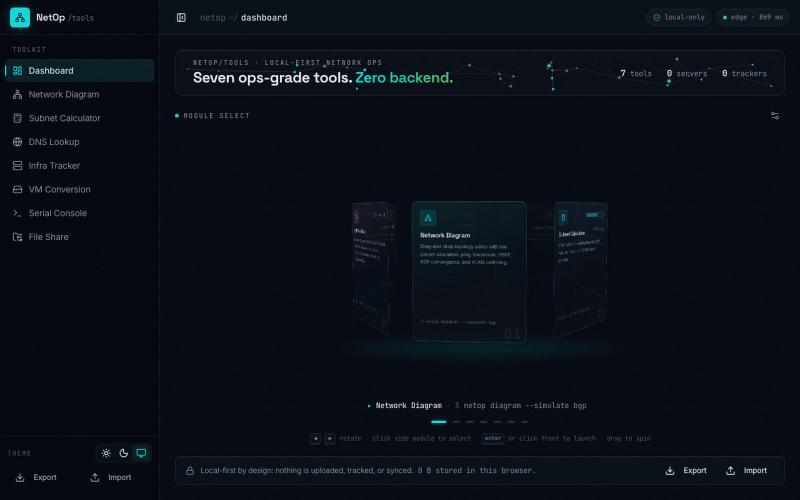
@UK_Daniel_Card I made something similar https://t.co/HCVGlFb8hF. Its completely vibe coded but it is supposed to be a vibe project. Been making it for about 6 months now. Feel fre

@slacksarenice · X
I made something similar Its completely vibe coded but it is supposed to be a vibe project. Been making it for about 6 months now. Feel free to take inspiration from it 😅
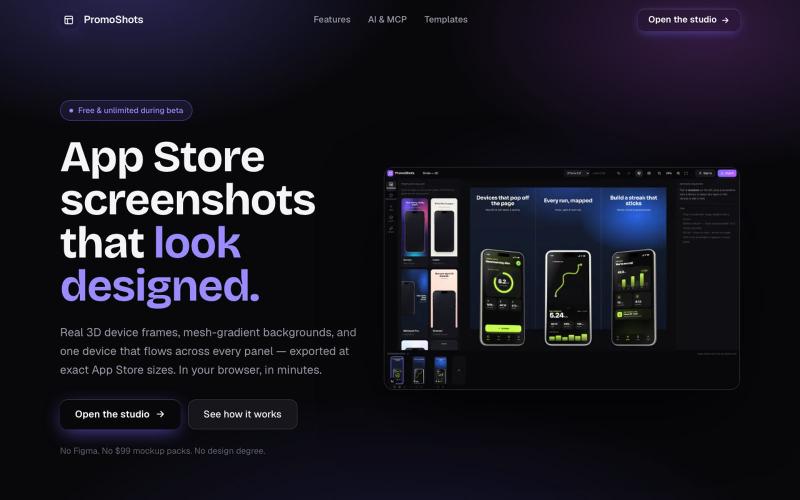
设计App Store截图集,配合3D设备框架、渐变背景和一键导出。

@MSiatrak · X
Checked my Umami stats this morning - straight from Claude Code via my Umami MCP 📊 ~30% of visitors are on mobile… and every single one hit the "desktop only" gate. Shown 11 times, 0 continued past it. A third of traffic couldn't even try it.
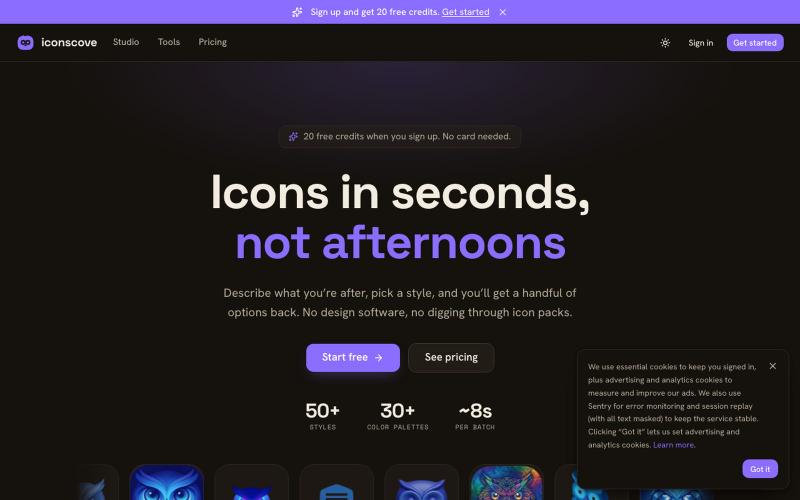
输入文本描述生成专业图标,50+种风格可选,支持PNG下载。
mantasge · Product Hunt
IconsCove AI Icon Generator with 50+ styles and library management
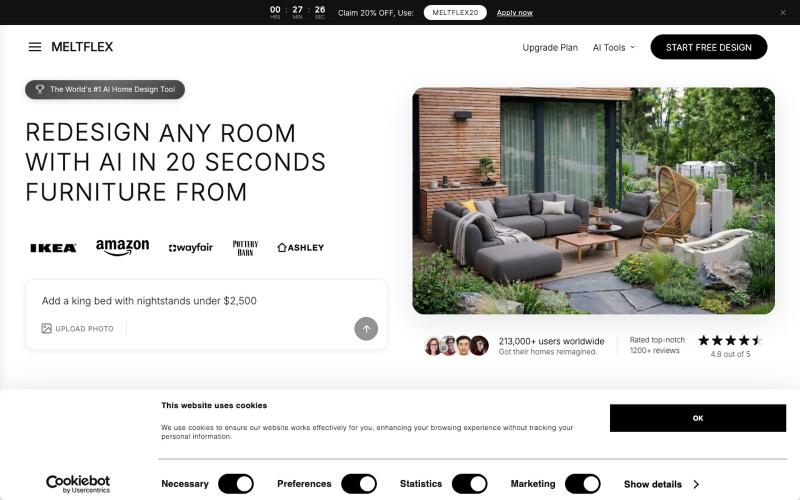
上传房间照片,AI快速重新设计房间,支持多种家具风格。

@BranHrivnak · X
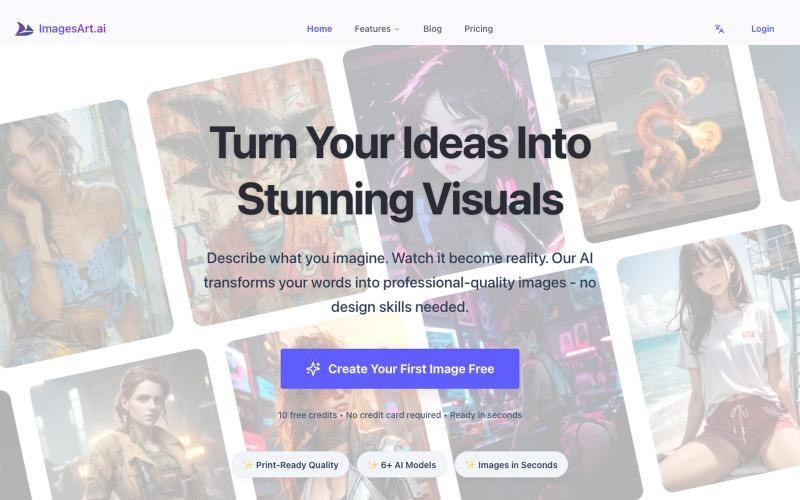
通过ImagesArt.ai从文本描述生成专业图像,支持多个AI模型。
ImagesArt.ai — 生成完美的AI艺术提示词。使用这个工具为Flux、Midjourney和Stable Diffusion模型生成并优化图像提示词。
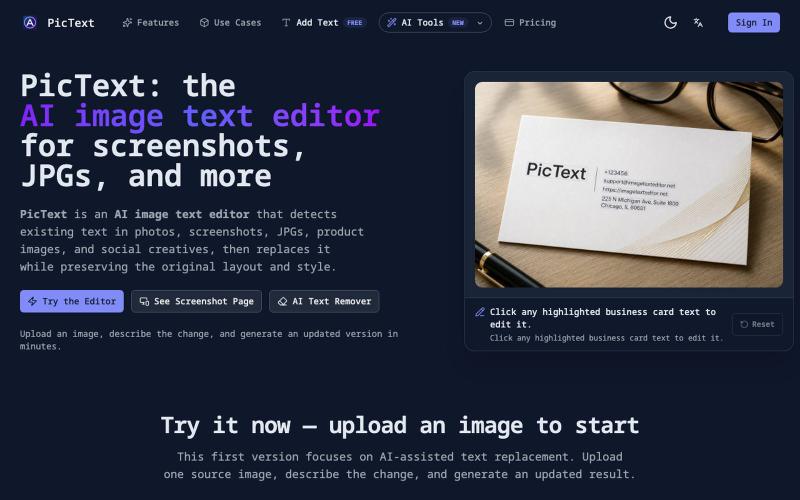
检测并替换图像中的文本,同时保留布局和样式。
PicText - 图片文字编辑器 — AI 驱动的图片文本编辑器,检测并替换照片、截图和产品图中的文本,同时保留原始布局和字体
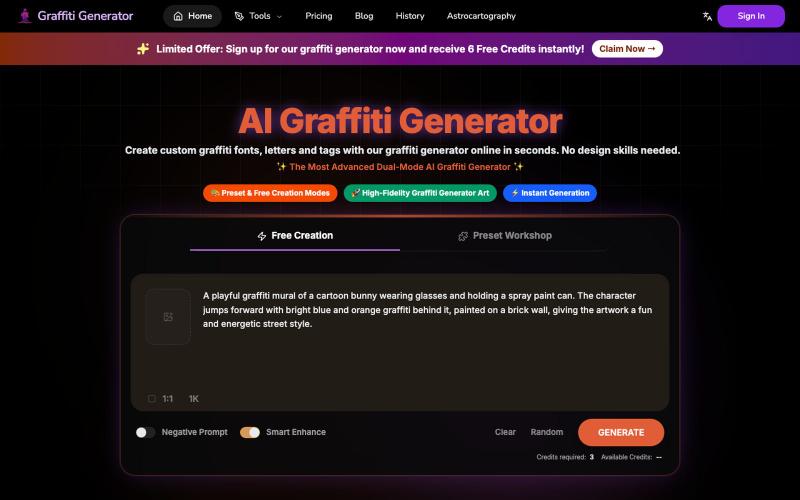
从任何文字快速生成专业涂鸦艺术和字体设计。
Graffiti Generator — 生成涂鸦艺术,旨在降低涂鸦创作的门槛。它结合了 AI 绘画生成与传统的字体设计功能,让用户无需任何绘画基础,也能在几秒钟内创造出专业级的涂鸦作品。
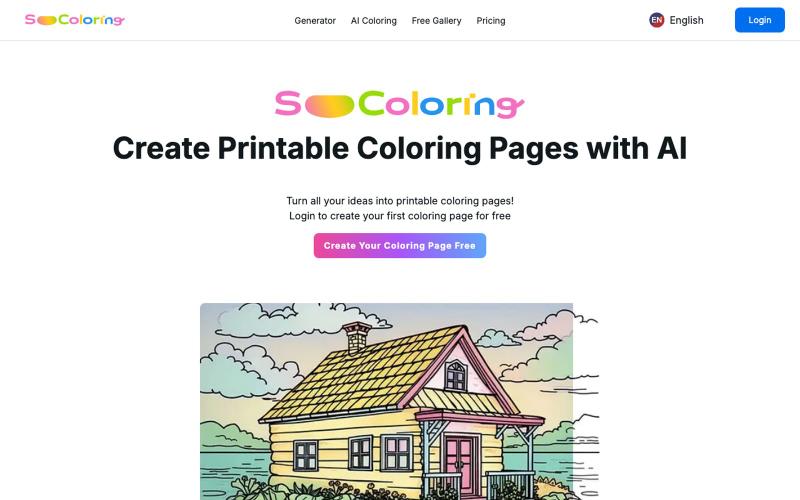
用 AI 生成和下载可打印的填色稿。
SoColoring — AI 驱动的可打印填色稿生成平台,支持文本生成填色稿、AI一键上色等功能,同时还有丰富的免费填色稿图库供用户自由下载,欢迎来这里寻找填色的乐趣
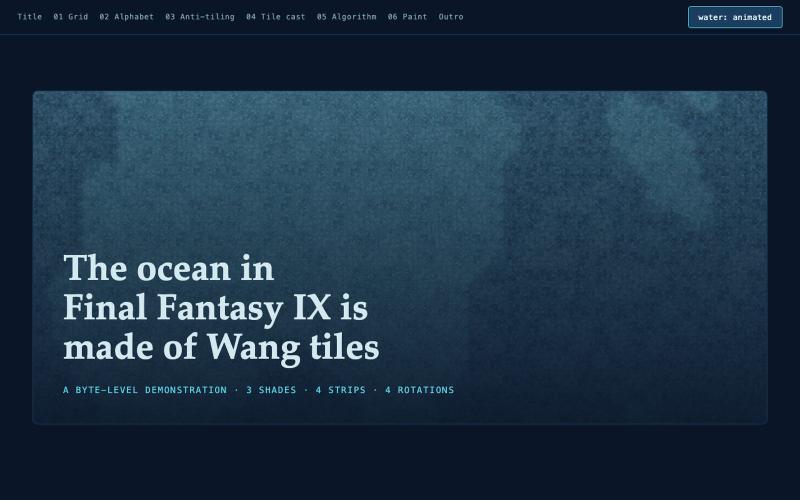
交互式绘制FF9海洋中的Wang瓦片程序化图案
jawnston · HN
made a fun little website with AI to explain how the Oceans in FFIX are authored after days of slamming my head against the keyboard trying to deconstruct it
创建流程图、程序图、组织架构和UML图的免费在线工具。

@N0V4Dev · X
I found a tool called Next AI that links AI capabilities directly with diagrams. It lets you build and edit diagrams using natural language prompts instead of clicking around the canvas manually. It's a handy way to sketch out architecture when you don't want to drag every box yourself. The project is built on TypeScript with React 19 and Next.js. It supports multiple AI providers and even includes an MCP Server. This means you can use it with the Claude Code CLI to generate diagrams from your terminal. Deployment options are flexible too. You can run the tool locally with Docker or push it to Vercel and Cloudflare Workers. It supports multi provider setups so you can pick the backend that fits your workflow. #Nextjs #AI #Diagrams #TypeScript