
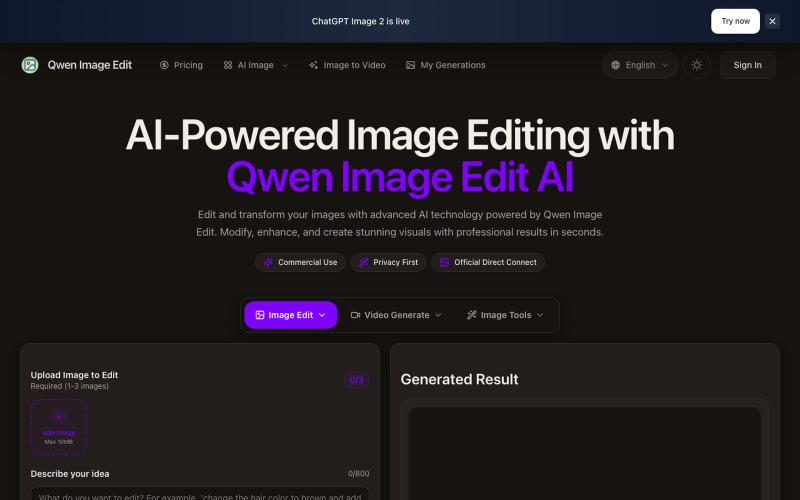
创意工具2 months ago · 1 次试用
Qwen Image Edit Online | AI-Powered Image Editing Tool
基于文本的AI图像编辑工具,支持照片修复、水印移除和头像生成。
Qwen Image Edit — AI 图像编辑工具,支持文本指令编辑、照片修复、去水印、专业头像生成和多图像处理
完整作品展
技术栈
60 projects
基于文本的AI图像编辑工具,支持照片修复、水印移除和头像生成。
Qwen Image Edit — AI 图像编辑工具,支持文本指令编辑、照片修复、去水印、专业头像生成和多图像处理
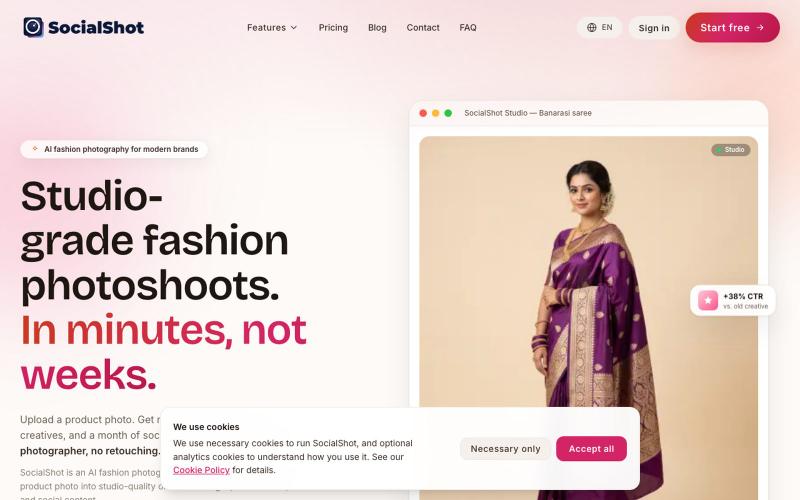
从一张手机照片生成AI时尚产品照和广告素材。
u/DryProgress9179 · Reddit
I built an AI product photoshoot tool for small fashion sellers: one phone photo in, marketplace-ready images out Been shipping this solo for a few months: socialshot.ai The problem I kept running into talking to small apparel sellers is that a catalogue shoot is not one cost, it is a recurring one. Photographer is roughly 15-40k INR a day, a non-agency model another 8-25k, and then you still redo the edit for every channel because no two marketplaces accept the same image. Amazon wants
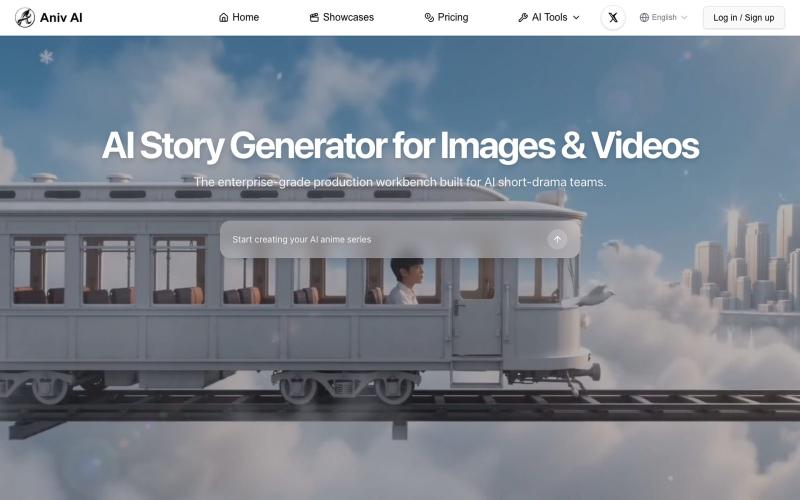
使用AI文生图和文生视频工具将故事转换为插图和视频
aniv — 一站式 AI 创作工具站,浏览器打开即用:AI 文生图、AI 文生视频、视频画质增强、字幕合成
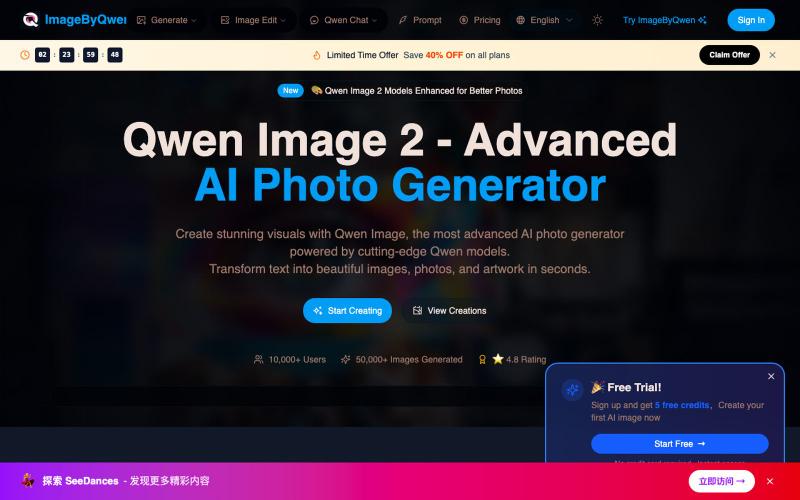
用 Qwen AI 模型将文本描述转换为逼真照片。
Qwen Image — AI 图像生成
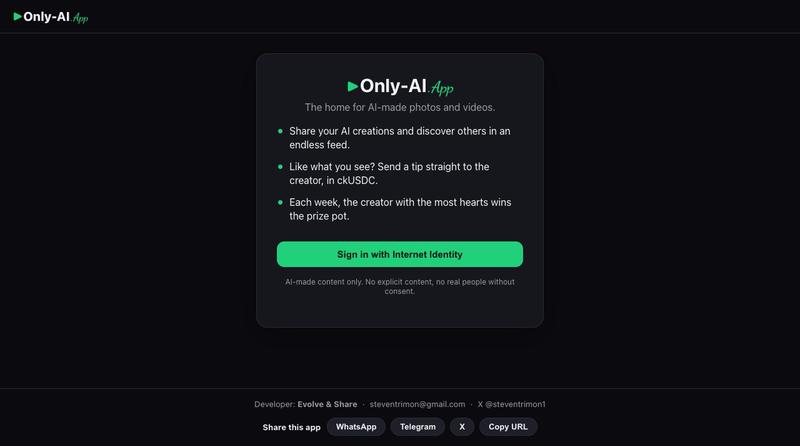
AI照片和视频的图库与生成工具

@steventrimon1 · X
I built this with Claude Code and Caffeine! Check out Only AI — the home for AI-made photos and videos
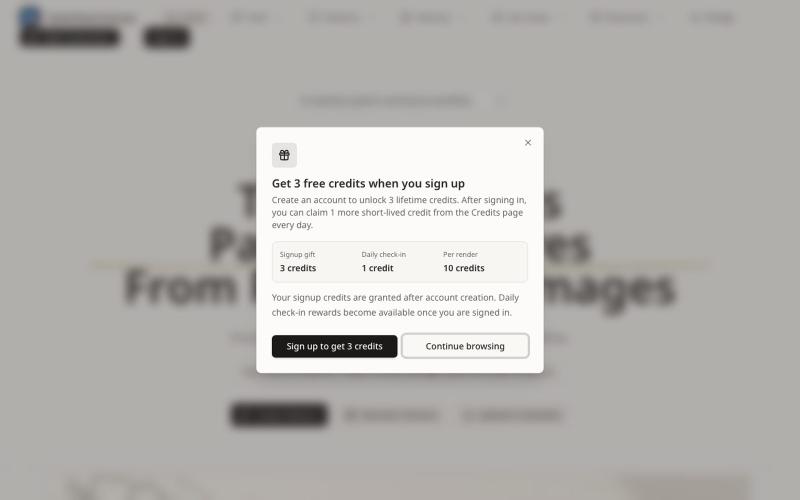
从提示词或图像生成无缝图案纹理,可预览、重新着色和导出。
Seamless Canvas — AI 无缝纹理生成器,通过文字描述或上传图像生成可平铺纹理 - [更多介绍](https://seamlesscanvas.com)
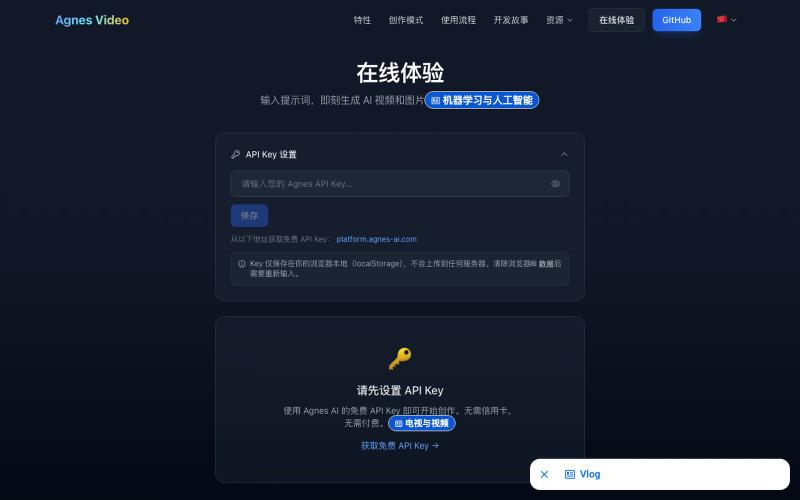
从文本提示生成AI视频和图像
Agnes 视频生成器 — 基于 agnes 免费视频模型的完全免费 AI 视频生成工作流,无需本地 GPU,可网页体验或下载一键启动 GUI 完整版 - [更多介绍](https://lichuanyang.top/posts/22470/)
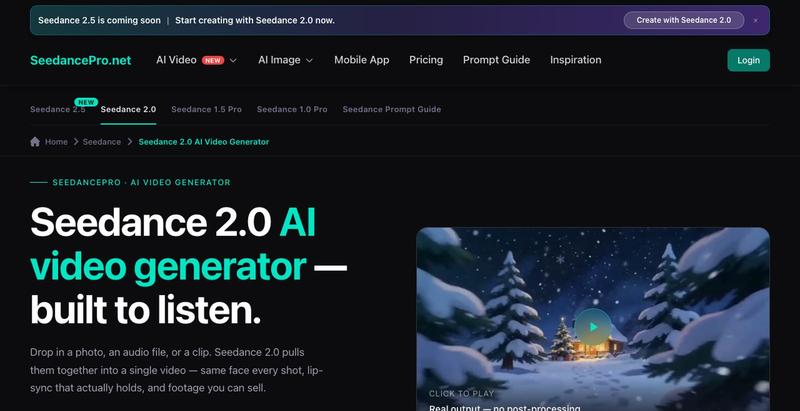
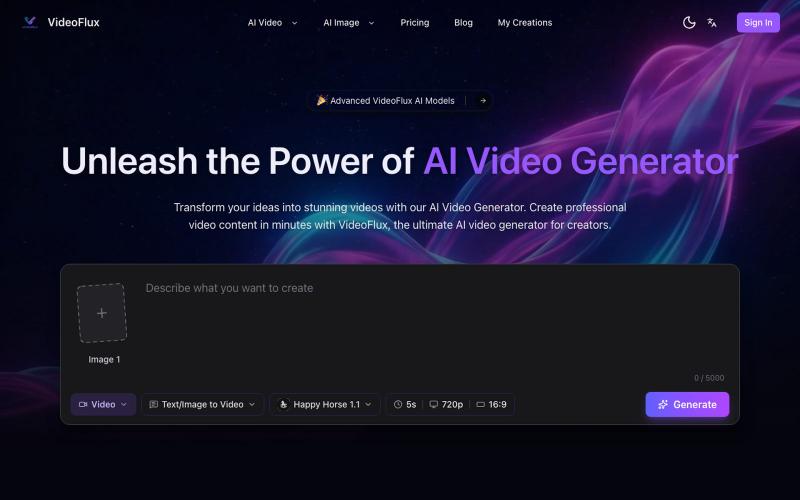
用 AI 从文本描述或图像生成视频。
VideoFlux — AI 视频生成平台,支持文本生成视频、图片生成视频及多种创作模式,适用于营销视频、社媒内容、产品演示和创意短片制作,帮助用户快速产出高质量视频内容
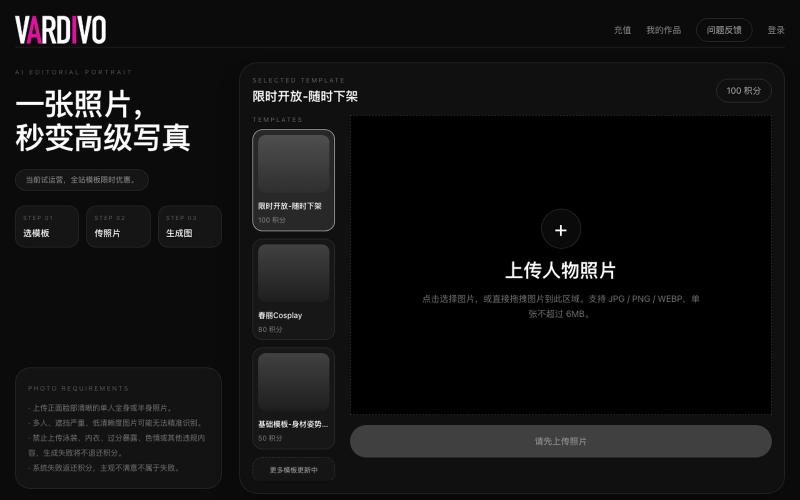
上传照片选择模板即可生成 AI 写真和视觉内容。

@pshenzhishen2 · X
来了来了,Vibe coding了两个月,地表最强写真生图工具VARDIVO上线了!傻瓜式上传图片选择模板即可生成。目前三个模板,欢迎各位探索使用。未来会陆续增加更多模板。附送一个春丽大幂幂。传送门👉🏻
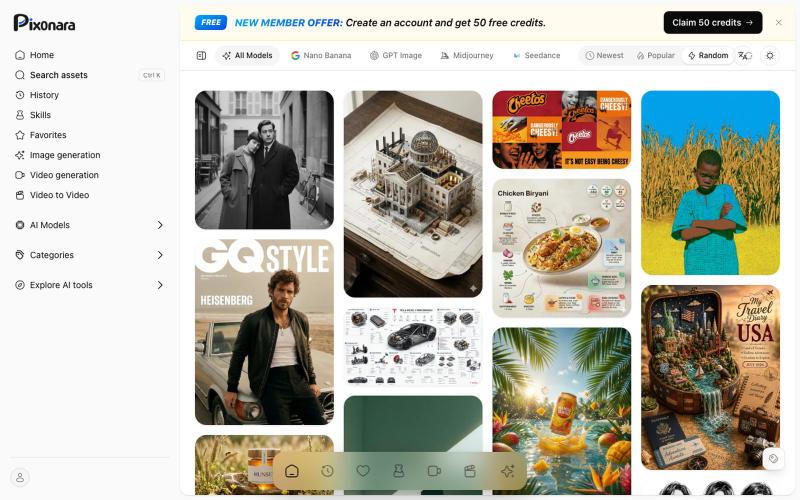
浏览AI提示词库,使用GPT Image等工具创建产品图像和营销素材。
Pixonara — AI 图片、视频与提示词工作台,集中浏览 GPT Image、Nano Banana、Midjourney、Seedance 等模型的免费提示词,并结合文字或参考图片制作商品视觉、营销素材和短视频

在浏览器中将照片和视频转换为ASCII艺术、像素艺术和马赛克。

@kail_designs · X
Jokes aside but honestly (Landing page) was built with Claude (Opus 4.7) in 1 day. But no, it was not just four prompts or some random skills. Here's how I built the entire AsciiMagic landing page with Claude in one day👇 Started with a rough sketched wireframe. Then designed it in @paper Then I used the Paper MCP with Claude to recreate that design in code and get a solid first version running. From there, the real work began. I kept iterating with specialised Claude skills: • impeccable • frontend-design • emil-design-eng • review-animations • responsive-design • seo-audit Each one improved a different part of the experience. By the end, the page had: • Mobile-first responsiveness • Better SEO optimised copy • Smooth micro-interactions • Cleaner frontend architecture Then came the part people don't see. For the next 5–6 hours, I wasn't asking Claude to "make it prettier." I was: • Fine-tuning layouts • Uploading and compressing assets • Moving files across diff