
创意工具2 weeks ago
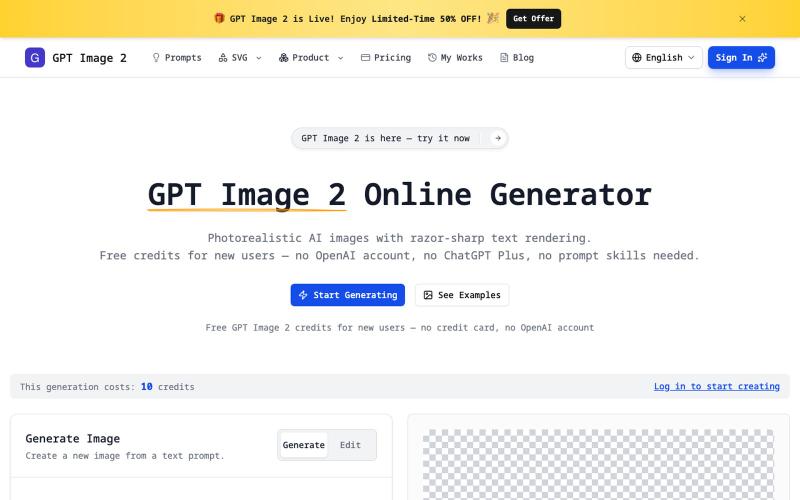
GPT Image 2 Online Generator — Photorealistic, Sharp Text
无需注册即可生成清晰文字的真实感AI图像,支持透明PNG和SVG导出。
imagesv2.ai — AI 视觉工具箱,提供透明 PNG 生成、SVG 图标制作、海报转 PSD、文章配图、微信聊天截图、推文截图、抖音/TikTok 直播间模拟、LinkedIn 商务头像、个人风格卡、360° 全景图等任务型工具。
完整作品展
技术栈
60 projects
无需注册即可生成清晰文字的真实感AI图像,支持透明PNG和SVG导出。
imagesv2.ai — AI 视觉工具箱,提供透明 PNG 生成、SVG 图标制作、海报转 PSD、文章配图、微信聊天截图、推文截图、抖音/TikTok 直播间模拟、LinkedIn 商务头像、个人风格卡、360° 全景图等任务型工具。
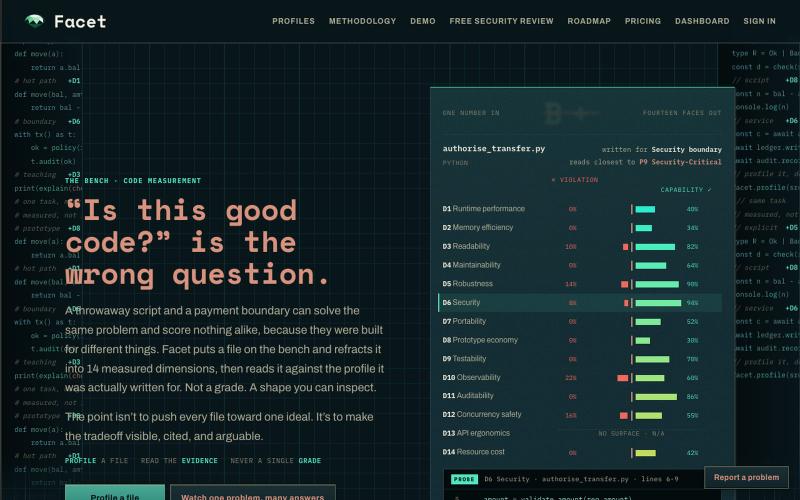
跨14个维度分析Python代码,检测违规并提供详细报告。

@KSFirasa · X
Hello! I built a tool that profiles code (python only atm) across 14 dimensions detecting violations and capabilities outputting a full report. A bit more nuanced than "AI-powered insights". Free while in beta. Thank you!
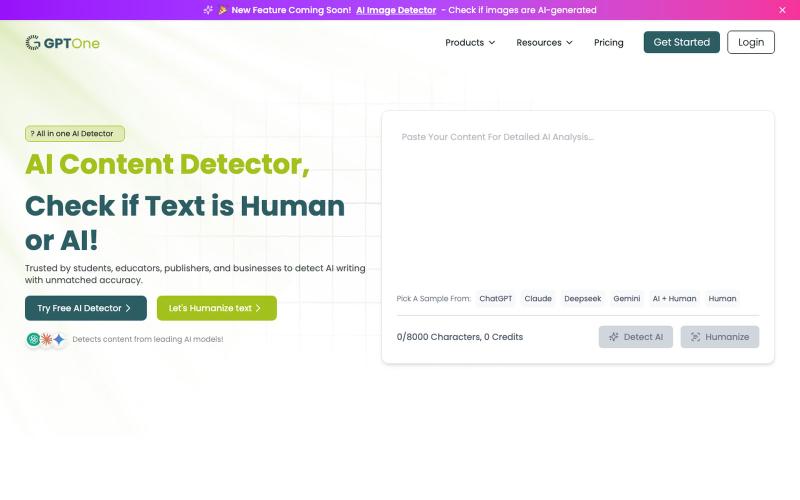
粘贴或上传文本到 GPTOne,立即检测是否由 AI 生成。
sanabano · Product Hunt
GPTOne Free AI detector for ChatGPT, Claude, Gemini & more
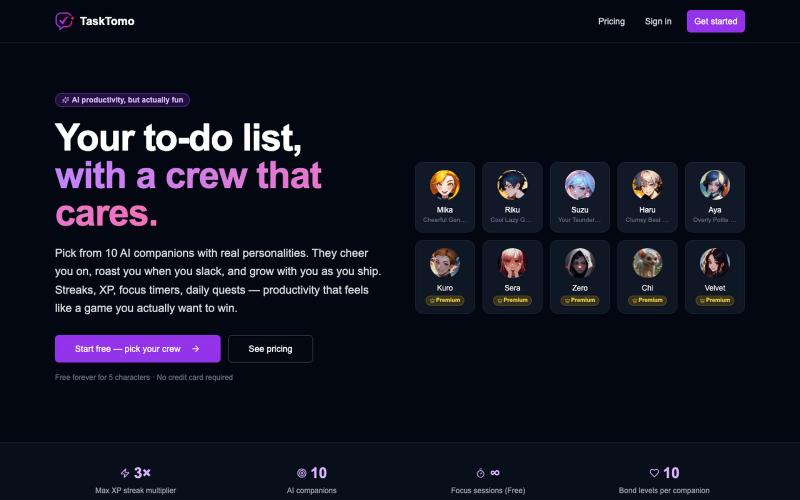
游戏化待办应用,有连续完成、XP、每日任务、专注计时器和AI鼓励功能。

@sealionjaywalk · X
I got tired of todo apps feeling like spreadsheets, so I built one that feels like a game. ・Finish a task → your AI crew cheers for you ・Streaks, XP, daily quests, focus timer
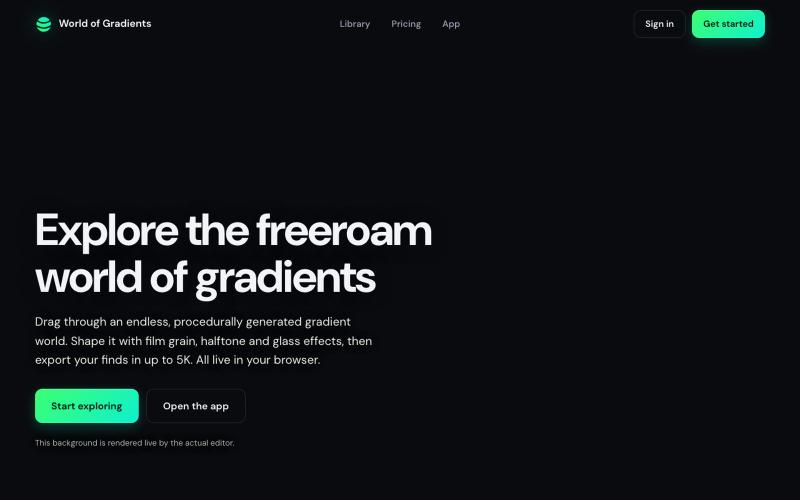
在无限世界中拖动设计细粒渐变,支持 5K 分辨率导出。

@Jellede_v · X
Currently working on Gradients made easy & satisfying 🤗
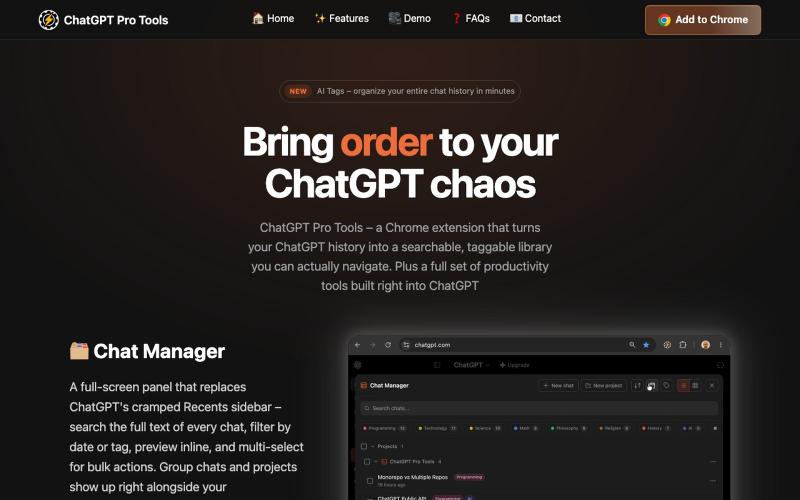
用AI标签和搜索功能组织ChatGPT对话的浏览器扩展。

@jumper211212 · X
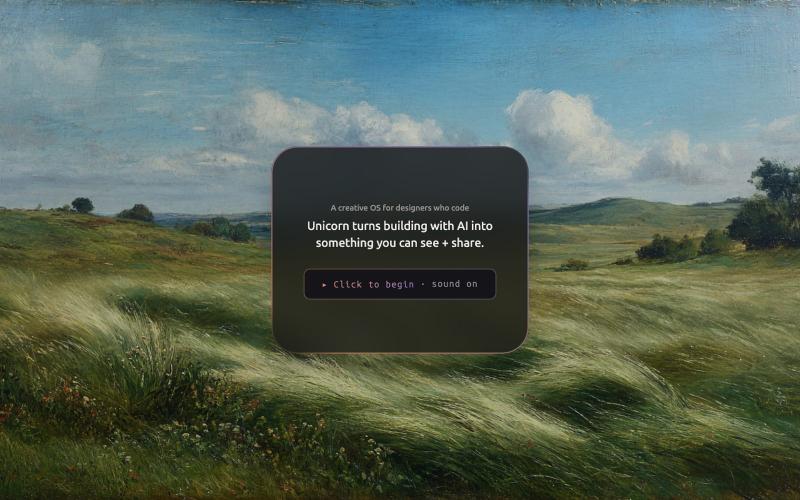
将Git历史转成音乐的桌面应用,记录你的每个构建。

@ivygrzy · X
My git history as music. This is Unicorn: a desktop app I built w/ @AnthropicAI's Claude Code. It lives beside the terminal and documents my builds. Every experiment logs itself. Every commit plays a note. The story: The preview:
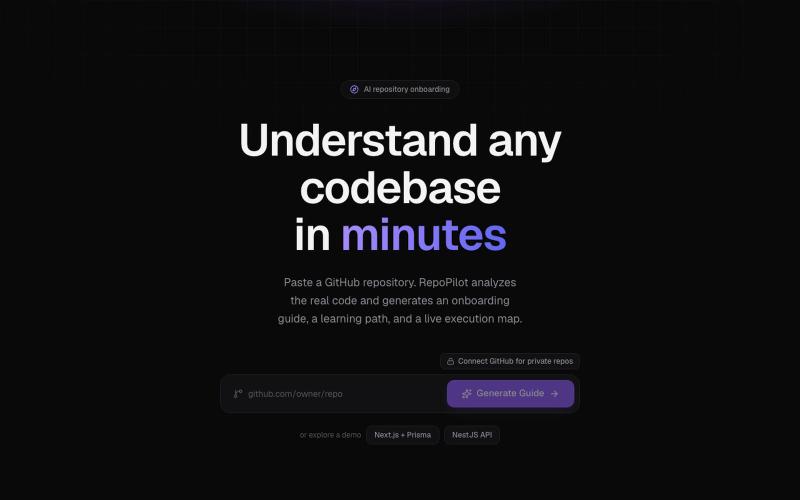
粘贴GitHub仓库,生成包含概览、阅读路径和流程图的AI入门指南。

@VirendraSi10558 · X
Top 30% out of 2,989 in the OpenAI x @namastedev_ Codex Hackathon 🚀 RepoPilot: turns any GitHub repo into a guided onboarding flow (analysis + AI explanations + diagrams). Planned with Codex, built with Claude Code. @akshaymarch7 @OpenAI #Codex
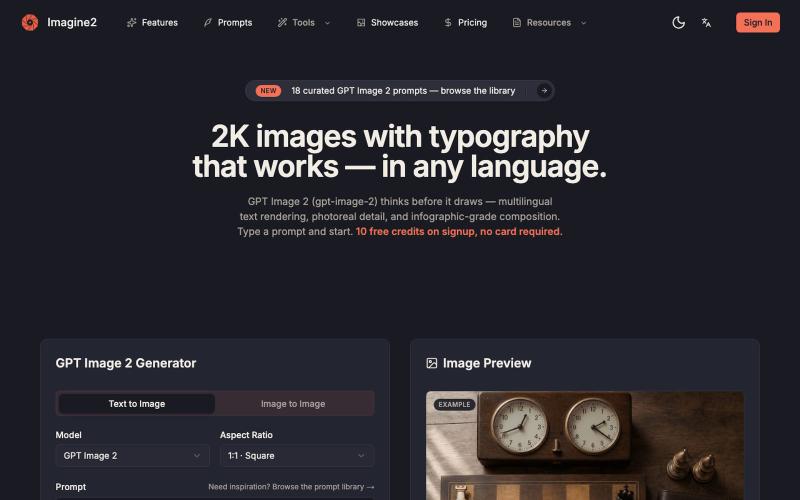
从文本或图像用 AI 生成高清图片,支持 2K-4K 分辨率和精确文字排版。
GPT Image 2 — AI 图片生成器,支持文生图、图生图、4K 图片、图中文字生成与 Prompt 示例库,适合制作产品图、海报、广告图和社媒配图
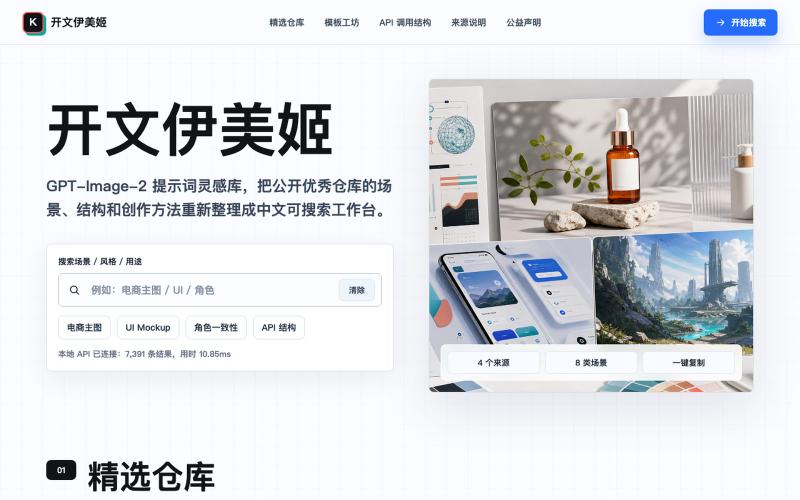
开文伊美姬是 GPT-Image-2 的提示词灵感库,包含创作场景、模板和 API 调用示例。

@GreatbinVip · X
我做了一个更完整的免费网站,不用去部署,打开网页就能用。
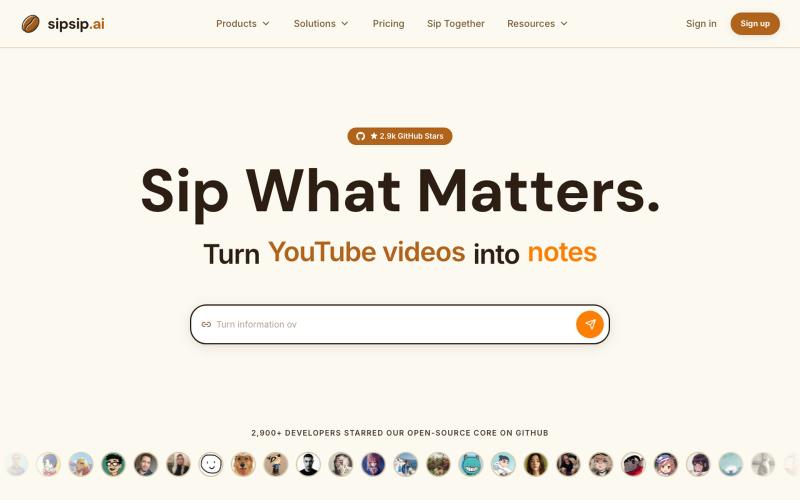
用AI转录和总结YouTube视频、播客、PDF和MP3/MP4文件。
sipsip.ai — 支持30+平台视频AI转录并提取摘要,订阅RSS可以每天发送早报
