
创意工具5 days ago
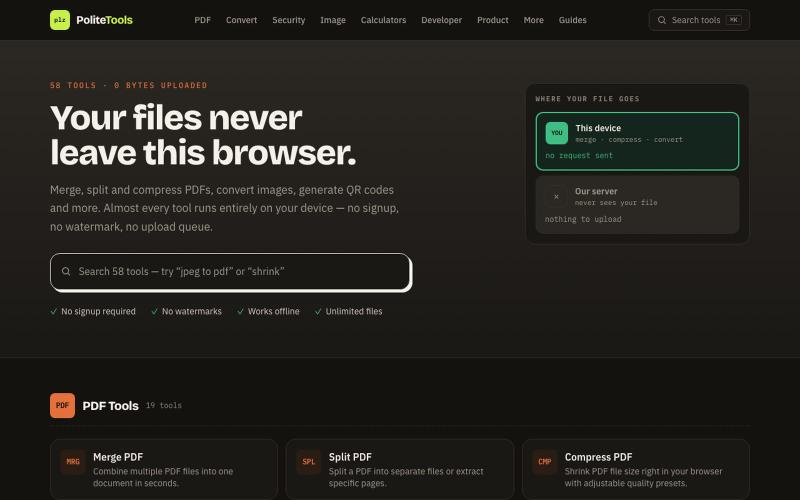
Polite Tools — Free Online PDF & Image Tools, 100% Private
Free online PDF, image, QR and text tools. 100% private — every file is processed in your browser and never uploaded to a server.

@codechandra · X
完整作品展
技术栈
60 projects
Free online PDF, image, QR and text tools. 100% private — every file is processed in your browser and never uploaded to a server.
@codechandra · X
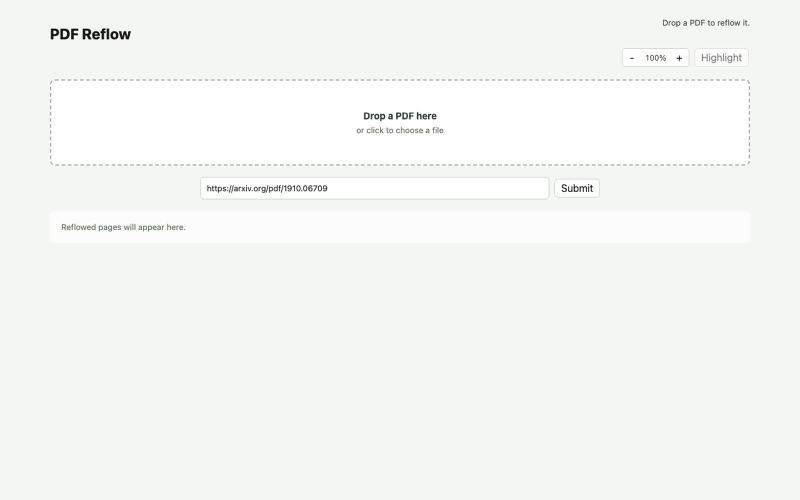
使用本地AI模型在浏览器中重排PDF。
ldenoue · HN
Show HN: PDF reflow in the browser with local AI model
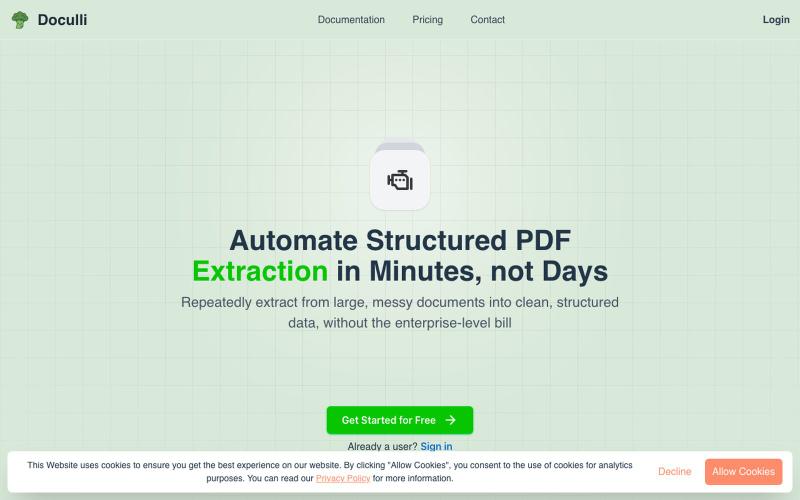
从 PDF 自动提取结构化数据,用于工作流自动化。
u/yonnnyy · Reddit
How should I revive my Saas after 300 hours spent developing To provide context, a couple months ago I created a pdf to JSON ai extraction engine. I know... There are hundreds of products like this but for me the value proposition is that other solutions were heavy weight, expensive, non intuitive templates, and was slow. Therefore I created my own and I met my goals. I see genuine value in my product but the lack of users says otherwise. I think my best option is to build on top of this
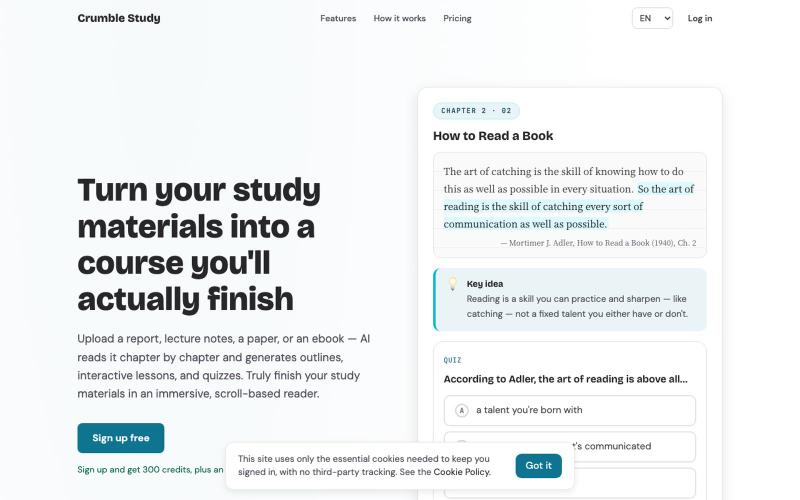
Upload a PDF, EPUB, HTML, or Markdown file. AI reads it chapter by chapter and generates outlines, interactive lessons, and quizzes — so you can truly finish your study materials i

@moonrollr · X
1. crumble study 2. you drop in a textbook or a report and it becomes a course you actually finish, chapter by chapter, instead of a chat you have to interrogate 3.
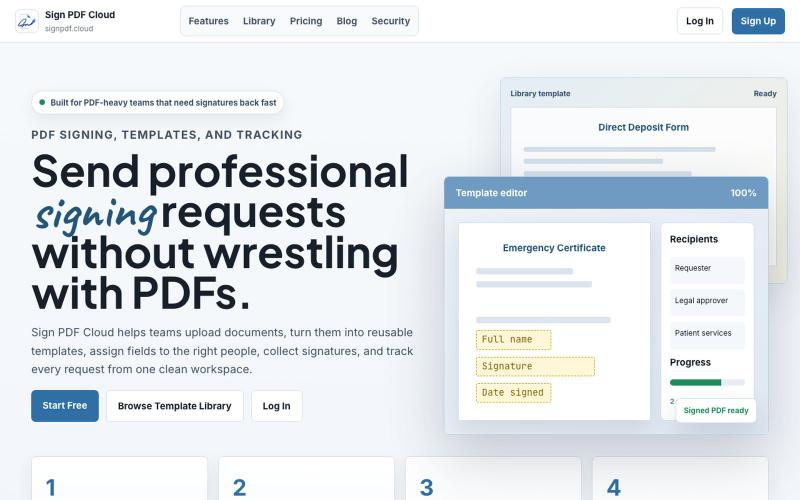
Sign PDF Cloud - 在线PDF签署工具和文档自动化平台。

@qayyumabro · X
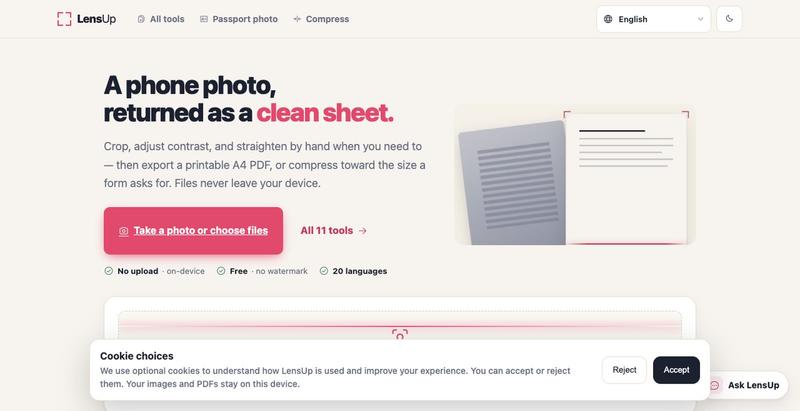
将照片转换为清晰、可打印的PDF,支持自动裁剪、去阴影和压缩。
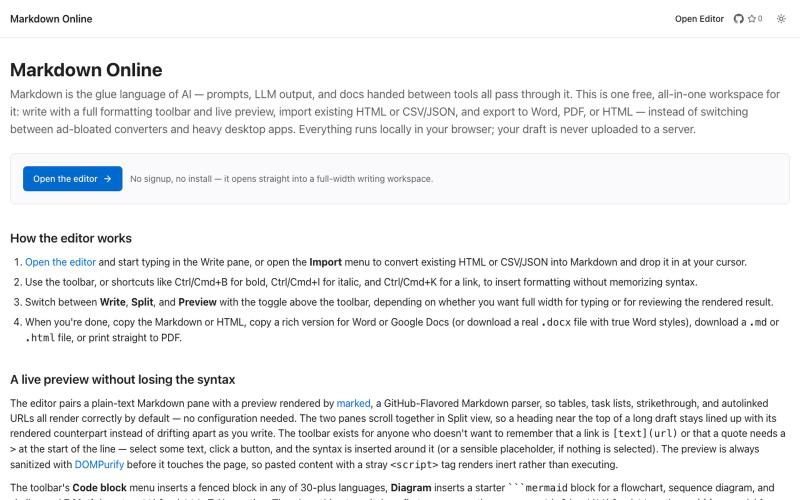
浏览器Markdown编辑器,支持实时预览和导出为HTML、Word、PDF。
u/Eleraffa · Reddit
Built a browser-only Markdown editor for my own daily LLM workflows — live DBML schemas, proper DOCX export, token counts Hey r/SideProject , I move a lot of text between LLMs, local docs, and web tools every day. I couldn't find a lightweight browser editor that handled a few specific micro-annoyances without shoving ads in my face, requiring a signup, or routing text through a server. So I vibe-coded Markdown Online (mostly hacked together with Claude) to solve my own itch. It’s a plai
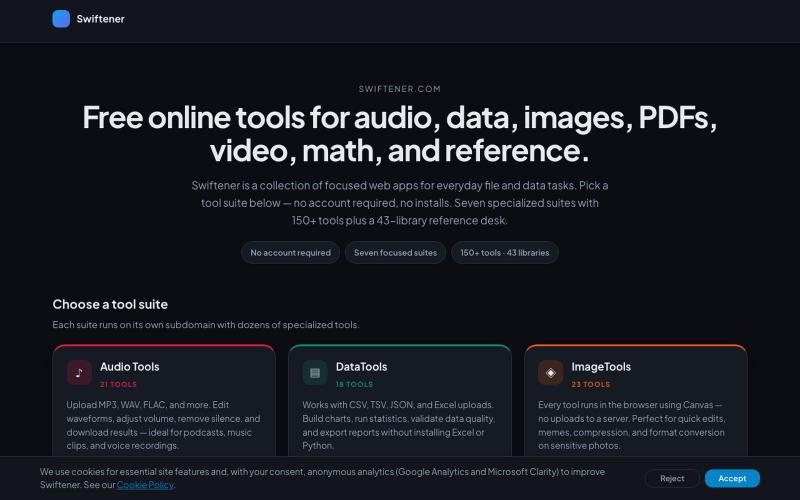
Swiftener:150+免费在线工具,编辑音频、图像、PDF、视频等,无需注册。

@factfile0 · X

用 450+ 个隐私保护工具在浏览器中处理和转换 PDF 与图像。

@tentaco_cc · X
Hey! I built 🐙 It’s a privacy-first web space packed with over 450+ free micro-tools for tech, design, marketing, and PDFs. The best part? Everything runs 100% locally in your browser. No registration, no ads. Let's connect! 🛠️
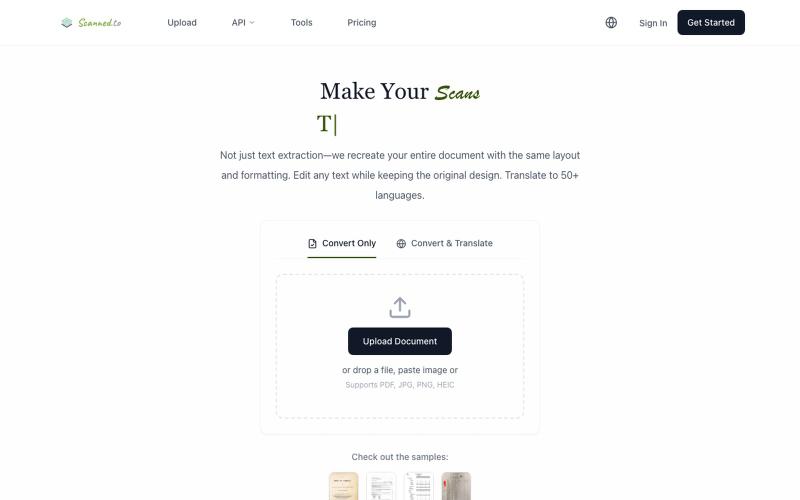
Scanned.to:用 AI OCR 将扫描文档转为可编辑 Word 或文本,支持多语言翻译。
Scanned.to — AI 驱动的 OCR 文档识别与翻译平台,将扫描 PDF/图片转为可编辑 Word/Text,保留原始排版,支持 50+ 语言翻译
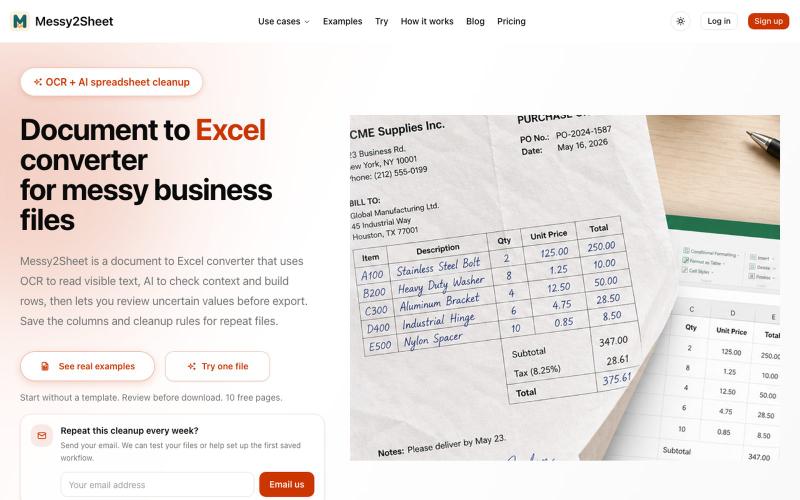
用AI和OCR将PDF、截图和邮件转换为整理好的Excel表格。
Messy2Sheet — AI 文档转表格工具,把截图、邮件订单和 PDF 价格表按自定义字段整理成 Excel/CSV,支持保存可复用 Recipe
