
教育学习2 months ago
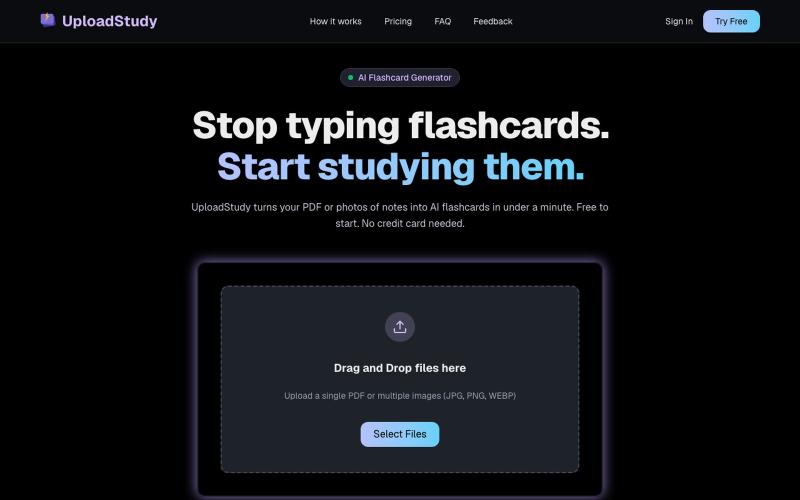
UploadStudy — AI Flashcards from PDF & Notes
从PDF和笔记照片快速生成AI学习卡片。

@MrDave_id · X
I built an ai flashcard generator
完整作品展
技术栈
60 projects
从PDF和笔记照片快速生成AI学习卡片。
@MrDave_id · X
I built an ai flashcard generator
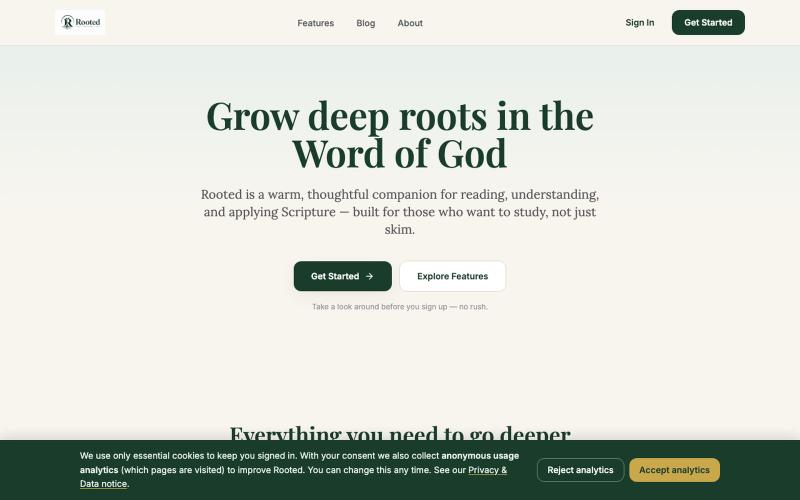
A warm, thoughtful Bible study companion for deep engagement with Scripture.

@elijahuwas · X
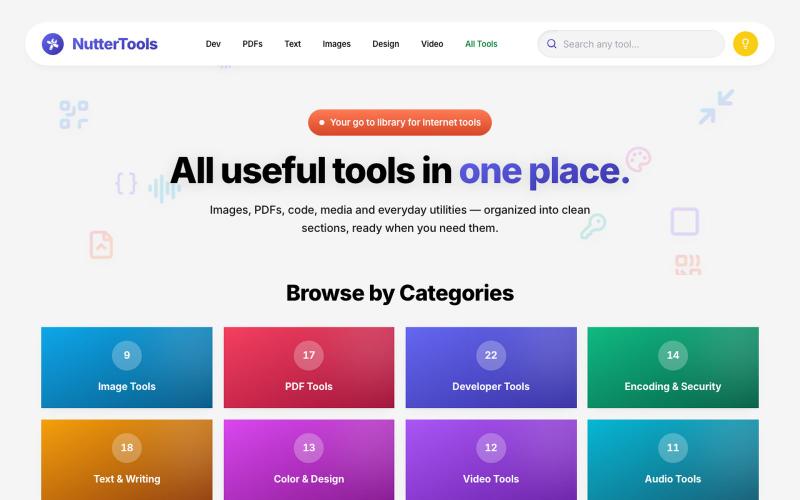
包含 150+ 网络工具的库,用于处理图片、音频、视频和 AI 任务。
u/schiz0f · Reddit
I built NutterTools, a library of useful internet tools.. 🛠️ Hey guys, I have built a new website that hosts a collection of useful image/audio/video/web/AI tools in a neat library. There are probably most websites like this, but this is my attempt at it. It already has 150+ tools and I'm planning to add lots more as I'm posting this. Right now it's hosted via GitHub, if received support, I'll get it onto a new domain and also continue adding more tools to keep the site updated in the future.
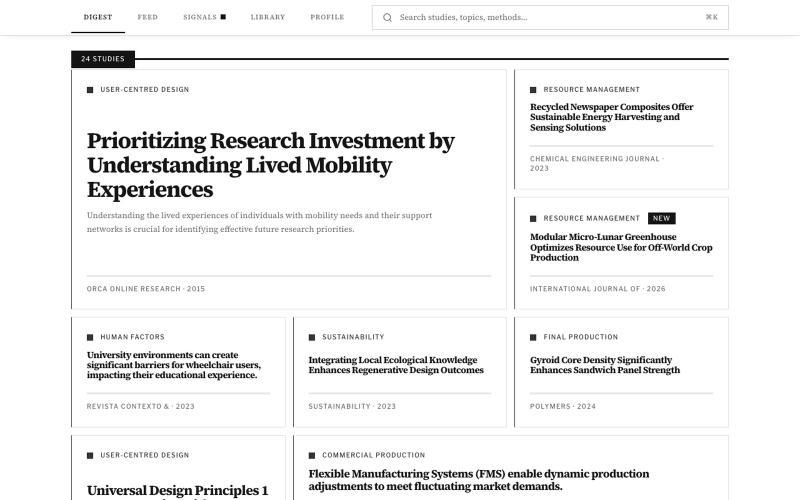
浏览用户体验、人体工学、材料和可持续性的设计研究证据。

@DesignDexx · X
organises and simplifies relevant research for designers to read, bookmark, and make informed design decisions — instead of relying on AI.

为 Codex Desktop 设计自定义主题,调整背景、颜色、透明度和视觉效果。
plutozc · V2EX
做了个 Codex Desktop 主题预览和切换工具,先调好再安装 最近一直在用 Codex Desktop ,觉得默认界面看久了有点单调,就顺手做了个主题编辑工具,分享一下: [Codex Skin]( https://getcodexskin.com) 可以先在网页里预览主题,调整背景透明度、面板透明度、颜色、模糊和圆角等参数,满意之后再下载并切换到 Codex Desktop 。 目前支持: - 自定义 JPG 、PNG 、WebP 背景 - 在线实时预览主题效果 - 调整透明度、颜色、模糊、圆角 - 预览满意后生成安装命令 - 不喜欢了可以恢复默认外观 目前主要面向 macOS 上的 Codex Desktop ,还是个人项目,功能和兼容性都在继续打磨。 欢迎试试,也想听听大家对主题参数、预览效果和安装流程的反馈。 直接网址: https://getcodexskin.com [轻喷 轻喷,可能还有些 bug

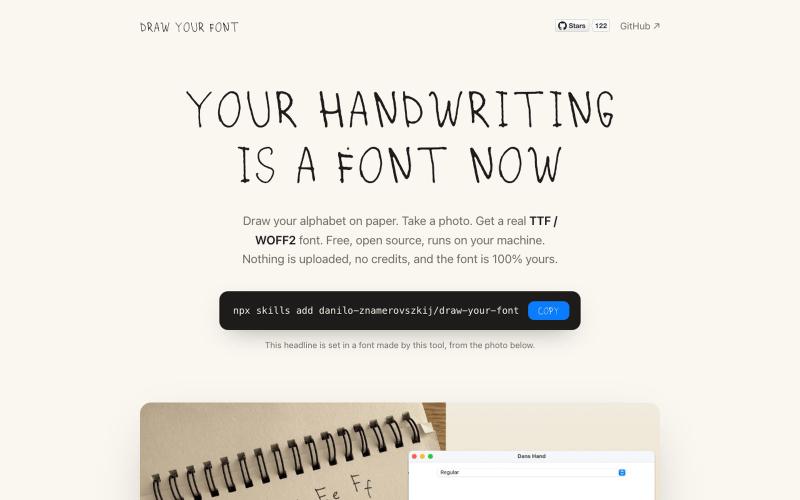
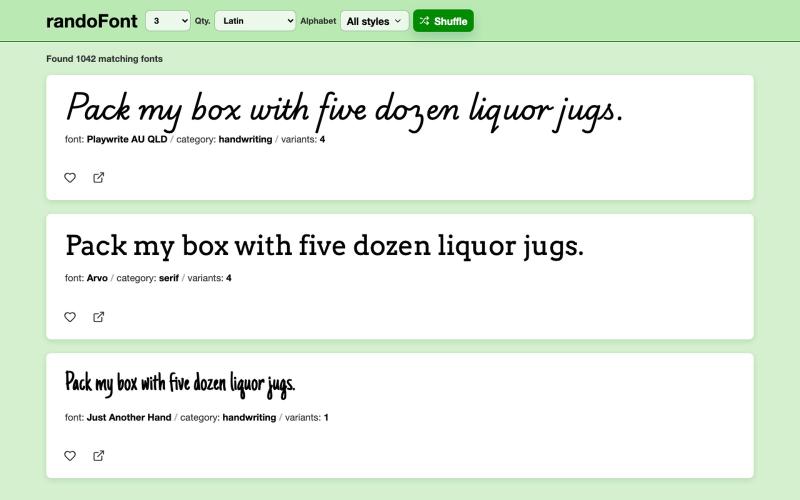
将手写笔迹转换为可下载的字体文件。
danilo-znamerovszkij · GitHub
draw-your-font Turn a photo of your handwriting into a real font (TTF/WOFF/WOFF2) - free, open source, no uploads. Node CLI + Claude Code skill.

浏览器中免费合并PDF、压缩图片、去除背景和其他实用工具。

@damiadeh · X
Your files utility tools stacks in your browser. No uploads, files stays on your pc.

The Grey Matter - AI-Powered Business Observability Platform using the 9Vectors Framework

@CHARLIEMILLERai · X
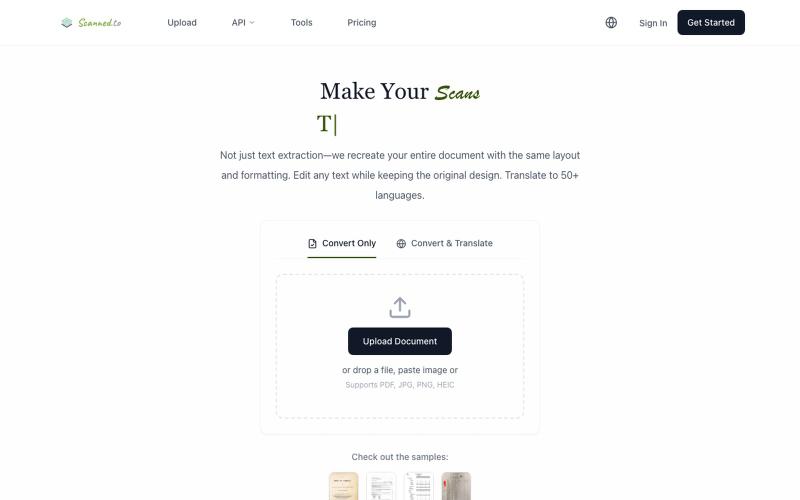
Scanned.to:用 AI OCR 将扫描文档转为可编辑 Word 或文本,支持多语言翻译。
Scanned.to — AI 驱动的 OCR 文档识别与翻译平台,将扫描 PDF/图片转为可编辑 Word/Text,保留原始排版,支持 50+ 语言翻译
