
生产力2 months ago
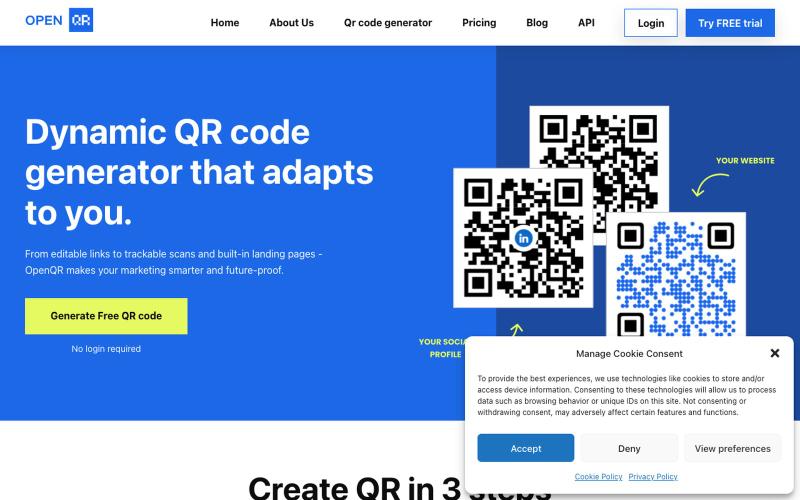
OpenQr - Dynamic QR code generator that adapts to you.
生成动态二维码,支持自定义Logo、颜色和使用追踪。

@IfeanyiArinze10 · X
What does What makes it unique?
完整作品展
技术栈
61 projects
生成动态二维码,支持自定义Logo、颜色和使用追踪。
@IfeanyiArinze10 · X
What does What makes it unique?
Start with a template. Prompt your changes. Customize. Launch faster. The best AI builders start with systems. Explore Biela Templates at https://t.co/L766FTkJLZ #vibecoding #aibui

@DevBiela · X
Start with a template. Prompt your changes. Customize. Launch faster. The best AI builders start with systems. Explore Biela Templates at #vibecoding #aibuilders #aitemplates #webdevelopment #bieladev

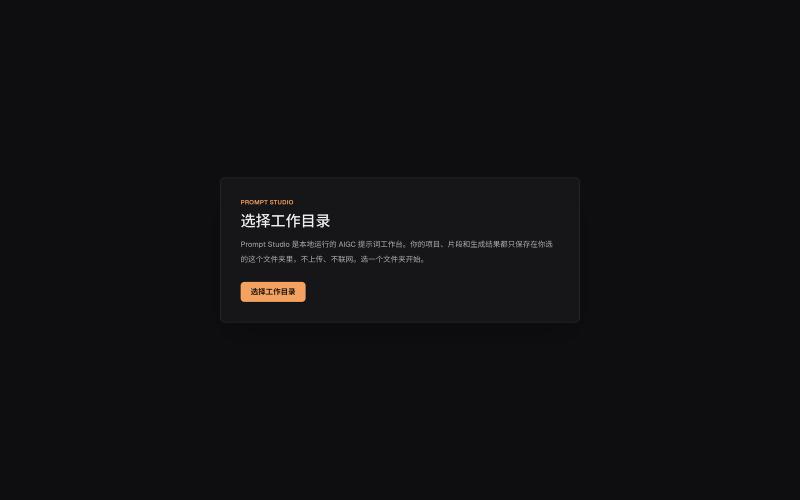
本地管理 AIGC 提示词、角色设定和视觉描述的工作台。
innerpeace03 · V2EX
做了个管 AIGC 提示词的本地工作台 —— Prompt Studio 先放地址(纯静态、无后端,打开即用): https://prompt-studio-7gh.pages.dev ## 为什么做这个 起因是身边一个做漫剧 / AI 短视频的朋友,她的 prompt 和素材全靠飞书文档 + 手动复制粘贴管理。 同一段角色设定、画风描述,在几十条 prompt 里被物理复制了几十遍 —— 真实样本里同一段片段重复出现了 16 次。 改一个设定就得全文档翻着改,漏一处就出错。 市面上要么是「以图为中心」的图库( MJ / Civitai 那种),要么是通用文档( Notion / 飞书), 都没解决「同一段提示词在很多地方被重复、想改一处就同步所有引用」这件事。所以自己动手做了一个。 ## 它是什么 一句话:浏览器里运行、数据全在本地、单人用的「提示词 + 素材」工作台。 核心就一件事 —— 消灭 prompt 片段的物理重复: - 片段层 + 规则层两级可复用资源,prompt 里用「引用」而不是复制粘贴 - 改一次片段,所有引用它的
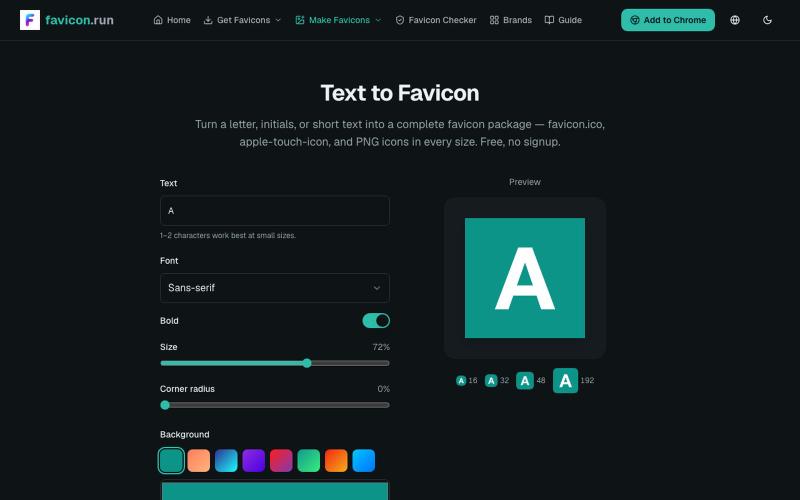
将文本和品牌色转换为完整的favicon包,包含多种格式和尺寸。
struy · HN
Turn a letter, initials, or short text into a complete favicon package — favicon.ico, apple-touch-icon, and PNG icons in every size. Free, no signup.
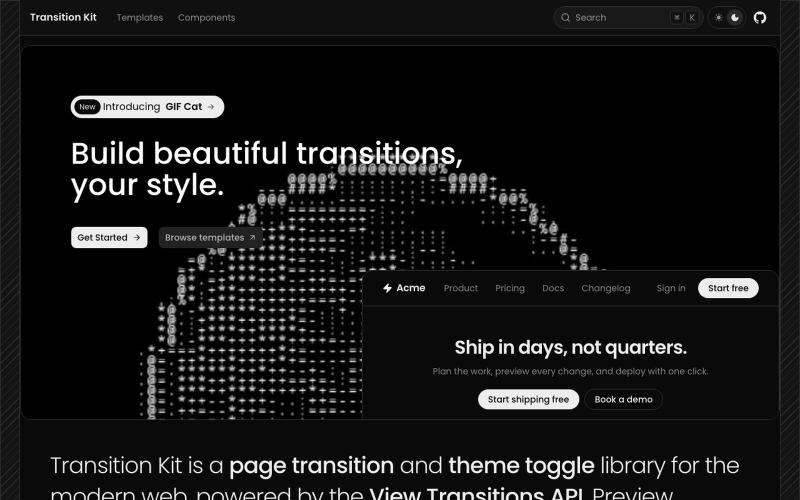
Browse 30+ page transition and theme toggle templates. Fade, slide, scale, flip, blur, mask reveals, and 3D transitions for the View Transitions API.

@abd_mukadam · X
Just click it:
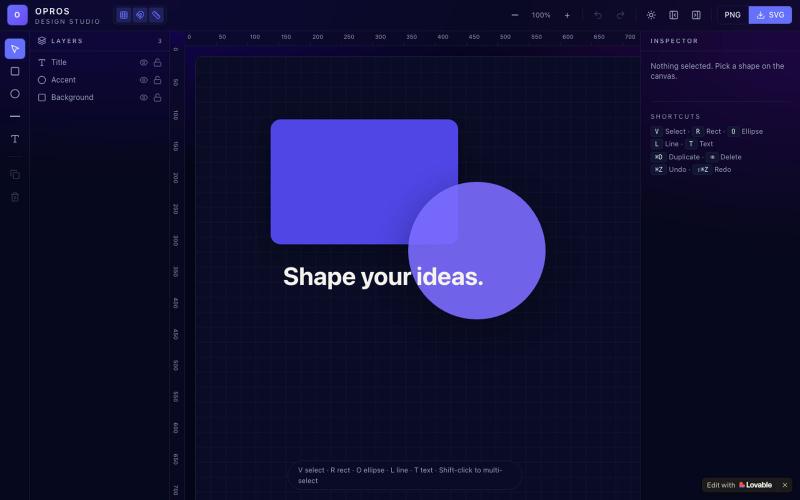
在网络上创建和可视化设计的创意工作室OPROS Design Studio。

@OprosOlamiflex · X
Check out what I just built with Lovable!
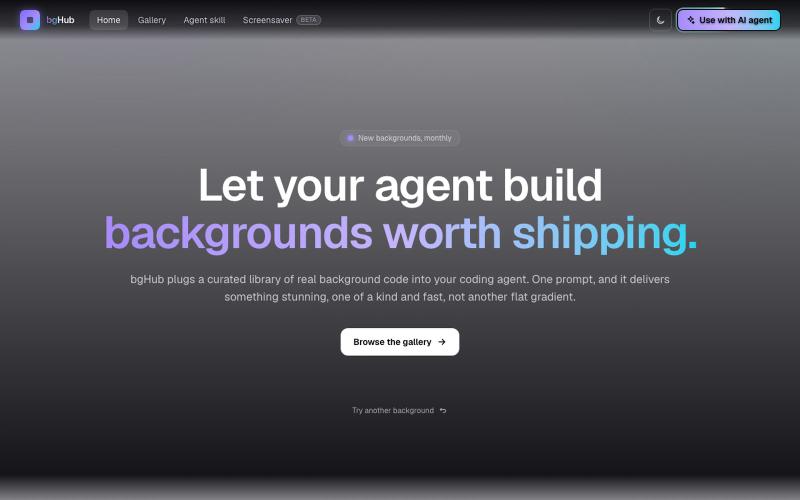
bgHub:为你的项目发现和集成精选的动画网页背景。

@thaipham278 · X
Just shipped bgHub 🚀 A small UI library focused entirely on backgrounds for vibe coding. AI can generate backgrounds, but it often misses the vibe, bgHub is a curated collection of ideas that actually look good. 🆓 Completely free Check it out:
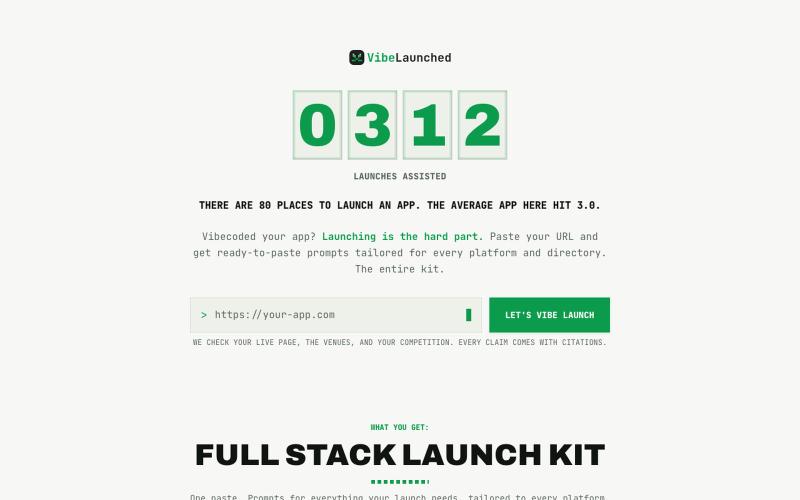
为你的 vibe-coded app 生成多渠道发布计划和现成文案。

@VibeLaunched · X
your app is not dead. it's unlaunched. 101 vibe-coded apps on our wall. the average one launched in 1.8 of 80 possible places. we built vibelaunched to fix exactly that.

在浏览器中用 Screely 创建专业截图效果图,支持框架、背景和标注。

@Aticmatic_com · X
of course for people:
从提示词或图像生成无缝图案纹理,可预览、重新着色和导出。
Seamless Canvas — AI 无缝纹理生成器,通过文字描述或上传图像生成可平铺纹理 - [更多介绍](https://seamlesscanvas.com)
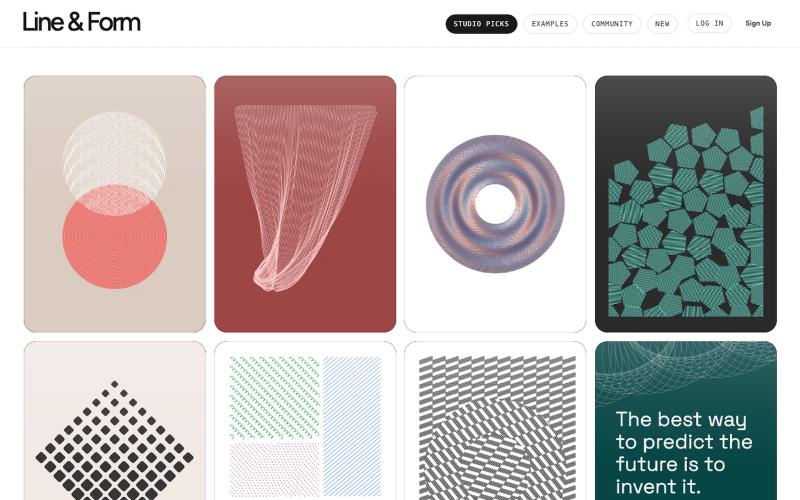
用线条和形状在浏览器中设计视觉艺术

@josephflaherty · X
by @golnik is the best vibe-coded software project I've seen, both in its aesthetics and the difficulty of its accomplishment. You can see the finished output of his work here:
