
开发者工具1 month ago
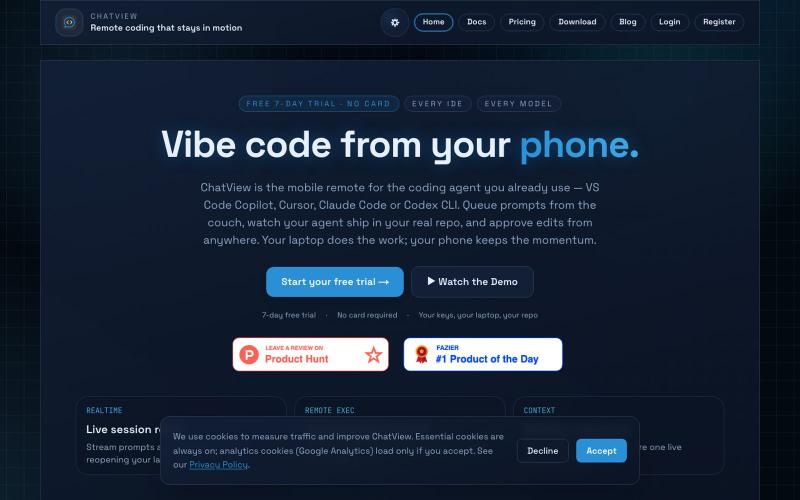
Vibe Code From Your Phone | ChatView
从手机排队编程任务、审查代码变更并控制VS Code和Cursor。

@WilliamQubits · X
vibe coded a feature from my phone on a walk. Cursor picked it up at home before I even sat down. no desk required 🛠️ #ChatView
完整作品展
技术栈
60 projects
从手机排队编程任务、审查代码变更并控制VS Code和Cursor。
@WilliamQubits · X
vibe coded a feature from my phone on a walk. Cursor picked it up at home before I even sat down. no desk required 🛠️ #ChatView
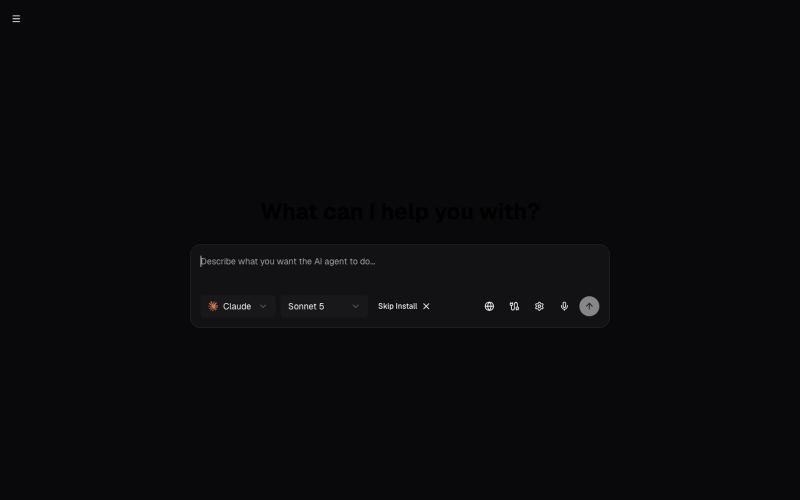
AI-powered coding agent template supporting Claude Code, OpenAI Codex CLI, Cursor CLI, and opencode with Vercel Sandbox

@RudyNTech · X
Had a good chat with @AmirKodro, founder of vibe coding tool about how I'm a bit surprised we don't yet have something of a traditional business org chart with silo'd AI agent "employees". Lo and behold, today I come across @coderblock, which does exactly that! What do you think @AmirKodro?
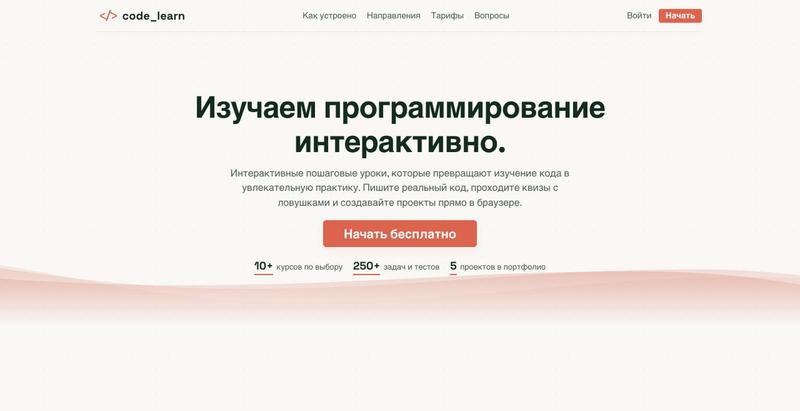
通过交互式课程和浏览器代码执行学习 Python、HTML、CSS 和 JavaScript。

@Abdi_Akhmet · X
my project, vibe coded lol


100+ 免费在线开发工具,用于代码格式化、解码、CSS 生成和正则表达式测试。

@suketudigital · X
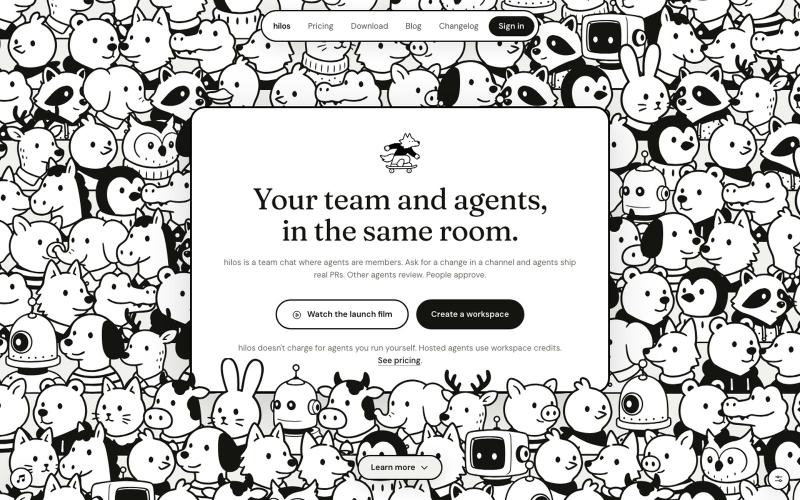
AI编码代理作为团队成员协作编码的团队聊天工作区。
u/pablostanley · Reddit
Built Hilos, a team chat where AI coding agents are members of the channel Hi, I'm Pabs, and I built this thing I'm calling Hilos (means "threads" in spanish) I work with coding agents every day (Claude Code, Codex, Cursor) and the workflow started to feel a bit isolating... tons of tabs in a terminal, and my team in a chat somewhere else, and I'm the messenger in the middle, copy-pasting context both ways from things I build and feedback I get. The llm doesn't know what the
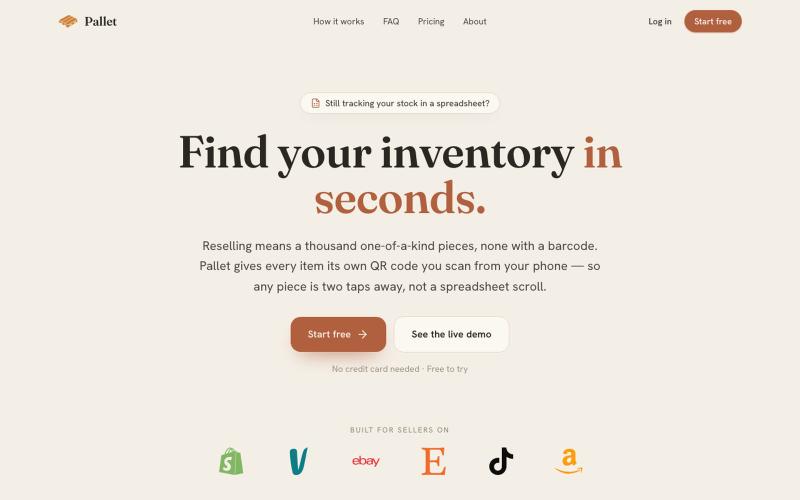
为转销商生成QR码追踪库存,无需条形码管理数千件商品。

@eXtrek · X
inventorty app
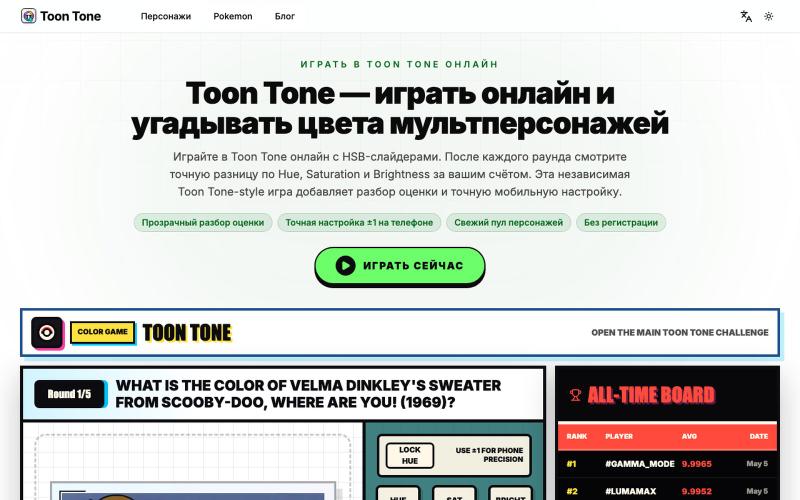
使用HSB滑块调整来猜测卡通角色的准确颜色。
Toon Tone — 浏览器里的动画角色颜色猜测游戏,玩家使用 HSB 滑块还原目标颜色,每轮显示色相、饱和度、亮度偏差得分,支持手机微调、种子分享和排行榜
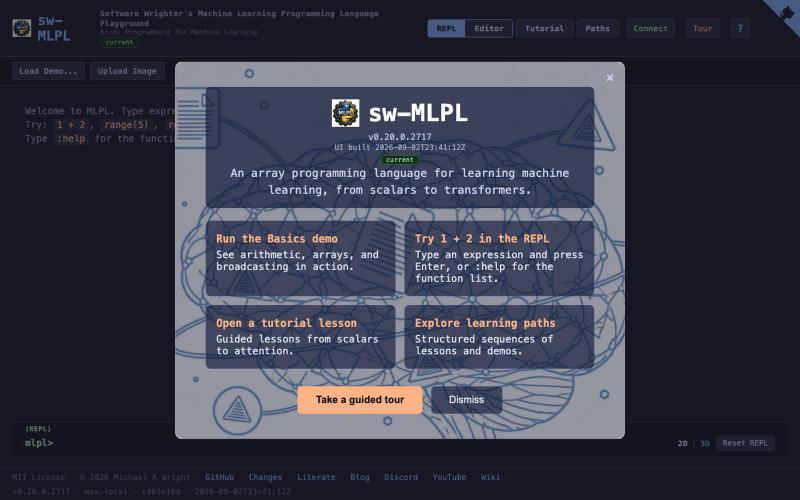
在交互式环境中使用数组编程语言进行机器学习开发。
softwarewrighte · HN
Open source ML programming language playground
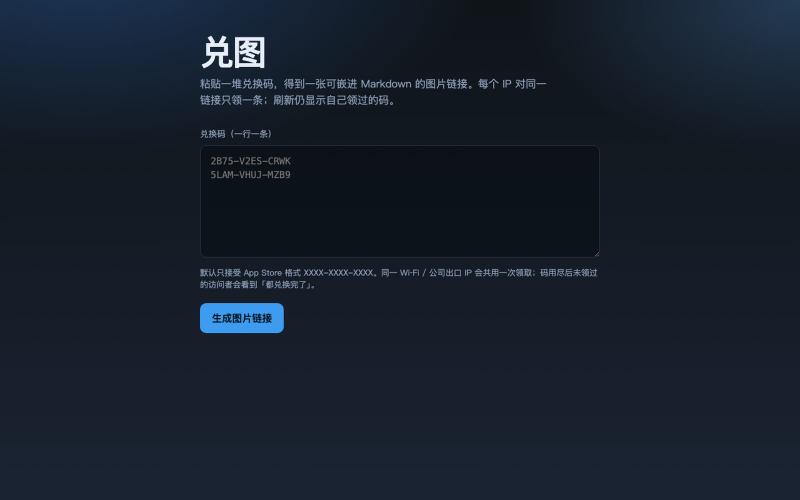
把多个兑换码转成图片,访客打开即领一条未使用的代码。
galenzhao · V2EX
把一堆兑换码变成一张 Markdown 图片,每人打开领一条 送 App Store / 活动码时,常见两种尴尬: 1. 直接贴一长串码 → 前面的人秒光,后面的人只能干瞪眼,还容易被脚本扫 2. 私信一个个发 → 累,还不好统计 做了个小工具 **兑图**:粘贴一堆兑换码,生成一个图片链接。别人打开这张图,就从池子里领一条没用过的;同一个 IP 只会领到一条,刷新还是自己那条。码发完了显示「都兑换完了」。 ## 怎么用 1. 打开 https://duitu.zhis.eu 2. 粘贴兑换码(一行一条) 3. 复制生成的图片 URL ,丢进帖子 / README / 群里,例如:  `````` ## 规则(简版) - 每个 IP 对同一链接只领 1 条 - 同 IP 再访问:显示当初领到的码,不浪费新码 - 池空了:
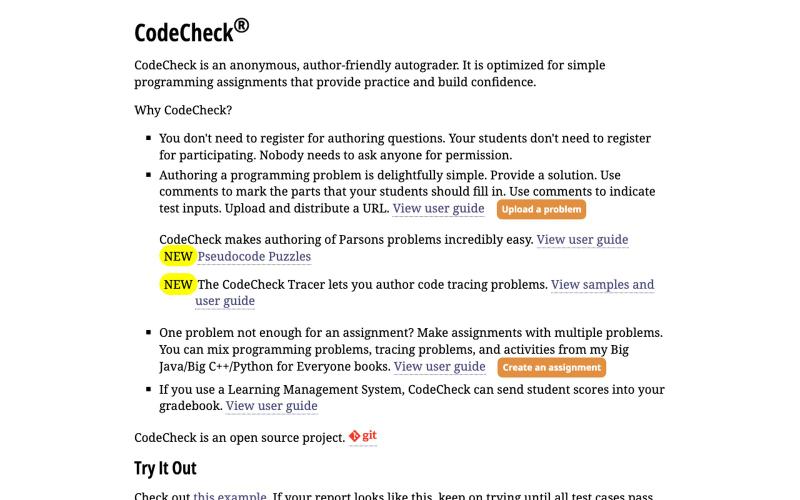
@Sarakhan49309 here's mine: just launched a tool for quick code reviews at https://t.co/Lu18dpXbOj. check it out!

@salisedesign · X
here's mine: just launched a tool for quick code reviews at check it out!
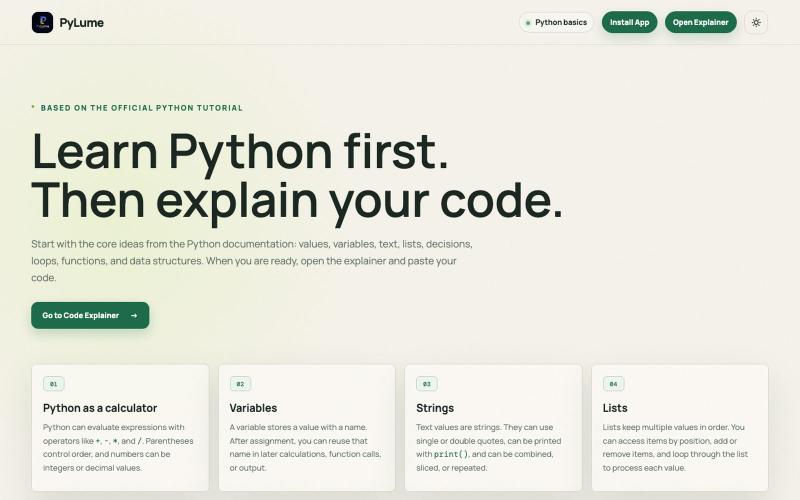
用AI驱动的代码解释交互式学习Python。

@Mukilan_46_08 · X
🚀 Just launched PyLume! Learn Python with AI-powered explanations that are clear, simple, and interactive. 🌐 Feedback is always welcome! 💙 #PyLume #Python #GenAI #BuildInPublic
