
创意工具2 days ago
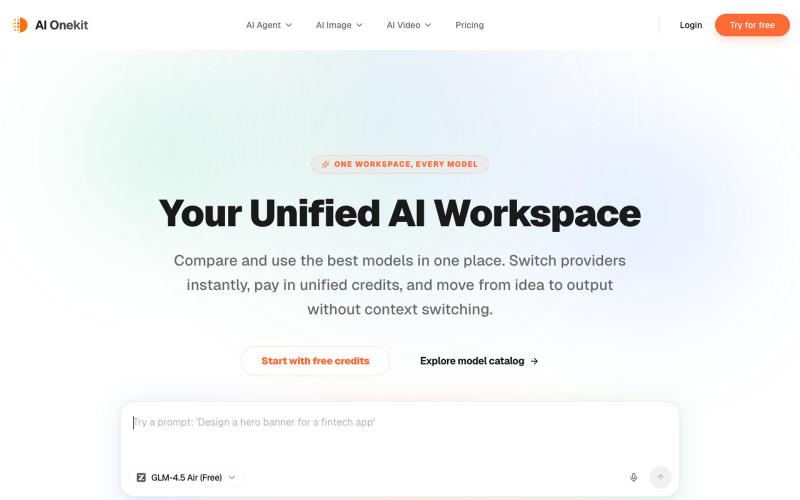
Unified AI Workspace for Chat, Image & Video Models | AI Onekit
在一个工作区对比并运行多个AI模型生成文本、图像和视频。
AI Onekit — AI 聚合模型创作平台 - [更多介绍](https://aionekit.com/models)
完整作品展
技术栈
60 projects
在一个工作区对比并运行多个AI模型生成文本、图像和视频。
AI Onekit — AI 聚合模型创作平台 - [更多介绍](https://aionekit.com/models)
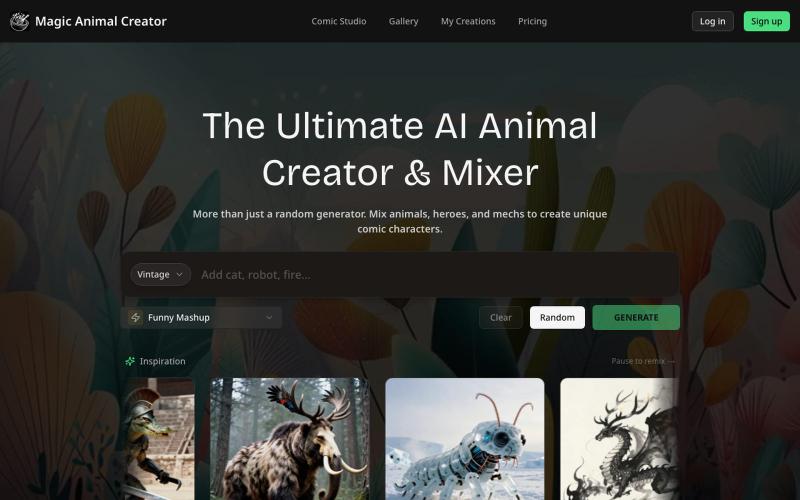
混合动物、机甲或英雄来创建独特的混合角色。
Magic Animal Generator — 尽情发挥你的想象力 用 AI 混合两种动物,创造前所未见的新物种
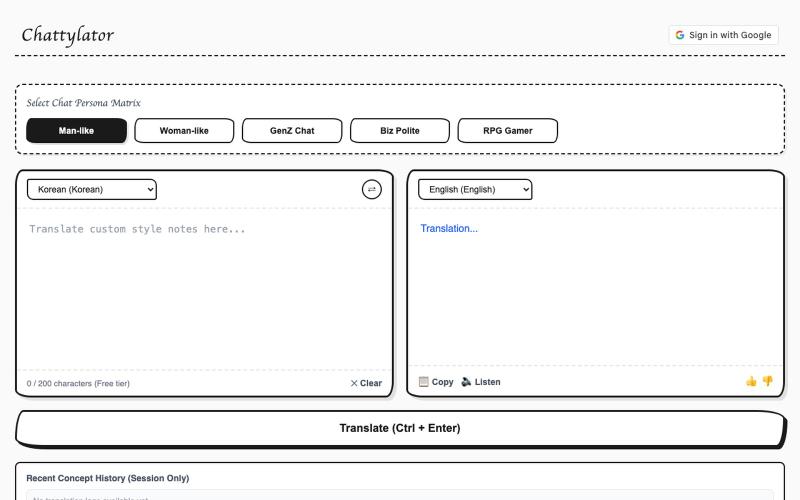
用 Chattylator 翻译文本保留原文语气和细微差别,支持多种说话风格。

@CJKA56U1Xv2CA2p · X
Just launched an AI translator Ive been working on Instead of only translating words, it tries to preserve the tone and nuance of the original text, with different speaking styles to choose from I'd love to hear your feedback! 🔗 #BuildInPublic #tools
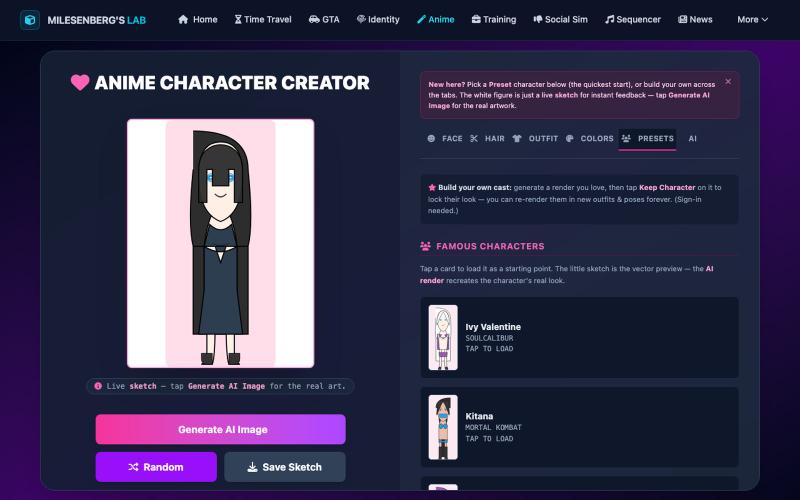
用AI设计动画角色,它会记住你的创作。
u/Desperate_Cherry2299 · Reddit
I built an anime character creator where the AI remembers your character — free beta, honest feedback wanted Solo project I've been shipping in small pieces: a browser anime character creator at https://milesenberg.com/animecreator/ The loop: design a character with instant vector-sketch feedback → generate the real AI artwork (Animagine XL via Replicate) → optionally give her a voice line. Free, works logged-out; an account just persists your gallery. The technically interesting part w

免费在线PDF工具,支持合并、拆分、转换和编辑,文件不离开您的设备。
u/Key_Caramel_5578 · Reddit
Built a free PDF toolkit solo (with AI help) — need feedback on the in-browser text editor before I keep pushing on it Been heads-down on this for a while: thepdftool.in Standard PDF stuff : merge, split, compress, convert, OCR — but most of the conversion tools run entirely client-side (WASM), so files never leave your browser for those. Built solo, leaned on AI tools for a good chunk of the code and debugging. The feature I care most about right now is an inline text editor :— click i
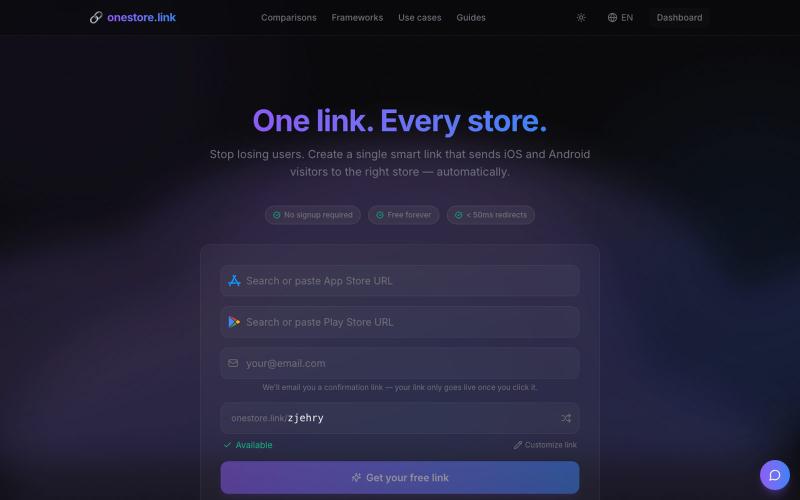
为应用生成通用链接,支持 App Store、Google Play 等平台。

@adriendecoster_ · X
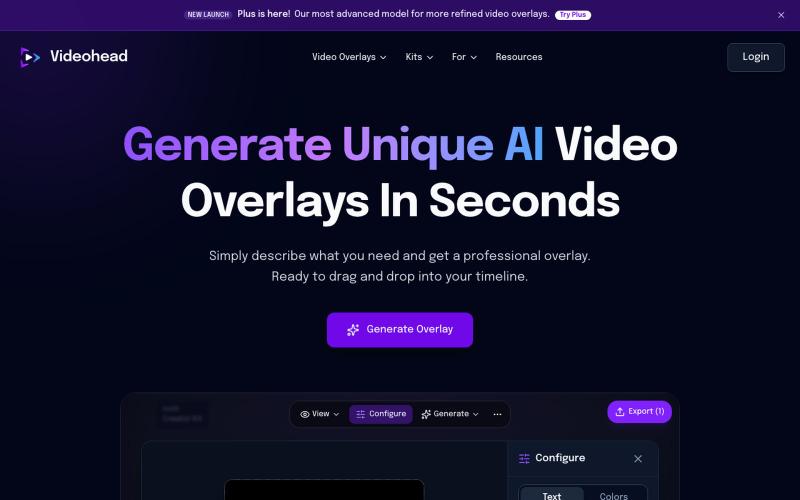
通过AI描述自动生成视频叠层,导出为透明WebM格式。

@rsaladocid · X
Generate unique video overlays with AI
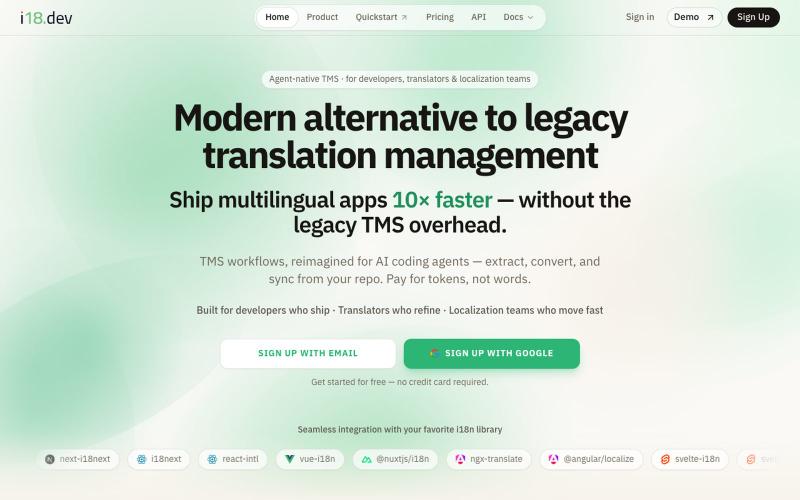
智能代理驱动的翻译管理平台,快速交付多语言应用。

@sacsandc4 · X
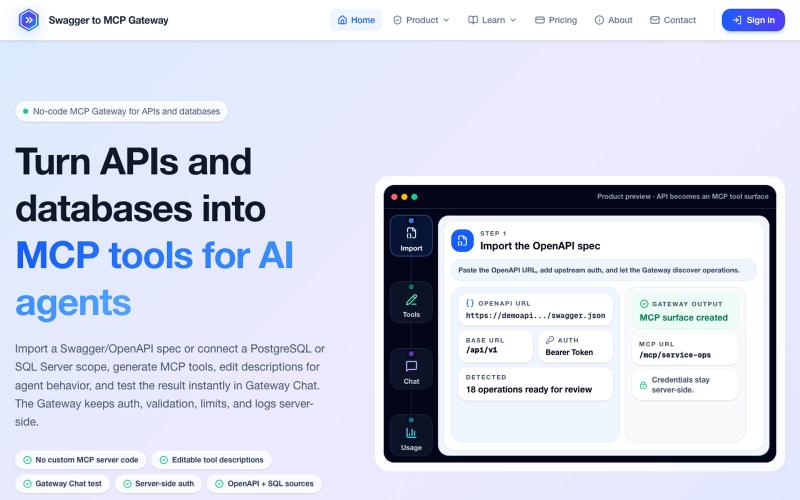
将 OpenAPI 规范和数据库转换为 MCP 工具,无需编码。
mhmt_dmr · HN
MCP Gateway – Turn existing APIs and databases into MCP servers
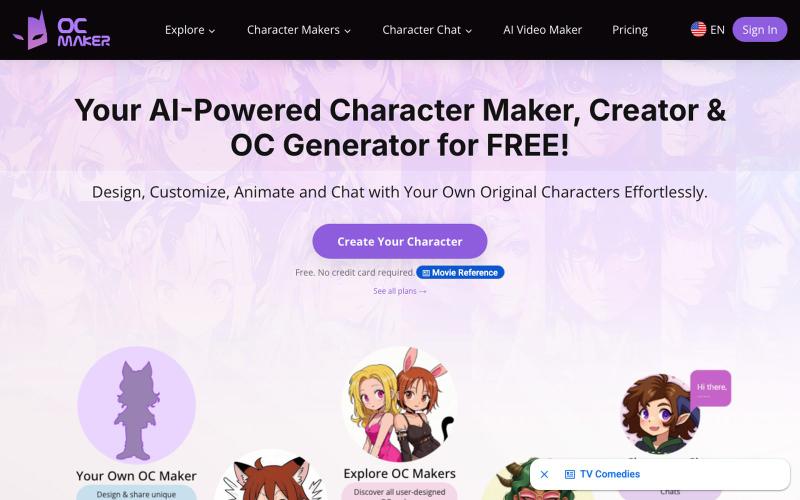
使用 AI 工具创建、设计和动画化原创角色。
OC Maker — 用 AI 生成原创角色图像
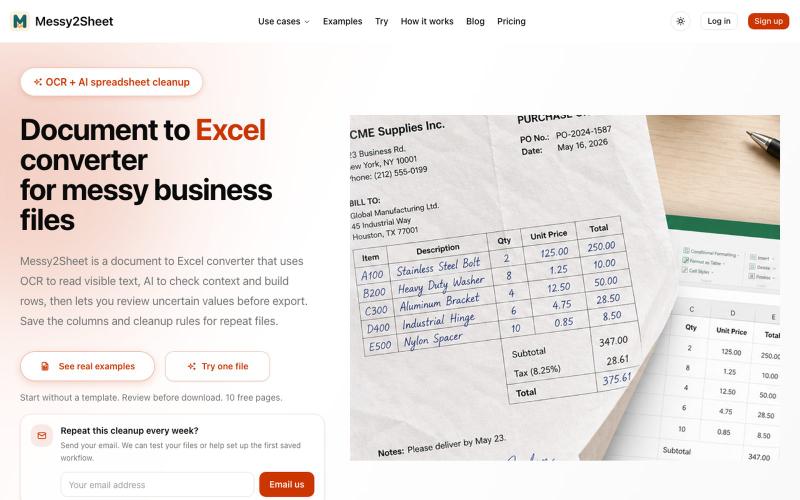
用AI和OCR将PDF、截图和邮件转换为整理好的Excel表格。
Messy2Sheet — AI 文档转表格工具,把截图、邮件订单和 PDF 价格表按自定义字段整理成 Excel/CSV,支持保存可复用 Recipe
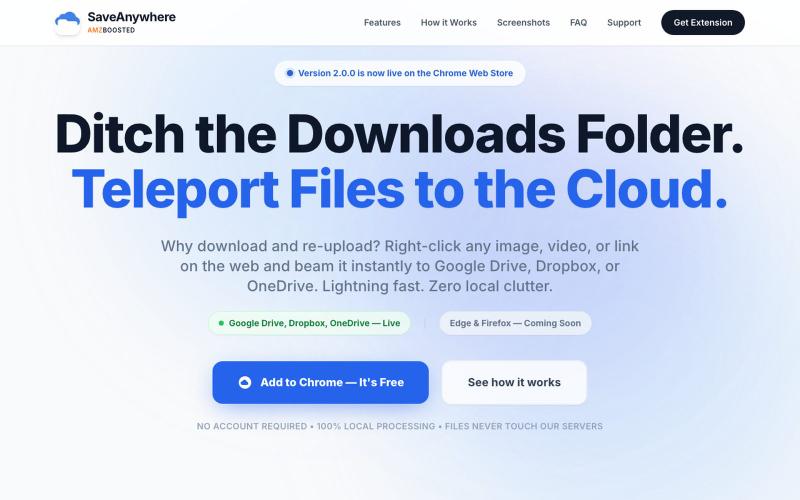
SaveAnywhere是Chrome扩展,直接将文件、图片、链接保存到Google Drive、Dropbox和OneDrive,本地处理。

@SaveAnywhere · X
Free chrome extension :