
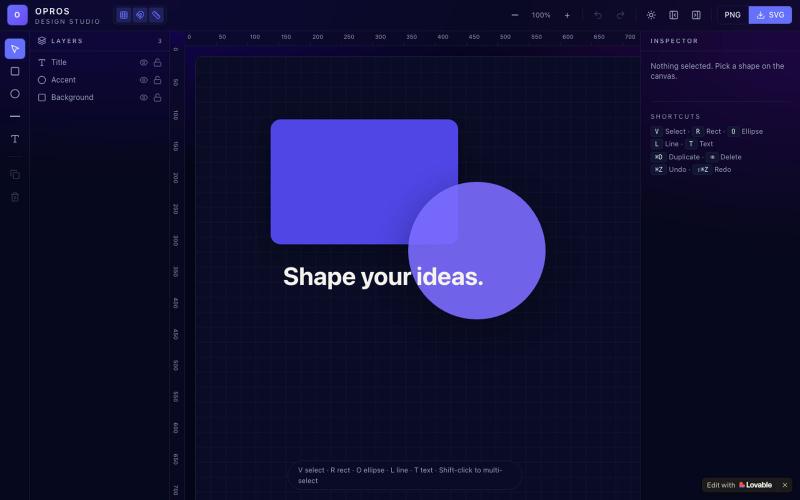
创意工具1 month ago
Opros app
在网络上创建和可视化设计的创意工作室OPROS Design Studio。

@OprosOlamiflex · X
Check out what I just built with Lovable!
完整作品展
技术栈
60 projects
在网络上创建和可视化设计的创意工作室OPROS Design Studio。
@OprosOlamiflex · X
Check out what I just built with Lovable!
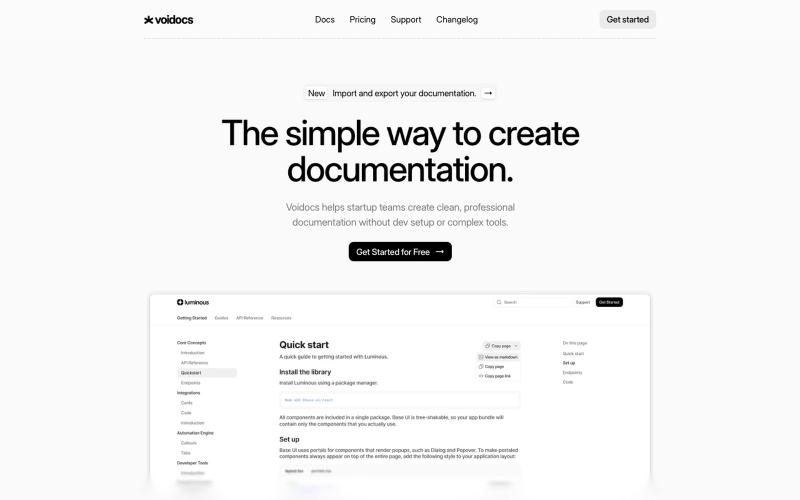
Voidocs 为初创团队创建专业文档,无需代码配置。

@hannah24_app · X
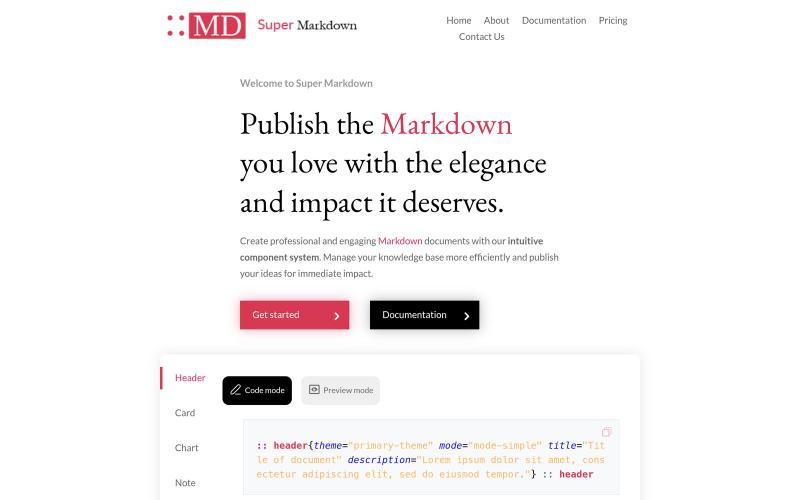
使用组件创建和设计 Markdown 文档,以组织和发布你的知识库。

@sidbyok · X
Write your documents in Markdown with a professional visual rendering without HTML/CSS, just native Markdown.
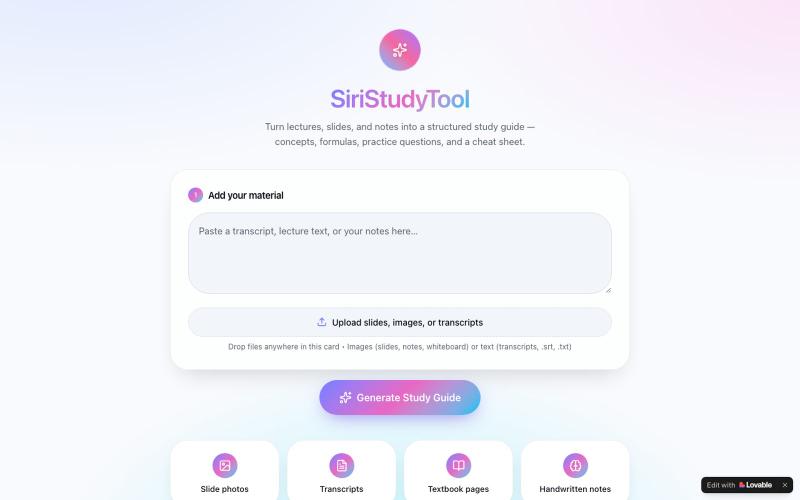
从讲义、笔记或教科书图片生成结构化学习指南,附含关键概念和练习题。

@SundayEzek4130 · X
Still struggling with long lecture notes? Turn any difficult course into simple, easy-to-read notes in seconds. 🚀 Try it now: Check out what I just built with Lovable!
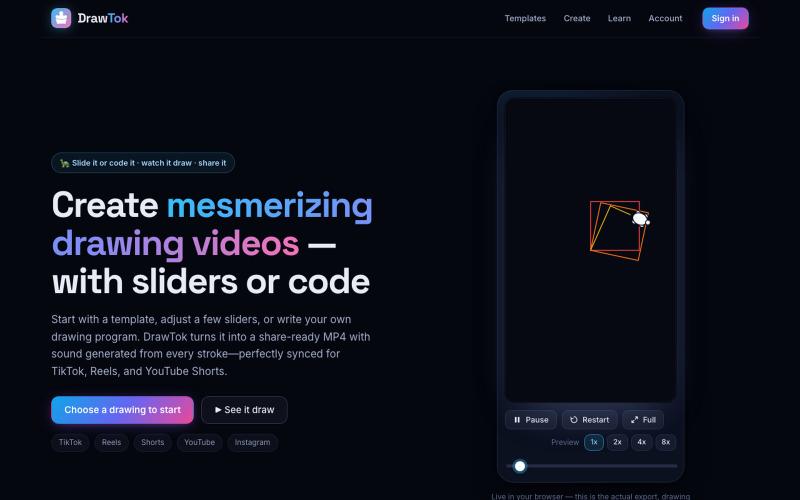
DrawTok:从模板或代码生成绘图视频,可直接分享到社交媒体。

@xfrigle · X
turn tiny Logo code into stunning drawing videos ready to share on social
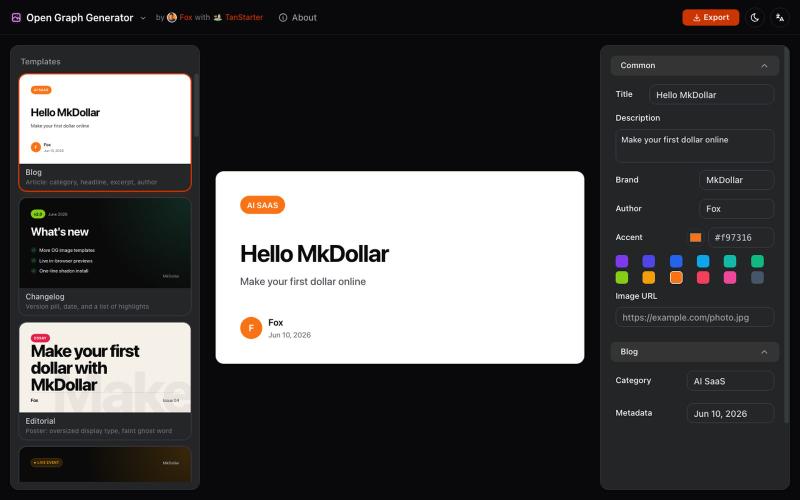
从模板生成可定制的 Open Graph 图片,用于博客和社交媒体。
javayhux · V2EX
名称:Open Graph 图片生成器 网址:[https://og.mkdollar.com]( https://og.mkdollar.com) 功能:内置 10+ Open Graph 图片模板,选择模板,配置参数,即可生成好看的 OG 图片,适用于文章配图、社媒帖 子封面等场景 价格:免费使用,免费下载 

使用 VideoPicAI 通过文本描述生成 AI 图像和视频。
struy · HN
Transform your ideas into stunning visual stories. VideoPicAI is the world's leading AI platform for generating professional images, videos, and short films using cutting-edge models.

将学术论文和草图转化为发表就绪的研究图表。
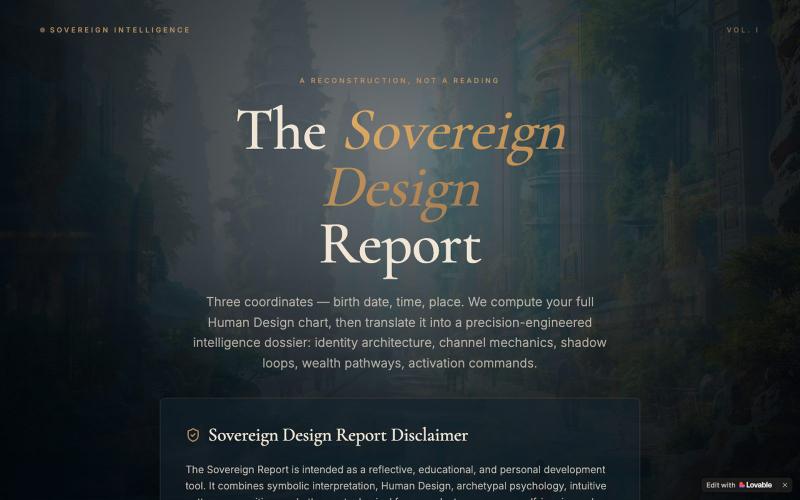
输入出生信息生成个性化人设智能分析报告,探索身份架构与财富通道。

@EluraCode · X
Check out what I just built with Lovable!
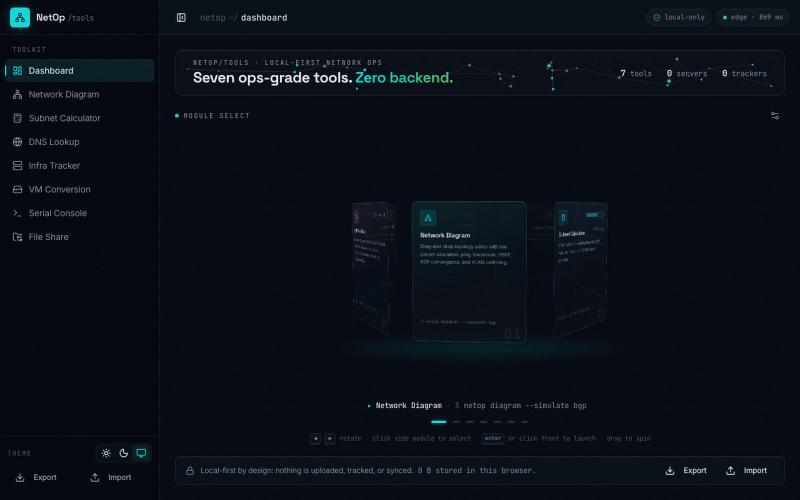
@UK_Daniel_Card I made something similar https://t.co/HCVGlFb8hF. Its completely vibe coded but it is supposed to be a vibe project. Been making it for about 6 months now. Feel fre

@slacksarenice · X
I made something similar Its completely vibe coded but it is supposed to be a vibe project. Been making it for about 6 months now. Feel free to take inspiration from it 😅

开文伊美姬是 GPT-Image-2 的提示词灵感库,包含创作场景、模板和 API 调用示例。

@GreatbinVip · X
我做了一个更完整的免费网站,不用去部署,打开网页就能用。
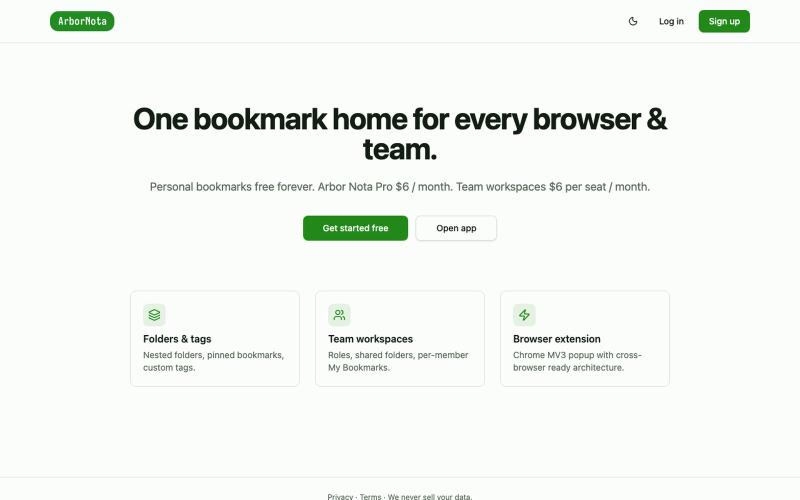
Arbor Nota — 跨浏览器书签管理器,支持团队文件夹共享。

@TimoPrescott · X
I'm working on my bookmark app, It will allow users to manage all of their bookmarks in a singular Universal location, and it will allow teams the ability to share bookmarks in an intuitive way. I didn't like the existing options, so now I'm here 😎