
创意工具1 month ago
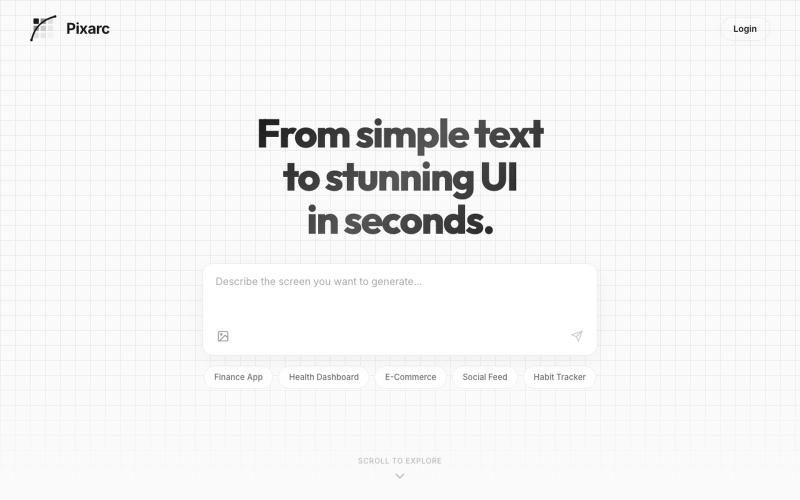
Pixarc — From text to stunning UI in seconds
描述应用界面即可生成交互式UI设计,可导出为代码或Figma。

@ArjunVr58131189 · X
- Design mobile apps like you own a team!
完整作品展
技术栈
60 projects
描述应用界面即可生成交互式UI设计,可导出为代码或Figma。
@ArjunVr58131189 · X
- Design mobile apps like you own a team!
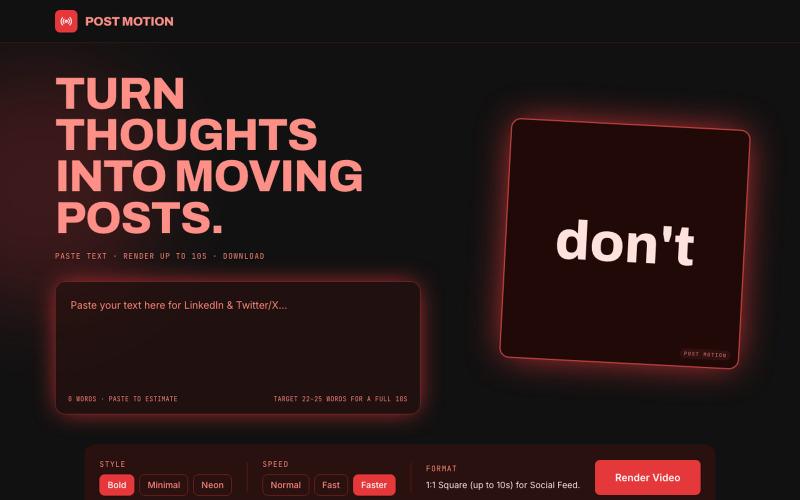
将社交文本转换为精美的10秒动画视频,可在LinkedIn或X上分享,无需注册。

@HeyBiscuitLady · X
Nobody reads text these days, everyone likes to see moving things. I made Postmotion to put your text in motion. Check it out: I vibecoded this app in @Biscuit_so
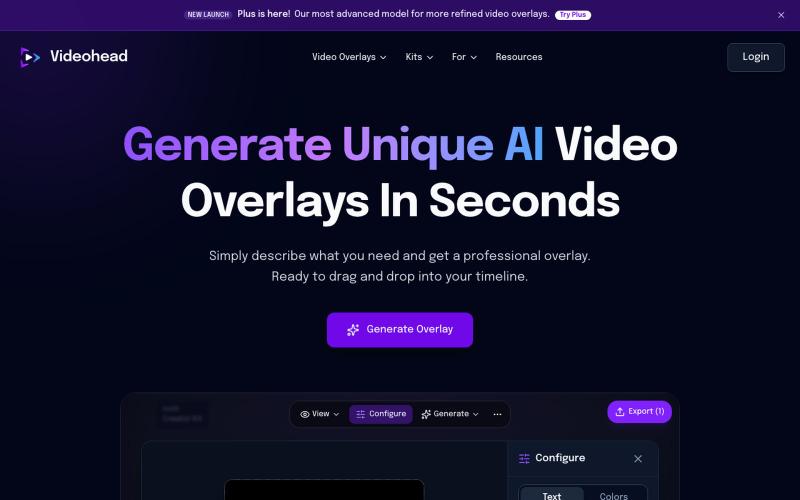
通过AI描述自动生成视频叠层,导出为透明WebM格式。

@rsaladocid · X
Generate unique video overlays with AI

通过描述快速生成高保真UI界面,支持移动和网络应用。

@ninakolari · X
Google just dropped Stitch and it changes the entire vibe coding workflow. You describe what you want your app to look like. It builds full high-fidelity screens in seconds. No Figma. No designer. No credit card. Here is how to use it: Go to Sign in with your Google account. That’s it. You’re in. Instead of typing “make me an app” type this: “A lesson planning app for teachers. Clean and calm. Inspired by Notion. Minimal. White space.” The more specific you are the better your screens. Then refine with follow up prompts. Change the nav. Try dark mode. Get 3 menu variations. Or just speak it. Your screens become a clickable prototype in seconds. Click a button and Stitch generates the next screen automatically. Your entire app flow. Before you write one line of code. Then take it further. Export to Lovable or Cursor and build the logic on top. Use the MCP server to keep your design and code in sync. Pull any website’s design system in seconds. Save everything as
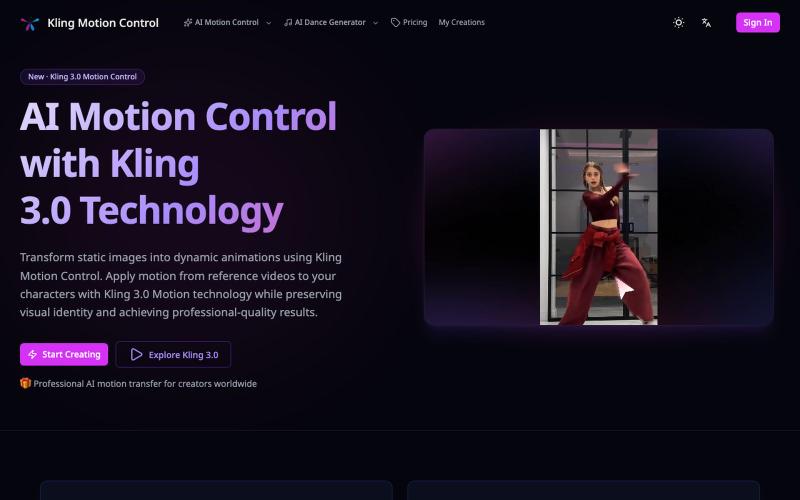
使用参考视频的动作将静态图像转换为动画。
Kling Motion Control — AI Motion Transfer with Kling 3.0
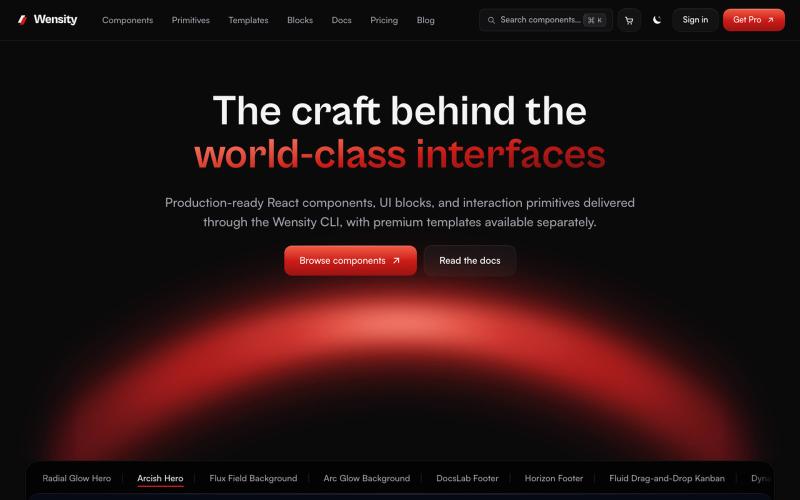
探索 React 和 Next.js 组件库、区块和模板。

@Ksparth12 · X
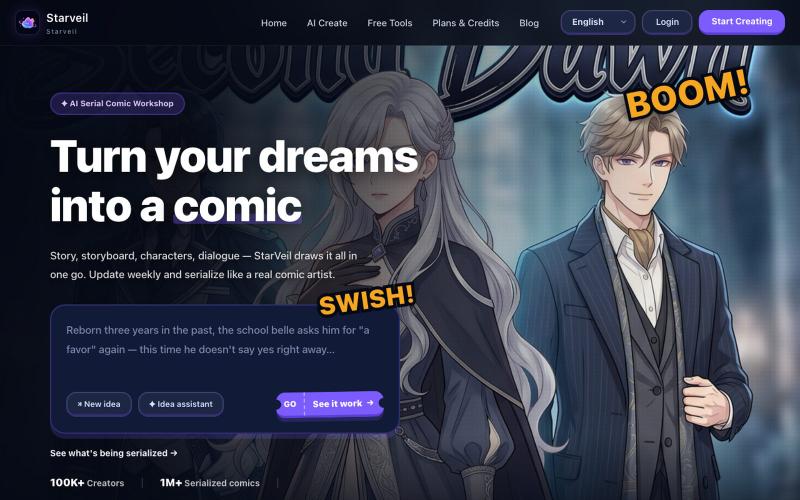
用 AI 从文本故事创建网络漫画和漫画,支持多种艺术风格和 4K 导出。
StarVeil AI - 星河入梦 — 使用AI生成连续漫画的网站
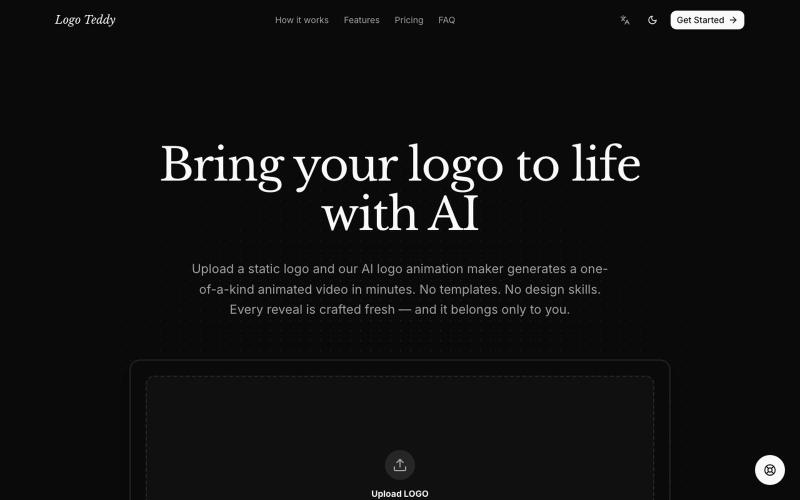
使用 AI 快速将静态 Logo 转换为动画视频。
humphrey_liu · HN
LogoTeddy – Animate logos with AI (no templates)
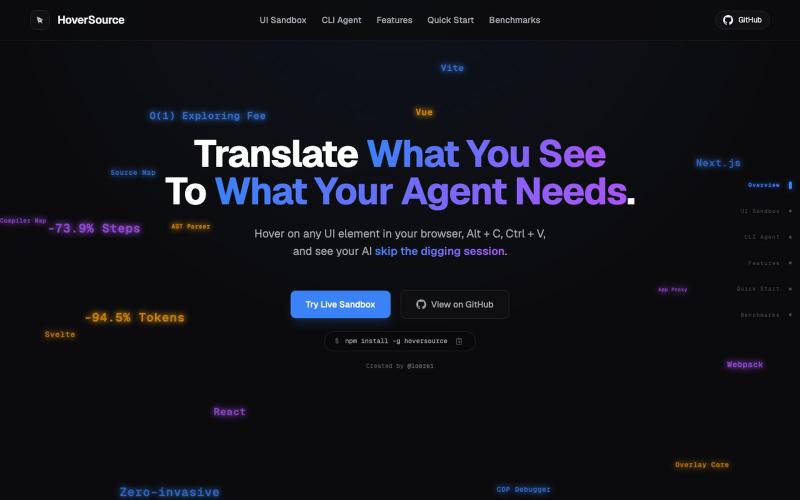
捕获UI元素及其代码上下文,与AI代理分享以调试视觉缺陷。
Loerei · HN
I found that describing where a broken UI is and taking screenshots for AI agents really sucks. I’m too lazy to explain an indescribable visual bug or capture a millisecond-long flash. I also don’t want to remember which file defines an element, whether it's right in the .tsx or a problem with the Parent Styles in .css. And even if you can point out the exact file, your agent still has to dig through thousands of lines of code to know what on earth you're yapping about. In a 7700-file monorepo like Cal.com, simply giving the right file in the prompt for your agent saves about 68.9% of execution time and 94.2% of the tokens your agent needs to digest. HoverSource gives all the needed information and further pushes it to -88.5% time and -94.5% tokens, basically skipping the entire digging session and jumping straight to reasoning and executing. The save is linear to how big your codebase is. I want to save tokens, but don’t want to spend my time and energy digging manually, and a junio
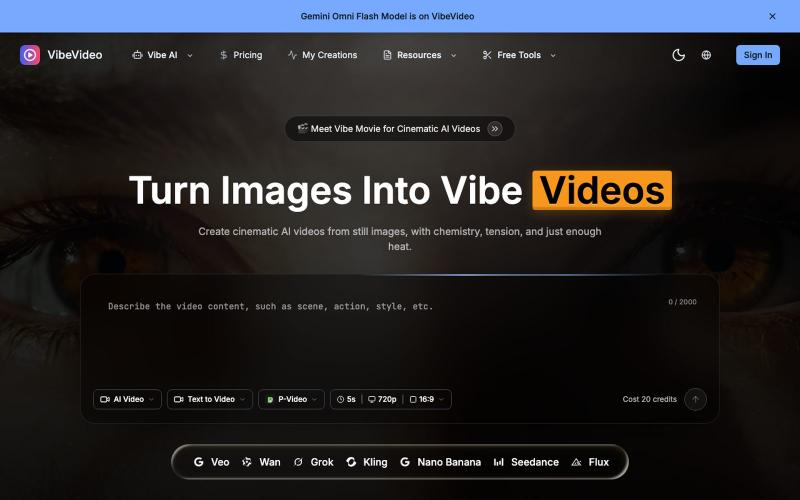
用AI将图像和文本转换成电影级视频,支持动作控制。
Vibe Video — 面向普通用户的 AI 视频生成网站,支持文生视频、图生视频、参考图生视频和电影化镜头控制,适合创作者和营销团队快速产出视频
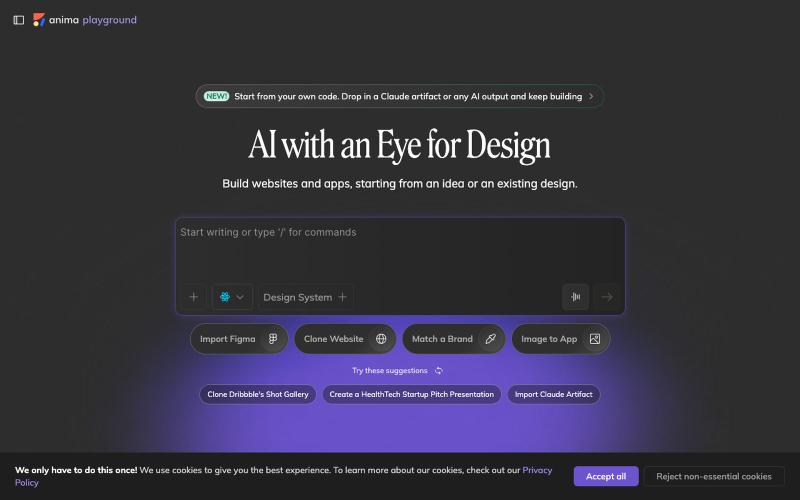
用AI自动将设计图转换成可用代码。

@AnimaApp · X
Image to code in 1 minute - 20x faster than Claude Code and with much higher fidelity. Try it at and let us know how we did 🤘
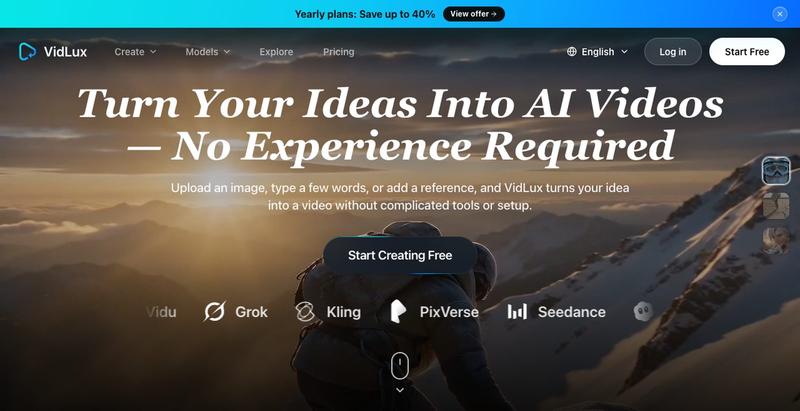
从文本、图像或参考片段生成AI视频,支持动作控制。
VidLux AI — AI 视频生成与编辑平台,支持文生视频、图生视频、参考生视频和视频编辑