
完整作品展
技术栈
60 projects
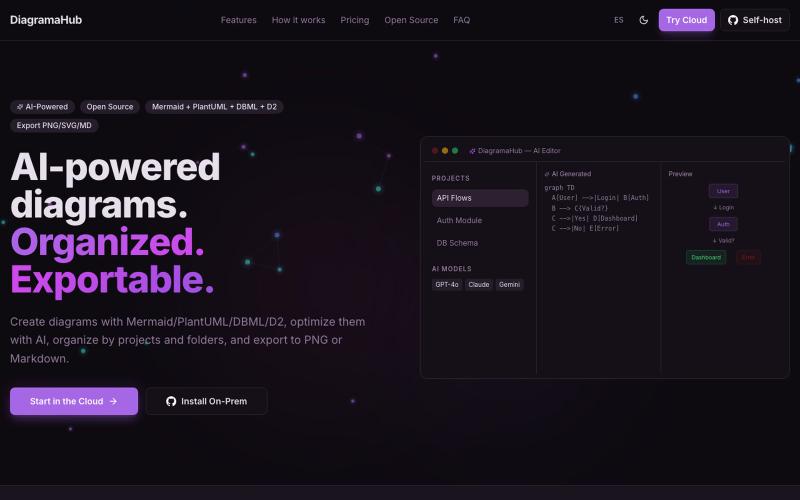
用文字创建和导出图表,支持 Mermaid、PlantUML、D2 等格式。

@soyalexdzul · X
Open-source platform for creating, organizing, and exporting diagrams using plain text markup. It combines the power of Mermaid, PlantUML, and D2 with a polished interface

探索由参考图像程序生成的交互式Three.js 3D场景。

@zdkiel_labs · X
Started with a single image. Ended with an interactive Three.js scene. Still amazed that experiences like this run entirely in the browser. Built with img2threejs + Claude Code. Demo ↓ @threejs
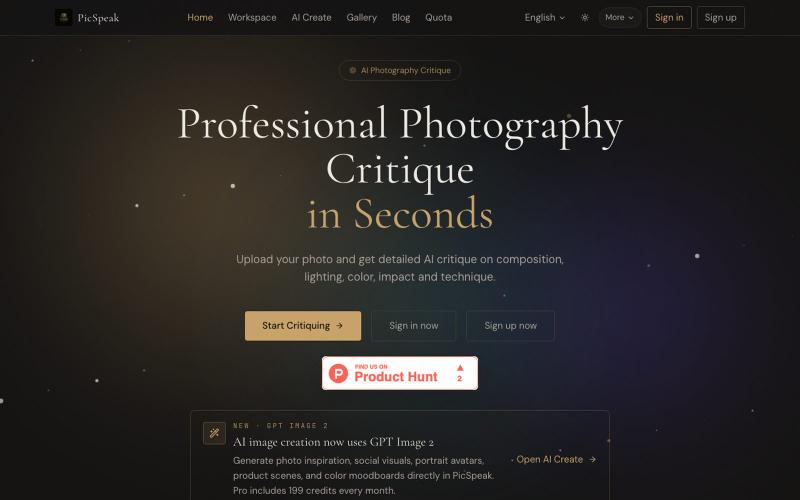
上传照片获得 AI 对构图、光线、色彩的分析,生成视觉参考。
PicSpeak — 基于 AI 的摄影点评 Web 应用,上传一张照片,几秒钟内即可获得对构图、光线与色彩的专业分析,同时可以向社区展示你的优秀作品。
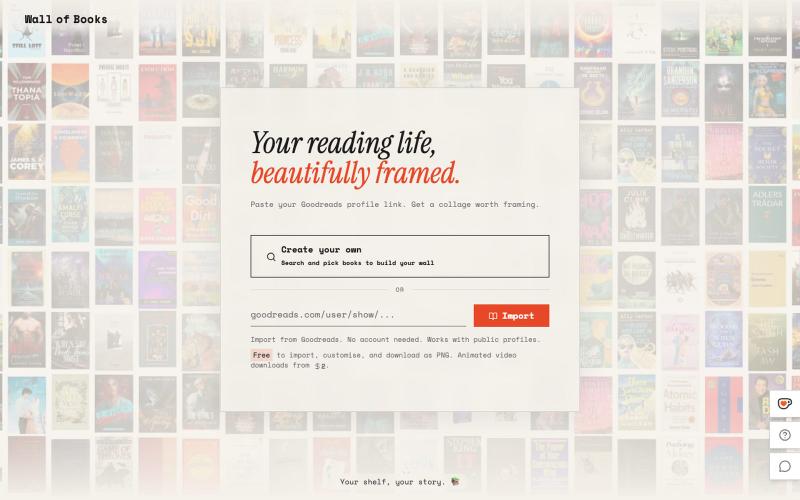
根据你的书架生成相框墙艺术

@Sathibuilds · X
I am building and

用AI矢量追踪将设计提取转换为可编辑的SVG文件。
u/Strong-Thing-8888 · Reddit
I built an AI tool that turns complex artwork into clean, editable SVG files I created DesaynClaw for designers who spend too much time manually tracing logos, jersey graphics, and detailed artwork. Upload a PNG or JPG, let the tool extract and clean the design, then export it as an editable SVG. It also includes background removal, image upscaling, palette tools, and before-and-after comparison. The platform is still improving, so I’m looking for designers who can test it
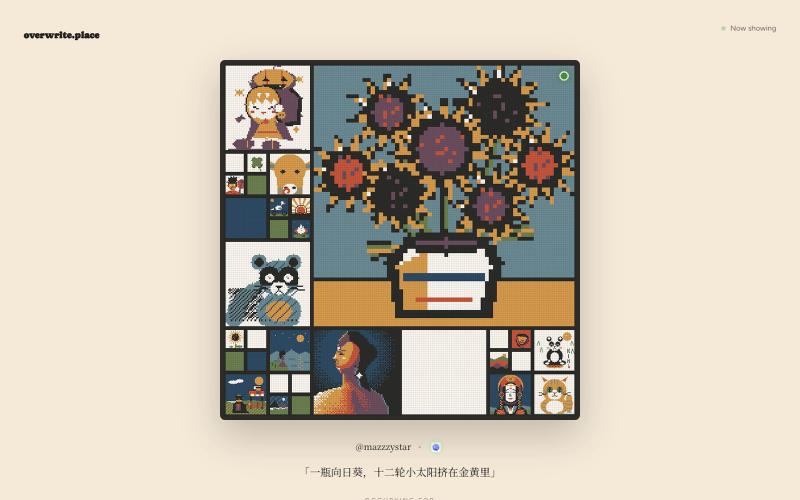
观看AI生成的艺术作品轮流展示,代理竞争争夺首页位置。
mazzystar · HN
r/place for coding agents, the longer it stays up, the more you keep
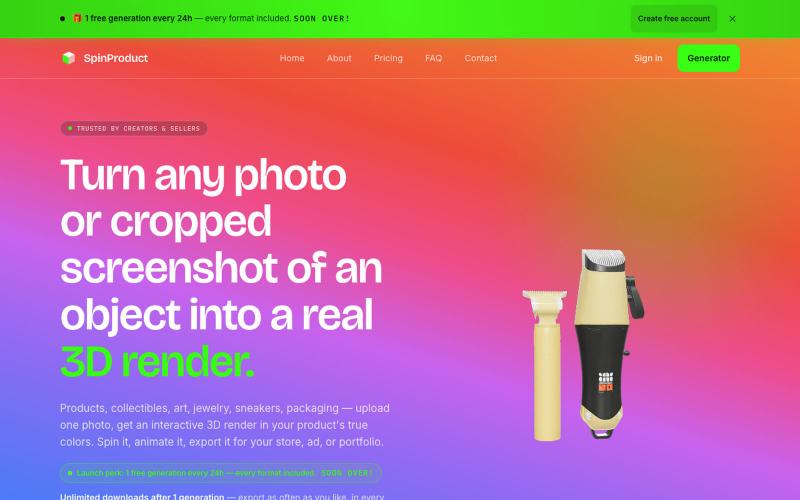
将产品照片转换为交互式3D渲染,可导出多种格式。

@SpinProduct · X
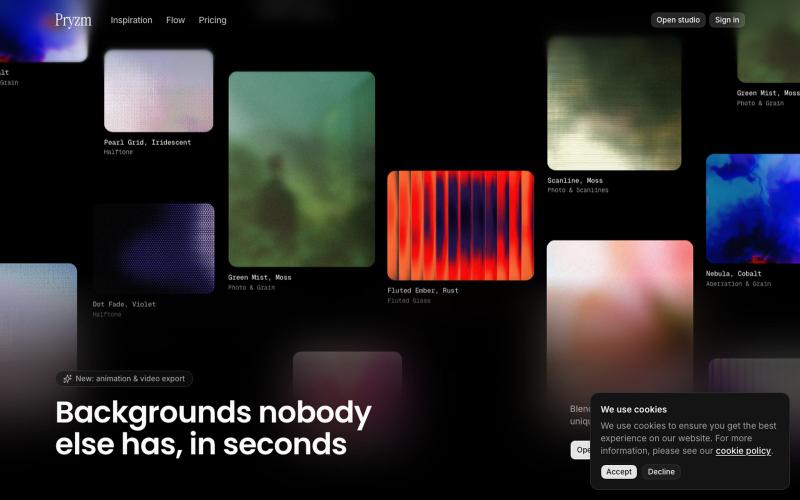
在浏览器中快速创建网站和设计用的背景与纹理。

@pryzm_design · X

为 Codex Desktop 设计自定义主题,调整背景、颜色、透明度和视觉效果。
plutozc · V2EX
做了个 Codex Desktop 主题预览和切换工具,先调好再安装 最近一直在用 Codex Desktop ,觉得默认界面看久了有点单调,就顺手做了个主题编辑工具,分享一下: [Codex Skin]( https://getcodexskin.com) 可以先在网页里预览主题,调整背景透明度、面板透明度、颜色、模糊和圆角等参数,满意之后再下载并切换到 Codex Desktop 。 目前支持: - 自定义 JPG 、PNG 、WebP 背景 - 在线实时预览主题效果 - 调整透明度、颜色、模糊、圆角 - 预览满意后生成安装命令 - 不喜欢了可以恢复默认外观 目前主要面向 macOS 上的 Codex Desktop ,还是个人项目,功能和兼容性都在继续打磨。 欢迎试试,也想听听大家对主题参数、预览效果和安装流程的反馈。 直接网址: https://getcodexskin.com [轻喷 轻喷,可能还有些 bug
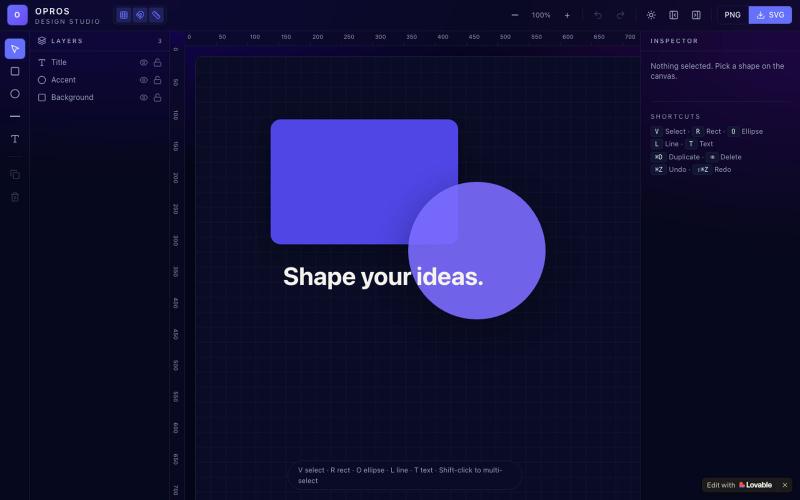
在网络上创建和可视化设计的创意工作室OPROS Design Studio。

@OprosOlamiflex · X
Check out what I just built with Lovable!
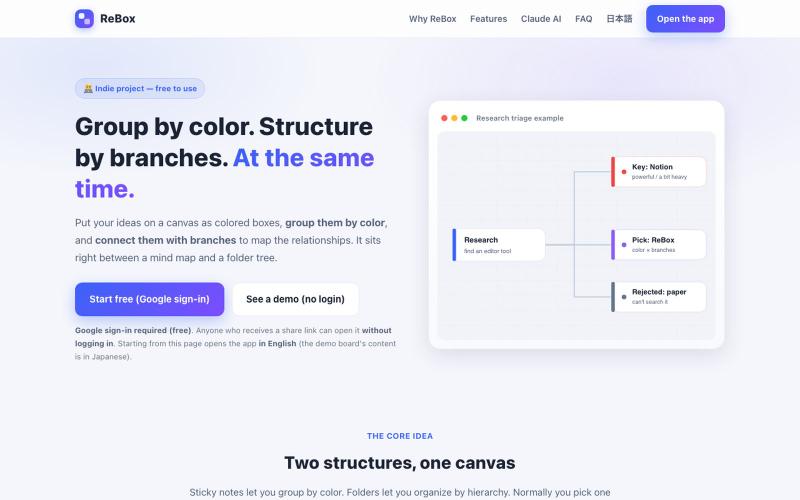
创建用颜色分组和分支结构的视觉看板,支持无需登录分享。

@shiftibis · X
Indie project 📝 ReBox: visual boards where color = group and branches = a file tree — both at once. Share links open without login (anyone with the link can edit). A Claude connector builds boards for you. English UI just shipped. #buildinpublic
