

创意工具2 months ago
PublishFlow | LinkedIn Posts From Your Calls & Voice Notes
将语音通话和笔记转换为LinkedIn帖子。

@abdulganiyshehu · X
If you've ever tried staying consistent on LinkedIn but struggled to do so, I built this for ya.
完整作品展
技术栈
32 projects
将语音通话和笔记转换为LinkedIn帖子。
@abdulganiyshehu · X
If you've ever tried staying consistent on LinkedIn but struggled to do so, I built this for ya.
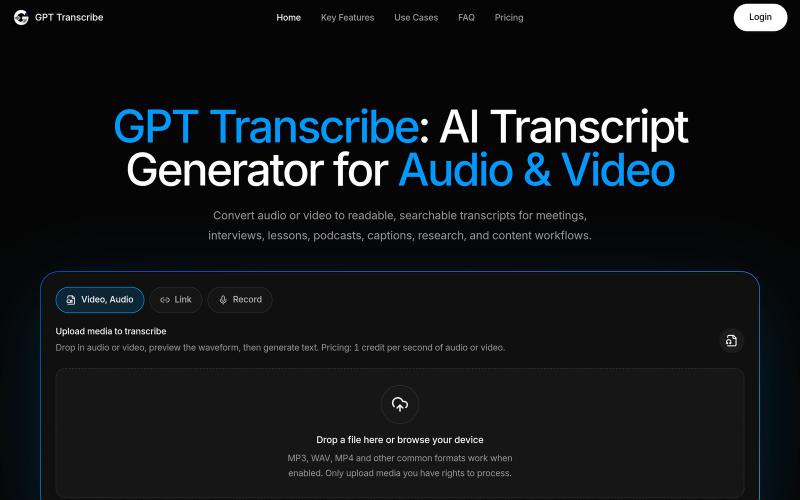
用AI将音频和视频转换为可搜索的转录文本。
giang_taira · Product Hunt
GPT Transcribe Turn recorded speech into reviewable text
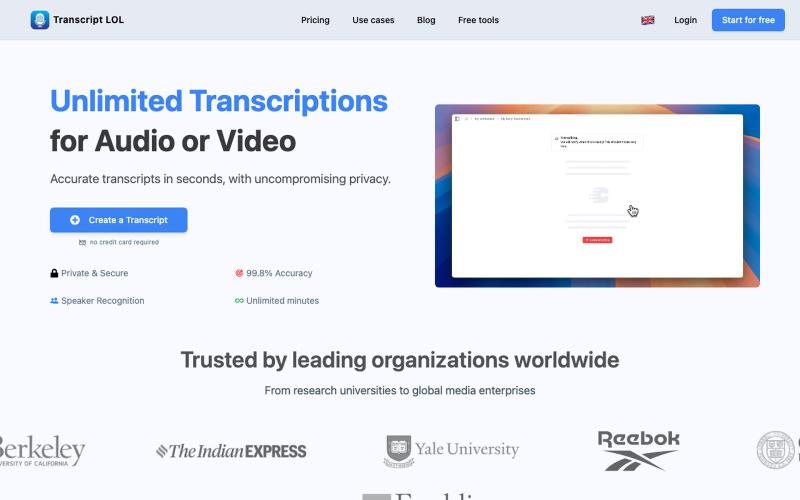
用AI转录音频和视频为文本和摘要

@Mahima_Akkina · X
Yes, you can check - It's a tool used to convert both and video into text and summaries
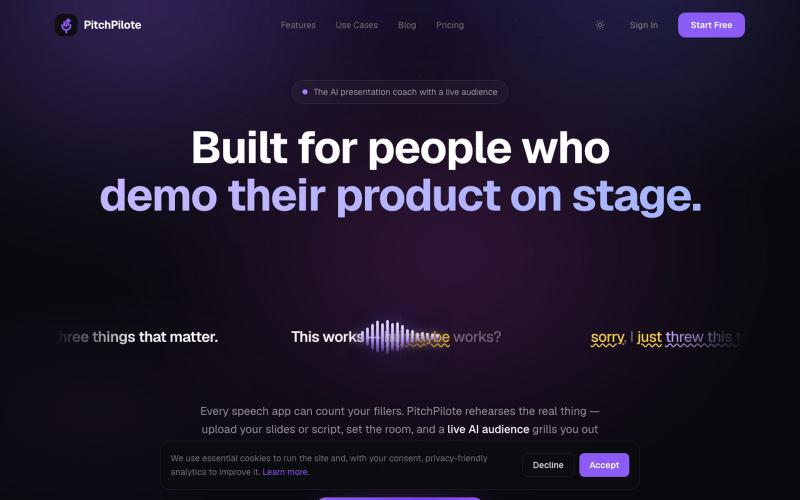
通过AI教练练习演讲,获得节奏、语调和表达方面的反馈,与虚拟观众互动。
u/New_Inspector7922 · Reddit
I built an AI panel that asks you questions out loud after you practise a pitch Built this for practising pitches. You record yours, then an AI panel asks you follow-up questions out loud based on what you actually just said, and you answer back out loud. It scores how you handled each one. About 60 people have signed up so far, which I wasn't really expecting. Would still love more feedback, especially on whether the questions feel like a real person asking. 3 sessions free, no

Voice-aware AI that helps you create content, engage strategically, and grow your authority on LinkedIn. Every suggestion sounds like you, not a template.

@webshark · X
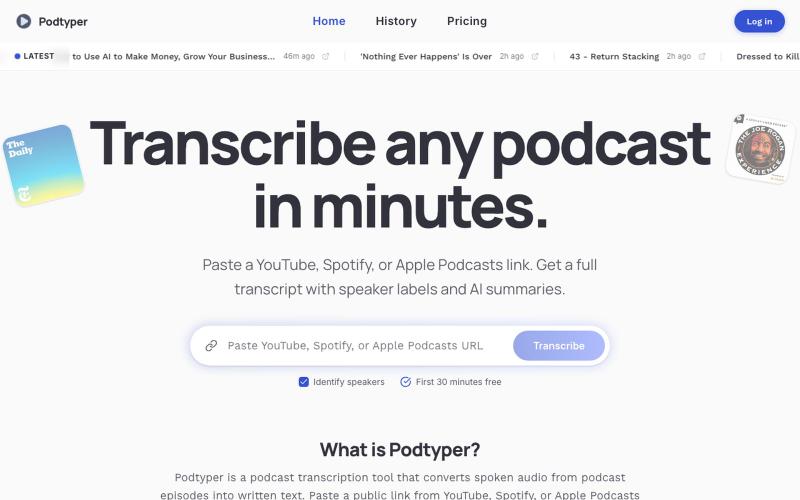
将播客转录为文本,带讲者标签和 AI 摘要。
u/vadeconry · Reddit
I built a tool that turns Podcast URLs into transcripts and summaries Hi everyone, I am a software developer by profession, and over the past few months I've been working on a side project called PodTyper. You can access it at https://www.podtyper.com Instead of downloading audio files or uploading episodes manually, you just paste a podcast URL (Spotify, YouTube or Apple Podcasts) and it generates a transcript along with AI-powered summaries. I originally built it becau
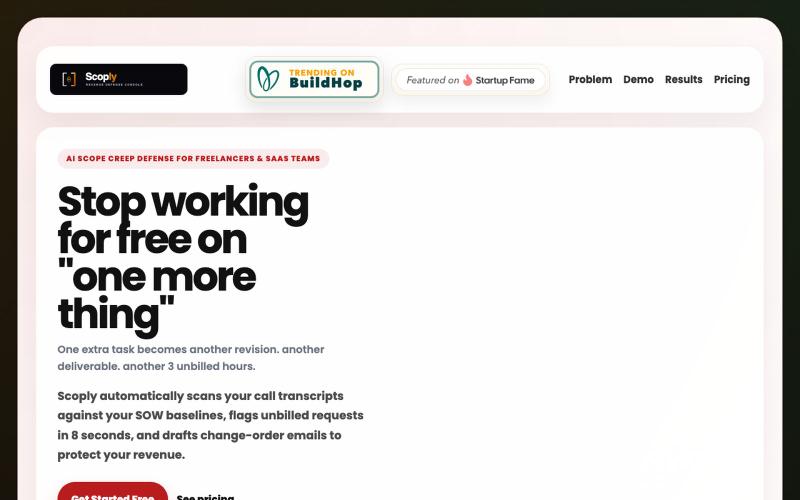
AI工具,通过分析会议记录检测范围蔓延,为代理商和自由职业者标记风险。

@theshaunak_twit · X

ScreenDub 可快速录制屏幕并生成AI配音脚本,支持多语言教程和产品演示。

@me_using_x · X
Do you need a product demo or wanna make tutorial/help videos? Your problem is solved for ever now! Try: PS: I am the developer who built this and I am self promoting it via this thread. 😀