
完整作品展
技术栈
60 projects
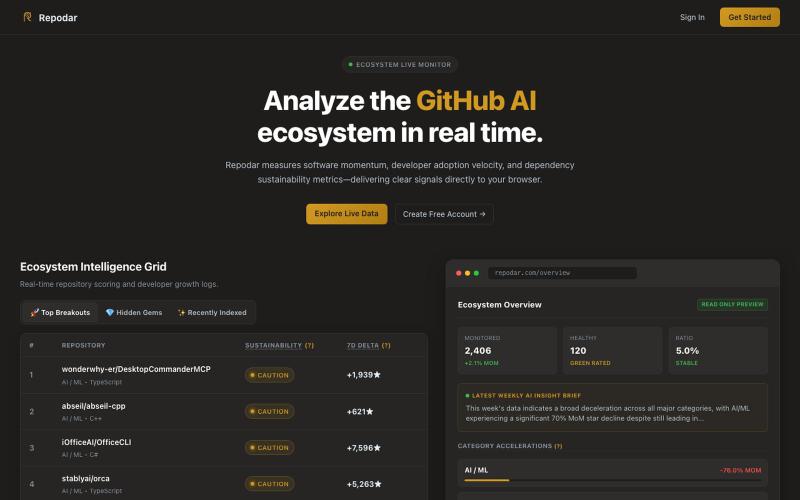
在 GitHub 上发现趋势 AI/ML 仓库,包含实时警报和提交热力图。

@g_saikumar_ · X
Real-time GitHub intelligence for developers, founders, and open-source enthusiasts.
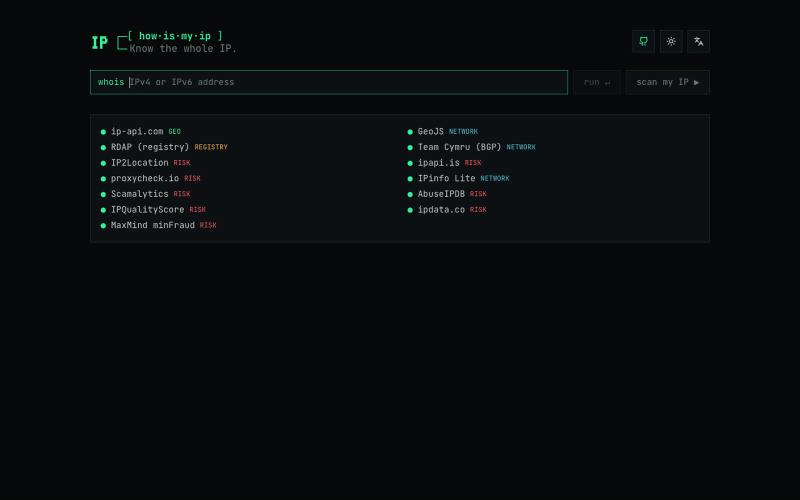
查询 IPv4 和 IPv6 地址的地理位置、ASN、注册信息和信誉评分。

@fatwang2ai · X
做了一个 IP 检测工具: 开源。一次查询汇总 13 个数据源的风险评分、代理/机房类型和网络归属。不同平台的判断经常不一样,有些数据库甚至提供付费修正机制。与其只信某一家,不如把共识和差异放在一起看,更全面地了解你的 IP

上传照片获得 AI 对构图、光线、色彩的分析,生成视觉参考。
PicSpeak — 基于 AI 的摄影点评 Web 应用,上传一张照片,几秒钟内即可获得对构图、光线与色彩的专业分析,同时可以向社区展示你的优秀作品。
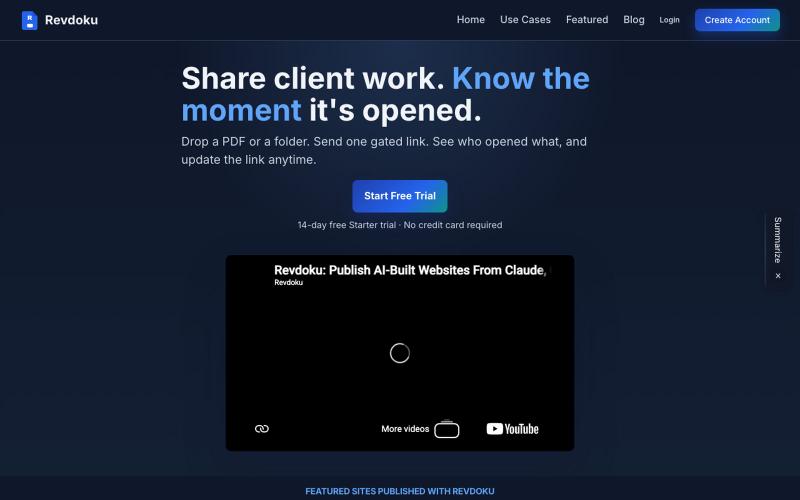
上传PDF或文件夹创建分享链接,支持密码邮箱门控和访客分析。

@emironic · X
- free plugin for Claude and Codex to put your work as public website with single line `publish to Revdoku` prompt.

从Google Maps寻找本地企业客户,自动发送个性化推销方案。

@azeem_sh123 · X

将LinkedIn档案转化为精美个人作品集网站。
u/KevinBell102 · Reddit
Spent too many weekends coding portfolio sites for friends, so I made it automatic instead A few friends who were job hunting for internships and new grad roles had asked me to make them a portfolio site. After building the first few sites, more kept asking me, at which point I wanted to see if I could automate most of the work. That led to me making a tool ( linkdfolio.com ) that takes any LinkedIn and puts together a unique personal site based on your profile. Anyone can use


在GitHub上找初学者友好的开源问题,追踪你的贡献。

@anni_i02 · X
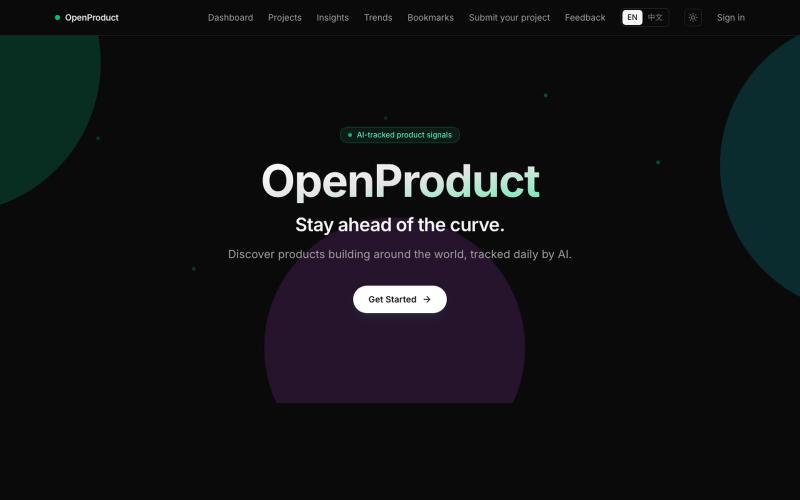
跟踪 GitHub、Hacker News、Product Hunt 和 YouTube 上的热门产品。
jameshuang23 · Product Hunt
OpenProduct All in one AI product tracer.
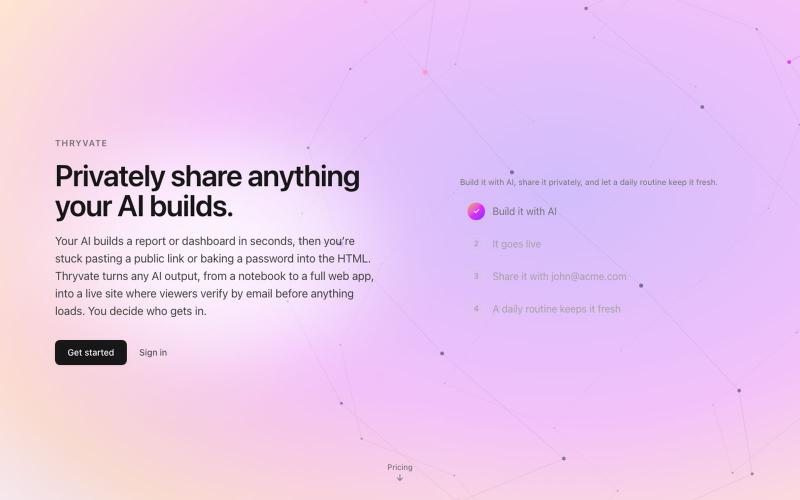
即刻将 HTML、Markdown、notebooks 或 PDF 转换为私密、可共享的网站。

@thryvate · X
My AI built something cool, let’s share it with some friends.
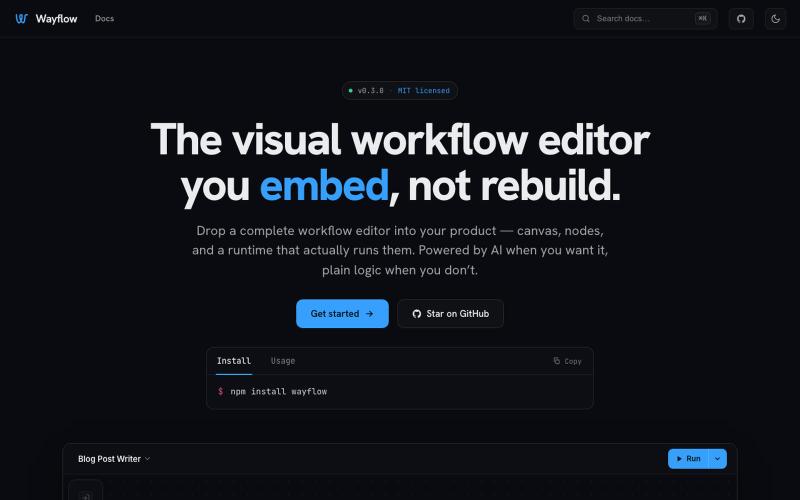
可嵌入的可视化工作流编辑器,支持AI驱动或纯逻辑设计。
tahazsh · HN
Hi! I’m Taha. In many agentic products that support workflows (including one I worked on), I noticed they either don’t support node-based editors, or use React Flow and go through the difficult work of integrating it into their product to run it and work with their existing logic. So I thought about creating a tool that could help with this by closing the gap between the editor and the runtime. That’s why I created Wayflow. The basic architecture is simple: you just need to create a graph (which is a JSON object) that the runtime knows how to run. The runtime doesn’t care where that graph is coming from, it just needs the right schema. And with the help of the editor, you can create the graph, and then export it or directly save it on your backend in your database. And then when you want to execute it, you just hand it to the runtime. The runtime can either stream the execution (which is useful for the editor), or give you the final result. How you execute the graph is up to you: t
