
生产力1 week ago
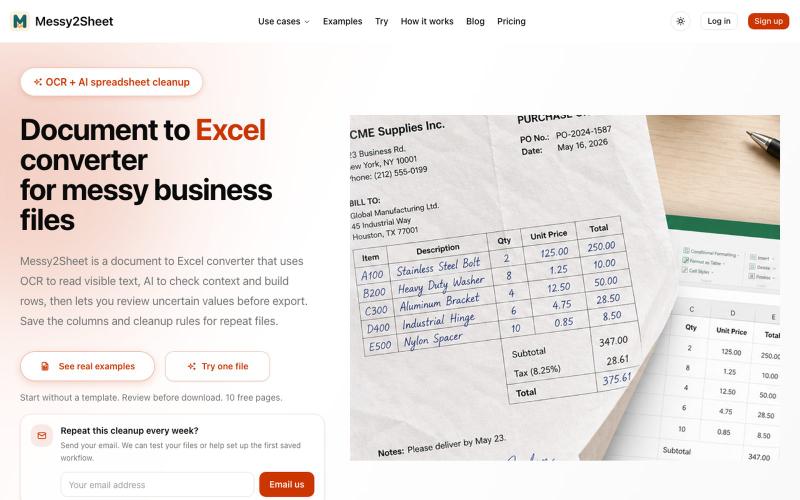
Document to Excel converter for messy business files | Messy2Sheet
用AI和OCR将PDF、截图和邮件转换为整理好的Excel表格。
Messy2Sheet — AI 文档转表格工具,把截图、邮件订单和 PDF 价格表按自定义字段整理成 Excel/CSV,支持保存可复用 Recipe
完整作品展
技术栈
60 projects
用AI和OCR将PDF、截图和邮件转换为整理好的Excel表格。
Messy2Sheet — AI 文档转表格工具,把截图、邮件订单和 PDF 价格表按自定义字段整理成 Excel/CSV,支持保存可复用 Recipe
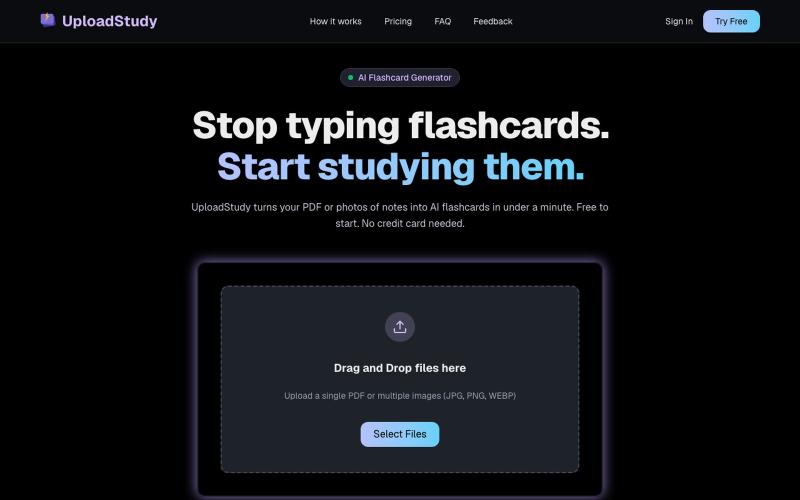
从PDF和笔记照片快速生成AI学习卡片。

@MrDave_id · X
I built an ai flashcard generator

免费在线PDF工具,支持合并、拆分、转换和编辑,文件不离开您的设备。
u/Key_Caramel_5578 · Reddit
Built a free PDF toolkit solo (with AI help) — need feedback on the in-browser text editor before I keep pushing on it Been heads-down on this for a while: thepdftool.in Standard PDF stuff : merge, split, compress, convert, OCR — but most of the conversion tools run entirely client-side (WASM), so files never leave your browser for those. Built solo, leaned on AI tools for a good chunk of the code and debugging. The feature I care most about right now is an inline text editor :— click i
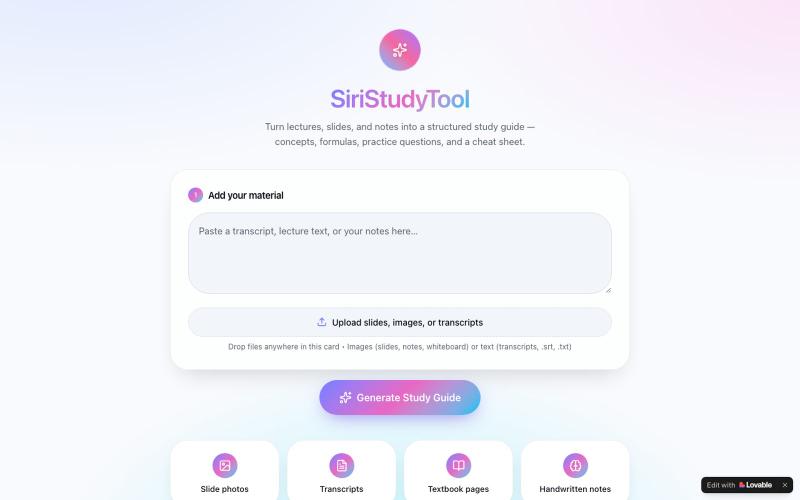
从讲义、笔记或教科书图片生成结构化学习指南,附含关键概念和练习题。

@SundayEzek4130 · X
Still struggling with long lecture notes? Turn any difficult course into simple, easy-to-read notes in seconds. 🚀 Try it now: Check out what I just built with Lovable!
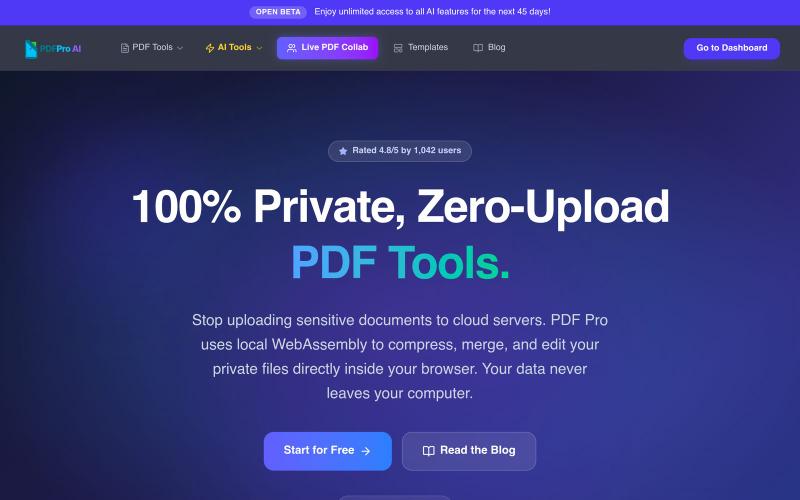
免费浏览器PDF工具:压缩、合并、编辑、AI分析,无云上传。

@pdfproindia · X

SpecParse 将工程PDF表格自动转换为格式化的Excel工作簿

@SpecParse · X
Convert Complex PDF Tables into Styled Excel Workbooks
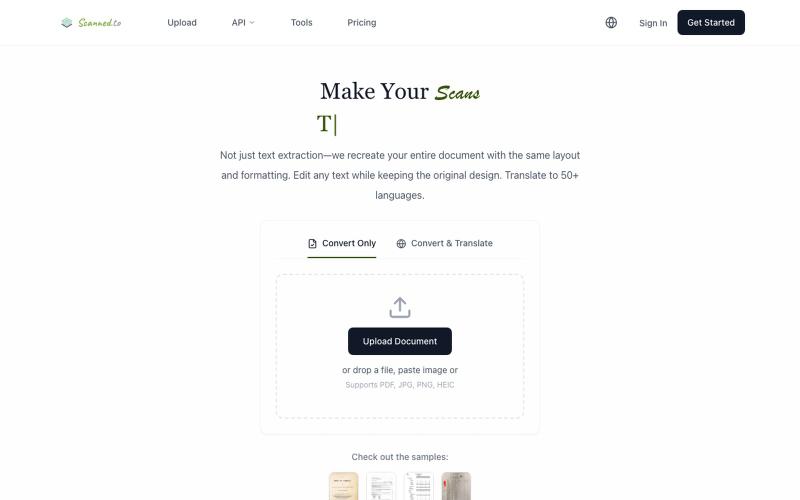
Scanned.to:用 AI OCR 将扫描文档转为可编辑 Word 或文本,支持多语言翻译。
Scanned.to — AI 驱动的 OCR 文档识别与翻译平台,将扫描 PDF/图片转为可编辑 Word/Text,保留原始排版,支持 50+ 语言翻译
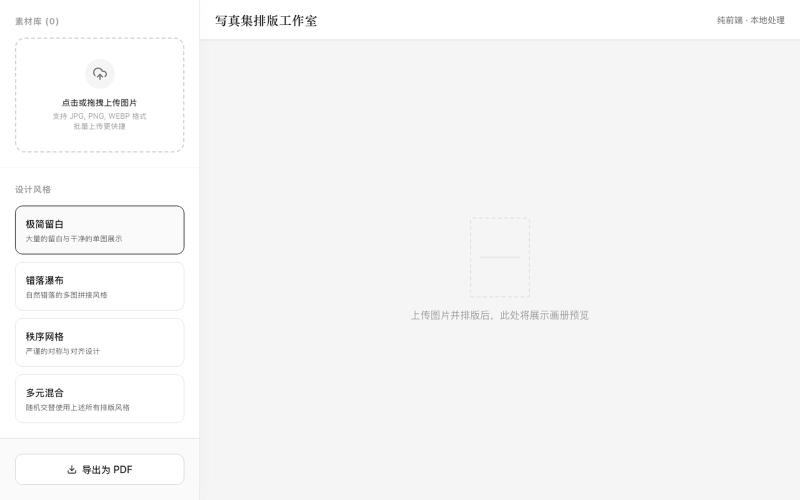
上传照片选择风格一键生成可打印PDF相册布局
mqx · V2EX
根据上传图片生成写真集网站 简介:纯前端,图片不经过服务器放心食用,上传图片后选择设计风格,一键自动排版,最后导出 pdf 打印 网站地址: https://8ceb3650.pinme.dev/
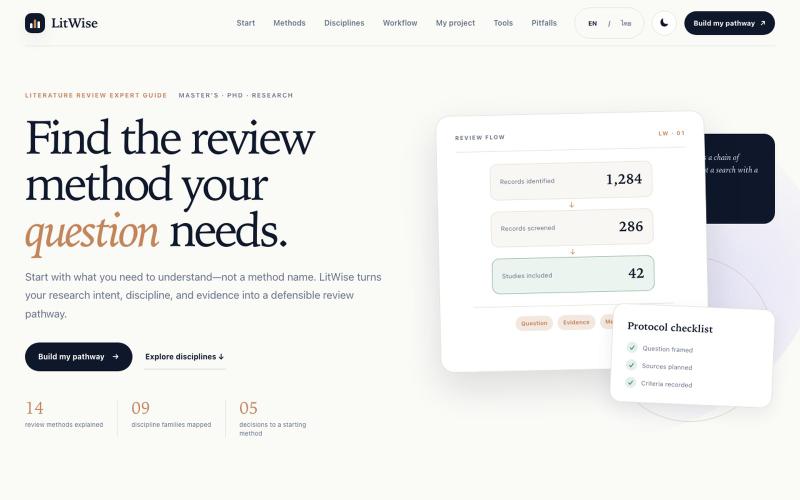
LitWise——根据研究意图、学科和证据选择文献综述方法的指南。

@xxonnn · X
I built with ChatGPT Work! 🎉A beginner-friendly guide for undergrad and early grad students on the full research workflow Designed especially for Thai students (with English version available)Check it out here: #ResearchTips #LitReview #HigherEd
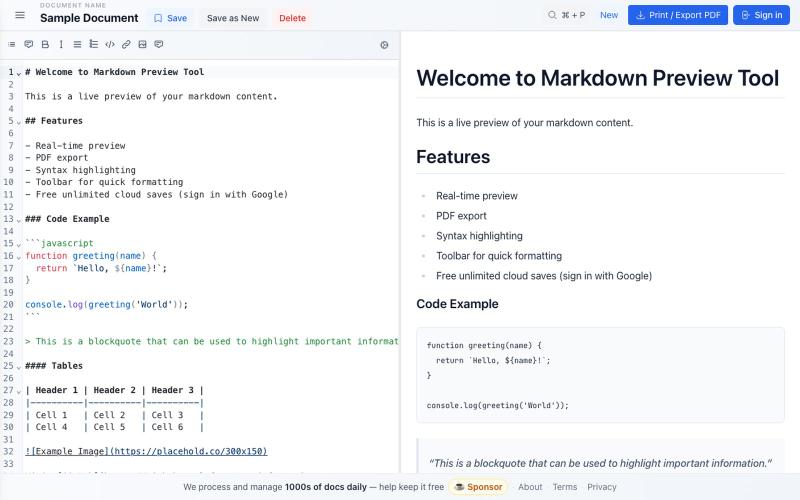
免费 Markdown 编辑器,实时预览、云保存和 PDF 导出。

@bheru_l · X
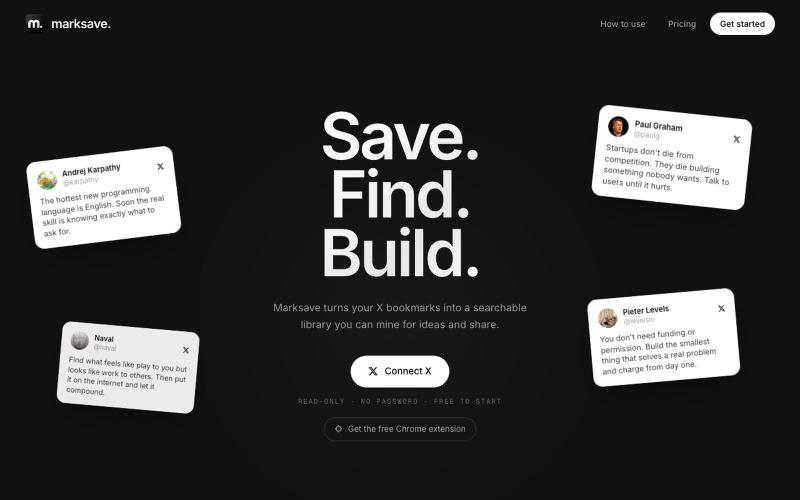
导入 X 书签,自动分类整理,快速查找。

@xoshiLads · X
I'm launching my first SaaS today: I'm usually the type to have a million creative ideas daily, start something, get another idea, and abandon that ship. I joined @shipordie_ recently because I genuinely think it's a cool concept: launch a product monthly or get kicked from the group. For procrastinators that seems like a good solution. Happy to be on board. I built marksave because my bookmarks were a graveyard. I kept saving more every day and never used any of it. Thousands of things I saved and never found again. While saving more and more each day. So: a free Chrome extension pulls your X bookmarks in (read-only, it never sees your password), AI auto-categorizes them (paid feature), and you get a library you can actually search. Search by meaning instead of keywords, ask questions about your own saves, and it resurfaces the stuff worth a second look. You can also group saves into folders and share them with a public link. One thing that's already in there:
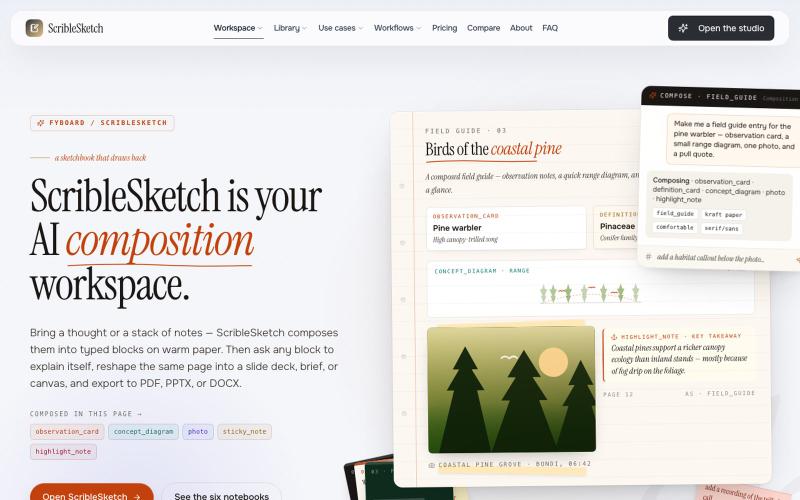
一次编写,多格式导出为笔记、幻灯片、PDF、PPTX、DOCX 或画布。

@mr_wickedhacks · X
Write the doc once → get a notebook, slide deck, canvas, or resume from the same source. No rewriting for every format.