
教育学习1 month ago
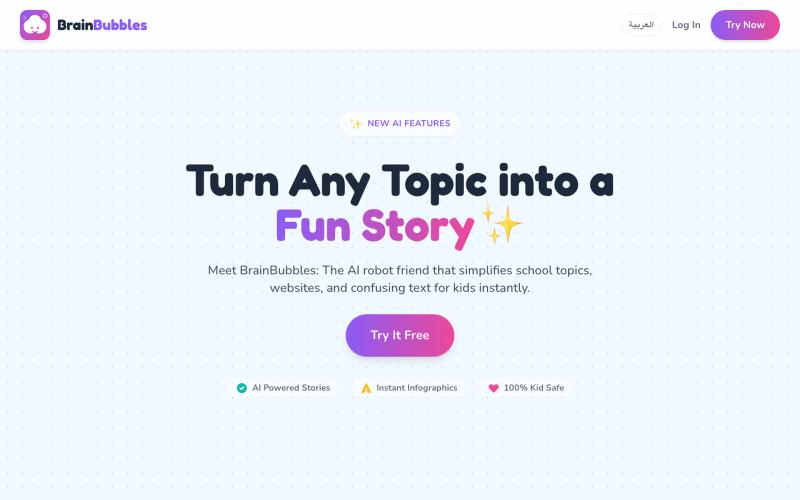
BrainBubbles - Learn anything in a snap!
BrainBubbles 将学校主题转化为儿童友好的故事和信息图表

@hazemnassr · X
完整作品展
技术栈
60 projects
BrainBubbles 将学校主题转化为儿童友好的故事和信息图表
@hazemnassr · X
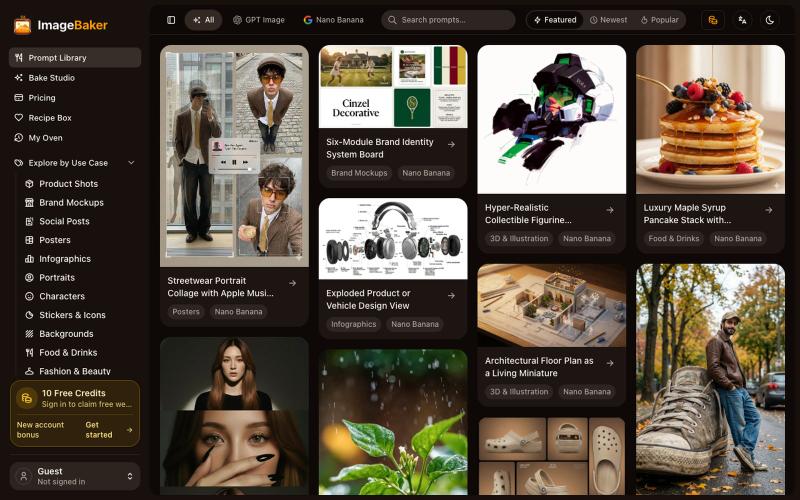
使用 ImageBaker 浏览和生成图像,保存提示词配方以便重复使用。
reake · V2EX
把 AI Image Prompt 做成 Recipe, ImageBaker 这个方向会不会更有意思? 做了一个小项目,叫 ImageBaker: 地址: https://imagebaker.com/ ImageBaker 顾名思义,就是一个「 AI 图片烘焙师」。 我觉得 AI 生图有点像做蛋糕: * Prompt 是原料 * Recipe 是配方 * AI 是烤箱 * 最后的图片是成品 很多时候,用户不是不会生成图片,而是不知道好的 Prompt 如何开始,也很难保存和复用自己的创作过程。 所以做了 ImageBaker ,把一些 AI 图片 Prompt 整理成可复用的 Recipe 。 目前可以: * 浏览 AI Image Recipe * 修改参数和风格 * 生成自己的图片 * 保存喜欢的配方 还在早期版本,想听听大家的建议: 你们使用 AI 生图时,会保存自己的 Prompt 吗? 还是每次都重新开始? 欢迎体验和交流。
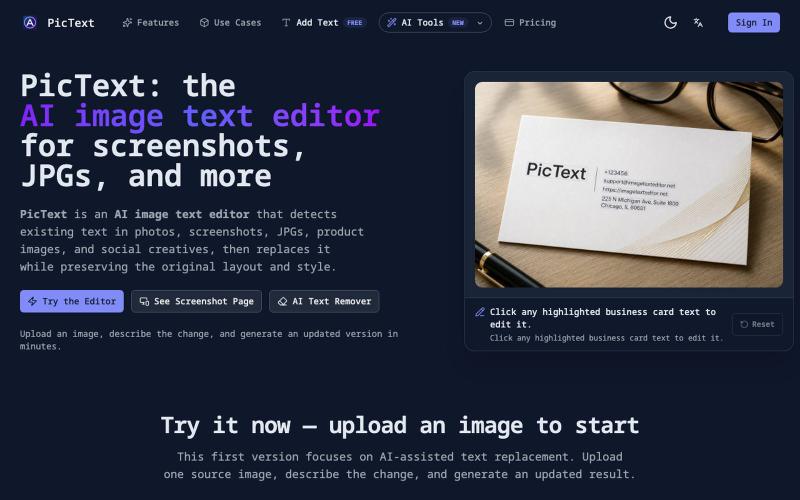
检测并替换图像中的文本,同时保留布局和样式。
PicText - 图片文字编辑器 — AI 驱动的图片文本编辑器,检测并替换照片、截图和产品图中的文本,同时保留原始布局和字体
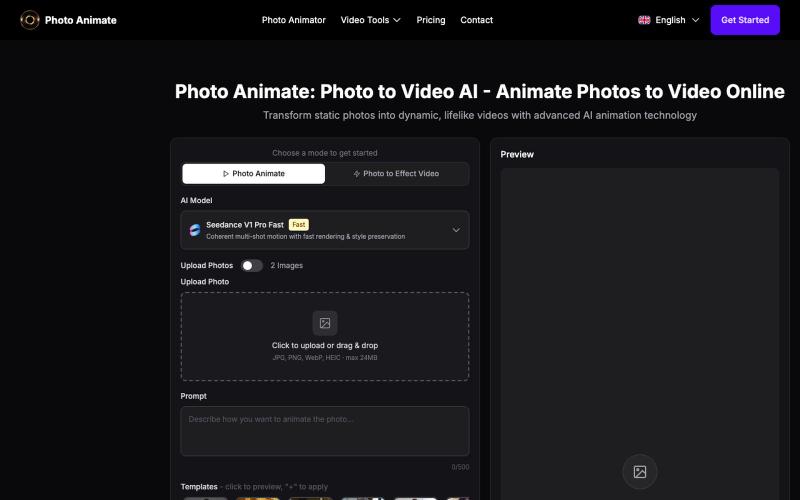
用AI将照片转换为动画视频,创建动感肖像。
Photo Animate AI — 利用人工智能动画技术,将静态照片转化为动态、逼真的视频
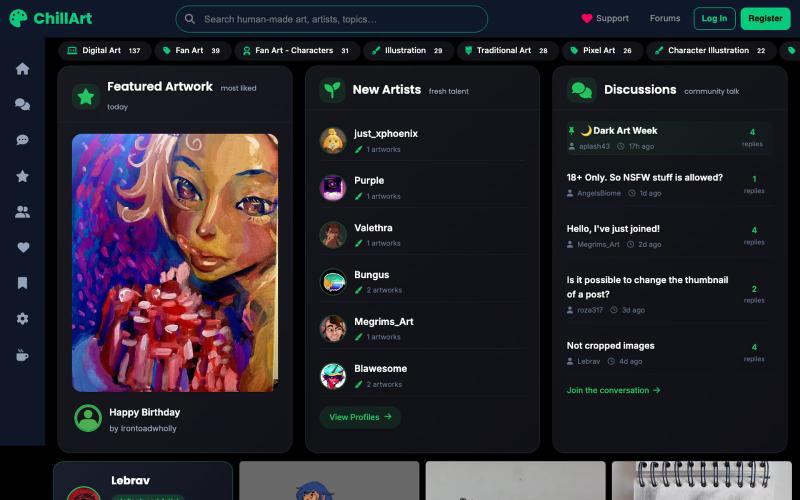
手工艺术品和摄影分享发现社区
u/Stock_Giraffe_748 · Reddit
I built ChillArt, a community focused on human-made art, looking for feedback I've been working on a side project called ChillArt: a community for artists to share human-made artwork, discover other creators, participate in discussions, and build personal galleries.I started it because I wanted a place that focused on artwork created by people rather than AI-generated content. The platform is still small, but artists have already started sharing their work and connecting with each other. So
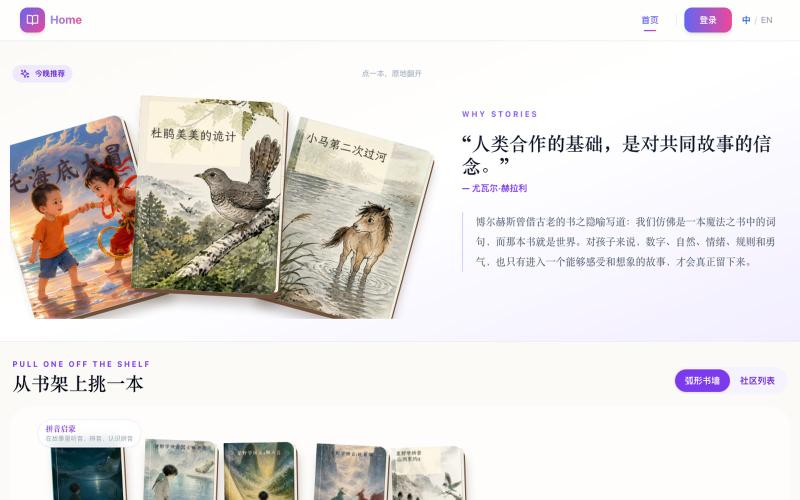
AI绘本生成平台,从家庭故事自动生成儿童绘本,含插画、配音。
童伴绘本 — AI 定制亲子绘本平台,从家庭故事生成适龄脚本、统一角色插画、配音、互动阅读、PDF 和视频;可在线阅读已完成作品,专属生成采用邀请制 - [更多介绍](https://github.com/AAAAaron/tongban-picture-book)
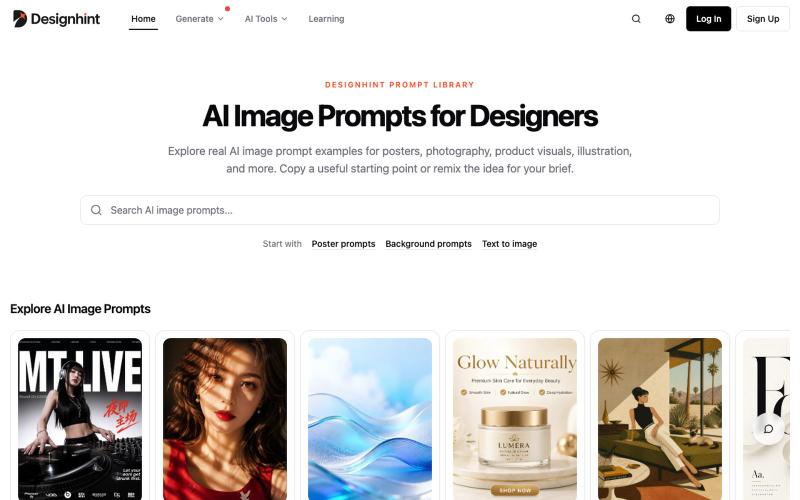
浏览AI设计提示词示例,复制改编用于海报、产品摄影和插画创作。

@yangming_AI · X
我也做了一个网站专门给设计师、创作者用的提示词库。
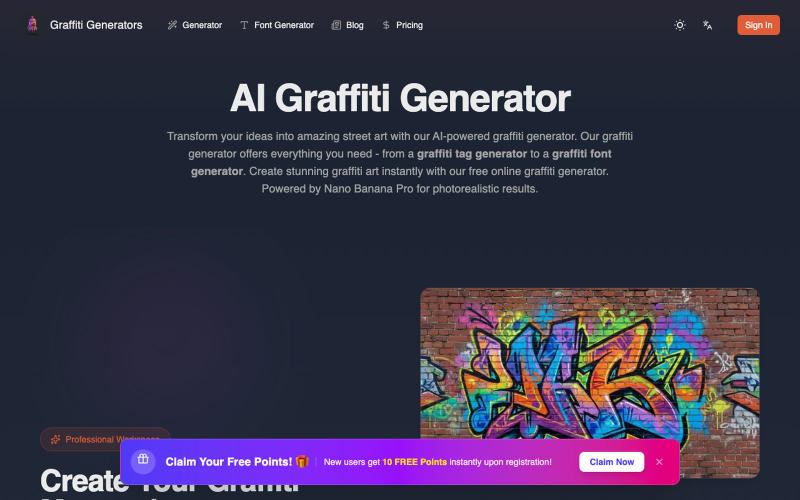
用AI生成逼真的街头涂鸦艺术。
Graffiti generator — AI 街头涂鸦艺术生成器(基于 Nano Banana Pro)
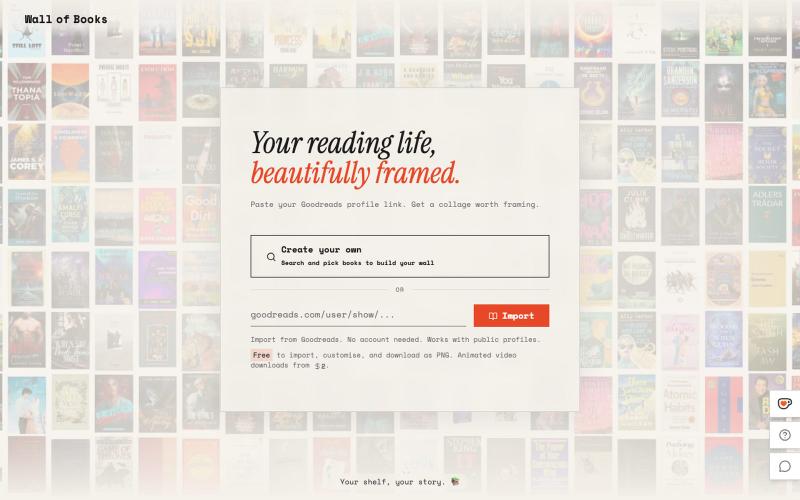
根据你的书架生成相框墙艺术

@Sathibuilds · X
I am building and

在浏览器中将照片和视频转换为ASCII艺术、像素艺术和马赛克。

@kail_designs · X
Jokes aside but honestly (Landing page) was built with Claude (Opus 4.7) in 1 day. But no, it was not just four prompts or some random skills. Here's how I built the entire AsciiMagic landing page with Claude in one day👇 Started with a rough sketched wireframe. Then designed it in @paper Then I used the Paper MCP with Claude to recreate that design in code and get a solid first version running. From there, the real work began. I kept iterating with specialised Claude skills: • impeccable • frontend-design • emil-design-eng • review-animations • responsive-design • seo-audit Each one improved a different part of the experience. By the end, the page had: • Mobile-first responsiveness • Better SEO optimised copy • Smooth micro-interactions • Cleaner frontend architecture Then came the part people don't see. For the next 5–6 hours, I wasn't asking Claude to "make it prettier." I was: • Fine-tuning layouts • Uploading and compressing assets • Moving files across diff
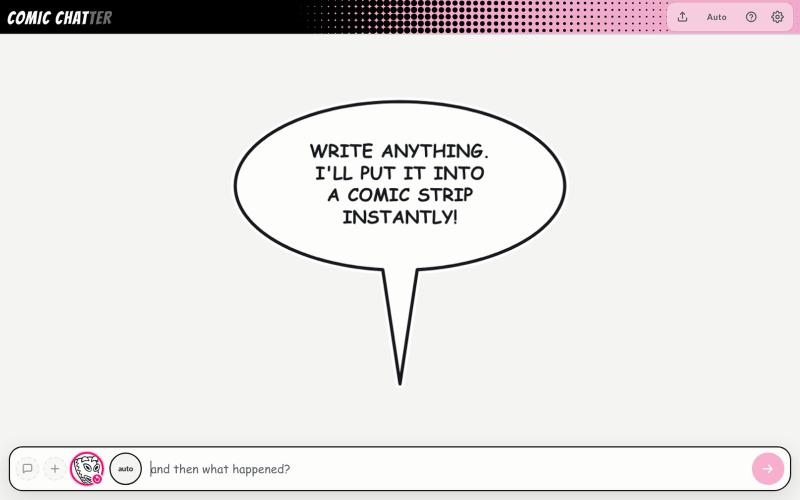
通过输入描述生成漫画条,自动绘制角色和对话框。
ChrisPirillo · HN
I rebuilt Microsoft Comic Chat's layout engine in one HTML file
