
生产力3 days ago
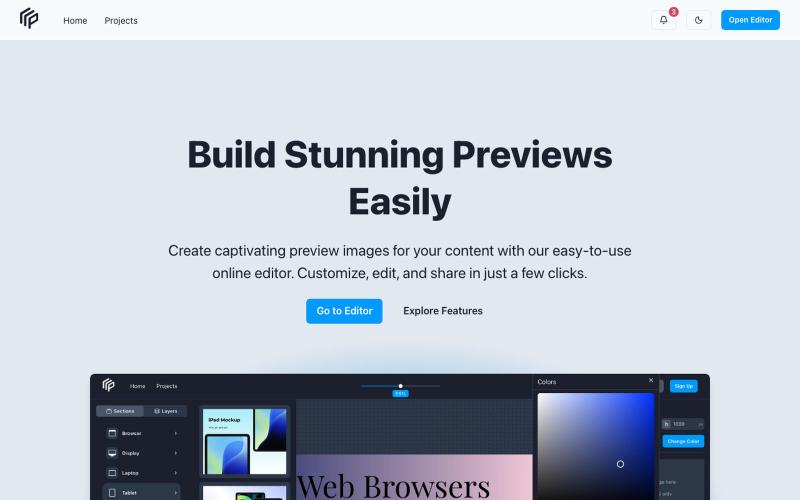
Prevy - Preview Your Content with Ease
预览内容效果并获得反馈,优化后再发布。

@petropavliuk · X
Hi mate. My projects
完整作品展
技术栈
60 projects
预览内容效果并获得反馈,优化后再发布。
@petropavliuk · X
Hi mate. My projects
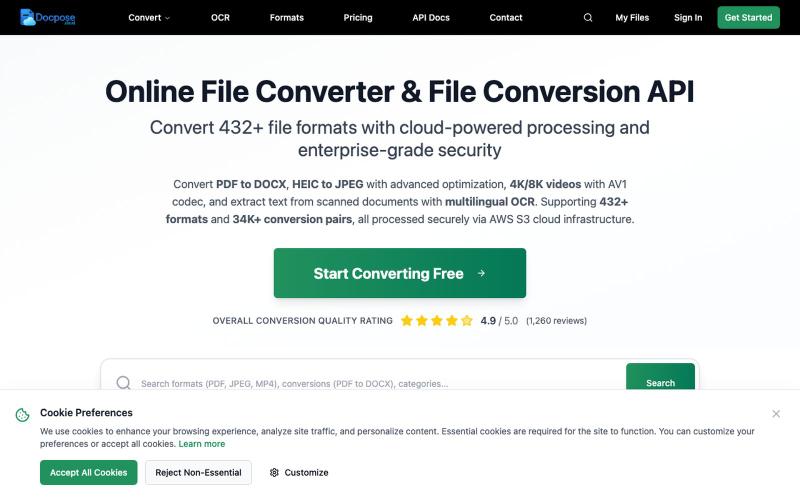
在线转换、查看和管理各种文件格式,包括文档、PDF 和压缩包等。

@FileProInfo1 · X
🚀 has successfully launched! helps users convert, view, process, and manage files online — including documents, PDFs, OCR, archives, email formats, and more. We’re excited to share it with the community. Check it out here:

图片转 ASCII 字符画、复制符号、查看码表、进制转换——全在浏览器。
HeStudy · V2EX
做了个纯前端的 ASCII 工具站:图片转字符画、banner 生成、符号一键复制 平时偶尔需要查 ASCII 码表、复制一些特殊符号(箭头、制表符这类),每次都是搜一个满屏广告的老站凑合用,索性自己做了一个: https://getascii.com 目前有这些工具: 图片转 ASCII 字符画(拖一张图进去就行,支持调宽度/字符集/反色) 文字转 ASCII banner 大字 常用符号一键复制(箭头、制表符、数学符号、颜文字) 完整 ASCII 码表 + 一个交互式键盘映射图(点键盘上的键显示对应的 dec/hex 码) 进制转换器( hex/dec/bin ↔ ASCII ) 几个实现上的点: Astro 构建的纯静态站,所有工具都是纯客户端计算,图片不会上传到任何服务器 没有账号系统,没有付费墙,打开就用 整站是绿色荧光终端风( CRT 扫描线 + JetBrains Mono ),算是给终端审美交个作业 顺手给它做了个 25 秒的宣传片: https://www.youtube.com/watch?v=AjzU5mw1PrI
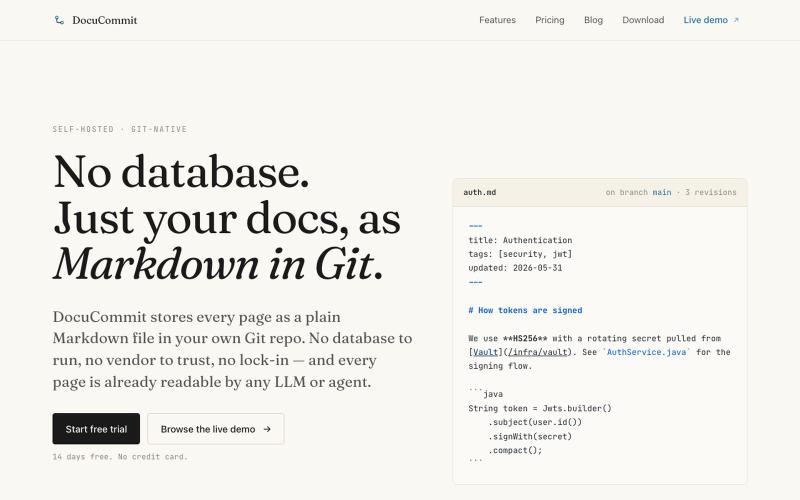
在Git仓库中存储Markdown文档,无数据库依赖,无厂商锁定。

@alizreim · X
Documentation that lives in your own git repository
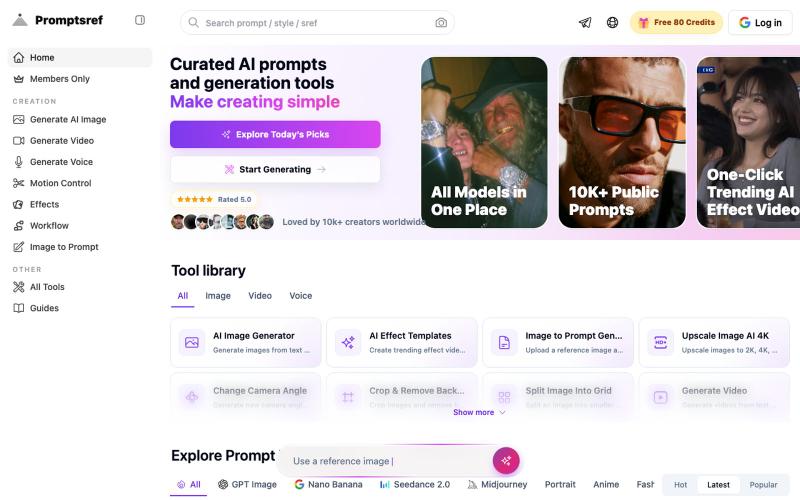
浏览精选 Midjourney sref 代码库,快速生成特定图像风格。
Midjourney Sref code 精选库 — 在 Midjourney 的 prompt 输入 `--sref xxx` ,可以固定生成某种特定风格的图片。这对很多人来说非常方便,不用写一堆效果词,只要记住几位数字就可以。但 `--sref xxx` 有大概 40 亿个,其中重复或者质量不佳的不在少数。因此做了一个网站把一些个人觉得不错的 sref code 收集起来并进行分类,方便新人或

用 Chrome 扩展和网页编辑器将屏幕截图转化为精美设计。

@buildwithshyam · X
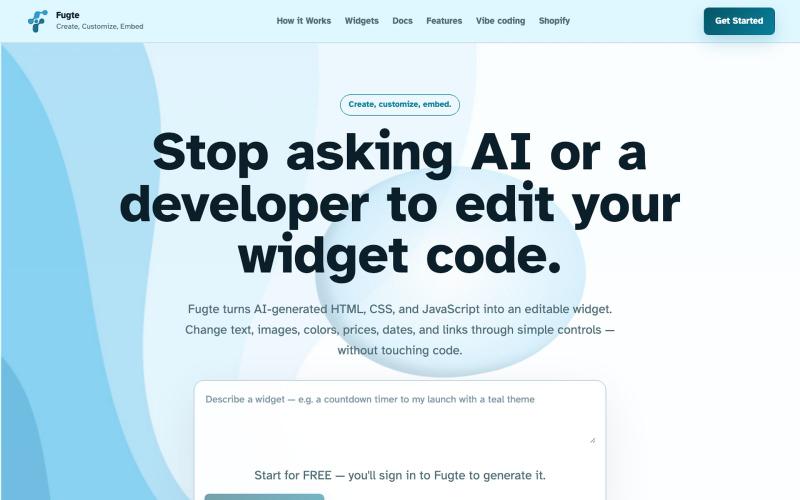
使用 AI 创建和自定义交互式 widgets,并将其嵌入任何网站。

@fugteapp · X
which empowers nontechnical users to be able to customize code generated by AI or developer, and be able to share and embed it to the website they are already using
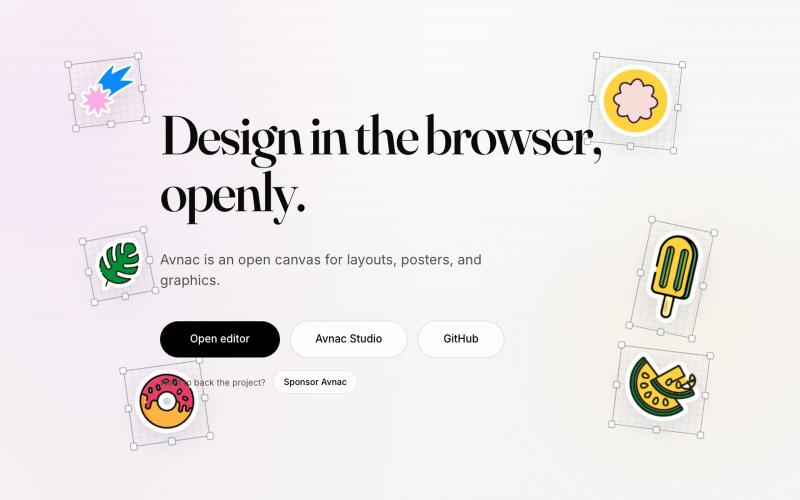
Avnac 是一个开源设计工具,可在浏览器中创建图形。

@akinkunmi · X
He trash-talked me and my amazing project ( unprovoked while all his projects are vibe-coded slop. That's why I named him King of Slop.
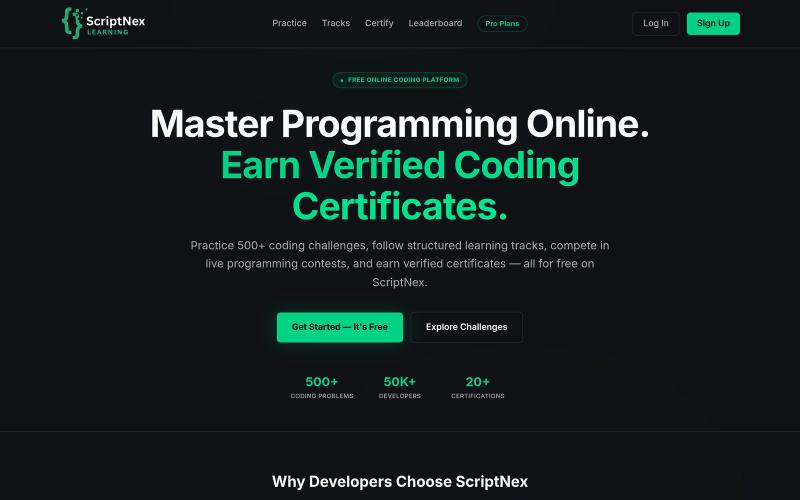
免费平台,提供500+编程挑战、学习路径和实时竞赛

@sumitkdevcode · X
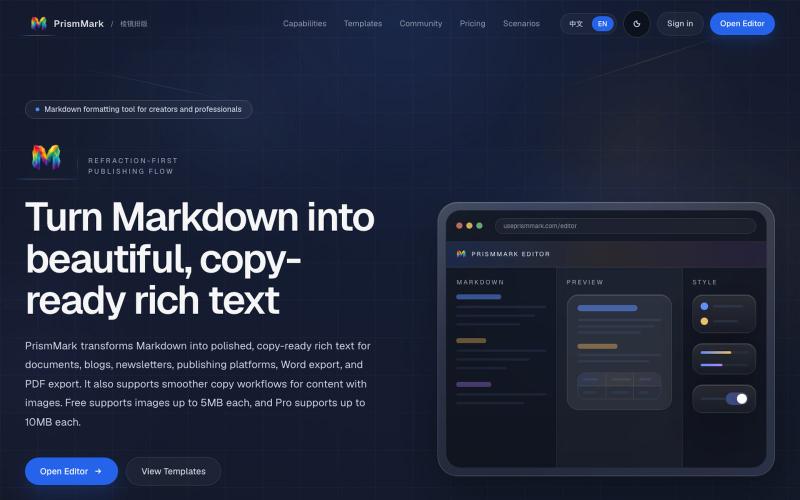
将 Markdown 转换为适合微信公众号、Word 和 PDF 的排版内容。

@bingobray · X
我做了一个类似的工具: 除了支持公众号,还支持word和pdf😁

