

创意工具1 month ago
Zoomix - Screen Recorder for Product Demos | Chrome Extension
屏幕录制Chrome扩展,内置自动缩放效果和自定义背景功能。

@gabani_vatsal · X
Building Screen recorder which adds zoom effects and custom backgrounds
完整作品展
技术栈
60 projects
屏幕录制Chrome扩展,内置自动缩放效果和自定义背景功能。
@gabani_vatsal · X
Building Screen recorder which adds zoom effects and custom backgrounds
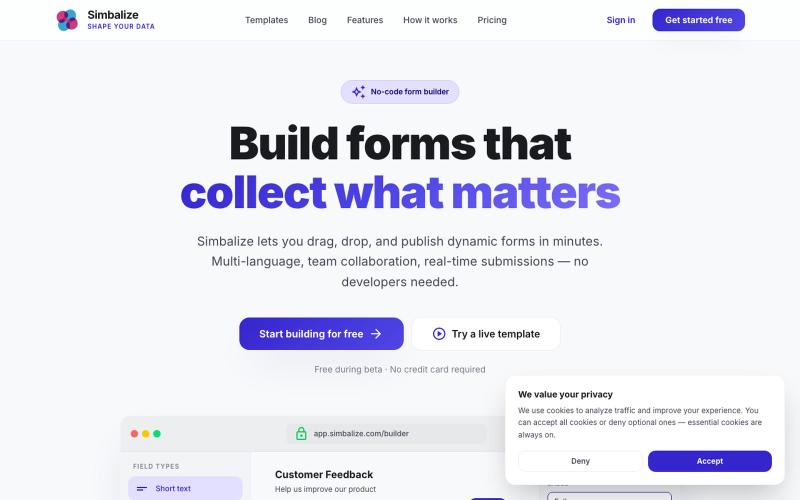
Build beautiful, dynamic forms without writing a single line of code. Drag, drop, and publish multi-language forms with team collaboration and real-time submissions.

@Simbalize · X
I’m been working on this project 🚀🧑🚀

用AI代理运行个性化的产品演示来获取合格销售线索,并同步至HubSpot。

@meqekar · X
Agentic demo platform for GTM teams. It can showcase any product to any prospects without any rep. Helping pre-sales process get faster and shorten sales cycle with qualified leads. App >
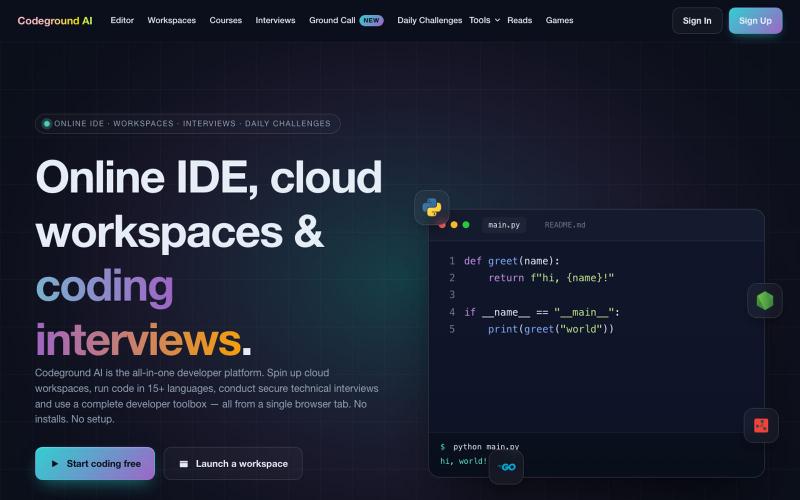
支持15+编程语言、云工作区和编程面试工具的免费在线IDE。
aashhuttossh · HN
Codeground – run and share code in the browser

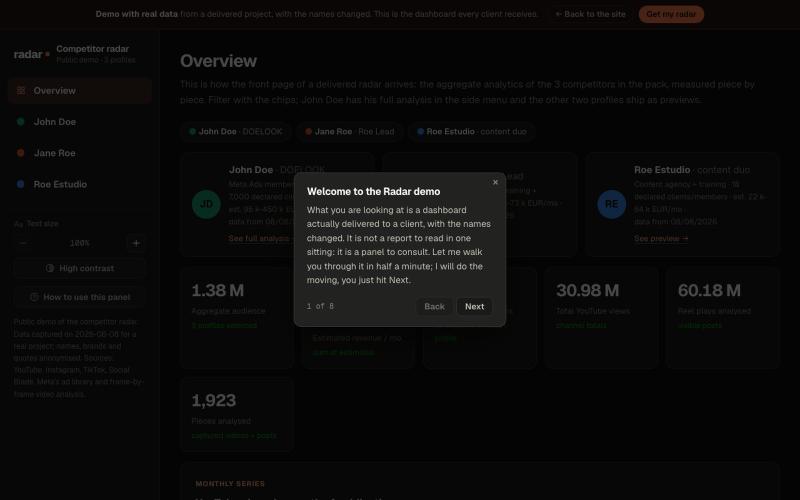
Browse the actual dashboard every client receives: one competitor with all 12 sections unfolded and two more in preview. Data from a delivered project, with the names changed.

@ivanlhz · X
Competitor radar for founders and agencies: what your competition actually does, measured and sourced, in a dashboard your client can read. If you sell services, it shows what whoever keeps winning your deals is doing. Demo:
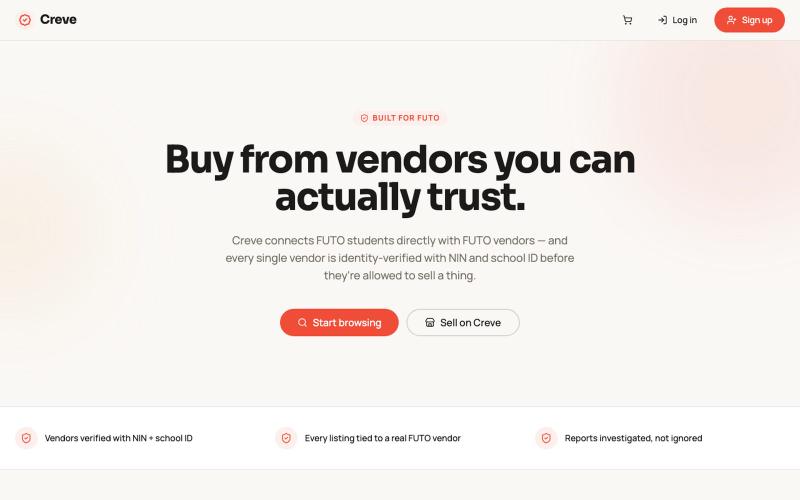
在 Hack4Futo 创意编码赛道中用 Poof 构建的交互式创意作品。

@Sonnisbethel · X
Hey guys, here’s my build for the @Hack4Futo vibe coding track 2026 using @poofnew as my build engine.
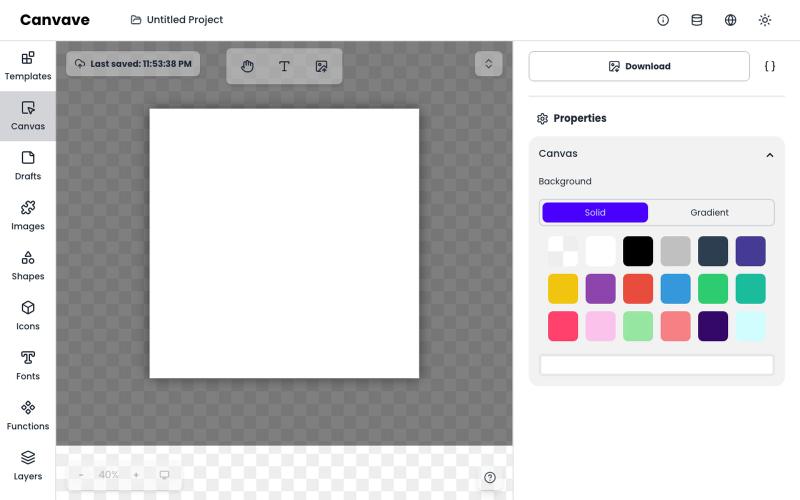
免费图形设计和动画工具,支持AI文生图和图生图功能。
Canvave — 简单图形设计和动画制作平台。无须专业技能也能做出任意尺寸的精美设计;最高支持图片 3x 或动画 240 FPS 导出;内置基于 Flux 的 AI 文生图、图生图;适合电商卖家、广告设计、社媒运营、独立开发等有设计需求的群体

粘贴 HTML 创建即时演示文稿,一个链接分享,无需下载或注册。
oandre · HN
Slidum – A player for the HTML presentations AI writes
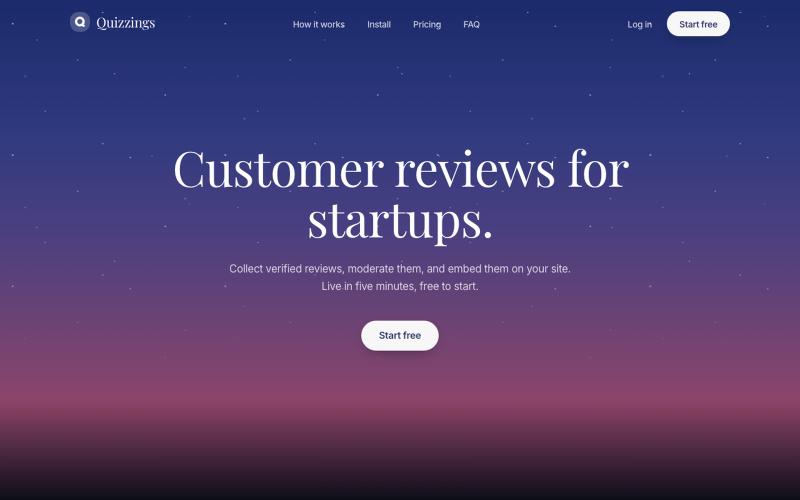
Collect reviews, moderate them, and embed them on your own site in five minutes. Free while Quizzings is in beta. No sales call.

@Na_dollarsign · X
For the startups who want to add customer reviews but don't want to fall victims of Trustpilot's predatory tactics!
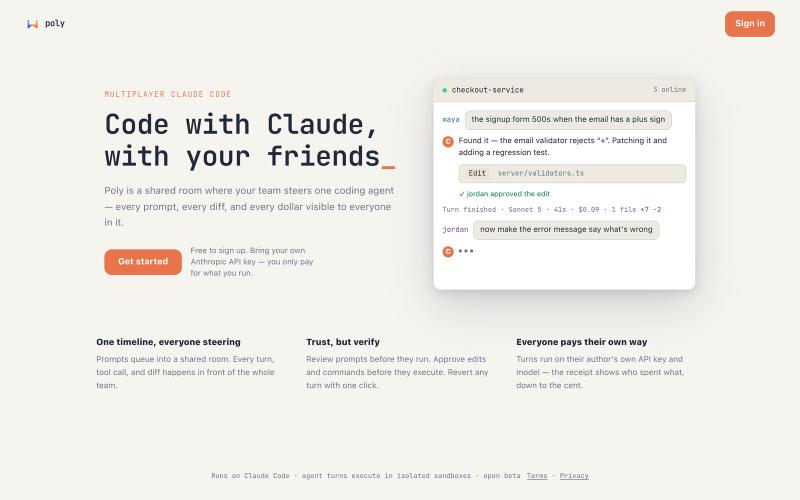
Poly:Claude Code 多人实时协作编辑器,支持成本追踪
u/UnitedTelevision2651 · Reddit
Claude Code is single-player. When I run a session, my teammate can't see the prompt I wrote, the diff it produced, or what it cost. We were working around that with screenshots and "hey, can you look at this" — a strange way to use a tool that's doing most of the typing. So we built Poly: a shared room where a whole team steers Claude Code together. Everything lands in one timeline. Prompts queue into it, and every reply, tool call and diff shows up there in front of the room. You can wa
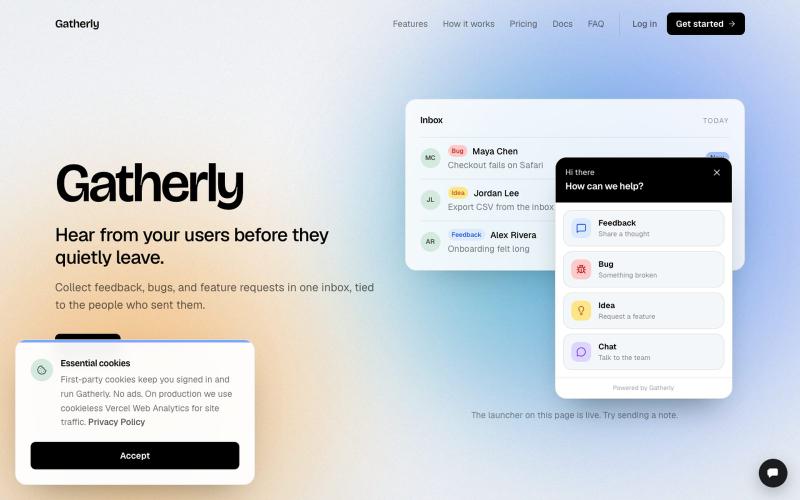
Collect feedback, bugs, and feature requests in one inbox, tied to the people who sent them.

@nicorask1 · X
Hey Raj, lets connect! I am building a tool that helps saas owners collect feedback from their users and more.
